Introduction: Because "Just Call Us" Isn't a Scheduling Strategy
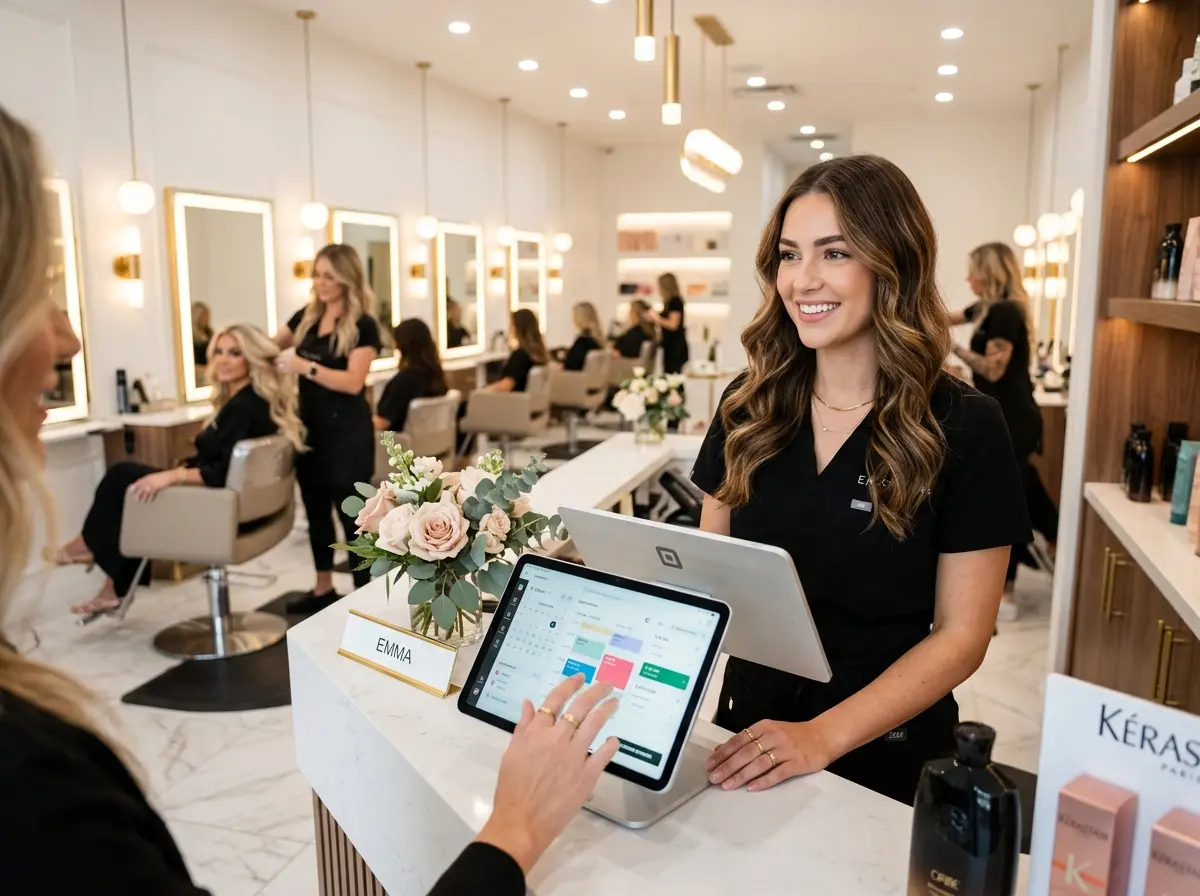
Let's be honest — running a hair salon is basically a masterclass in controlled chaos. You're managing stylists, tracking color formulas, ordering supplies, and somehow also supposed to remember that Mrs. Henderson likes her highlights done only on Tuesdays because Mercury is in retrograde. The last thing you need is a scheduling system that's held together with a paper appointment book, a whiteboard, and sheer optimism.
Here's a sobering stat: according to industry research, salons that use online appointment scheduling see up to a 30% reduction in no-shows and spend significantly less time on administrative tasks. That's time your front desk could spend on literally anything else — like actually greeting clients or, revolutionary concept, taking a lunch break.
Choosing the right appointment scheduling software isn't just a tech upgrade. It's a business decision that affects your client experience, your staff's sanity, and your revenue. This guide walks you through what to look for, what to avoid, and how to make the most of whichever system you choose. Let's get into it.
Choosing the Right Scheduling Software for Your Salon
What Features Actually Matter (vs. What Looks Good in a Demo)
Scheduling software vendors have a gift for making every feature sound absolutely essential during a sales call. Spoiler: not all of it is. For a hair salon specifically, there are a handful of capabilities that will genuinely move the needle for your day-to-day operations.
First and foremost, you need service-specific booking — the ability to assign different time blocks based on the service selected. A blowout takes 45 minutes. A full balayage with toner and style takes three hours. A system that books everything in identical 30-minute slots is going to create a scheduling nightmare faster than a bad perm.
You also need stylist-specific calendars with the ability for clients to choose their preferred provider. Clients are loyal to their stylists — sometimes more loyal than they are to the salon itself — so make it easy for them to book directly with the person they trust. Bonus: this reduces the awkward "can I have Jamie again?" phone call that nobody enjoys.
Other must-haves include: automated appointment reminders via text and email (your no-show rate will thank you), a mobile-friendly booking interface, deposit or credit card capture at the time of booking, and two-way calendar sync so your stylists aren't double-booked. Anything beyond those core features is a nice-to-have, not a dealbreaker.
Popular Platforms Worth Considering
The market for salon scheduling software is crowded, which is both a blessing and a curse. Some of the most popular options include Vagaro, Square Appointments, Booksy, GlossGenius, and Fresha. Each has its strengths depending on your salon's size and needs.
Vagaro and Square Appointments tend to work well for multi-stylist salons with more complex scheduling needs and built-in point-of-sale capabilities. GlossGenius is a favorite among independent stylists for its clean design and simplicity. Fresha offers a commission-free model that appeals to budget-conscious owners. Booksy has strong marketplace visibility, meaning new clients can discover your salon directly through the platform.
Take advantage of free trials before committing. Set up a test environment, run through a few mock bookings, and — critically — have a staff member who is not particularly tech-savvy try to use it. If they can figure it out without calling you three times, you're onto something.
Pricing Models: What You're Actually Paying For
Salon scheduling software pricing varies wildly, and the sticker price doesn't always tell the full story. Some platforms charge a flat monthly fee per location, others charge per stylist seat, and some take a small percentage of transactions processed through their system. That last model can sneak up on you as your volume grows.
Before signing up, ask specifically about: processing fees for card-on-file deposits, fees for SMS reminders, costs for additional staff accounts, and whether reporting features are locked behind a higher tier. A $30/month plan that charges $0.10 per text reminder and $0.25 per transaction might cost you more than a $80/month all-inclusive plan once you do the math. Do the math.
How Technology Can Support Your Front Desk (Not Replace It — Mostly)
Reducing the Phone Tag Problem
Even with the best online booking system in the world, clients still call. They call to confirm appointments they booked online. They call to ask what the parking situation is. They call to ask if you can "just squeeze in a quick trim" at 5:45 on a Friday. And when your front desk is busy checking someone in, those calls go unanswered — and sometimes those clients go elsewhere.
This is where Stella, the AI robot employee and phone receptionist, fits naturally into a salon's tech stack. Stella answers every phone call, 24/7, with the same knowledge your best front desk employee would have — services, pricing, hours, policies, current promotions. She can handle routine inquiries entirely on her own, collect client information through conversational intake, and forward calls to a human staff member when the situation genuinely calls for it. For salons with a physical location, her in-store kiosk presence means walk-in clients get acknowledged and engaged even when your receptionist is occupied. Her built-in CRM also keeps client contact details and interaction history organized without requiring a separate tool.
Getting Your Team and Clients to Actually Use the System
Staff Adoption: The Underrated Challenge
You can invest in the most sophisticated scheduling platform on the market, and it will collect digital dust if your staff doesn't use it consistently. Stylists who prefer to manage their own client lists privately, or who have been doing things the same way for a decade, can become the biggest obstacle to a successful rollout — even if they're your best performers.
The key is framing. Don't present the new system as "the owner wants us to do this." Present it as something that makes their lives easier. Show them how automated reminders mean fewer no-show gaps in their day. Show them how client notes carry over so they don't have to remember every formula from memory. Show them the feature that lets clients rebook with them specifically. When stylists see a personal benefit, adoption tends to follow.
Plan a proper training session — not a 10-minute walkthrough between clients, but a real sit-down with time to ask questions. Most software vendors offer onboarding support, live chat, or video tutorials. Use them. Assign one tech-comfortable team member as the internal go-to for questions so every minor issue doesn't land on your desk.
Client Communication During the Transition
Switching booking systems is also a client communication moment, and it's worth handling intentionally. If clients are used to calling to book, they'll need a gentle nudge toward the new online option — and possibly a few nudges after that, because habits are stubborn.
Send an email or text announcement to your existing client list explaining the new system, why you made the change, and how easy it is to use. Include a direct link to your new booking page. Consider offering a small incentive — a discount on their next service, a free product sample — for clients who book online for the first time. Post the booking link prominently on your social media profiles, your Google Business listing, and your website. Tape a QR code to your front desk if you have to. Make the path of least resistance the online booking path.
Using Data to Make Smarter Decisions
One of the most underutilized benefits of scheduling software is the reporting data it generates. Most platforms track appointment volume by service, revenue by stylist, peak booking days and times, client retention rates, and no-show frequency. This data is genuinely useful — if you actually look at it.
A monthly review of your scheduling data can reveal things like: which services are consistently underbooked and might benefit from a promotion, which stylist's schedule has gaps that could be filled with targeted outreach, or what time of year your cancellations spike (so you can adjust your deposit policy accordingly). Treating your scheduling software as a data source — not just a calendar — gives you a meaningful competitive advantage that most small salon owners overlook entirely.
Quick Reminder About Stella
Stella is an AI robot employee and phone receptionist designed for businesses like yours. She greets walk-in clients at her in-store kiosk, answers phone calls around the clock, handles routine questions without tying up your staff, and keeps client information organized through her built-in CRM. At $99/month with no hardware costs required, she's worth a look if your front desk is perpetually overwhelmed — or perpetually unavailable.
Conclusion: Stop Managing Appointments. Start Growing Your Business.
The right appointment scheduling software won't transform your salon overnight, but it will quietly and consistently remove friction from your operations — fewer no-shows, less phone tag, happier staff, and a more professional experience for every client who walks through your door. That compound effect, over months and years, is significant.
Here's your action plan: Start by listing the three biggest scheduling headaches your salon faces right now. Use that list to evaluate which platform features are non-negotiable for you. Sign up for two or three free trials, run realistic test scenarios, and involve a staff member in the evaluation process. Launch with a clear client communication plan, invest time in training, and commit to actually reviewing your reports once a month.
The goal isn't to have the fanciest tech stack in your zip code. The goal is to spend less time managing logistics and more time building a salon that clients rave about and stylists love working in. The right tools make that possible — and they're more accessible than ever. Now go book yourself a break. You've earned it.