Introduction: Your Customers Are Out There — Are You Reaching Them?
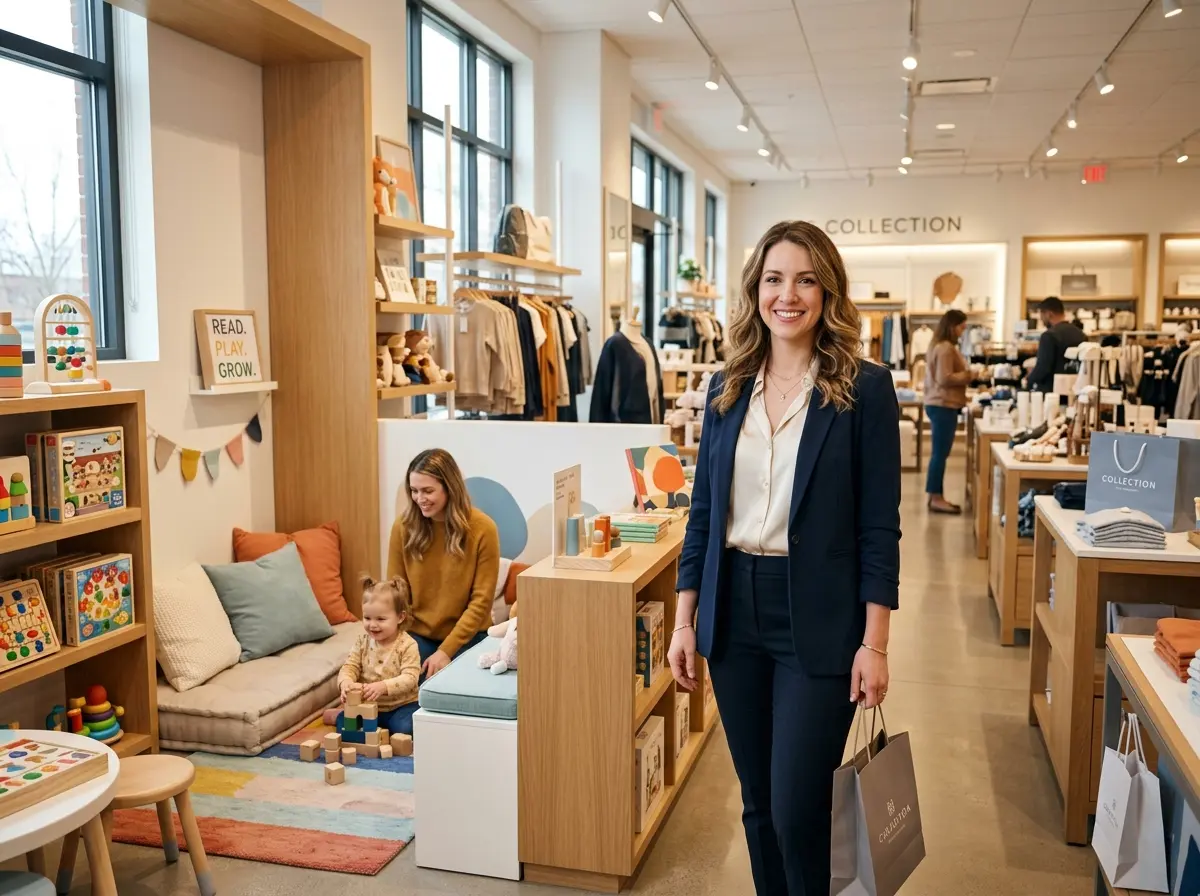
Here's a fun little paradox: you've built a beautiful store, stocked it with amazing products, and yet somehow the people who live five minutes away have absolutely no idea you exist. Meanwhile, you're watching foot traffic trickle in like a leaky faucet while your competitors seem to have a line out the door. What gives?
The answer, more often than not, is Facebook Ads — specifically, geo-targeted campaigns designed to put your business directly in front of the people most likely to walk through your door. With over 2.9 billion monthly active users on Facebook and Instagram combined, and Meta's remarkably detailed local targeting tools, there has arguably never been a better time to run hyper-local advertising for a retail business. The platform lets you target by zip code, radius, age, interests, behaviors, and even whether someone is a frequent shopper. That's not advertising — that's practically sorcery.
This guide will walk you through exactly how to set up Facebook Ads campaigns that attract nearby shoppers, convert curious scrollers into actual customers, and make the most of every dollar you spend. No fluff, no vague advice — just a practical, step-by-step roadmap for local retail owners who are serious about growing their in-store traffic.
Setting Up Your Campaign the Right Way
Start With the Facebook Business Suite and Pixel
Before you spend a single dollar on ads, you need your foundation in place. That means setting up Meta Business Suite (formerly Facebook Business Manager) if you haven't already, and — critically — installing the Meta Pixel on your website. The Pixel is a small snippet of code that tracks visitor behavior on your site, which allows Facebook to build audiences based on real customer actions rather than guesswork. Think of it as your digital reconnaissance team, quietly gathering intel while you focus on running your store.
Once your Pixel is live, give it a week or two to start collecting data before launching retargeting campaigns. In the meantime, make sure your Facebook Business Page is complete with accurate hours, your address, phone number, and at least a handful of good photos. An incomplete page is the digital equivalent of a storefront with a flickering sign and boarded-up windows — technically open, but not exactly inviting.
Choose the Right Campaign Objective
When creating your first campaign in Ads Manager, Meta will ask you to choose an objective. For local retail, your best friends are Store Traffic, Reach, and Conversions. The Store Traffic objective is particularly powerful because it's specifically designed to show your ads to people who are physically near your location and likely to visit. If you're running a promotion tied to an online store as well, Conversions can be a strong choice — but for purely foot-traffic-driven goals, start with Store Traffic or Reach to build awareness in your immediate area.
Resist the temptation to choose "Engagement" just because it sounds nice. Getting likes from people in another state won't pay your rent.
Budget Realistically and Test Small
You don't need a massive budget to see results with local Facebook Ads. Many retail businesses see meaningful foot traffic increases starting at just $10–$20 per day when the targeting is dialed in. Start small, run campaigns for at least 7–10 days before drawing conclusions, and always be testing. Run two versions of your ad with different creative or copy (A/B testing) and let the data tell you what resonates. Facebook's algorithm needs a little runway to optimize — trust the process, check your metrics, and adjust from there.
Nailing Your Local Targeting
Use Radius and Zip Code Targeting Strategically
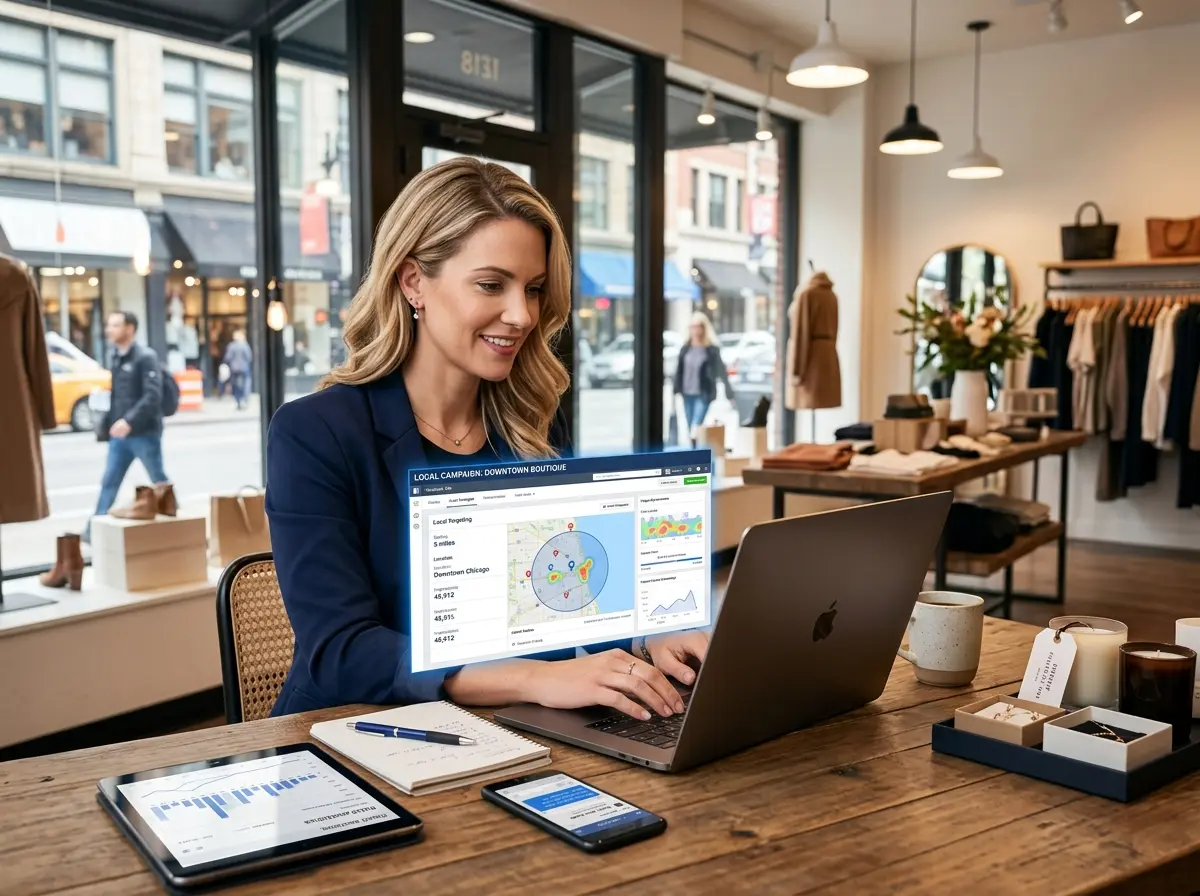
This is where the magic happens. In the Audience section of your ad set, you can target people within a specific radius of your store — anywhere from 1 mile to 50 miles. For most local retailers, a 1–10 mile radius is the sweet spot, depending on your market density and how far customers are realistically willing to travel. Urban stores might tighten that to 2–3 miles; suburban retailers might extend to 8–10.
You can also target specific zip codes if you know your best customers tend to come from particular neighborhoods. Layer in demographic filters like age range and household income where relevant (Meta's "Detailed Targeting" makes this straightforward), and you've got an audience that's not just nearby — it's qualified nearby.
Leverage Custom and Lookalike Audiences
Once you've collected some customer data — email addresses, phone numbers, website visitors — you can upload that list to Meta and create a Custom Audience. This lets you show ads specifically to people who have already interacted with your business. From there, you can build a Lookalike Audience: Meta will find people in your local area who share characteristics with your existing customers. It's essentially asking Facebook to clone your best customers, which sounds slightly unsettling but works extremely well in practice.
Turning Foot Traffic Into Sales With Stella
What Happens After the Ad Works?
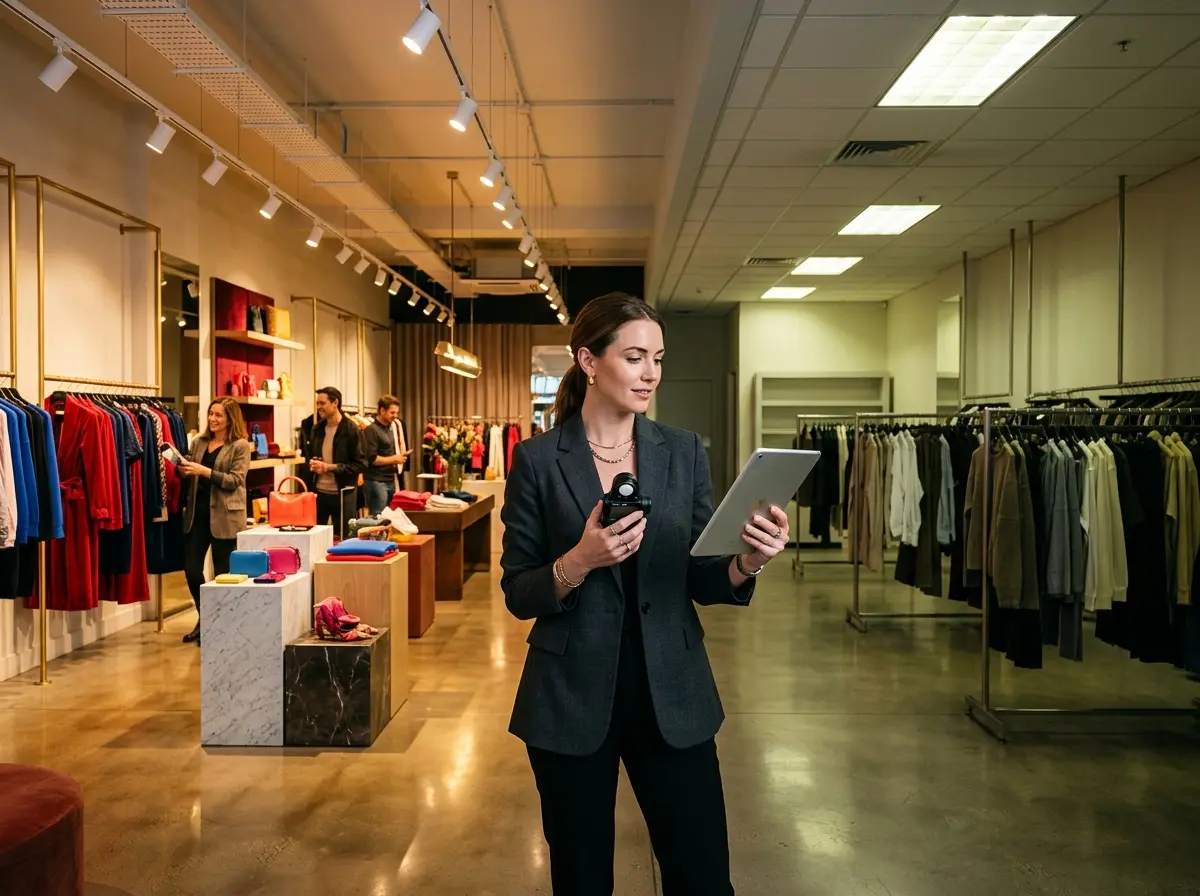
Here's a scenario nobody talks about enough: your Facebook campaign is crushing it, your ad creative is getting clicks, people are showing up — and then they walk into your store and nobody greets them. Your staff is busy, the phone is ringing, and a perfectly primed potential customer slips out the door because the experience didn't match the promise of your ad. All that ad spend, gone.
This is where Stella earns her keep. Stella is an AI robot employee and phone receptionist that stands inside your store, proactively greeting every customer who walks in, answering questions about products and promotions, upselling complementary items, and making sure no one feels ignored — even during your busiest hours. She knows your current deals (the exact ones you're running in your ads, by the way), can answer detailed product questions, and never has a bad day. For customers who call instead of walk in, Stella answers the phone 24/7 with the same knowledge she uses in person, so your ad-driven leads are handled professionally around the clock. At just $99/month, she's likely cheaper than the cost per conversion on a bad ad campaign.
Creating Ad Creative That Actually Converts
Lead With a Local Hook and a Clear Offer
The single biggest mistake local retailers make with Facebook Ads is running generic creative that could belong to any business, anywhere. If someone scrolling through their feed can't tell within two seconds that you're nearby and have something specific to offer them, you've lost them. Your headline and first line of copy should do two things immediately: signal locality and present a concrete offer.
Examples that work: "Hey [City Name] — get 20% off your first visit this week only." or "Just 5 minutes from downtown [City Name]: the best [product] you haven't tried yet." Specificity builds trust and urgency simultaneously. Pair that with a high-quality photo of your actual store, your actual products, or real customers (with permission), and you'll stand out in a sea of stock-photo mediocrity.
Use Video for Maximum Engagement
Video ads consistently outperform static images on Facebook and Instagram in terms of reach and engagement. You don't need a production crew — a 15–30 second smartphone video of your store, a product demo, a quick tour, or even a friendly "come visit us" message from the owner can perform remarkably well. According to Meta's own data, video ads can drive up to 20% more conversions than image-only campaigns in certain retail categories. Authenticity beats polish in local advertising every time.
Don't Forget the Call to Action
Every ad needs a clear, specific call to action. "Learn More" is fine; "Get Directions," "Call Now," "Claim Your Offer," and "Book an Appointment" are better — because they tell the customer exactly what to do next and reduce friction. Match your CTA to your goal: if you want foot traffic, use "Get Directions." If you're running a limited-time promotion, use "Shop Now" or "Claim Offer" with a landing page that reinforces the deal. Whatever you do, don't make people think. Thinking is the enemy of conversion.
Quick Reminder About Stella
Stella is an AI robot employee and phone receptionist built for businesses like yours. She greets customers in-store, promotes your current deals, answers product questions, and handles phone calls 24/7 — all for $99/month with no upfront hardware costs. Whether your Facebook Ads send customers through your door or to your phone line, Stella makes sure they're met with a professional, knowledgeable, and always-available presence that turns interest into sales.
Conclusion: Time to Put Your Store on the Map
Facebook Ads for local retail aren't complicated — but they do require intention. The businesses that win with local advertising aren't necessarily the ones with the biggest budgets; they're the ones who take the time to target intelligently, create honest and compelling creative, and make sure the in-store experience delivers on the promise of the ad.
Here's your action plan to get started:
- Set up Meta Business Suite and install the Pixel on your website today — even if you're not ready to run ads yet.
- Define your target radius and identify the zip codes or neighborhoods your best customers come from.
- Create one simple campaign with a clear local offer, a strong visual, and a direct call to action.
- Set a modest daily budget ($10–$20) and let it run for at least 7 days before making changes.
- Review your metrics — reach, click-through rate, cost per result — and iterate from there.
The people who will love your store are already out there, scrolling through their feeds right now. All you have to do is show up in front of them — and then make sure that when they show up in front of you, you're ready to impress. Your ads can handle the first part. The rest is up to you (and maybe a very capable robot).