When the Office Closes, the Patients Don't Stop Needing You
Here's a fun fact about running a medical practice: your patients' health concerns don't conveniently schedule themselves between 9 AM and 5 PM, Monday through Friday. Shocking, we know. And yet, many medical practices still treat after-hours coverage like an afterthought — a patchwork of personal cell numbers, rotating staff who really didn't sign up for midnight phone calls, and voicemails that get checked sometime Tuesday morning.
The result? Frustrated patients, burned-out staff, and the occasional liability headache you definitely don't have time for. On-call coverage isn't glamorous, but it is essential — and building a smart, sustainable system for it can be the difference between a practice that runs smoothly and one that runs on chaos and cold coffee.
This guide will walk you through how to build an on-call coverage system that actually works: one that protects your staff, reassures your patients, and keeps your practice operating professionally even when the lights are off.
The Foundation: Defining What "On-Call" Actually Means at Your Practice
Before you build any system, you need to answer a deceptively simple question: what, exactly, does on-call mean for your specific practice? A pediatric clinic has very different after-hours needs than a dermatology office or a physical therapy center. Getting this wrong means either under-serving patients in genuine need or burning out your staff answering calls about prescription refills at 11 PM.
Categorizing the Types of After-Hours Calls
Not all after-hours contact is created equal. Start by mapping out the categories of calls your practice typically receives after hours, and assign a triage level to each. Most practices find their after-hours call volume falls into three buckets:
- True emergencies — chest pain, difficulty breathing, signs of stroke, severe allergic reactions. These need immediate escalation to emergency services or an on-call physician.
- Urgent but non-emergency — high fever in a child, a new medication side effect, a wound that's looking infected. These may need same-day or next-morning clinical attention.
- Administrative or deferrable — appointment scheduling, prescription refill requests, insurance questions, general inquiries. These can almost always wait until business hours.
Once you've defined these categories, you can build protocols around each one — and, crucially, communicate those protocols clearly to both patients and staff. A patient who calls after hours and immediately hears a clear, confident message explaining exactly what to do in each situation is far less likely to panic, leave a confused voicemail, or drive to the ER for something that could wait until morning.
Writing Clear Escalation Protocols
This is where most practices either get it right or completely fall apart. Your escalation protocol is essentially a decision tree: if X, then Y. Who gets called first? Under what circumstances? What's the backup if they don't answer? How does the information get documented?
Write it down. Seriously — document every step in plain language, not medical jargon, so that even a new front-desk hire or a temp covering the phones can follow it. Include specifics like response time expectations (the on-call provider should respond to urgent calls within 30 minutes, for example), documentation requirements, and a clear chain of escalation if the first contact isn't reachable. Post this protocol somewhere accessible to everyone involved, and review it at least once a year or whenever staff changes occur.
How Smart Tools Can Handle the Front Line So Your Team Doesn't Have To
Here's the part where we acknowledge an uncomfortable truth: a significant portion of after-hours calls at most medical practices don't actually require a human clinician. They require a knowledgeable, calm, professional presence that can provide the right information, capture the right details, and route the call appropriately. That's a job description tailor-made for technology.
Let Automation Handle What Doesn't Need a Human
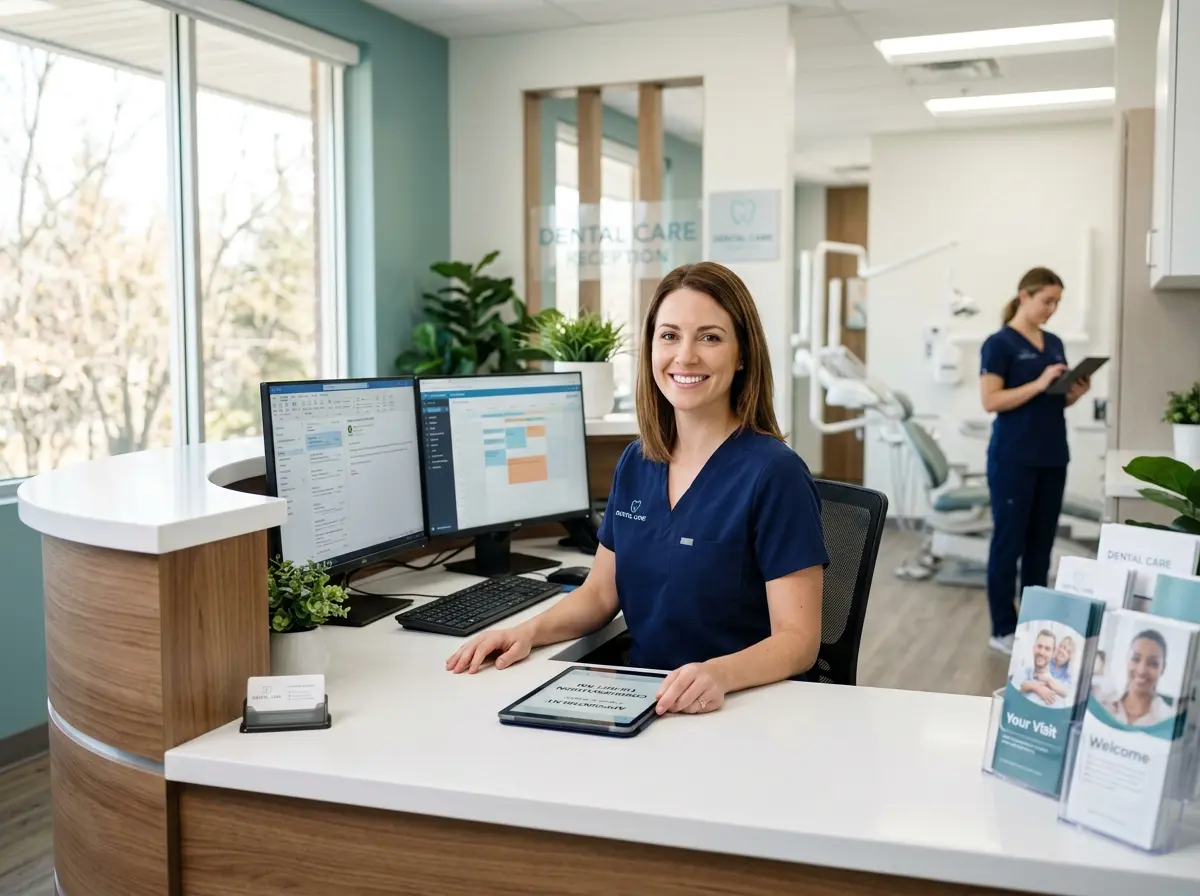
Stella, the AI robot receptionist, is built for exactly this kind of front-line filtering. She answers phone calls 24/7 with the same knowledge about your practice that she uses during business hours — hours, policies, services, and instructions for after-hours situations. She can collect patient information through conversational intake forms during a call, take detailed voicemails with AI-generated summaries, and send push notifications to the appropriate manager or on-call staff member so nothing slips through the cracks. For medical offices that also have a physical presence, Stella can even greet patients at the front desk as a kiosk, handling check-in questions and general information while your human staff focus on clinical work. The result is a first line of contact that's professional, consistent, and never having a bad day.
The practical impact is significant: when administrative and deferrable calls are handled automatically, your actual on-call staff can focus their energy on the calls that genuinely need them. That's better care and a more sustainable workload — which means lower burnout and lower turnover. Everyone wins.
Building a Rotation That Your Staff Won't Resent
Even with great technology handling the front line, you'll still need human clinical coverage for urgent and emergency situations. The key is building a rotation system that feels fair, is clearly communicated, and includes enough structure that your on-call providers aren't left improvising at 2 AM.
Designing a Fair and Sustainable Rotation Schedule
Fairness is non-negotiable. Nothing tanks morale faster than a rotation that somehow always lands on the same two people, or one that doesn't account for holidays, vacations, or personal circumstances. Use scheduling software — even a shared Google Calendar can work for smaller practices — to map out your rotation well in advance, ideally a full quarter at a time. Give providers the ability to swap shifts when needed, but require that swaps be documented and confirmed so there are never any gaps.
Also think carefully about the ratio of call nights to providers. Industry guidance from the American College of Physicians suggests that on-call frequency of more than one night in four significantly increases physician burnout risk. If your current staffing levels make that ratio unavoidable, that's an important signal that it's time to either add coverage resources or revisit what's being handled at the on-call level versus the administrative level.
Compensating and Supporting On-Call Staff
On-call coverage should be compensated — full stop. Whether that's an hourly stipend, additional time off, or a separate pay structure, make sure the expectation of after-hours availability is reflected in how your staff are paid and recognized. Practices that treat on-call coverage as just "part of the job" without additional compensation find themselves with a staffing problem faster than they expect.
Beyond compensation, support your on-call providers with the right tools. That means access to patient records remotely, clear documentation protocols for after-hours interactions, and a reliable way to communicate with the front line (whether that's an answering service, an AI receptionist, or both). An on-call physician who has to call back a patient and fish for basic information because nothing was captured during the initial contact is wasting time and patience — theirs and the patient's.
Testing and Iterating Your System
Build in a review cycle. After the first 90 days of any new on-call system, sit down with your staff and ask honest questions: What worked? What didn't? Where did calls fall through the cracks? Were there situations the protocol didn't account for? On-call coverage systems should be living documents, not stone tablets. The practices that get this right are the ones that treat the system like a process to be refined, not a problem to be solved once and forgotten.
A Quick Reminder About Stella
Stella is an AI robot employee and phone receptionist that works 24/7 for just $99/month — no hardware costs, no onboarding headaches, no sick days. She answers calls, greets patients at the front desk, captures intake information, summarizes voicemails, and keeps your practice looking polished and professional at every hour of the day. For medical offices trying to reduce the burden on on-call staff and front-desk teams alike, she's a practical, affordable first line of contact that never drops the ball.
Your Next Steps Toward a Coverage System That Actually Works
Building a solid on-call coverage system isn't something you do in an afternoon, but it's also not the Herculean project it might feel like. Start with the fundamentals: define your call categories, write your escalation protocol, and document everything. Then build your rotation with fairness and sustainability in mind, and make sure your staff have the tools and compensation they need to do the job well.
Layer in smart technology to handle the front line — administrative calls, general inquiries, intake collection, and voicemail management — so your clinical staff are only being pulled in for the situations that genuinely require them. That's not just good operations; it's good patient care.
The practices that handle after-hours coverage well don't just have fewer complaints. They have better staff retention, stronger patient trust, and a reputation for reliability that's genuinely hard to build any other way. So yes, it takes some upfront effort — but the alternative is another Tuesday morning of mystery voicemails and an exhausted on-call doctor who's been awake since 3 AM answering questions about office hours.
You've got better things to do. Build the system once, build it right, and let it work for you.