Introduction: The Follow-Up Problem Nobody Talks About
Here's a scenario that probably sounds familiar: A potential customer reaches out, shows genuine interest, and you think, "I'll follow up with them tomorrow." Tomorrow turns into next week. Next week turns into never. And that lead? They've already signed a contract with your competitor — who, by the way, followed up within an hour.
The painful truth is that 78% of customers buy from the first business that responds to them. Not the best business. Not the cheapest. The first. And yet, most business owners are juggling a dozen things at once, which means lead follow-up consistently falls to the bottom of the pile — right next to "organize the filing cabinet" and "finally update the website."
Enter CRM automation. If you've been meaning to "get around to it," consider this your sign. A well-configured CRM with smart automation does the follow-up work for you — sending emails, triggering text messages, assigning tasks, and nurturing leads through your pipeline while you focus on actually running your business. No cloning required.
This guide will walk you through how to set it up, what to automate, and how to stop letting good leads go cold — all without lifting more than a few fingers to configure the system in the first place.
Understanding CRM Automation and Why It Matters
What CRM Automation Actually Is (And Isn't)
CRM automation is the process of using your Customer Relationship Management software to automatically perform repetitive tasks based on triggers and rules you define. When a lead fills out a contact form, the CRM tags them, sends a welcome email, and schedules a follow-up task — all without you touching a single button. It's not magic, but it's close enough that you'll start referring to it as such at dinner parties.
What it isn't is a set-it-and-forget-it silver bullet. You still need to define your workflows, write your messages, and occasionally review performance. But once the groundwork is laid, the system does the heavy lifting indefinitely. Think of it as hiring a very detail-oriented employee who never sleeps, never gets distracted, and never forgets to send the follow-up email on day three of your nurture sequence.
The Anatomy of a Good Follow-Up Sequence
A strong automated follow-up sequence typically has three phases: immediate acknowledgment, value delivery, and conversion prompting. Here's what that looks like in practice for a local service business like a spa or law firm:
- Immediately (within 5 minutes): An automated email or text confirming you received their inquiry and setting expectations for next steps.
- Day 1–2: A follow-up message that delivers value — a helpful tip, a FAQ document, or a quick overview of your services.
- Day 3–5: A softer conversion prompt — an invitation to schedule a call, claim a promotion, or ask any questions.
- Day 7–14: A final check-in with a clear call to action before the lead is marked inactive and moved to a long-term nurture list.
Every industry is a little different. A gym might send a free class offer on day two. An auto shop might follow up with a seasonal maintenance reminder. The point is that your sequence should feel human and helpful — not robotic and pushy. Ironic, given we're talking about automation.
Choosing Triggers That Make Sense for Your Business
The effectiveness of your automation depends entirely on the quality of your triggers — the specific events that kick off a workflow. Common and highly effective triggers include: a lead submitting a contact form, a phone call ending without a booking, a customer being tagged as "interested" in a specific service, or a quote being sent without a response after 48 hours.
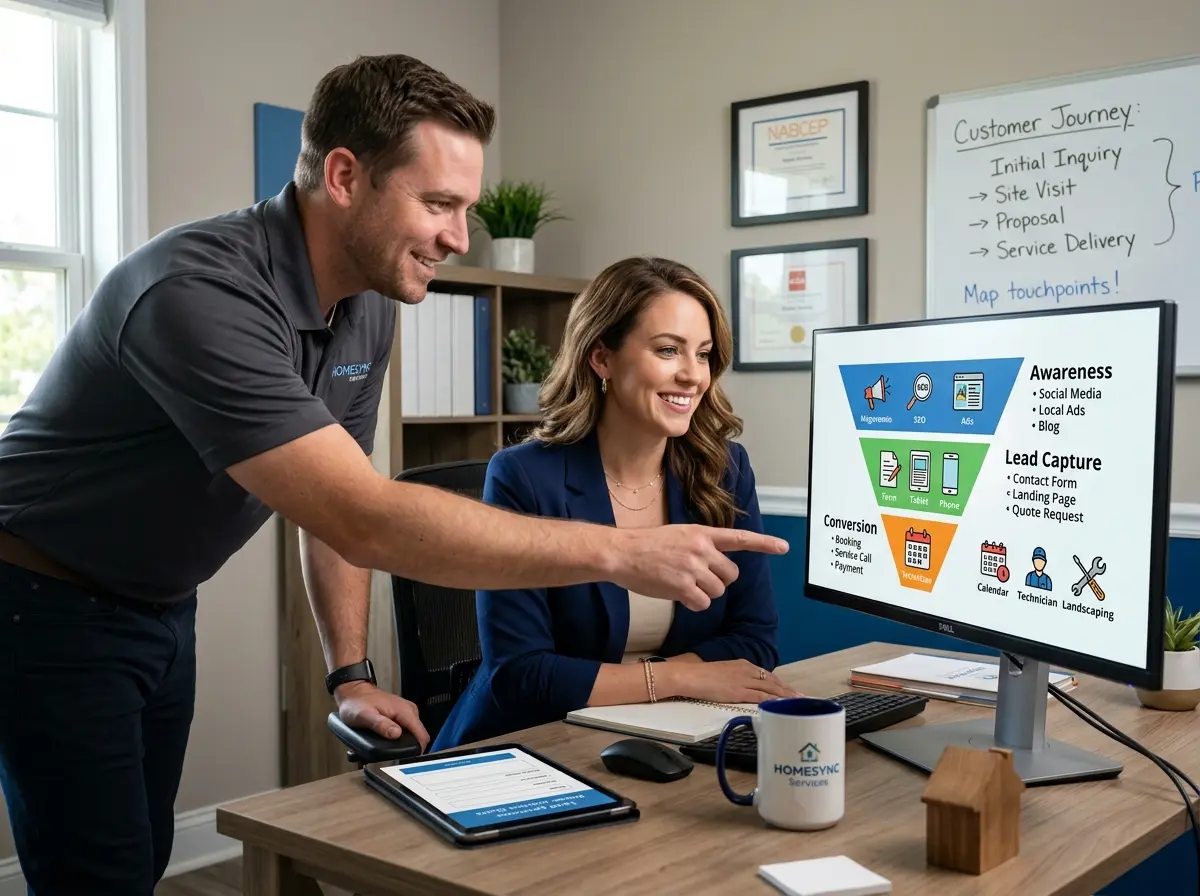
Most modern CRMs — including HubSpot, GoHighLevel, Zoho, and others — allow you to build these trigger-based workflows with relatively little technical knowledge. The key is to map your customer journey first, identify where leads typically drop off, and place automation precisely at those gaps. That's where you're losing money right now, and that's exactly where automation earns its keep.
How Stella Can Supercharge Your CRM From the Very First Touchpoint
Capturing Lead Data Before Automation Even Begins
Here's the thing about CRM automation: it can only work with the data it has. If your lead capture process is inconsistent — a missed call here, a walk-in customer nobody wrote down there — your automation workflows are essentially firing blanks. This is where Stella, the AI robot employee and phone receptionist, makes a genuinely meaningful difference.
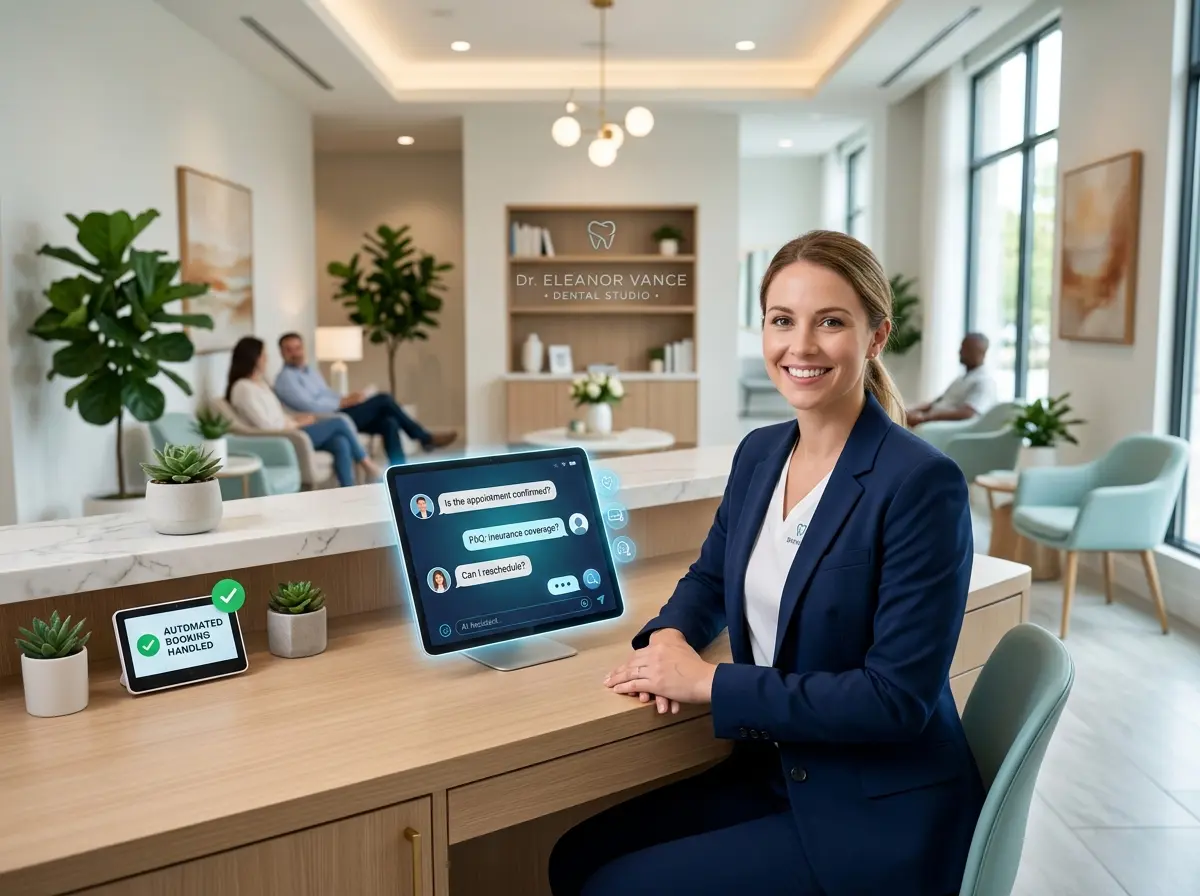
Stella collects customer information through conversational intake forms — whether she's answering a phone call, greeting someone at your in-store kiosk, or engaging a visitor on your website. That data flows directly into her built-in CRM, complete with custom fields, tags, AI-generated contact profiles, and notes from the interaction. By the time a lead enters your follow-up pipeline, Stella has already done the intake work — so your automation has something real to act on.
For businesses with a physical location, Stella proactively engages walk-in customers and captures their information on the spot. For phone-based inquiries, she answers 24/7, gathers the relevant details, and ensures no lead falls through the cracks simply because you were busy with another customer at 2 PM on a Tuesday.
Building Automation Workflows That Actually Convert
Segmentation: Stop Treating Every Lead the Same
If you're sending the same follow-up email to a first-time inquiry and a returning customer who almost booked last month, you're leaving a significant amount of money on the table. Segmentation is the practice of grouping leads based on behavior, interests, or stage in the buying journey — and then sending them content that's actually relevant to where they are.
Most CRMs allow you to segment using tags, custom fields, or pipeline stages. For example, a salon might tag leads as "color services," "bridal packages," or "extensions" based on what they asked about. Each tag then triggers a different follow-up sequence with messaging tailored to that specific interest. The result is a follow-up that feels personal — because in a data sense, it actually is.
Start simple. Even two or three segments will dramatically outperform one generic sequence. As you gather more data on what converts, you can refine your segments and your messaging over time. Automation rewards patience and iteration, not perfection on the first try.
Writing Follow-Up Messages That Don't Sound Like a Robot Wrote Them
The single biggest reason automated follow-up sequences fail isn't the technology — it's the copy. Messages that are stiff, overly formal, or stuffed with filler phrases like "circling back" or "just checking in" get ignored or, worse, marked as spam. Your automated messages need to sound like they came from a real person who actually cares whether the lead converts.
A few principles to follow:
- Use the lead's first name — every CRM supports this with simple merge tags.
- Reference something specific about their inquiry when possible, such as the service they asked about or the location they visited.
- Keep messages short. Nobody reads a six-paragraph follow-up email from a business they've never purchased from.
- Always include one clear call to action — book a call, reply to this email, claim this offer. One. Not three.
Test different subject lines, different send times, and different message lengths. Most CRM platforms offer basic A/B testing features. Use them. The data will tell you what your gut can't.
Knowing When to Hand Off From Automation to a Human
Automation is extraordinarily good at top-of-funnel nurturing, but there's a point in most sales processes where a human conversation closes the deal. Your job is to identify that point and configure your CRM to flag it clearly. This might be when a lead replies to an automated message, when they click a pricing page link three times in one week, or when they've been in the pipeline for 14 days without booking.
At these trigger points, your automation should shift gears — assigning a task to a team member, sending an internal notification, or pulling the lead out of the generic sequence and into a "hot leads" pipeline for personal outreach. The best systems don't choose between automation and human connection; they use automation to identify exactly when human connection is needed most.
Quick Reminder About Stella
Stella is an AI robot employee and phone receptionist built for businesses of all sizes — from solo service providers to multi-location retailers. She stands in your store engaging walk-in customers, answers your phone calls around the clock, collects lead information through intelligent intake forms, and feeds it all into a built-in CRM with AI-generated profiles and tags. At just $99/month with no upfront hardware costs, she's the kind of employee who's always on time, never calls in sick, and never forgets to get the customer's name.
Conclusion: Your Follow-Up System Won't Build Itself — But It's Closer Than You Think
CRM automation isn't a luxury reserved for enterprise companies with dedicated marketing teams. It's a practical, affordable strategy that any business owner can implement — and the returns are measurable almost immediately. Faster follow-up means more conversions. Consistent nurturing means fewer leads going cold. Smart segmentation means your messages actually resonate instead of collecting dust in someone's promotions tab.
Here's your action plan to get started this week:
- Audit your current lead capture process. Where are leads coming from, and where are they slipping away? Identify the gaps before you build anything.
- Map your customer journey. From first contact to closed deal, write out every step a lead takes — and note where follow-up currently doesn't happen.
- Build one simple automation sequence first. A three-email welcome series or a post-inquiry text message workflow. Don't try to automate everything at once.
- Set up lead segmentation with at least two categories. Even a basic split between "new inquiry" and "returning interest" will improve your results.
- Review your automation monthly. Check open rates, reply rates, and conversion data. Adjust your messaging based on what the numbers tell you.
The follow-up problem is solvable. The leads you're losing aren't gone forever — they're just waiting to hear from someone who seems organized enough to reach out. With the right CRM automation in place, that someone will always be you. And for everything that happens before a lead even enters your CRM, Stella is ready to make sure no conversation — in-store or over the phone — goes uncaptured.
Your competition is probably still relying on sticky notes and good intentions. This is your chance to do better.