Your Website Is Sending Customers to Your Store — But Do You Actually Know That?
Here's a fun little riddle: A customer browses your website on a Tuesday night, reads about your services, checks your hours, and walks into your store on Wednesday morning. Did your website deserve credit for that visit? Absolutely. Do most business owners know that happened? Absolutely not.
Welcome to one of the most underappreciated problems in small business marketing — the gap between online behavior and in-store results. You're probably already spending time (and money) on your website, social media, and maybe even some paid ads. But if you can't connect those digital efforts to the real-world foot traffic walking through your door, you're essentially flying blind with a very expensive airplane.
The good news? Google Analytics — particularly Google Analytics 4 (GA4) — gives you a surprisingly powerful set of tools to start closing that gap. It won't install a camera above your door (please don't), but it will help you understand how your website contributes to in-store visits, and more importantly, which parts of your website are doing the heavy lifting. Let's dig in.
Setting Up Google Analytics to Capture the Right Signals
Before you can track anything meaningful, you need to make sure Google Analytics is actually configured to capture the behaviors that predict in-store visits. Out of the box, GA4 gives you page views and sessions — which is nice, but not enough. Think of the default setup as a smoke detector that only goes off when the kitchen is already on fire. You want more precision than that.
Enable and Configure Key Events in GA4
GA4 uses an event-based data model, which means almost every interaction on your website can be tracked as an event — and you get to decide which ones matter. For driving in-store visits, the events you care most about include clicks on your phone number, clicks on your address or directions link, views of your hours of service page, and engagement with promotional content. These are the digital breadcrumbs that a customer leaves right before they show up in person.
To track these, head into GA4's Admin > Events section and create custom events, or use Google Tag Manager (GTM) to fire tags on specific interactions. For example, you can create a trigger in GTM that fires whenever someone clicks a link containing "maps.google" or "tel:" — both strong indicators of purchase intent. Mark those events as Conversions in GA4 so they show up prominently in your reports.
Use UTM Parameters to Track Traffic Sources
If you're running any kind of marketing — email campaigns, Google Ads, social media posts, even that QR code on your sandwich board — you should be tagging every URL with UTM parameters. These are small snippets you add to the end of your links that tell GA4 exactly where a visitor came from.
For instance, if you send a promotional email about a weekend sale, your link might look like this: yourwebsite.com?utm_source=email&utm_medium=newsletter&utm_campaign=weekend_sale. When someone clicks that link, visits your store hours page, and then clicks directions, you can trace that entire journey back to the email. That's not magic — that's just good tagging hygiene. Google's free Campaign URL Builder tool makes this painless, so there's really no excuse not to use it.
Leverage Google Business Profile Integration
One often-overlooked connection is between your Google Business Profile (formerly Google My Business) and GA4. When someone finds your business via Google Search or Maps and clicks through to your website, that traffic is trackable. More importantly, your Google Business Profile itself provides its own native insights — including direction requests, phone call clicks, and website visits — all of which are strong proxies for in-store intent.
By comparing your Google Business Profile insights with your GA4 data, you can build a more complete picture of the customer journey from search to store. If you notice a spike in direction requests after publishing a new promotion on your website, that's not a coincidence — that's a data point worth repeating.
How Stella Can Help You Capture More of That In-Store Traffic
Tracking website-driven foot traffic is only half the battle. The other half is making sure that when customers actually show up — whether in person or on the phone — they're met with an experience that matches the great first impression your website made.
From Digital Interest to Real-World Engagement
Stella, the AI robot employee and phone receptionist, is uniquely positioned to bridge this gap. When a customer walks into your store after discovering you online, Stella greets them proactively, answers their questions, highlights current promotions, and even upsells relevant products or services — all without pulling your staff away from what they're doing. She's essentially the in-store extension of your website's best content, delivered in real-time, in person.
And for the customers who aren't quite ready to visit in person yet? Stella answers phone calls 24/7, so when someone finds your business at 9 PM and calls to ask about hours or pricing, they get a knowledgeable, friendly response instead of voicemail purgatory. That's the kind of experience that turns a curious website visitor into a confirmed in-store customer.
Analyzing the Data and Turning Insights Into Action
Collecting data is the easy part. Knowing what to do with it is where most business owners quietly close the browser tab and go make a sandwich. Don't be that person. Here's how to actually use what GA4 is telling you.
Build a Custom Report Focused on In-Store Intent
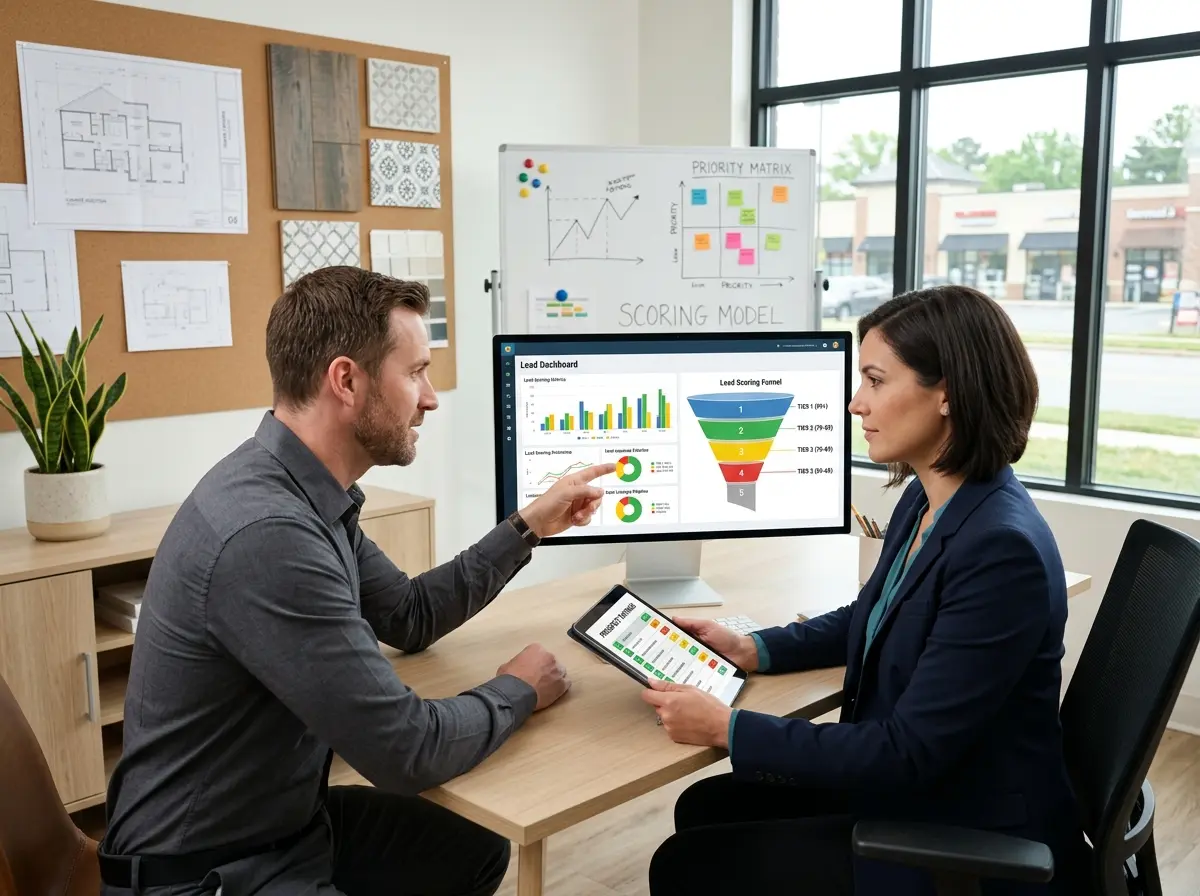
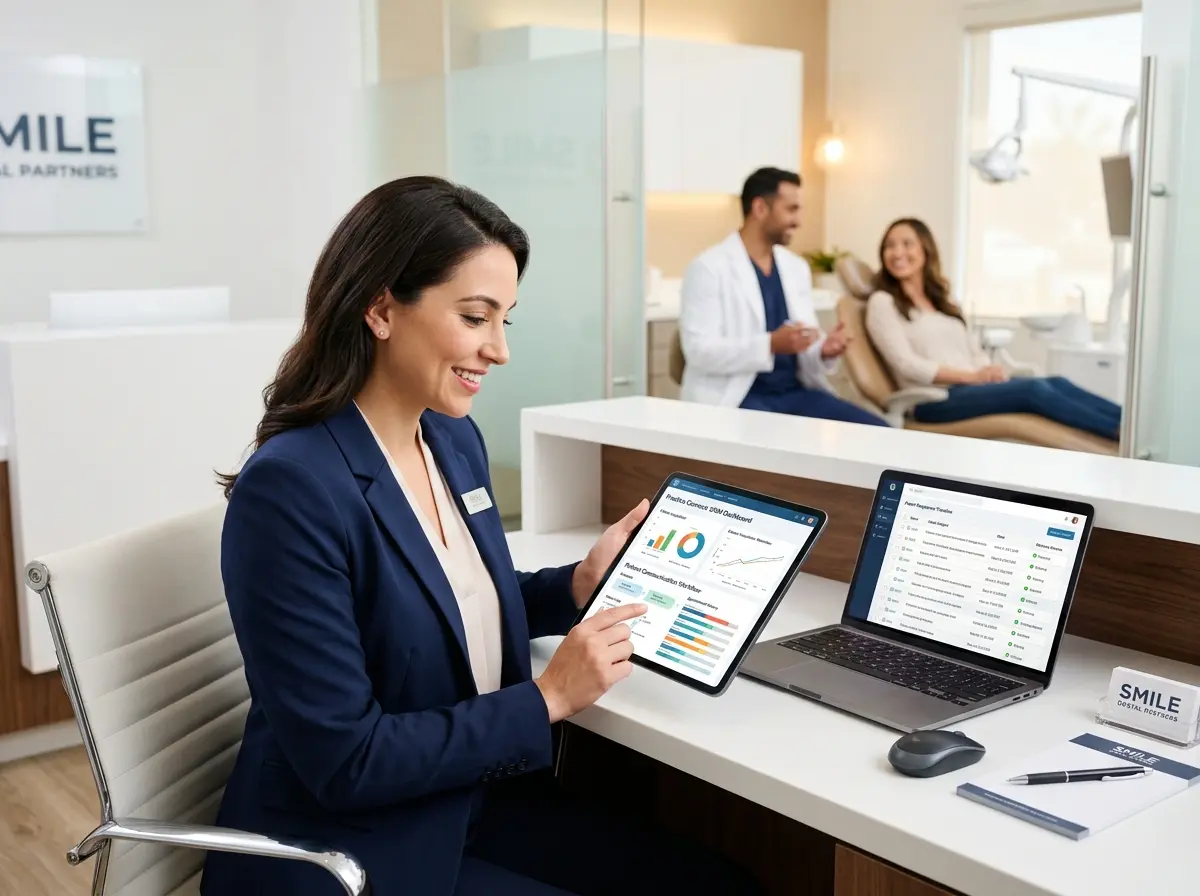
GA4's Explore section lets you build custom reports that standard dashboards won't show you. Create an exploration report that segments users who completed your high-intent events — phone number clicks, directions clicks, hours page views — and then analyze what brought them to your site in the first place. Which traffic source generates the most direction-click sessions? Which landing page has the highest rate of phone number clicks?
For example, a local spa might discover that visitors who land on their Services page via organic Google Search are three times more likely to click the directions link than visitors who come from Instagram. That's an insight worth acting on — maybe it means doubling down on local SEO rather than paying for more social media ads. The data doesn't lie, even when it's inconvenient.
Use Audience Segments and Remarketing
GA4 allows you to create audience segments based on specific behaviors — including those high-intent events you've been tracking. You can then export these audiences to Google Ads and serve targeted ads specifically to people who visited your hours page but never clicked directions. These are warm leads who got close but didn't quite commit, and a well-timed ad reminding them of a current promotion might be exactly the nudge they need.
This kind of remarketing strategy is particularly effective for businesses with longer consideration cycles — think medical offices, law firms, auto shops, or gyms where a customer might browse several times before deciding to visit. According to Google, businesses that use audience remarketing see conversion rates increase by as much as 150% compared to non-targeted campaigns. That's a statistic worth taking seriously.
Close the Loop With Offline Conversion Tracking
For the analytically ambitious, GA4 supports offline conversion imports — a feature that lets you upload in-store transaction data back into Analytics and match it to the online sessions that preceded those purchases. If your POS system can export transaction records with timestamps, and you have GA4 session data with Client IDs captured, you can actually see which web sessions led to in-store purchases. It requires a bit of technical setup, but for businesses with higher average transaction values, the attribution clarity is absolutely worth it.
Even without full offline conversion tracking, simply surveying customers — "How did you hear about us?" with an option for "Your website" — gives you qualitative data that complements your quantitative GA4 reports. Sometimes the old-fashioned approach fills in the gaps that technology leaves behind.
Quick Reminder About Stella
Stella is an AI robot employee and phone receptionist designed for businesses of all types — from retail stores and restaurants to salons, medical offices, and beyond. She stands in your store engaging customers in real conversation, and she answers your phones 24/7 with the same business knowledge she uses in person. At just $99/month with no upfront hardware costs, she's the always-on team member who never calls in sick and never needs a coffee break.
Start Connecting the Dots Between Clicks and Customers
Tracking in-store visits driven by your website isn't a luxury reserved for enterprise brands with dedicated analytics teams. It's a practical, achievable goal for any business owner willing to spend a few hours setting things up properly — and the payoff is a much clearer understanding of where your marketing dollars are actually working.
Here's your action plan to get started:
- Audit your GA4 setup — Make sure GA4 is installed correctly on your website and that enhanced measurement is enabled.
- Create high-intent custom events — Track phone number clicks, directions clicks, and hours page views as conversions.
- Tag all your marketing links — Use UTM parameters on every URL you share in emails, ads, and social posts.
- Connect your Google Business Profile — Review its native insights alongside your GA4 data for a fuller picture.
- Build a custom exploration report — Segment users by high-intent behavior and identify which channels drive the most in-store interest.
- Test remarketing audiences — Create and export GA4 audiences to Google Ads for targeted follow-up campaigns.
The customers are already out there browsing your website, checking your hours, and looking up your address. You've already done the hard part of getting them interested. Now it's time to make sure you can measure that interest — and then make the most of it when they walk through your door.