Your Dental Office Is Losing Patients (And You Don't Even Know It)
Let's paint a familiar picture: It's a busy Tuesday morning. Your front desk staff is juggling check-ins, insurance verification calls, and a waiting room full of people who are already anxious about being there. Meanwhile, three patients didn't show up for their appointments — appointments that were booked weeks ago and never confirmed. Your hygienist is now sitting idle, your schedule has gaping holes in it, and somewhere out there, a patient is blissfully unaware they were supposed to be in your chair 20 minutes ago.
No-shows and last-minute cancellations are among the most expensive problems dental offices face. Studies suggest that missed appointments cost the average dental practice anywhere from $30,000 to $50,000 per year in lost revenue. That's not a rounding error — that's a real problem with a real solution. And increasingly, that solution is AI-powered appointment confirmation and reminder systems that work tirelessly in the background so your team doesn't have to.
This post is your practical guide to using AI to handle appointment confirmations and reminders in your dental office — saving time, reducing no-shows, and keeping your schedule as full as your waiting room should be.
Why Traditional Reminder Systems Are Failing Your Practice
The Human Bottleneck Problem
There's nothing wrong with your front desk team — they're probably wonderful. But asking humans to manually call every patient the day before their appointment, log responses, reschedule cancellations, send follow-up texts, and then do it all over again for tomorrow's schedule is, frankly, a lot. When it doesn't get done consistently, you pay the price in empty chairs.
Manual reminder systems are inherently inconsistent. Whether it's a busy afternoon that pushed callbacks to the bottom of the to-do list, a staff member out sick, or simply the reality that your team has a hundred other things to handle — patients fall through the cracks. And it's not a character flaw; it's a capacity problem. The good news is that AI doesn't have capacity problems.
Generic Reminders That Patients Ignore
Even offices that do use automated reminder software often send the same bland, robotic message to every patient: "Reminder: You have an appointment on [DATE] at [TIME]. Reply YES to confirm or NO to cancel." Thrilling stuff. Patients tune these out the same way they tune out car warranty calls, and confirmation rates suffer as a result.
Modern AI systems can go far beyond this. They can personalize messages based on appointment type, patient history, preferred communication channel, and even time of day. A patient coming in for a root canal has a very different emotional state than someone popping in for a routine cleaning — and your reminders can reflect that with the right setup.
The Follow-Up Gap
Another major failure point in traditional systems is the follow-up — or lack thereof. A patient doesn't confirm? Most systems just log it and move on. But AI-driven reminder workflows can be configured to automatically follow up, escalate to a phone call if a text goes unanswered, and alert your front desk only when human intervention is actually needed. That's a smarter use of everyone's time.
How AI Tools Like Stella Can Transform Your Front Desk
A Phone Receptionist That Never Forgets to Follow Up
This is exactly where an AI solution like Stella becomes genuinely valuable for a dental practice. Stella serves as a full-time AI phone receptionist — answering calls 24/7, collecting patient information through conversational intake forms, and managing contacts through a built-in CRM. That means when a patient calls to confirm, reschedule, or cancel, Stella handles the conversation naturally, logs the outcome, and updates the record automatically — without your front desk lifting a finger.
For dental offices, this is a game-changer. Stella can be configured to handle inbound confirmation calls during off-hours, collect the reason for a cancellation, and even offer alternative appointment times — all without a human involved. The built-in CRM keeps patient notes organized with custom fields and AI-generated profiles, so your team always has context when they do step in. And for offices with a physical location, Stella's in-store kiosk presence means she can also greet patients at the door and handle check-in questions while your staff focuses on clinical care.
Building a Smart AI-Powered Reminder Workflow
Timing Is Everything: When to Send Reminders
One of the easiest wins in reducing no-shows is simply sending reminders at the right intervals. The research is pretty clear here: a single reminder the day before isn't enough. A high-performing dental reminder workflow typically looks something like this:
- One week out: A friendly appointment confirmation message with the date, time, and any prep instructions (especially important for procedures requiring fasting or medication adjustments).
- 48 hours before: A follow-up confirmation request with a clear call-to-action to confirm or reschedule.
- Morning of the appointment: A brief same-day reminder with parking info, office address, and what to bring.
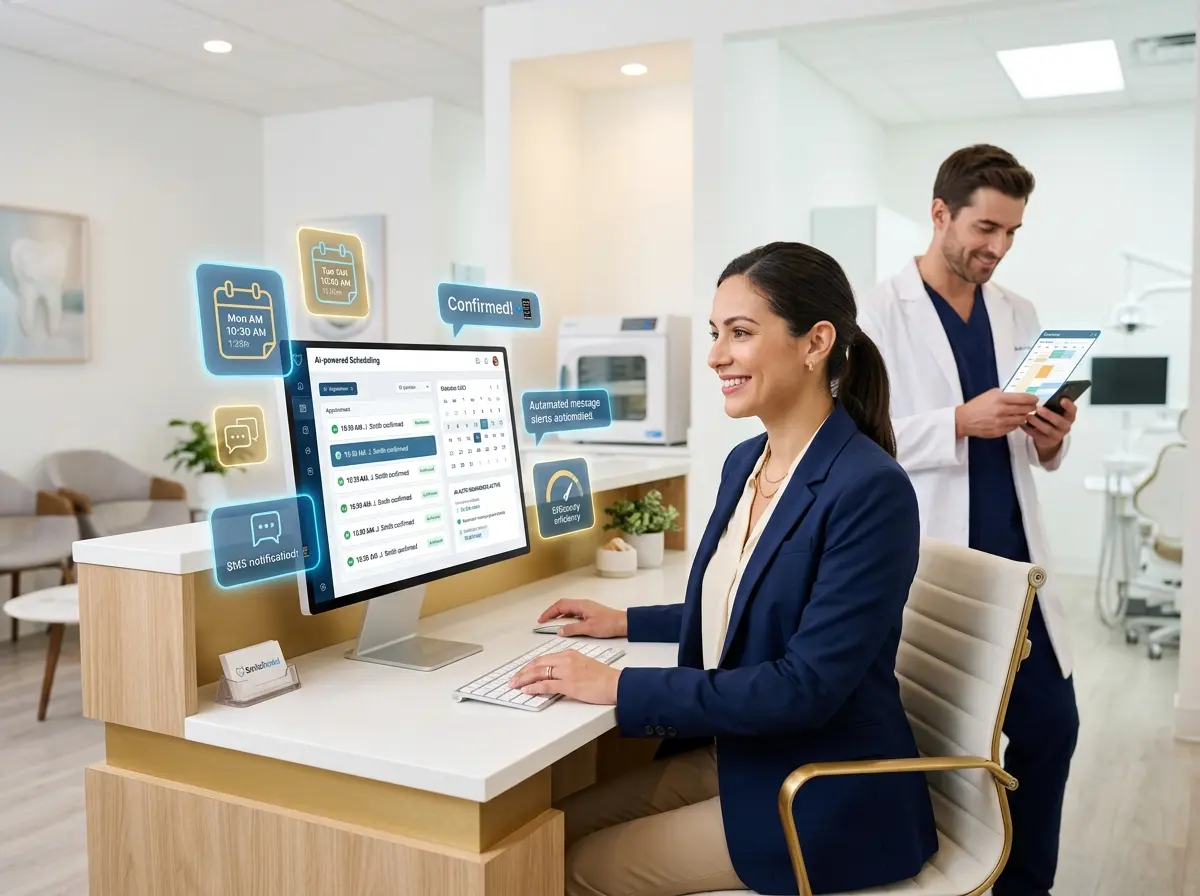
AI systems can automate this entire sequence and adjust it dynamically based on patient response. If a patient confirms after the first message, they don't need to be pestered twice more. If they haven't responded by the 48-hour mark, the system escalates automatically. Smart, efficient, and a lot less annoying for your patients.
Multi-Channel Communication: Meet Patients Where They Are
Some patients live in their email inbox. Others only respond to texts. A few — bless them — still prefer a phone call. A robust AI reminder system gives you the ability to communicate across multiple channels based on patient preference, which dramatically improves confirmation rates.
The key is collecting communication preferences upfront during the intake process and storing them in your system. From there, your AI handles the routing automatically. Text-preferred patients get texts. Email-preferred patients get emails. And for patients who haven't responded to either, an AI phone call can be triggered — a real, conversational interaction that sounds professional and feels personal, not like a robocall from 2009.
Handling Cancellations Like an Opportunity, Not a Loss
Here's a mindset shift worth adopting: every cancellation is an opportunity to fill that slot with another patient. AI-powered systems can maintain a waitlist and automatically reach out to waitlisted patients when a slot opens up — in real time, without any staff involvement. A patient cancels Monday afternoon? By Monday evening, that slot could already be filled by someone who's been waiting for exactly that appointment time.
Some practices using automated waitlist and cancellation management report reducing their schedule gaps by 30–40% — not by eliminating cancellations (that'll never happen entirely), but by responding to them faster and smarter than any human team realistically could. That's not magic; that's just good automation.
Quick Reminder About Stella
Stella is an AI robot employee and phone receptionist designed to help businesses of all sizes — including dental offices — handle calls, manage patient contacts, and maintain a professional, reliable front-desk presence 24/7. She works both as an in-store kiosk that greets and engages patients in person and as a phone receptionist that answers every call with full business knowledge, collects information, and keeps your CRM updated automatically. At just $99/month with no upfront hardware costs, she's one of the more practical investments a growing dental practice can make.
It's Time to Stop Letting Empty Chairs Cost You Money
The tools to solve the no-show problem exist, they're affordable, and they're easier to set up than you might think. If you're still relying on manual callback lists and generic text blasts, you're leaving real money on the table — and burning out your front desk team in the process.
Here's what your action plan should look like:
- Audit your current no-show rate. If you don't know the number, find it. Most practice management software can generate this report. You need a baseline before you can measure improvement.
- Map out your ideal reminder workflow. Decide on your timing intervals, message content, and escalation rules before you start shopping for tools. Know what you need before you buy.
- Choose an AI solution that fits your practice. Look for tools that integrate with your existing scheduling software, support multi-channel communication, and offer real conversational AI — not just templated text blasts.
- Set up a waitlist system. If you don't have one, build one. Even a simple list that your AI can work through automatically can recover significant revenue from last-minute cancellations.
- Review and optimize monthly. Check your confirmation rates, no-show rates, and waitlist fill rates regularly. AI systems improve when you give them feedback and adjust the workflows accordingly.
Your dental practice deserves a full schedule and a front desk team that isn't overwhelmed by the logistics of appointment management. AI-powered reminders and confirmation systems aren't a luxury anymore — they're a competitive necessity. The practices that adopt them early will run leaner, serve patients better, and spend a lot less time staring at empty chairs.
And honestly? Your patients will appreciate being reminded too. Nobody wants to miss their cleaning. They just need a little nudge — and now, that nudge doesn't have to come from a frazzled human at 4:45 on a Friday afternoon.