Is Your Cash Register Quietly Laughing at You?
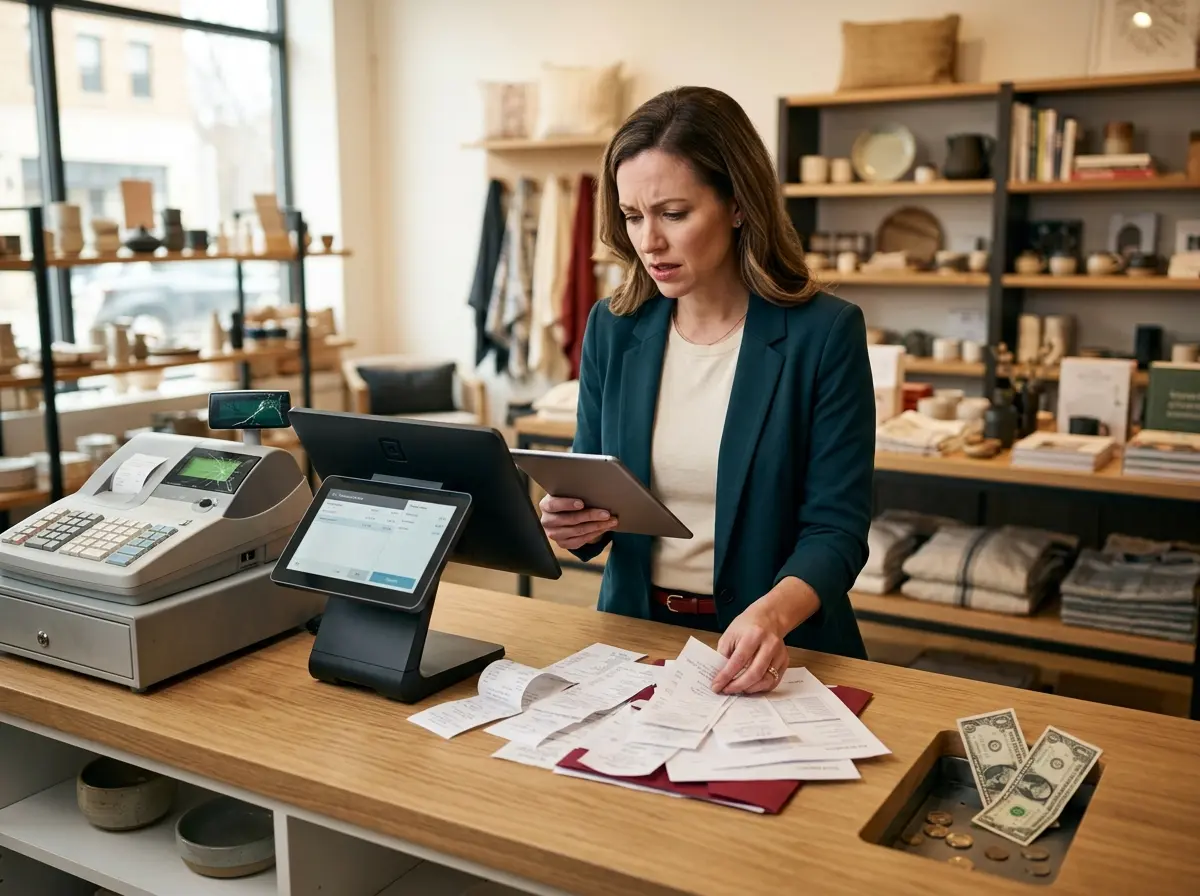
Here's the uncomfortable truth: your point-of-sale system might be costing you more than it's saving you. Not in the dramatic, obvious way — no system meltdown required. It's the slow, subtle bleed of inefficiency. Missed upsells. Clunky checkout experiences. Zero customer data. Inventory chaos. These aren't just inconveniences; they're revenue leaks, and most business owners don't even realize they're hemorrhaging until they sit down and do the math.
The Warning Signs Your POS System Is Working Against You
Your Checkout Process Feels Like a Part-Time Job
Studies show that checkout friction is one of the top reasons customers don't return to a store. People remember how a transaction felt. A smooth, fast, professional checkout? That's a positive association. A fumbling, error-prone mess? That's a Yelp review waiting to happen.
You Have No Idea What Your Inventory Is Doing
Your Sales Data Is Basically Decorative
While You're Auditing Your Operations, Don't Forget What Happens Before the Register
The Customer Journey Starts Before the Checkout
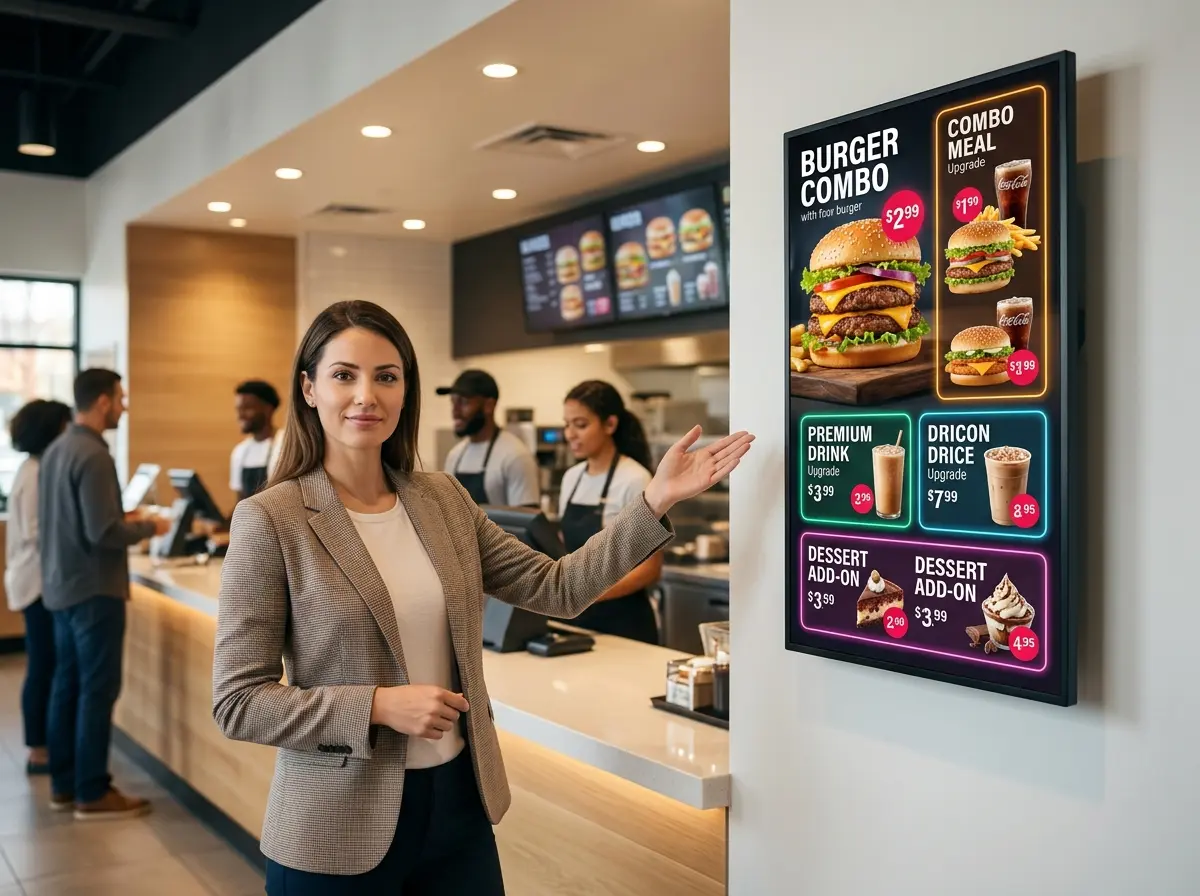
This is exactly where Stella, the AI robot employee and phone receptionist, quietly earns her keep. As an in-store kiosk, she proactively greets every customer who walks by, answers their questions about products, services, hours, and current deals, and even upsells and cross-sells by recommending related items — all without interrupting your staff. On the phone side, she answers calls 24/7, handles inquiries, collects customer information through conversational intake forms, and routes calls to human staff when needed. She even generates AI summaries of voicemails and pushes notifications to managers. Think of her as the front-of-house presence and phone receptionist you always wished you had — except she never calls in sick and doesn't ask for a raise.
How to Evaluate and Upgrade Your POS System Without Losing Your Mind
Know What "Modern" Actually Means
Calculate the Real Cost of Doing Nothing
In many cases, businesses find that the cost of inaction dramatically exceeds the cost of upgrading. A better POS doesn't just reduce friction — it actively generates revenue through better upsell prompts, loyalty program integration, and actionable reporting. Frame the investment accordingly.
Plan Your Transition Like a Professional
A Quick Reminder About Stella
Stella is a friendly, human-sized AI robot kiosk and phone receptionist built for businesses across virtually every industry — retail, restaurants, gyms, salons, medical offices, auto shops, law firms, and more. She works in-store to engage and assist customers, and answers phone calls 24/7 with the same business knowledge she uses in person. At just $99/month with no upfront hardware costs and an easy setup, she's one of those investments that tends to pay for itself quickly — and unlike most employees, she's always in a good mood.
Time to Stop the Leak
- Audit your current system. Time a typical transaction. Pull a sales report. Ask yourself honestly: is this giving me useful information, or just receipts?
- List your must-haves. Cloud access, real-time inventory, integrations, reporting — know your requirements before you start shopping.
- Request demos from at least three providers. Don't let a slick sales pitch substitute for actually using the system in a test environment.
- Calculate the ROI honestly. Include both the cost of upgrading and the cost of staying put.
- Plan the transition carefully. Back up your data, train your team, and give yourself a realistic runway.