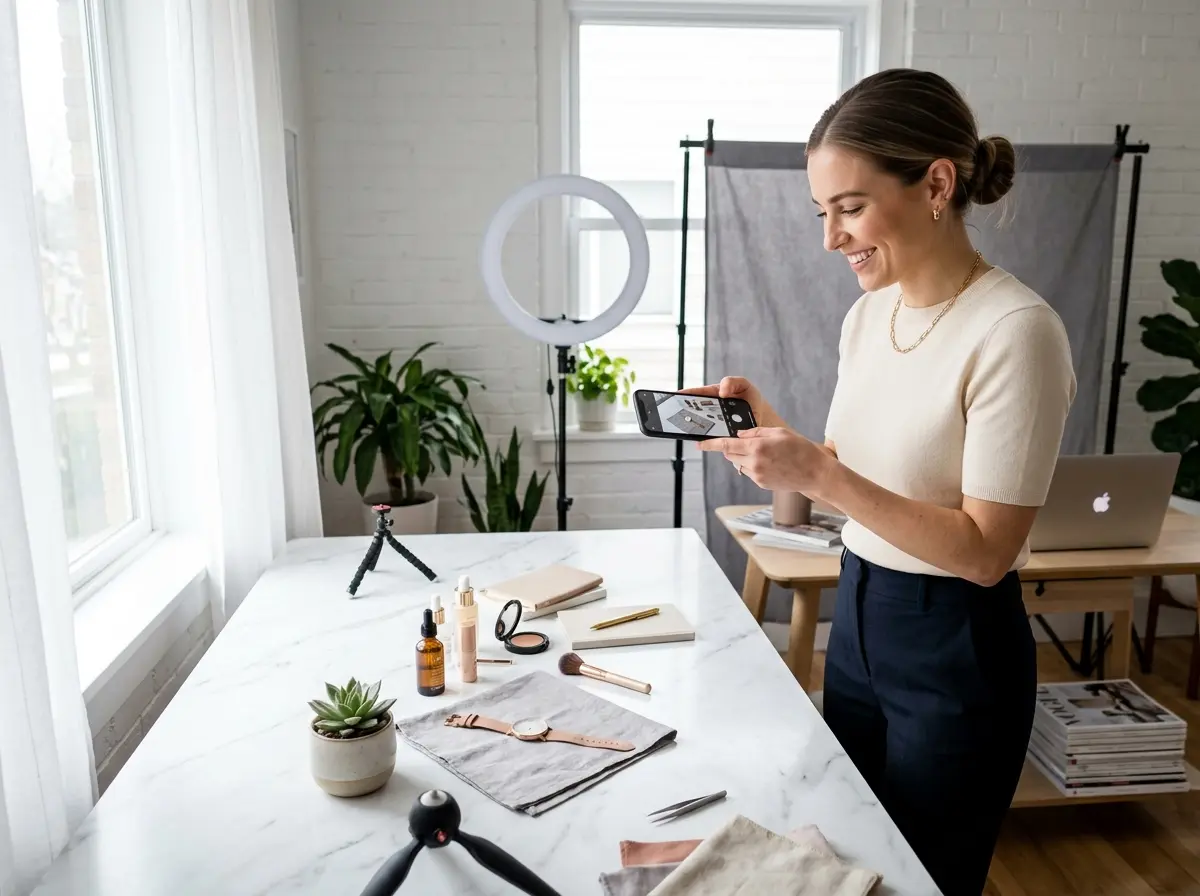
Your Products Deserve Better Than Blurry, Sad Photos
Let's be honest — you've seen those product photos. The ones taken on a cluttered kitchen counter, lit by a single overhead bulb, slightly blurry, with someone's elbow accidentally in the frame. Maybe you've even taken those photos. No judgment. We've all been there. But here's the uncomfortable truth: bad product photos are quietly costing you sales every single day.
Studies consistently show that nearly 75% of online shoppers rely on product photos when making a purchasing decision. Not descriptions. Not reviews. Photos. And if your images look like they were taken in a hurry (because they were), potential customers are going to assume your products — and your business — are an afterthought too.
Setting the Stage: Preparation Is Everything
Before you tap that shutter button, the work that happens before the shot is what separates a professional-looking photo from a forgettable one. Think of it like prepping ingredients before cooking — skip this step, and no amount of editing will save you.
Clean Your Lens (Seriously, Do It Right Now)
Choose the Right Background
Your background is doing more work than you think. A clean, simple background keeps the viewer's eye on the product — which is, after all, the point. White poster board or foam core from a dollar store is a classic, universally flattering option that works for almost any product. If you want something warmer and more lifestyle-oriented, try textured surfaces like wood, marble contact paper, or linen fabric. The key word is intentional. Whatever you choose, it should complement the product, not compete with it. Avoid busy patterns, random clutter, or anything that makes the viewer work to find the actual product.
Master the Art of Natural Light
Camera Settings and Shooting Techniques That Actually Matter
Lock Your Focus and Exposure
On both iPhone and Android, you can tap on your subject to set the focus point. But here's the pro move: press and hold on your subject to lock the focus and exposure so the camera doesn't readjust as you frame the shot. This prevents that maddening effect where the camera keeps hunting for focus right as you're about to shoot. For tabletop product photography, enabling your phone's grid lines and shooting from a consistent distance with a tripod (even a small $15 tabletop tripod works beautifully) will ensure consistency across your product catalog.
Use Portrait Mode Wisely — and Know When Not To
While You're Busy Snapping Photos, Who's Answering Your Phones?
This is where Stella comes in. Stella is an AI robot employee and phone receptionist that handles customer interactions so you don't have to drop everything every time the phone rings. For businesses with a physical location, she stands in your store as a friendly, human-sized AI kiosk — greeting customers, answering questions about your products, and promoting your current deals. For any business, including online-only operations and solopreneurs, she answers phone calls 24/7 with the same knowledge and professionalism every single time. So go ahead — get that perfect shot. Stella has the front desk covered.
Editing: The Step That Turns Good Photos Into Great Ones
Capturing a great shot is only half the job. Editing is where good photos become great photos, and the barrier to entry has never been lower. You don't need Photoshop expertise — a few targeted adjustments in a free app can make a dramatic difference.
Free Editing Apps Worth Your Time
Snapseed (free, iOS and Android) is arguably the most powerful free mobile editing app available and is genuinely what many professionals use for quick edits. Adobe Lightroom Mobile (free version is excellent) gives you precise control over color, exposure, and sharpness. For e-commerce sellers, Background Eraser or the built-in background removal tool in Canva can cleanly remove backgrounds for that classic white-background product shot that dominates platforms like Amazon and Etsy. The goal with any of these tools is enhancement, not transformation. If you find yourself drastically altering how a product looks, you're setting customers up for disappointment when the real thing arrives.
The Five Edits That Make the Biggest Difference
You don't need to spend an hour on every photo. In fact, a quick five-point edit covers the vast majority of what your product images need. Start by slightly increasing brightness and clarity to make the product feel crisp and present. Dial up the saturation just slightly to ensure colors look true-to-life rather than washed out. Adjust the white balance if your photo has an unpleasant yellow or blue tint — this alone can make images look dramatically more professional. Finally, use the crop and straighten tool to ensure your product is centered and your lines are level. Crooked product photos are a subtle trust-killer that customers notice even if they can't articulate why.
Consistency Is Your Secret Weapon
A Quick Reminder About Stella
Speaking of looking polished and deliberate — Stella brings that same level of consistency to your customer interactions. She greets every walk-in customer, answers every phone call, and represents your business professionally around the clock, all for just $99 a month with no upfront hardware costs. If you're putting real effort into how your business looks, it's worth making sure it sounds just as good too.