Introduction: Because Your Waiting Room Shouldn't Feel Like a DMV
Let's be honest — you became a veterinarian to help animals, not to spend half your day chasing down incomplete intake forms, repeating the same questions about vaccination history, and trying to decode whether "Fluffy" has had her rabies shot or not. Yet here we are. For many veterinary practices, the patient intake process is a chaotic mix of clipboards, phone tag, and staff members frantically typing while simultaneously trying to calm a stressed-out Labrador. Sound familiar?
The good news is that digital patient intake has transformed from a "nice-to-have" into a genuine practice lifesaver — and no, it doesn't require a computer science degree or a six-figure investment to implement. According to a 2022 survey by the American Veterinary Medical Association, veterinary practices that adopted digital workflows reported a 30% reduction in administrative time and significantly higher client satisfaction scores. That's time you could spend on actual medicine. Revolutionary concept, right?
This guide breaks down exactly how to modernize your intake process, reduce the noise in your front office, and make both your team and your four-legged patients a little less stressed on appointment day.
Building a Digital Intake System That Actually Works
Start with the Right Form — Before They Even Walk In
The foundation of a great digital intake process is a well-designed pre-visit form that clients complete before they arrive. This sounds simple, but most practices either skip it entirely or send a PDF that looks like it was designed in 2003. Your digital intake form should be mobile-friendly, logically organized, and take no longer than five to seven minutes to complete.
At a minimum, your pre-visit form should capture the pet's name, species, breed, age, and weight; current medications and known allergies; vaccination history with dates; the primary reason for the visit; and emergency contact information. You can also include a field for behavioral notes — because knowing that "Biscuit becomes a tiny furry tornado when someone touches his ears" is genuinely useful clinical information.
Tools like Google Forms, Jotform, or veterinary-specific platforms like Shepherd or Digitail allow you to build these forms and send them automatically via email or SMS when an appointment is booked. The key is automation — your front desk should not be manually emailing forms to every client.
Integrate Intake Data Directly into Your Practice Management Software
Collecting the data is only half the battle. If your staff still has to manually copy information from a digital form into your practice management software, you've just moved the bottleneck without eliminating it. The goal is seamless data flow.
Most modern veterinary practice management systems — including Avimark, ezyVet, and Cornerstone — offer integrations or APIs that allow intake form data to populate patient records automatically. When evaluating any intake solution, ask specifically about two-way data sync. Does a new client's information create a record in your system? Does an existing client's submission update their existing profile? These details matter enormously for long-term efficiency.
If your current software doesn't support this natively, consider middleware solutions or working with a tech consultant to build a lightweight integration. The upfront time investment typically pays for itself within the first month of reduced administrative labor.
Make Consent and Payment Authorization Part of the Process
Here's a step that many practices overlook entirely: digital intake is also the perfect time to collect signed consent forms and payment authorizations. Instead of presenting clients with a stack of papers while their dog is actively trying to eat the waiting room furniture, send everything digitally in advance.
Include your general treatment consent form, any species-specific or procedure-specific authorizations you commonly use, your payment policy, and a HIPAA-equivalent client privacy notice. When clients arrive having already completed all of this, check-in becomes a 60-second confirmation rather than a 10-minute paperwork session. Your front desk staff will thank you. Possibly with a cake.
How Technology Can Take the Weight Off Your Front Desk
AI Tools That Streamline Client Communication Before and After Visits
Beyond forms, there's a broader opportunity to use AI-powered tools to handle the repetitive communication tasks that quietly consume hours of your staff's week — appointment reminders, intake form follow-ups, answering common questions about hours and policies, and even handling incoming phone calls.
Stella, an AI robot employee and phone receptionist, is one example of a tool that can meaningfully reduce front desk burden in a veterinary setting. She answers phone calls around the clock, responds to questions about your services, pricing, and policies, and can collect client and patient information through conversational intake forms — either over the phone or via your website. For practices that also have a physical waiting area, Stella's in-person kiosk presence means clients can check in, get answers to questions, and even learn about wellness packages or promotions without waiting for a staff member to become available. Her built-in CRM stores client contact details, custom fields, and AI-generated profiles, so intake data collected through any channel is organized and accessible in one place.
The result is a front desk team that spends less time answering the same five questions repeatedly and more time focusing on clients and patients who genuinely need human attention.
Training Your Team and Setting Clients Up for Success
Get Your Staff On Board Before You Go Live
Even the most elegant digital intake system will fail if your team doesn't trust it or understand how to use it. Before launching any new workflow, invest time in proper training — not a 15-minute walkthrough, but hands-on practice that covers every scenario your staff is likely to encounter.
Walk through what happens when a client hasn't completed their form before arriving. Discuss how to handle older clients who are uncomfortable with digital tools and may need a paper fallback option. Make sure everyone understands where the data goes, who can access it, and how to correct errors. When staff feel confident in a new system, they champion it to clients. When they feel confused, they quietly work around it — and your adoption rate craters.
Consider designating a "digital intake champion" on your team — someone who owns the process, monitors completion rates, and serves as the internal point of contact for questions and troubleshooting. This doesn't need to be a full-time responsibility; even two to three hours per week of dedicated oversight makes a significant difference.
Communicate the Change Clearly to Your Clients
Client adoption is the other half of the equation, and it requires proactive communication. Don't simply start sending digital forms and hope clients figure it out. Send an email or text to your existing client base explaining what's changing, why it benefits them (faster check-in, less waiting room time, no more clipboards), and what to expect at their next visit.
For new clients, make sure your booking confirmation automatically includes intake form instructions with a clear deadline — ideally 24 hours before the appointment. Include a brief note explaining that completing the form in advance allows your team to prepare thoroughly for their pet's visit. Most clients respond positively when they understand that the process exists to serve their animal better, not just to make your life easier. Even if both are true.
Track Completion Rates and Iterate
Once your digital intake system is live, measure it. Track what percentage of clients are completing forms before their appointments, which fields are frequently left blank, and how long the form takes on average to complete. If you're seeing low completion rates, the problem is usually one of three things: the form is too long, the reminder isn't arriving at the right time, or the link isn't working properly on mobile devices.
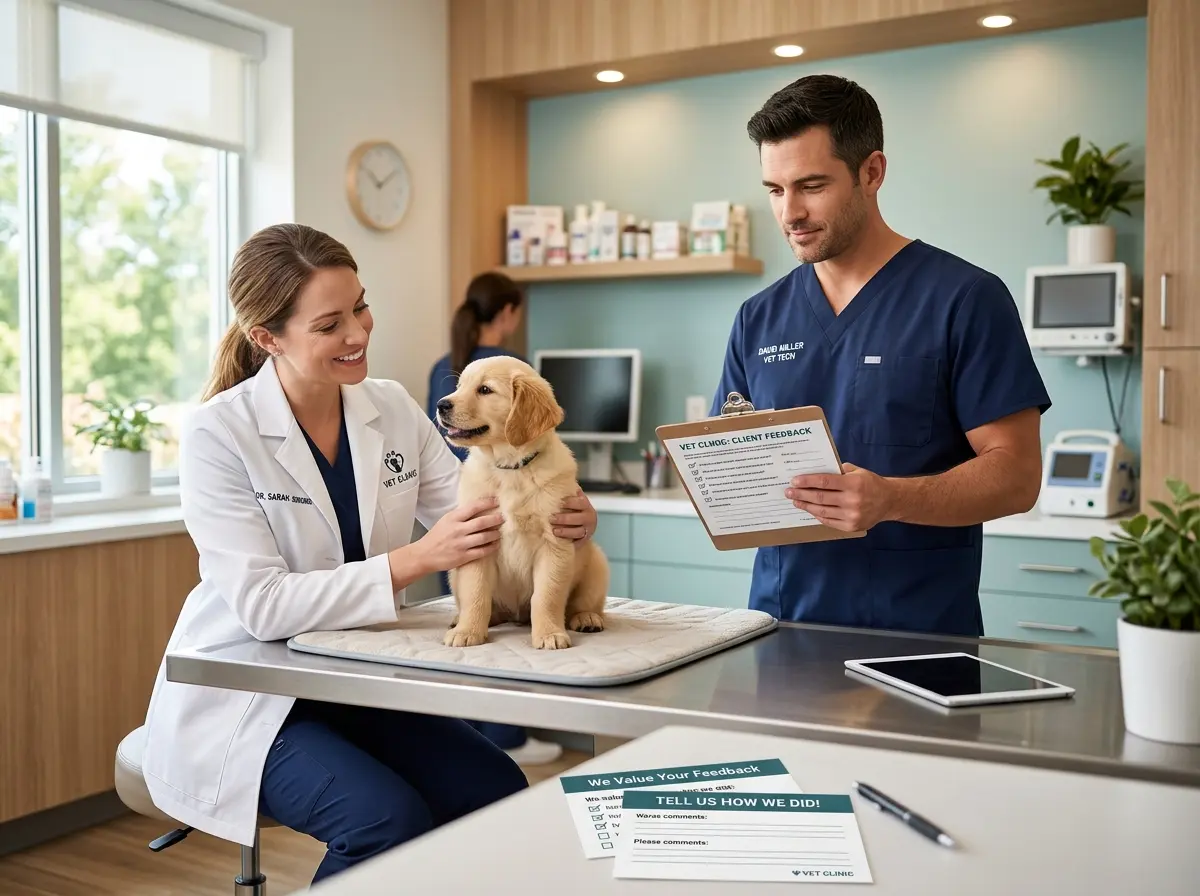
Survey clients periodically about their intake experience and take their feedback seriously. A five-question satisfaction survey sent post-visit can surface friction points you'd never discover otherwise. Continuous improvement isn't glamorous, but it's how good systems become great ones over time.
Quick Reminder About Stella
Stella is an AI robot employee and phone receptionist designed to help businesses like veterinary practices handle client communication, intake, and front desk tasks without adding headcount. She works in-person as a kiosk and answers phone calls 24/7, all for a straightforward $99 per month subscription with no upfront hardware costs. If your front desk is stretched thin, she's worth a serious look.
Conclusion: A Calmer Clinic Is a Better Clinic
Modernizing your patient intake process isn't about chasing technology trends — it's about creating a practice environment where your staff can do their best work, your clients feel respected and prepared, and your patients spend less time waiting in a stressful lobby. The tools exist, the ROI is real, and the implementation is far less complicated than it might seem from the outside.
Here's where to start: audit your current intake process this week and identify the single biggest time drain. Is it incomplete information arriving on the day of the appointment? Is it phone calls asking questions your website should answer? Is it consent forms being signed at the front desk while the line backs up? Pick one problem, implement one digital solution, and measure the impact over 30 days. Then move to the next one.
Small, deliberate improvements compound quickly. In six months, you may find that your front desk team has reclaimed hours each day, your no-show rate has dropped because reminders are automated, and clients are actually commenting on how smooth and professional the experience feels. Which, frankly, is what they deserve — and so do you.