When "We'll Call You Back" Stops Being Enough
Picture this: a parent calls your tutoring center at 7:43 PM on a Tuesday to ask about enrollment for their struggling third-grader. Your staff left at 6. The phone rings. And rings. And rings. The parent hangs up, Googles your competitor, and books a session before bedtime. You find out about none of this until Wednesday morning, when it's already too late.
If you run a tutoring center, learning academy, or any kind of educational service business, you already know that scheduling and enrollment chaos is practically a rite of passage. Between fielding calls from anxious parents, manually entering student information, juggling tutor availability, and trying to remember which family is on the waitlist for Saturday mornings — it's a lot. And most of it doesn't have to be.
The good news? Automation has gotten remarkably good. The even better news? You don't need to be a tech wizard or spend a fortune to take advantage of it. Let's walk through how a tutoring center can realistically automate its scheduling and enrollment process — and actually sleep at night again.
Understanding the Enrollment Chaos (Before You Can Fix It)
Before you can automate anything, you need to understand exactly where the friction is coming from. Most tutoring centers have the same handful of pain points, just dressed up in different colors.
The Communication Black Hole
Phone calls, text messages, emails, social media DMs — enrollment inquiries come in from every direction, and they all need a timely, accurate response. Staff members spend an enormous chunk of their day just answering the same questions over and over: What subjects do you tutor? What are your hours? Do you have availability on Thursdays? How much does it cost?
According to a study by Salesforce, 83% of customers expect an immediate response when they reach out to a business. For a tutoring center, "immediate" often means the difference between booking a new student and losing them to whoever picked up the phone first. When your front desk staff is tied up in a session handoff or a parent conference, that inquiry goes unanswered — and that student goes elsewhere.
Manual Intake Is a Hidden Time Thief
Even when a family does get through to someone, the enrollment process itself can be painfully manual. Paper forms. Emailed PDFs. Staff re-entering information by hand into a spreadsheet. Intake forms that ask for the same information three different times across three different documents. It's inefficient, error-prone, and — let's be honest — a little embarrassing for a business trying to project professionalism.
The average administrative employee spends nearly 30% of their workday on repetitive data entry tasks, according to McKinsey research. For a small tutoring center, that time cost is felt immediately and painfully.
Scheduling Without a System Is a Recipe for Disaster
Even if you get a family enrolled, scheduling can quickly become its own nightmare. Double bookings. Tutor conflicts. No-shows with no automatic follow-up. Families expecting a confirmation email that nobody remembered to send. A good scheduling system eliminates the guesswork and creates a seamless experience from first inquiry to first session — but only if it's actually connected to the rest of your process.
How Tools Like Stella Can Transform the Front Door
One of the most underrated leverage points in a tutoring center is the very first interaction a family has with your business — whether that's walking through the door or calling your number. This is where Stella, an AI robot employee and phone receptionist, can make a surprisingly big difference.
Always Available, Always Accurate
For tutoring centers with a physical location, Stella stands inside the center as a friendly, human-sized AI kiosk that greets families as they arrive, answers questions about subjects, pricing, tutors, and availability, and proactively promotes current enrollment specials — all without pulling a staff member away from an active session. For phone inquiries, she answers 24/7 with the same knowledge she'd use in person, which means that 7:43 PM call from a worried parent? Handled. Professionally. Without anyone having to come back from their evening.
What makes Stella particularly useful for enrollment workflows is her ability to collect student information through conversational intake forms — over the phone, at the kiosk, or on the web. That information flows directly into her built-in CRM, where you can add custom fields (grade level, subject needs, preferred schedule), apply tags, add notes, and let AI generate a profile summary for your tutors before the first session even begins. It's the kind of streamlined intake process that used to require a dedicated administrative hire.
Building an Automated Enrollment System That Actually Works
Automation works best when it follows the natural flow of a customer's journey. Here's how to build that flow deliberately, step by step.
Step 1 — Create a Single Entry Point for All Inquiries
The fastest way to lose a potential student is to make their family work hard to reach you. Your goal should be to funnel all inquiries — phone, web, walk-in — into a single, consistent process. This might mean setting up an online intake form on your website that captures the essentials (student name, age, grade, subject area, preferred days and times, and contact information) before anyone ever speaks to a human. Pair that with a phone system that can gather the same information conversationally, and you've eliminated the scattershot chaos of multi-channel chaos almost immediately.
Once inquiries come through one pipeline, they can be automatically routed, tagged, and followed up on — instead of falling through the cracks of whoever happened to check their email last.
Step 2 — Automate the Follow-Up Sequence
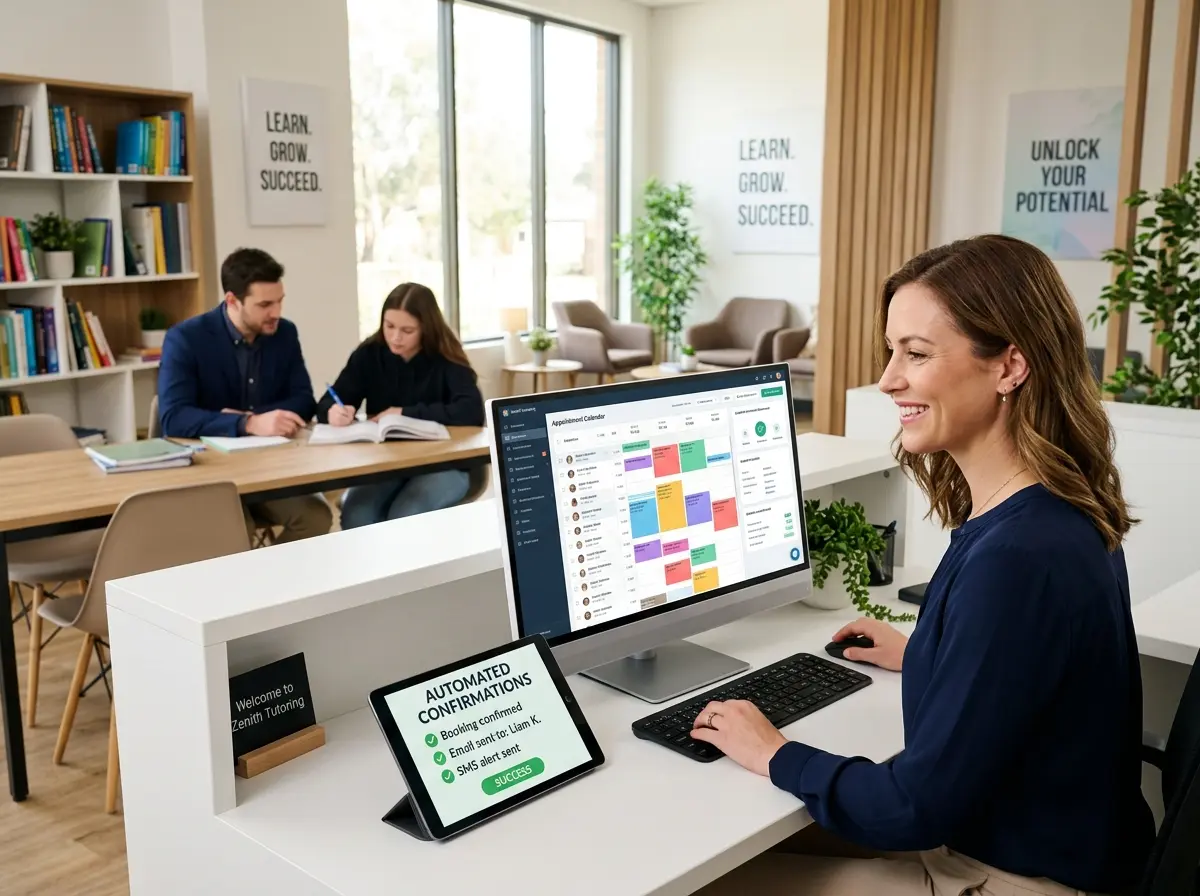
Speed matters. Research consistently shows that responding to a lead within the first five minutes increases conversion rates by up to 900% compared to waiting even 30 minutes. That's not a typo. For a tutoring center, this means having an automated confirmation email or text go out the moment a family completes an intake form — acknowledging their inquiry, sharing next steps, and setting expectations.
From there, a simple automated sequence can handle the nurturing: a follow-up reminder 24 hours later if no session has been booked, a welcome message once enrollment is confirmed, and a pre-session reminder the day before the first appointment. None of this requires a staff member. It just requires setting it up once.
Step 3 — Connect Your Scheduling Tool to Everything Else
Scheduling software like Acuity Scheduling, Calendly for Teams, or industry-specific tools like TutorBird or Pike13 can be powerful — but only if they're connected to your intake process and your communication system. When a family books a session, it should automatically update tutor availability, trigger a confirmation, log the appointment in your CRM, and send reminders. If a session is canceled, that slot should reopen automatically.
The key is integration. A scheduling tool that lives in isolation is only marginally better than a paper calendar. One that connects to your intake forms, your CRM, and your communication system becomes the operational backbone of your entire center.
Quick Reminder About Stella
Stella is an AI robot employee and phone receptionist that works in-store as a human-sized kiosk and answers phone calls 24/7 for businesses of all kinds — including tutoring centers. She handles inquiries, collects intake information, manages a built-in CRM, and promotes your services without ever needing a break. At just $99/month with no upfront hardware costs, she's one of the most straightforward ways to professionalize your front-of-house operations immediately.
Start Small, Automate Consistently, and Watch the Chaos Shrink
If you've read this far and you're feeling slightly overwhelmed, take a breath. You don't have to automate everything at once. In fact, trying to overhaul your entire enrollment process in a weekend is a great way to create new problems while solving old ones. Start with one bottleneck — probably the one that costs you the most time or the most lost business — and build from there.
Here's a practical starting framework:
- Week 1: Audit your current inquiry-to-enrollment flow. Write down every manual step. Identify the two or three biggest time drains or drop-off points.
- Week 2: Set up a unified intake form and connect it to a basic CRM. Even a well-structured spreadsheet is a starting point.
- Week 3: Add automated confirmation and follow-up messages. Most email marketing tools (Mailchimp, ActiveCampaign, HubSpot) make this relatively straightforward.
- Week 4: Integrate your scheduling tool so it speaks to your intake process. Test the full flow from inquiry to booked session as if you were a new family.
From there, continue layering. Add phone coverage that doesn't rely entirely on human availability. Build out your CRM with richer student profiles. Use the data you collect to understand which enrollment channels are actually working and which ones are just making noise.
The tutoring centers that thrive aren't necessarily the ones with the best tutors — though that certainly helps. They're the ones that make it easy for families to enroll, easy to stay enrolled, and easy to refer others. Automation is how you build that experience at scale, without burning out your staff or your budget. And the best time to start is before the next parent calls at 7:43 PM and gets your voicemail instead of a welcome.