Introduction: The Follow-Up Problem Nobody Wants to Admit They Have
Let's be honest. You've got leads sitting in a spreadsheet somewhere — or worse, scribbled on a sticky note — that you fully intended to follow up with. Last Tuesday. Or maybe it was the Tuesday before that. The truth is, following up with every single lead is one of those tasks that sounds simple in theory but becomes a full-time job in practice. And you already have one of those.
Here's the uncomfortable statistic: 80% of sales require five or more follow-up touchpoints, yet nearly half of salespeople give up after just one attempt. That's not laziness — that's a bandwidth problem. There are only so many hours in the day, and manually tracking who you've contacted, when, and what you said is a recipe for burnout and lost revenue.
Enter CRM automation — the closest thing to cloning yourself without getting into science fiction territory. When set up correctly, a CRM with automation can follow up with every lead at exactly the right time, with exactly the right message, without you having to remember a single name. This post breaks down how to make that happen, practically and efficiently, so you can focus on running your business instead of playing catch-up.
Understanding CRM Automation and Why It's Not as Scary as It Sounds
What CRM Automation Actually Does
A CRM — Customer Relationship Management system — is essentially a database that holds all your contact information, interaction history, and lead details in one place. Automation takes that database and gives it a brain. Instead of manually sending a follow-up email two days after a consultation, you set up a rule that says: "When a new lead is added, wait two days and send this email." Done. It fires automatically, every time, for every lead, without you touching a thing.
Modern CRM automation handles a wide range of tasks: sending follow-up emails and texts, assigning leads to team members, updating contact statuses, triggering reminders, creating tasks, and even scoring leads based on their engagement. The goal is to make sure no lead falls through the cracks — because in business, a crack in your follow-up process is just a revenue leak with a different name.
The Anatomy of a Good Automated Follow-Up Sequence
A solid follow-up sequence isn't just a barrage of "Hey, just checking in!" messages. It's a thoughtful, staged communication plan that moves a lead through your pipeline based on where they are in the decision-making process. Here's a simple structure that works across most industries:
- Day 1 — Immediate acknowledgment: An automated text or email confirming you received their inquiry and setting expectations for next steps.
- Day 3 — Value add: A follow-up email that provides something useful — an FAQ, a case study, a promotion, or a link to book an appointment.
- Day 7 — Soft check-in: A brief, friendly message asking if they have any questions or need help deciding.
- Day 14 — Final nudge: A last-chance message that might include a limited offer or a simple "still interested?" prompt.
This sequence can be adjusted to fit your sales cycle. A law firm might extend these intervals significantly; a restaurant promoting a weekend special might compress them to 48 hours. The key is consistency — every lead gets the same quality of attention, regardless of how busy your team is that week.
Segmentation: Because Not Every Lead Is the Same
One-size-fits-all automation is better than no automation, but smart automation is better still. Most CRM platforms allow you to segment leads by how they came in — phone call, web form, walk-in, referral — and tailor your follow-up sequences accordingly. A lead who called asking about pricing deserves a different message than someone who visited your website and downloaded a brochure. Use tags, custom fields, and contact notes to capture context at the point of entry, and let your automation do the rest. The more relevant your follow-up feels, the more likely it converts.
How Stella Fits Into Your Lead Capture and CRM Workflow
Capturing Leads Before They Even Hit Your CRM
Automation only works if leads are actually getting into your CRM — and that's where the process often breaks down before it even starts. Stella, the AI robot employee and phone receptionist, solves this problem elegantly. Whether she's greeting customers at your physical location through her in-store kiosk or answering phone calls around the clock, Stella collects customer information through conversational intake forms and feeds it directly into her built-in CRM — complete with custom fields, tags, notes, and AI-generated contact profiles.
Think about what that means in practice. A potential client calls your office at 9 PM on a Friday, which would normally go to voicemail and then promptly be forgotten until Monday morning. Stella answers the call, has a natural conversation, collects their name, contact details, and reason for calling, and creates a contact record with an AI-generated summary — all before your staff even knows the call happened. Push notifications go to your managers, the lead is logged, and your automated follow-up sequence can trigger the moment they're entered into the system. No leads lost. No Monday morning scramble.
Setting Up Automation That Actually Converts
Choosing the Right Triggers and Conditions
The engine of any CRM automation is the trigger — the event that starts the sequence. Common triggers include a new contact being added, a form submission, a specific tag being applied, or a lead status changing. The mistake most business owners make is setting up triggers that are too broad. If every single contact in your CRM gets the same follow-up sequence, you'll end up emailing customers who already bought something, which is awkward for everyone.
Take the time to map out your customer journey and identify the specific moments where follow-up is most valuable. A new inquiry from a first-time contact? Trigger a welcome and nurture sequence. A lead who opened your email three times but never booked? Trigger a high-intent follow-up with a direct call-to-action. A customer who hasn't visited in 90 days? Trigger a re-engagement campaign with a special offer. Precision in your triggers means your automation feels personal — not like a robot firing off messages into the void.
Writing Follow-Up Messages That Don't Sound Automated
Here's the great irony of marketing automation: the goal is to sound like you wrote it yourself. Nobody wants to receive an email that reads like it was generated by a template — even if it was. A few principles to keep your automated messages sounding human:
- Use first names and any other personalization tokens your CRM supports.
- Keep the tone conversational, not corporate. Write the way you'd actually speak to a customer.
- Be specific. Reference the service they asked about, the location they visited, or the product they were interested in.
- Have a clear, single call-to-action. Don't ask them to call, email, visit, and share on social media all in the same message.
- Keep it short. Most follow-up messages should be readable in under 30 seconds.
Test your sequences by sending them to yourself first. If you'd roll your eyes reading it, your leads will too.
Measuring What's Working and Pruning What Isn't
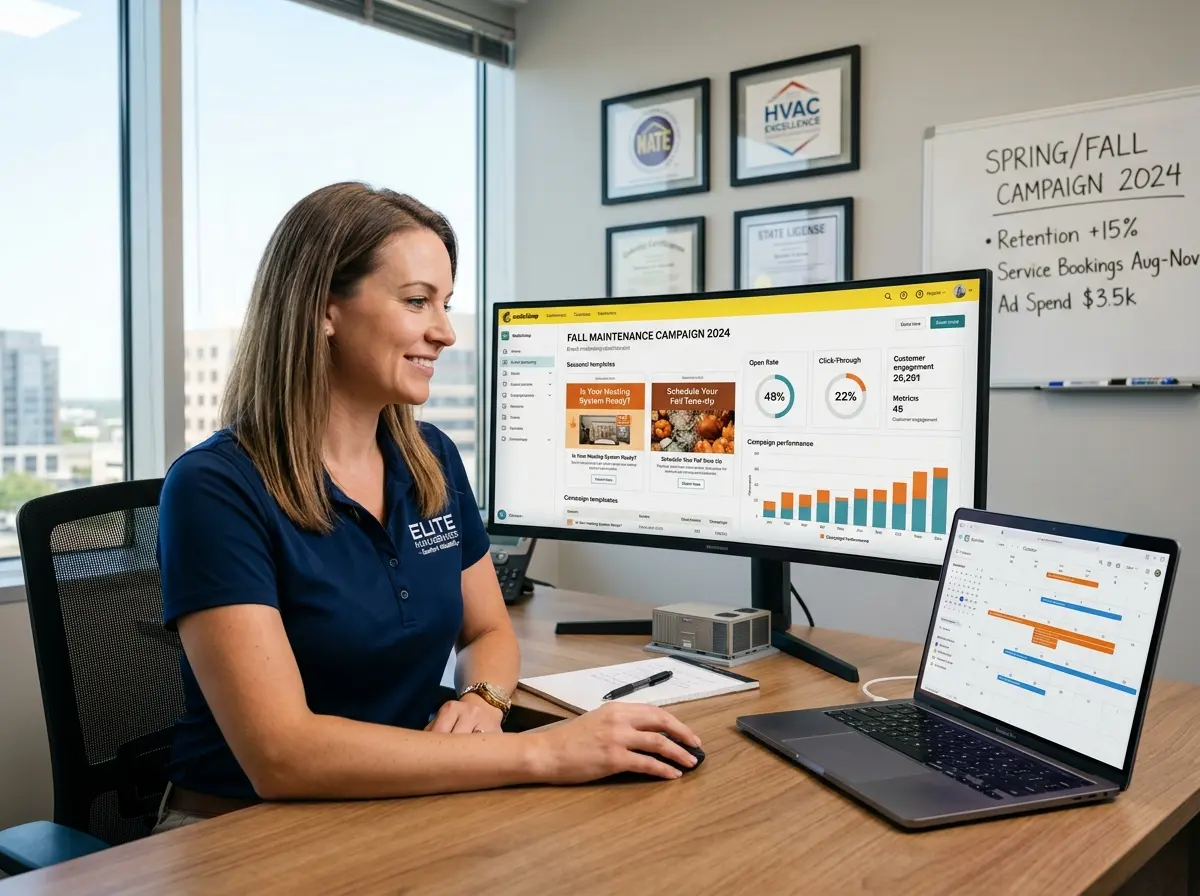
Setting up automation and walking away is like planting a garden and never watering it. Most CRM platforms give you open rates, click rates, response rates, and conversion data at the sequence level. Use these numbers. If your Day 3 email has a 5% open rate, something is wrong — either the subject line, the timing, or the message itself. A/B test your subject lines. Try sending at different times of day. Swap out your call-to-action. Automation gives you scale; analytics give you the intelligence to make that scale actually productive.
Aim to audit your sequences quarterly. Offers change, pricing changes, and the language that resonated six months ago might feel stale today. Treat your automation like a living system, not a set-it-and-forget-it solution — even though, for the most part, it beautifully is one.
Quick Reminder About Stella
Stella is an AI robot employee and phone receptionist that works 24/7 — greeting customers at your physical location through her in-store kiosk, answering phone calls with full business knowledge, collecting lead information through conversational intake forms, and managing contacts through a built-in CRM. She's available for just $99/month with no upfront hardware costs, and she never calls in sick, takes a lunch break, or forgets to follow up.
Conclusion: Stop Losing Leads to a Calendar You Never Check
CRM automation isn't about replacing the human element of your business — it's about making sure the human element actually shows up, consistently, for every single lead. When your follow-up process depends entirely on someone remembering to do it, you're one busy week away from a pipeline full of cold leads and missed opportunities.
Here's your action plan to get started:
- Audit your current lead capture process. Where are leads coming in, and are they all making it into a central CRM? If the answer involves sticky notes or memory, fix that first.
- Map your customer journey. Identify the key moments where timely follow-up would make the biggest difference in your conversion rate.
- Build a simple sequence first. Don't try to automate everything at once. Start with a three-to-four step new lead sequence and get it working well before expanding.
- Personalize your messages using the data your CRM collects — and make sure that data is being captured accurately at the point of entry.
- Review your metrics monthly and make small, informed improvements over time.
The businesses that win aren't necessarily the ones with the biggest teams or the biggest budgets. They're the ones who never let a lead go cold while they were busy doing everything else. With the right automation in place, you don't have to choose between running your business and following up with every lead. You can do both — and one of them won't even require you to lift a finger.