Running a Spa With Multiple Service Providers Is Basically Project Management in a Robe
Let's be honest — managing a spa sounds like the most serene job in the world. Soft music, essential oils, maybe a complimentary cucumber water. And then reality shows up: three estheticians, two massage therapists, a nail tech who works Tuesdays and Thursdays only, a part-time waxing specialist, and a full appointment book that somehow still manages to double-book clients and leave providers standing around awkwardly. Relaxing, right?
If you're running a multi-provider spa, you already know that the hardest part isn't the services — it's the scheduling. One wrong click and you've got two clients showing up for the same massage room, a therapist sitting idle, and a front desk person on the verge of a breakdown that would benefit from one of your own stress-relief treatments.
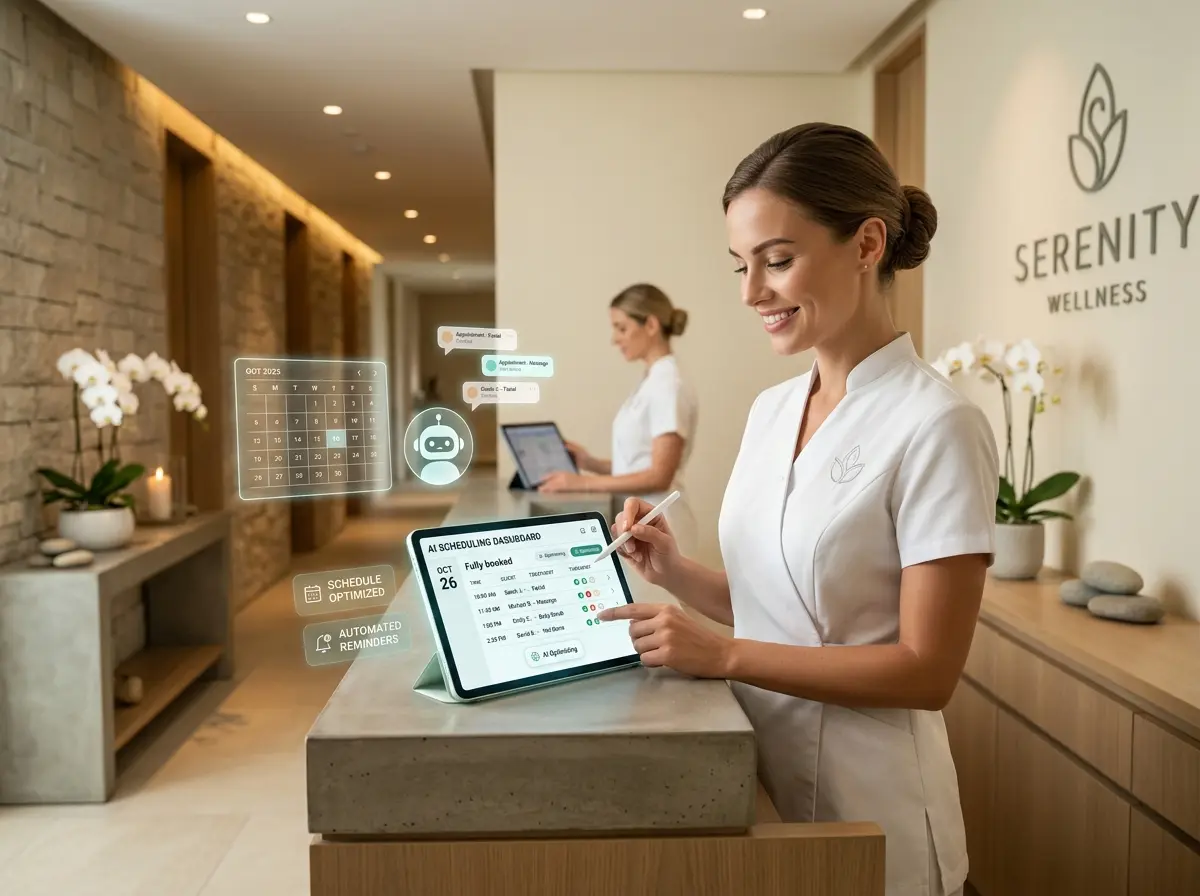
The good news? Scheduling software has come a long way, and when used correctly, it can transform the chaotic circus of multi-provider management into a smooth, professional operation that actually runs itself — or close enough. Here's how to make it work for you.
Setting Up Your Scheduling System the Right Way
Most spa owners install scheduling software and immediately wonder why everything still feels disorganized. The answer, almost universally, is that the system wasn't configured with the specifics of a multi-provider environment in mind. Out of the box, most tools are generic. Your job is to make them specific.
Build Individual Provider Profiles With Accurate Availability
The foundation of any functional multi-provider scheduling setup is accurate, granular availability data for each team member. This means going beyond "works Monday through Friday" and getting into the details: which services each provider is certified to perform, how long each service realistically takes (including turnover and prep time), any recurring time blocks for training or breaks, and any rooms or equipment that a given service requires.
For example, if your deep tissue massage therapist can only work in Room 2 because that's where the heated table is, that constraint needs to live in the system — not in someone's memory. According to industry research, human error in manual scheduling accounts for a significant portion of no-shows and double bookings in service businesses. Getting the profile setup right upfront is tedious but worth every minute.
Use Service Duration Buffers — Seriously, Use Them
One of the most overlooked features in scheduling software is the buffer time setting, and it's one of the most important for spas specifically. Every appointment needs breathing room: time for the client to dress and check out, time for the provider to reset the room, time for a quick intake conversation with the next guest. Without buffers baked into the system, your schedule looks perfect on paper and falls apart in real life by 11:00 a.m.
A good rule of thumb is to add 10–15 minutes of buffer after any service lasting 60 minutes or more, and 5–10 minutes for shorter services. Build this into the software so it's automatic — don't rely on providers or front desk staff to remember it manually.
Leverage Resource Management Features for Rooms and Equipment
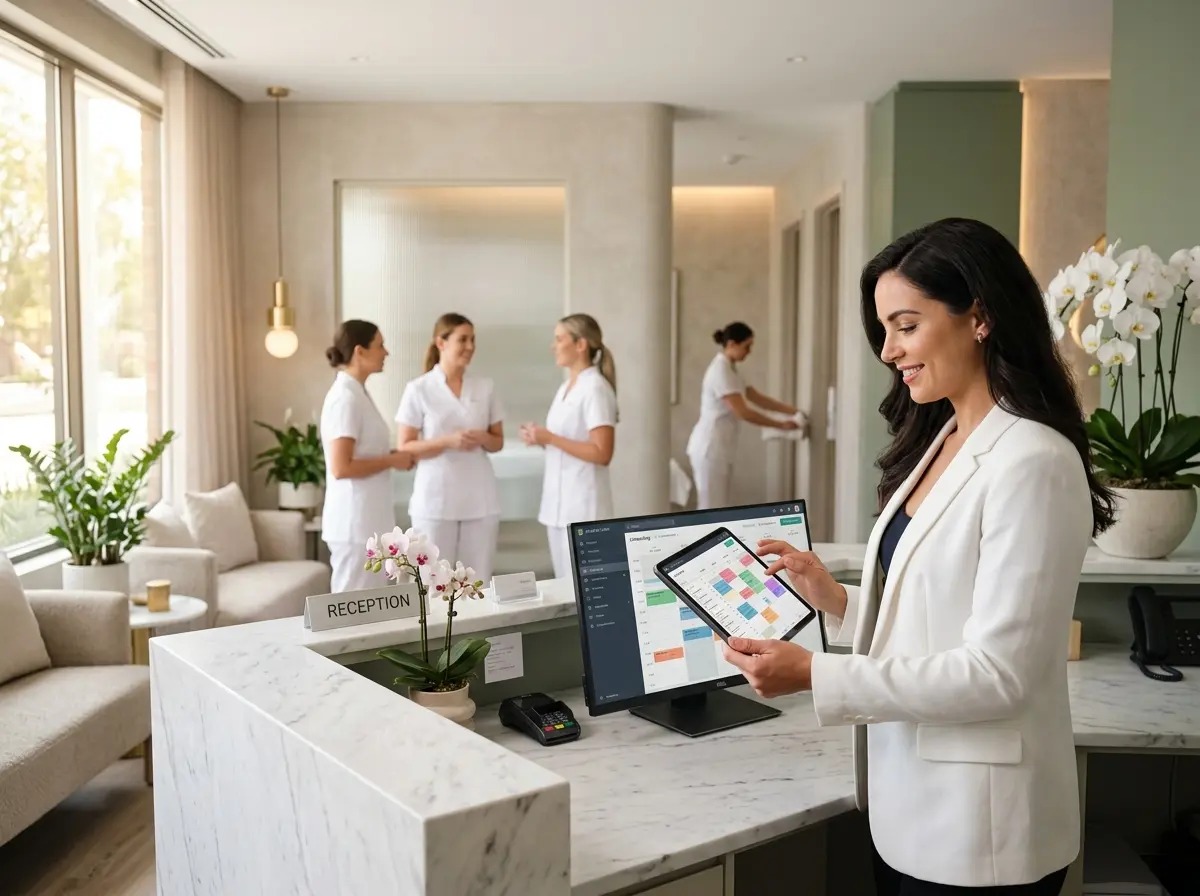
Beyond provider availability, many scheduling platforms allow you to manage physical resources like treatment rooms, facial chairs, steam rooms, or specialized equipment. Tying services to specific resources prevents the nightmare scenario where two providers are technically "available" but there's only one room for the service they're both about to perform. If your software supports resource-level booking, enable it and configure it thoroughly. It's one of those features that feels like overkill until the day it saves you from a very awkward situation involving two clients, one room, and a lot of explaining.
Streamlining the Front-of-House Experience While You Focus on Operations
Scheduling software handles the back-end logic beautifully, but the front-of-house experience — greeting walk-ins, answering calls, fielding questions about services and pricing — still demands attention. That's where a tool like Stella, the AI robot employee and phone receptionist, can take a meaningful load off your team.
Never Miss a Walk-In or Phone Call During Peak Hours
During busy periods, your front desk is juggling check-ins, checkouts, phone calls, and the occasional client who "just has a quick question" that takes fifteen minutes. Stella can greet every walk-in customer proactively, answer questions about services, pricing, and availability, and handle incoming calls 24/7 — including after-hours calls from clients trying to book late at night. She can even collect client information through conversational intake forms, feeding clean data directly into your CRM so your providers walk into each appointment prepared. For a multi-provider spa where first impressions matter enormously, having a reliable, professional presence at the front that never has a bad day is genuinely useful.
Managing Provider Performance and Optimizing Your Schedule Over Time
Getting your scheduling system configured is step one. Step two — the one most spa owners skip — is actually using the data it generates to make smarter decisions about how you run your operation.
Track Utilization Rates by Provider
Most scheduling platforms with multi-provider support will give you utilization reports: what percentage of each provider's available time is actually booked? If one of your massage therapists is running at 90% capacity and another is consistently at 50%, that's important information. It might mean you need to promote the underbooked provider more aggressively, adjust their service offerings, or have a candid conversation about fit. Utilization data removes the guesswork and gives you something concrete to work with.
Industry benchmarks suggest that a healthy service provider utilization rate for spas sits somewhere between 75–85%. Below that, you're leaving revenue on the table. Above 90% consistently, you're heading toward burnout territory, which is a different kind of problem. Use your scheduling software to monitor this actively, not just when something goes wrong.
Analyze Booking Patterns to Reduce Dead Time
Dead time — those frustrating gaps between appointments that aren't long enough to book another service but are long enough to be annoying — is one of the silent killers of spa profitability. The right scheduling software will show you where these gaps cluster by day, time, and provider, and that pattern data is genuinely actionable.
If you notice a consistent mid-afternoon slump on Wednesdays, that's your cue to run a midweek promotion, offer express add-on services that fit neatly into a 30-minute window, or adjust your booking intervals slightly to push appointments closer together. A few percentage points of improvement in utilization across your team can translate to meaningful revenue gains over the course of a year.
Empower Providers With Self-Service Schedule Management
If your scheduling software supports a provider-facing portal or app, use it. Giving your team visibility into their own upcoming appointments, the ability to flag conflicts or request time off, and access to client notes before sessions dramatically reduces the administrative back-and-forth that eats up your day. It also tends to improve provider satisfaction — people generally prefer having some autonomy over their own schedules rather than waiting to be told what's happening. Fewer texts from your team asking "what time is my next client?" is, frankly, its own reward.
A Quick Reminder About Stella
Stella is an AI robot employee and phone receptionist designed to handle the customer-facing tasks that pull your team away from delivering great service. She stands inside your spa as a human-sized kiosk, greeting visitors and answering questions naturally, while simultaneously managing phone calls around the clock. At just $99/month with no upfront hardware costs, she's one of the more straightforward ways to add a professional, tireless presence to your front of house without adding headcount.
Putting It All Together: Your Next Steps
Managing multiple service providers at a spa will never be completely effortless — people are complex, schedules shift, and no software has yet figured out how to handle a provider calling in sick on your busiest Saturday of the month. But the right scheduling system, configured thoughtfully and used consistently, can eliminate the majority of the friction that makes multi-provider management so exhausting.
Here's where to start:
- Audit your current setup. If you're already using scheduling software, spend an hour reviewing your provider profiles, service durations, and resource assignments. Chances are there's at least one configuration gap that's been quietly causing problems.
- Enable buffer times. If you haven't already, turn on automatic buffers for every service category and adjust them based on real-world turnover times at your location.
- Pull a utilization report. Look at the last 60–90 days of booking data by provider. Identify your top performers and your underutilized team members, and make a plan for each.
- Identify your dead time patterns. Look for recurring gaps in the schedule and think creatively about how to fill them with targeted offers or adjusted booking logic.
- Shore up your front-of-house. Whether that means better front desk training, additional staffing, or bringing in a solution like Stella to handle walk-ins and calls, make sure the client experience at the front matches the quality of what's happening in your treatment rooms.
Your spa is in the business of helping people relax. It would be a shame if the business side of running it was what kept you stressed. Get the scheduling infrastructure right, and you'll spend a lot more time doing what you actually love — and a lot less time untangling calendar chaos.