Running a Spa With Multiple Service Providers Is an Art Form — Here's How to Actually Pull It Off
Picture this: It's a busy Saturday morning at your spa. You have three estheticians, two massage therapists, and a nail technician all booked back-to-back. Your phone is ringing off the hook, a client is asking why her 11 a.m. facial somehow got double-booked with another client's body wrap, and someone just called in sick. Meanwhile, you're standing at the front desk holding a lukewarm coffee, wondering why you ever thought owning a spa would be relaxing.
Sound familiar? Managing multiple service providers at a spa is one of those challenges that looks simple from the outside — "You just make appointments, right?" — but is actually a masterclass in logistics, communication, and keeping everyone happy simultaneously. The good news is that the right scheduling software can transform this chaos into something that actually resembles a well-run business. Let's walk through how to use it properly.
Setting Up Your Scheduling Software the Right Way
The biggest mistake spa owners make with scheduling software is treating it like a digital appointment book and nothing more. That approach is roughly equivalent to buying a smartphone and only using it to make calls. The real power lies in configuration — getting your system set up to reflect the actual complexity of your operation before a single appointment is ever booked.
Build Out Individual Provider Profiles and Availability
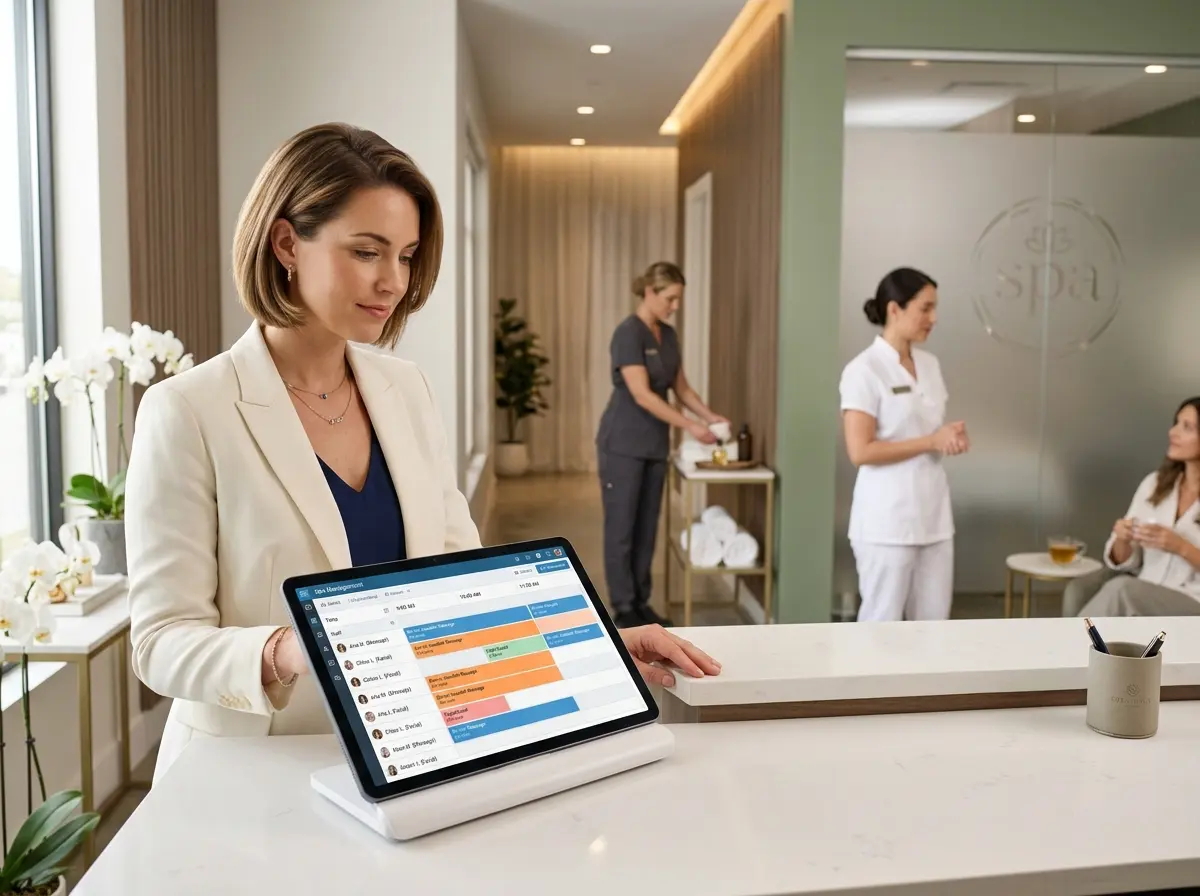
Every service provider at your spa has a unique skill set, availability window, and set of services they're certified or licensed to perform. Your scheduling software needs to reflect all of this accurately. Start by creating individual profiles for each provider and assigning only the services they're qualified to perform. This prevents clients from accidentally booking a deep tissue massage with your nail technician — a scenario that's both unhelpful and mildly concerning.
Set precise availability windows for each provider, including their break times, lunch hours, and any recurring days off. Most modern scheduling platforms allow you to configure buffer times between appointments as well, which is invaluable in a spa setting where rooms need to be cleaned and reset between clients. A 10-minute buffer might not sound like much, but it's the difference between a smooth operation and a provider rushing past a client in the hallway while carrying a stack of towels.
Define Your Services With Accurate Time and Resource Requirements
Each service at your spa doesn't just require a provider — it often requires a specific room, equipment, or product setup. A hot stone massage needs a room with a heated stone warmer. A chemical peel needs a treatment room with proper ventilation. Your scheduling software should allow you to assign resource requirements to each service type so the system automatically checks for availability of both the provider and the necessary space.
Be brutally honest about service durations when you set them up. If a 60-minute facial realistically takes 75 minutes by the time the provider wraps up, cleans the room, and documents the session, then schedule it for 75 minutes. Padding your durations might feel like lost revenue, but double-booking disasters cost far more in client goodwill and staff stress.
Enable Online Booking With Smart Rules
Online booking is no longer a luxury — it's an expectation. According to industry data, over 70% of clients prefer to book appointments outside of business hours, which means if your spa requires a phone call during a 9-to-5 window, you're leaving money on the table. Enable online booking through your scheduling software and configure it with smart rules: minimum lead times, cancellation policies, and deposit requirements for high-demand time slots or specialty services.
Set maximum booking windows as well. Allowing clients to book six months out might sound great, but it often leads to high no-show rates because life happens. A four-to-six week booking window tends to hit the sweet spot for most spa businesses.
Keeping Your Front Desk (and Your Sanity) Under Control
Even the most beautifully configured scheduling software can't run itself entirely — but it can dramatically reduce the manual workload on your front desk staff. One area where many spas struggle is managing inbound communication: the calls, the questions, the "can you just check if Maria has any openings on Thursday?" inquiries that stack up throughout the day and pull your team away from clients who are actually standing in front of them.
Let Technology Handle the Repetitive Communication
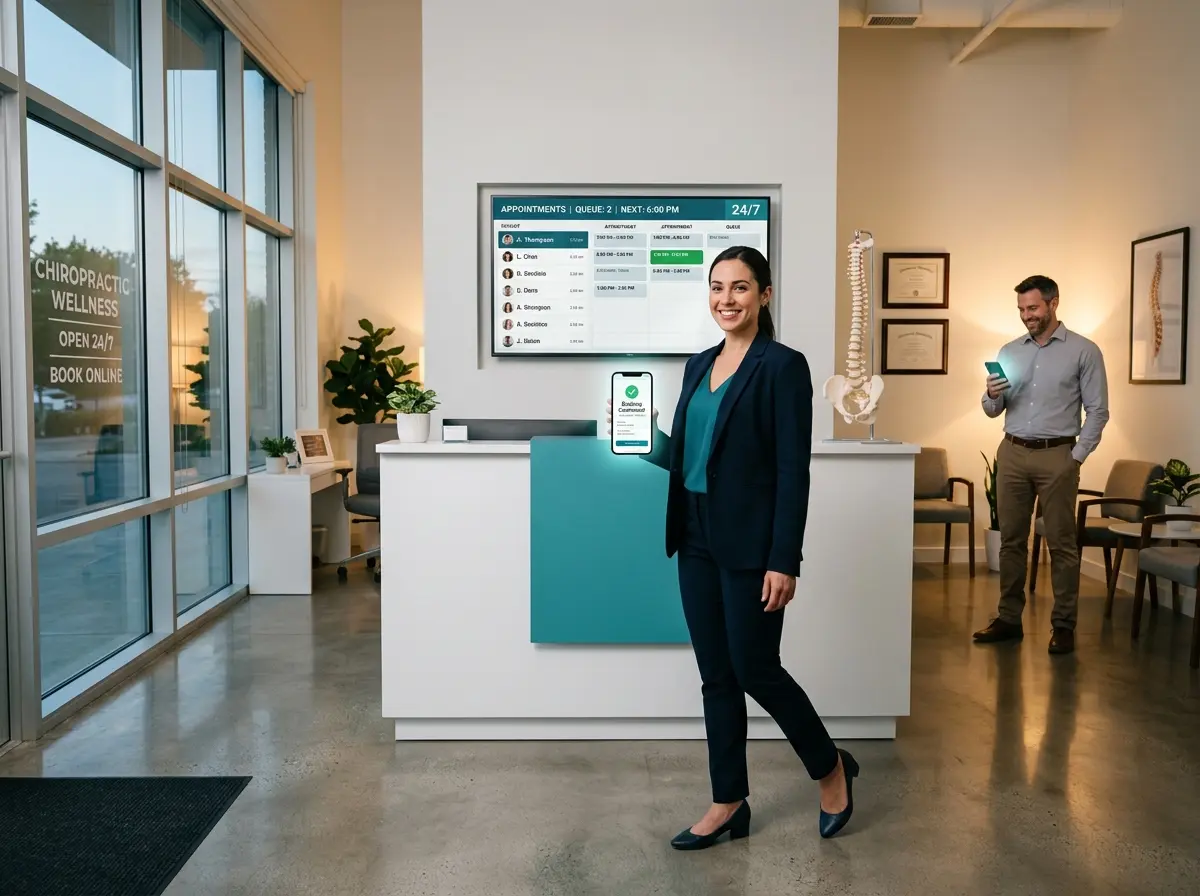
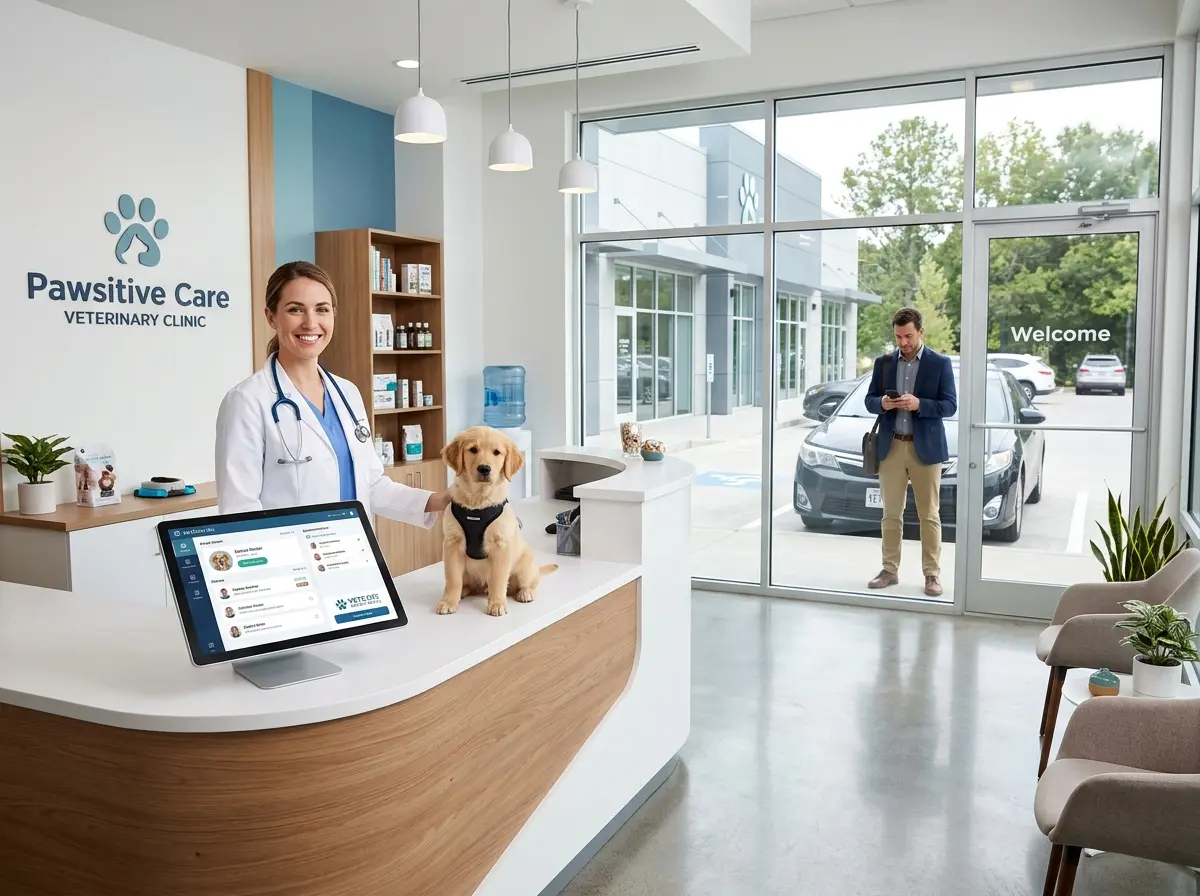
This is where Stella, the AI robot employee and phone receptionist, can genuinely make a difference for spa owners. Stella can answer phone calls around the clock, fielding questions about your services, pricing, provider availability, and policies without pulling a human staff member away from a paying client. For spas with a physical location, she also operates as an in-store kiosk — greeting walk-in clients, sharing current promotions, and answering questions while your team focuses on delivering exceptional service in the treatment rooms.
Stella also handles intake through conversational forms and maintains a built-in CRM, which means new client information gets captured and organized without your receptionist manually typing notes between calls. For a spa managing multiple providers and a growing client base, that kind of automation isn't just convenient — it's a genuine operational advantage.
Managing Conflicts, No-Shows, and Last-Minute Changes
No matter how well your system is configured, real life will occasionally throw a wrench into your perfectly organized schedule. A provider calls in sick. A client no-shows for the third time. A walk-in wants the only appointment slot that's technically available but creates a logistical nightmare. How you handle these situations determines whether your spa runs smoothly or spends every Saturday in a mild state of crisis.
Create a Clear Protocol for Provider Absences
Every spa needs a documented protocol for handling provider absences, and your scheduling software should support it. When a provider calls in sick, you need to be able to quickly identify all affected appointments, notify those clients automatically, and either offer rebooking options or reassign them to another qualified provider if one is available. Many scheduling platforms offer automated notification workflows — use them. Manually calling fifteen clients on a Tuesday morning is no one's idea of a good time.
Consider maintaining a small roster of on-call or part-time providers for exactly these situations. Even one reliable backup per specialty can save you from the nightmare scenario of turning away a full day's worth of appointments.
Tackle No-Shows With Policy and Automation
No-shows are a revenue leak that scheduling software can help plug significantly. Implement automated appointment reminders via text and email — research consistently shows that reminder messages sent 48 hours and again 24 hours before an appointment can reduce no-show rates by up to 29%. Most scheduling platforms offer this functionality, and if yours doesn't, it might be time to evaluate your options.
Pair reminders with a clear cancellation policy that requires a credit card to hold appointments for first-time clients or specialty services. Enforce it consistently. Your providers' time has real dollar value, and protecting it is simply good business.
Use Waitlists Strategically
A well-managed waitlist is an underutilized goldmine in the spa industry. When cancellations happen — and they will — your scheduling software should automatically notify waitlisted clients in the order they signed up. This turns what would have been a revenue gap into a filled appointment with minimal human effort. Some platforms even allow clients to self-add to waitlists for specific providers, which reduces front desk calls and empowers clients to stay engaged with your booking process.
Quick Reminder About Stella
Stella is an AI robot employee and phone receptionist built for businesses like yours — available as a physical in-store kiosk and as a 24/7 phone answering solution. At just $99/month with no upfront hardware costs, she's designed to handle the repetitive, time-consuming communication tasks that pull your team away from what matters most. For spa owners managing busy schedules and multiple providers, she's worth a serious look.
Your Next Steps Toward a Scheduling System That Actually Works
Managing multiple service providers at a spa will never be entirely effortless — there are simply too many variables, too many personalities, and too many client preferences at play. But the right scheduling software, configured thoughtfully and paired with smart automation, can take you from reactive chaos to proactive control.
Start with a thorough audit of your current setup. Are your provider profiles accurate? Are your service durations realistic? Do you have automated reminders and a functioning waitlist in place? If the answer to any of those is "sort of" or "we've been meaning to fix that," now is the time. Make a prioritized list and tackle one improvement per week — within a month, you'll have a noticeably more functional operation.
Then take a hard look at your front desk communication load. If your staff is spending significant portions of their day answering the same ten questions over the phone, that's a solvable problem. Technology exists specifically to handle that workload — let it. Your team's energy is better spent on the clients in front of them and the experiences that keep those clients coming back.
A well-scheduled spa isn't just more efficient — it's more profitable, less stressful, and frankly, a much better reflection of the serene, polished brand you've worked hard to build. And maybe, just maybe, you'll actually get to drink your coffee while it's still warm.