Running a Law Practice Solo: Brilliant Career Move or Scheduling Nightmare?
Let's be honest — you didn't go to law school to spend your afternoons playing phone tag with prospective clients, manually confirming appointments, or chasing down intake forms that somehow never make it back to your desk. And yet, here we are.
Solo attorneys are one of the fastest-growing segments of the legal profession. According to the American Bar Association, nearly 49% of lawyers in private practice work in firms of one — which sounds empowering until 11:37 AM on a Tuesday when you're mid-deposition and your phone rings for the fourth time from a number you don't recognize. Do you answer? Do you let it go to voicemail? Do you quietly question every life decision that led to this moment?
The good news: there is a better way. A lean, well-orchestrated scheduling automation stack can handle the administrative chaos of a solo practice — intake, scheduling, reminders, follow-ups — without requiring you to hire a full-time receptionist, a part-time scheduler, and a personal assistant who somehow still can't figure out your calendar. Let's break it down.
Building the Foundation: Intake, Scheduling, and Calendar Sync
The first thing to understand about scheduling automation is that it's not one tool — it's a stack. Each layer handles a specific job, and when they work together, the whole thing hums along quietly in the background while you do the actual work you're being paid to do.
Smart Intake Forms That Do the Screening for You
Before a client ever lands on your calendar, they should be pre-qualified. The days of scheduling a 30-minute consultation only to discover five minutes in that the caller has a legal question in a completely different practice area — or worse, wants free advice — are officially over.
Tools like Typeform, Jotform, or the intake features built into legal practice management platforms like Clio or MyCase allow you to build conditional intake forms that ask the right questions up front. What type of matter is this? Has litigation already been filed? What's the estimated timeline? Is there an opposing party with legal representation?
By routing prospects through a structured intake form before they book, you filter out mismatches, gather the information you need to prepare, and signal to serious clients that your practice runs professionally. Pair your intake form with a tool like Zapier to automatically push responses into your CRM, tag the contact appropriately, and trigger the next step in your workflow — all without lifting a finger.
Online Scheduling That Respects Your Time (and Theirs)
If you're still emailing back and forth to find a meeting time, you are leaving real time — and real money — on the table. Tools like Calendly, Acuity Scheduling, or the scheduling module inside Clio allow clients to self-book based on your real-time availability. You set the rules: buffer times, maximum daily consultations, appointment types, and blackout windows for court days or focused work blocks.
The beauty of this setup is that a prospective client can complete your intake form at 9 PM on a Sunday, get automatically routed to your scheduling page, and book a consultation for Thursday morning — all without a single human being involved. That consultation appears on your calendar with their intake information already attached. It's almost unfairly efficient.
Calendar Sync and Conflict Prevention
One calendar to rule them all. Seriously — pick one master calendar (Google Calendar and Outlook are both excellent) and make sure every tool in your stack syncs to it bidirectionally. Your scheduling tool should check it before offering available slots. Your practice management software should write to it when court dates and deadlines are entered. Your video conferencing tool should create meeting links automatically.
Double-bookings and missed conflicts are embarrassing at best, malpractice-adjacent at worst. A properly synced calendar stack eliminates both. Tools like Zapier or Make (formerly Integromat) can bridge any gaps between platforms that don't natively integrate.
Never Miss a Call — Or a Client — Again
Here's where a lot of solo attorneys quietly lose business without even realizing it. A prospective client calls, nobody answers, they don't leave a voicemail, and they call the next attorney on their list. That's a retained client that simply walked out the door because you were in a meeting, in court, or just couldn't get to the phone in time.
AI Phone Answering for the Always-On Practice
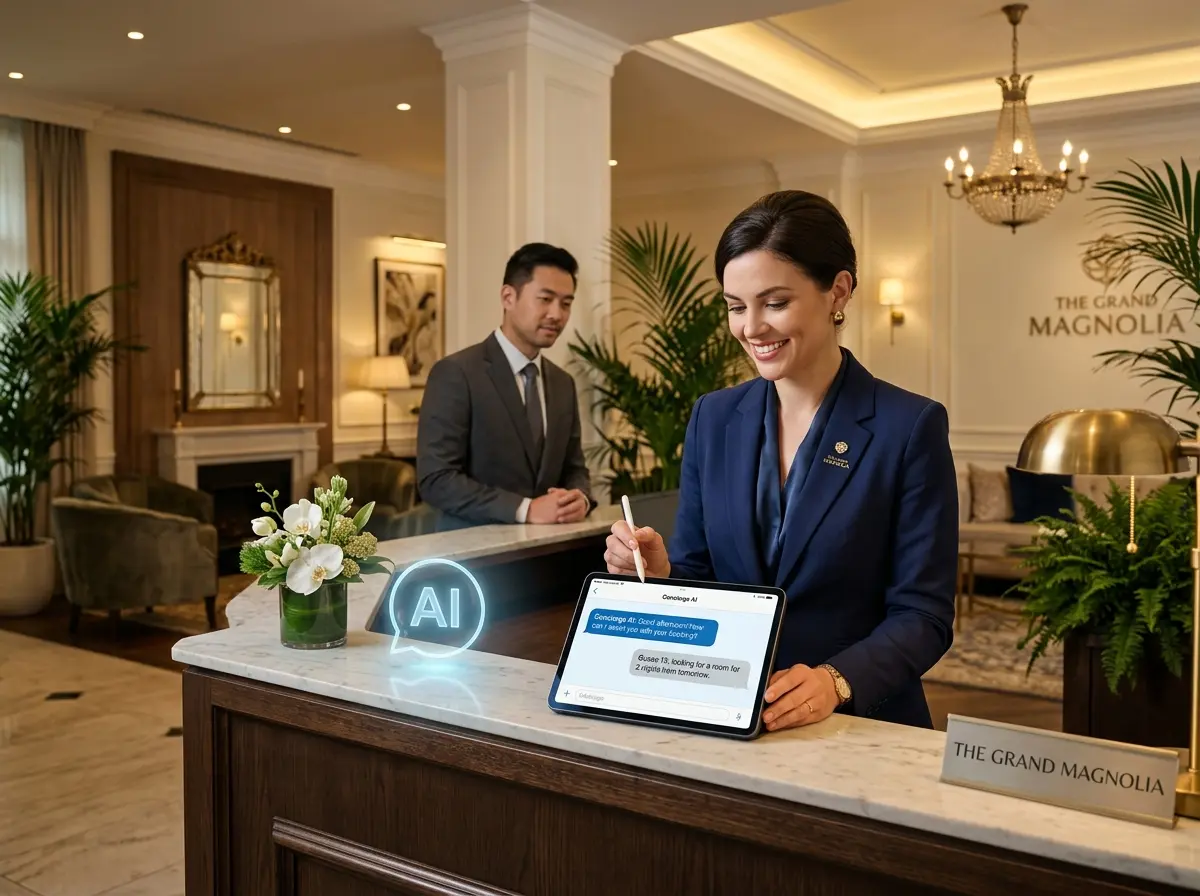
This is exactly the gap that Stella was built to fill. Stella is an AI receptionist that answers your phone calls 24/7 — nights, weekends, holidays, and yes, during depositions — with the same knowledge about your practice that a trained human receptionist would have. She can answer questions about your services, practice areas, office hours, and consultation process. She can walk callers through a conversational intake form to gather their information before you ever speak with them. And if a call genuinely needs a human, she can forward it based on conditions you configure.
For a solo attorney, Stella's built-in CRM means that every caller's information is automatically captured, tagged, and organized — complete with AI-generated profiles and call summaries pushed to your phone as notifications. You can review who called, what they needed, and how urgent it is, all without listening to a single voicemail. That's not a luxury. For a solo practice, that's a genuine competitive advantage.
Automating Reminders, Follow-Ups, and No-Show Prevention
Getting a consultation booked is only half the battle. The other half is making sure the client actually shows up, comes prepared, and doesn't cancel at the last minute because they forgot the appointment existed.
Automated Reminder Sequences That Actually Work
A solid reminder sequence for a legal consultation looks something like this: a confirmation email immediately after booking, a reminder email 48 hours before the appointment, and a text message reminder two hours before. This alone can reduce no-show rates dramatically — studies in professional services consistently show that SMS reminders reduce no-shows by 30 to 40 percent.
Tools like Acuity Scheduling, Calendly (with email workflows), or your practice management software can handle this automatically. For SMS, platforms like SimpleTexting or Twilio integrate cleanly via Zapier if your scheduling tool doesn't have native text support. Set it up once, and it runs forever.
Post-Consultation Follow-Up Without the Manual Labor
The follow-up after a consultation is where a surprising number of solo attorneys drop the ball — not from negligence, but from sheer volume of tasks competing for attention. Automating this is straightforward. After a consultation is marked complete in your calendar or CRM, trigger an automated email that thanks the prospect for their time, outlines any next steps discussed, and includes a link to your engagement agreement or onboarding materials if they're moving forward.
If the prospect doesn't move forward immediately, a gentle follow-up sequence at three days and seven days can re-engage fence-sitters. Many retained clients are simply the ones who got a timely nudge. Use a tool like HubSpot (free tier is robust), ActiveCampaign, or the CRM built into your practice management platform to manage these sequences without manually sending a single email.
Handling Cancellations and Reschedules Gracefully
Cancellations are going to happen. The goal isn't to eliminate them — it's to handle them without creating manual work for yourself and to recover the slot when possible. Configure your scheduling tool to automatically offer a reschedule link when a cancellation occurs, and consider enabling a waitlist feature so that a cancelled slot can be instantly offered to someone who wanted an earlier appointment. That's a cancelled consultation turned into a rescheduled one, completely on autopilot.
A Quick Reminder About Stella
Stella is an AI robot employee and phone receptionist built for businesses of all sizes — including solo law practices. She answers calls around the clock, collects intake information through natural conversation, and keeps your CRM updated automatically, all for $99 a month with no upfront hardware costs. For a solo attorney running a lean operation, she's the front-desk presence you've always needed without the overhead you've always dreaded.
Your Next Steps: Build the Stack, Reclaim Your Day
The scheduling automation stack for a solo attorney doesn't have to be complicated or expensive. In fact, the core of it — intake forms, online scheduling, calendar sync, automated reminders, and AI phone answering — can be up and running for well under $200 a month, which is a fraction of what a part-time receptionist would cost before you've even gotten to payroll taxes and benefits.
Here's a practical starting point to build your stack this week:
- Choose your practice management platform — Clio and MyCase both include scheduling, intake, CRM, and document management in one place.
- Add a dedicated scheduling tool — Calendly or Acuity for clean client-facing booking with robust automation options.
- Set up your intake form — Build it inside your practice management platform or use Typeform/Jotform and connect it via Zapier.
- Configure your reminder sequences — Email at 48 hours, SMS at 2 hours. Set it once.
- Add AI phone coverage — So that every call is answered, every lead is captured, and no prospective client hits voicemail and calls someone else.
The goal of all of this isn't to make your practice feel robotic — it's to make it feel reliable. Clients want responsiveness, professionalism, and clear communication. With the right automation stack in place, you can deliver all three consistently, even on your busiest days, without a single additional hire. That's the kind of operational leverage that turns a chaotic solo practice into a smooth, scalable one.
Now go answer that deposition question. The stack has got the phones covered.