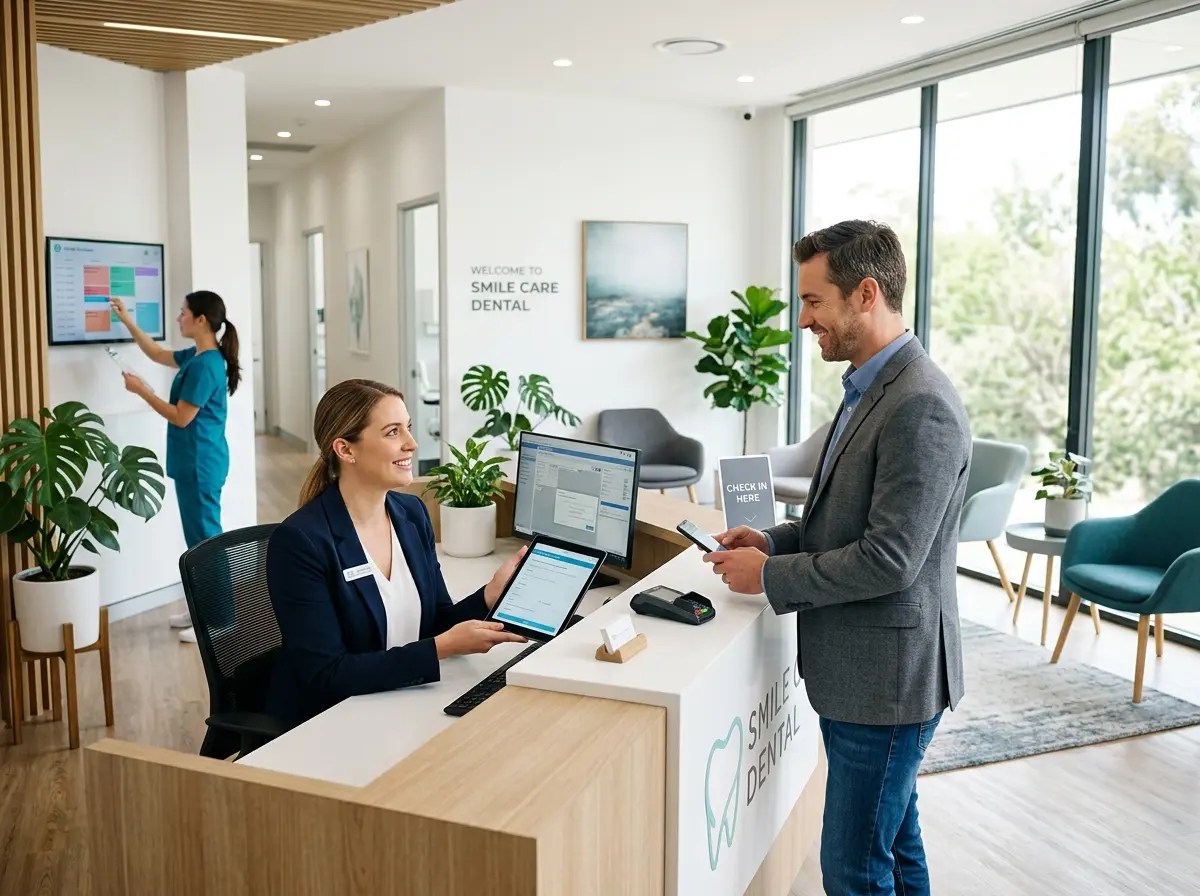
Introduction: The Waiting Room Shouldn't Feel Like a Waiting Game
Let's be honest — you didn't go to dental school to spend your afternoons chasing down patients who "forgot" their 2 PM cleaning, or watching your front desk staff manually re-enter the same patient information for the third time because the intake form was illegible. Yet here we are.
New patient intake and no-shows are two of the most persistent headaches in dental practice management, and they're costing you more than you think. Studies suggest that no-shows and late cancellations cost the average dental practice between $50,000 and $200,000 per year in lost revenue. That's not a rounding error — that's a serious problem with a serious solution.
The good news? With the right systems, processes, and a little technology, you can dramatically reduce the chaos at the front desk, get patients showing up on time, and make the intake process feel less like filling out a tax return and more like a warm welcome. This guide breaks it all down — practically, professionally, and with just enough humor to get you through the day.
Rethinking New Patient Intake From the Ground Up
The traditional new patient intake process — handing someone a clipboard with seven pages of forms the moment they walk in the door — is an artifact of a previous era. It's slow, error-prone, and frankly, it sets a tone that says "we're a little behind the times." Modern patients expect convenience. They want to do things on their phones, on their schedules, and without a pen that's running out of ink.
Go Digital Before They Ever Arrive
Digital intake forms are no longer a luxury — they're a standard expectation. Sending patients a link to complete their medical history, insurance details, and personal information before their appointment does several powerful things at once. It reduces the time your front desk spends on data entry, minimizes transcription errors, and dramatically shortens the patient's wait time when they arrive. Most practice management software platforms support this natively, or you can use standalone tools that integrate with your existing systems.
The key is timing. Send the intake link immediately upon scheduling — not the night before. Give patients at least 48 hours to complete it, and include a gentle reminder if they haven't. You'll be amazed how many people actually fill it out when it's easy and expected.
Standardize Your Intake Questions (And Actually Use the Data)
Many practices have intake forms that were designed a decade ago and never revisited. If you're asking for a fax number in 2024, it's time for an audit. Review your intake questions and make sure every field is something your team actually references. Ask about preferred communication methods, appointment reminders, and any anxiety around dental procedures — information that helps you personalize the visit, not just populate a spreadsheet.
Once you have clean, standardized data coming in, store it in a centralized system where your team can access it instantly. Custom fields, tags, and notes matter here. A patient who noted dental anxiety in their intake form should be flagged so the hygienist knows to take a gentler approach — that kind of detail turns a routine appointment into a memorable experience.
Train Your Front Desk Team on the Intake Flow
The best digital intake system in the world falls apart if your staff isn't using it consistently. Build a clear intake checklist, train your team on how to send forms, how to follow up, and how to handle patients who arrive without completing them. Inconsistency at the front desk creates friction — and friction leads to frustrated patients and missed data. A smooth intake process is a team effort, and it starts with everyone knowing their role in it.
How the Right Technology Can Handle the Front Desk Legwork
Dental practices are busy environments where the front desk team is often pulled in five directions at once. Phone ringing, patient checking in, insurance verification, appointment confirmations — it never really stops. This is exactly where smart technology earns its keep.
Letting AI Handle Intake and Calls So Your Team Doesn't Have To
Stella, an AI robot employee and phone receptionist, is built for exactly this kind of environment. For practices with a physical location, Stella stands in the waiting area or front lobby as a friendly, human-sized kiosk, greeting patients, answering common questions about services and policies, and even walking new patients through intake forms conversationally — right there at the kiosk, before they sit down. No clipboard required.
On the phone side, Stella answers calls 24/7 with the same knowledge your front desk staff uses daily — hours, services, insurance questions, appointment information — and can collect new patient intake information through a guided conversational flow during the call itself. All of that data feeds directly into her built-in CRM, complete with custom fields, tags, and AI-generated patient profiles, so nothing gets lost between the phone call and the appointment. At $99/month with no upfront hardware costs, it's a surprisingly affordable way to extend your front desk's capacity without adding headcount.
Reducing No-Shows Without Pestering Your Patients
No-shows are a complex problem with a simple core: patients forget, life happens, and not everyone feels a strong obligation to cancel in advance. The goal isn't to guilt-trip your patients into showing up — it's to make it so easy and so expected that not showing up becomes the exception rather than the rule.
Build a Reminder System That Actually Works
A single reminder the day before isn't enough anymore. Research consistently shows that a multi-touch reminder sequence — typically three contacts over the days leading up to an appointment — significantly reduces no-show rates. A good sequence might look like this: a confirmation text immediately after booking, a reminder email or text three days before, and a final reminder call or text the morning of the appointment.
The medium matters, too. Ask patients during intake how they prefer to be contacted. Some people respond to texts immediately; others still prefer a phone call. Giving patients the reminder in their preferred format increases the likelihood they'll actually engage with it — and either confirm or reschedule in advance, which is a win either way.
Make Cancellations and Rescheduling Frictionless
Here's a counterintuitive truth: the easier you make it to cancel, the fewer people actually ghost you. When patients know they can quickly text back "cancel" or click a link to reschedule, they're far more likely to communicate rather than just disappear. The alternative — making them call during business hours and wait on hold — means you're getting a no-show instead of a reschedule opportunity.
Consider adding a simple online booking or rescheduling option. It doesn't have to be complex. Even a basic link in your reminder messages that lets patients reschedule themselves keeps the relationship intact and opens your chair back up for someone else. A filled slot is always better than an empty one, even if it's a different patient.
Create a No-Show Policy That's Firm But Fair
Your practice should have a clear, written no-show and late cancellation policy — and patients should acknowledge it during intake. A policy that charges a modest fee for missed appointments without 24-hour notice isn't punitive; it's professional. Most patients respect a business that respects its own time. The key is communicating the policy warmly and clearly, not as a threat but as a standard. Include it in your intake forms, your appointment confirmations, and your website. When it's expected, it's rarely a surprise — and it quietly motivates patients to give you advance notice when plans change.
Quick Reminder About Stella
Stella is an AI robot employee and phone receptionist that works in your practice lobby as a kiosk and answers your phones around the clock — handling patient questions, collecting intake information, and keeping your front desk from being buried. She runs on a simple $99/month subscription with no hardware costs and is ready to work from day one. If your front desk is stretched thin, Stella is worth a serious look.
Conclusion: Small Changes, Big Results
You don't need to overhaul your entire practice overnight to see meaningful improvements in patient intake and no-show rates. Start with the fundamentals: move to digital intake forms, send them early, and build a multi-touch reminder system that respects how your patients like to communicate. Layer in a clear cancellation policy, make rescheduling easy, and make sure your team is trained and aligned on the process.
Then look at where technology can take the repetitive, time-consuming tasks off your team's plate — whether that's automated reminders, online scheduling, or an AI receptionist that handles calls and intake without missing a beat. The time your front desk saves on administrative busywork is time they can spend actually caring for patients.
The dental practices that thrive aren't necessarily the ones with the fanciest equipment or the biggest marketing budgets — they're the ones that run smoothly behind the scenes, so the patient experience feels effortless up front. That's a goal worth drilling down on.