Introduction: Your Shelves Won't Stock Themselves (But They Should)
Running a grocery store is a masterclass in controlled chaos. You're juggling hundreds of SKUs, dozens of vendors, seasonal demand swings, and the ever-present nightmare of a dairy cooler that's about to go bare on a Saturday afternoon. If your ordering and vendor management system is still a patchwork of gut feelings, sticky notes, and "I'll call Dave about the cereal situation," this post is for you.
Smart ordering and vendor management aren't glamorous topics — nobody's putting them on a highlight reel — but they are the backbone of a profitable, well-run grocery operation. Over-ordering means waste and cash tied up in slow-moving product. Under-ordering means empty shelves, frustrated customers, and lost revenue that you'll never get back. Getting this right is the difference between a store that feels abundant and one that quietly hemorrhages margin every week.
The good news? With the right systems, processes, and a little discipline, you can build an ordering and vendor management operation that practically runs itself. Here's how to do it without losing your mind — or your profit margin.
Building a Smarter Ordering System
Know Your Numbers Before You Place a Single Order
The foundation of smart ordering is data, and yet a surprising number of grocery operators still rely on visual shelf checks and memory. That approach works right up until it doesn't — and when it doesn't, it's usually a Friday before a long weekend. Before you can order intelligently, you need to understand your velocity data: how fast each product sells, by day, by week, and by season.
Most modern POS systems will give you sales reports by item, and if yours doesn't, it's time to have a serious conversation with your technology stack. Once you have velocity data, you can calculate a reliable par level for each product — the minimum quantity you want on hand before reordering — and a corresponding reorder point that accounts for your lead time from each vendor. For example, if a vendor takes three days to deliver and you sell 20 units of a product per day, your reorder point should be no lower than 60 units, plus a safety buffer for demand spikes.
This sounds basic because it is, but it's astonishing how many stores are still winging it. Build a simple spreadsheet or use your inventory management software to track par levels, reorder points, and lead times. Your future self will thank you.
Embrace Demand Forecasting (Even the Simple Kind)
You don't need a data science degree or an enterprise-grade forecasting platform to predict demand with reasonable accuracy. You need to pay attention to patterns. Holidays, local events, weather shifts, and promotional periods all drive predictable spikes in specific categories. Super Bowl weekend is not a surprise — yet somehow, chip and dip sections run dry every single year.
Start by layering your sales history with a calendar of known demand drivers. Mark out major holidays, school schedules, local sporting events, and any promotions you're running. Cross-reference these with last year's sales data for the relevant categories. Over time, you'll develop a surprisingly accurate sense of when to bump your orders and by how much. A 15–20% buffer on high-demand categories during peak periods is a reasonable starting point if you don't have historical data yet.
Automate What You Can, Review What You Must
Automation in ordering isn't about removing human judgment — it's about making sure human judgment is applied where it actually matters. Many inventory and POS platforms allow you to set automatic reorder triggers that generate purchase orders when stock hits a threshold. This is genuinely useful for staple, high-velocity items with consistent demand and reliable vendors.
For seasonal items, specialty products, or anything with unpredictable demand, automated reordering should be treated as a suggestion rather than a final decision. Build a weekly review into your operations schedule where a manager looks at auto-generated orders, checks them against current promotions and upcoming events, and approves or adjusts before sending. This hybrid approach saves time while preserving the human oversight that prevents costly ordering mistakes.
Managing Vendor Relationships Like a Pro
Not All Vendors Are Created Equal — Treat Them Accordingly
Your vendors aren't just suppliers; they're business partners, and the quality of those relationships directly affects your ability to serve customers. That said, not every vendor deserves the same level of trust or flexibility. It's worth categorizing your vendors into tiers based on reliability, product importance, and relationship history.
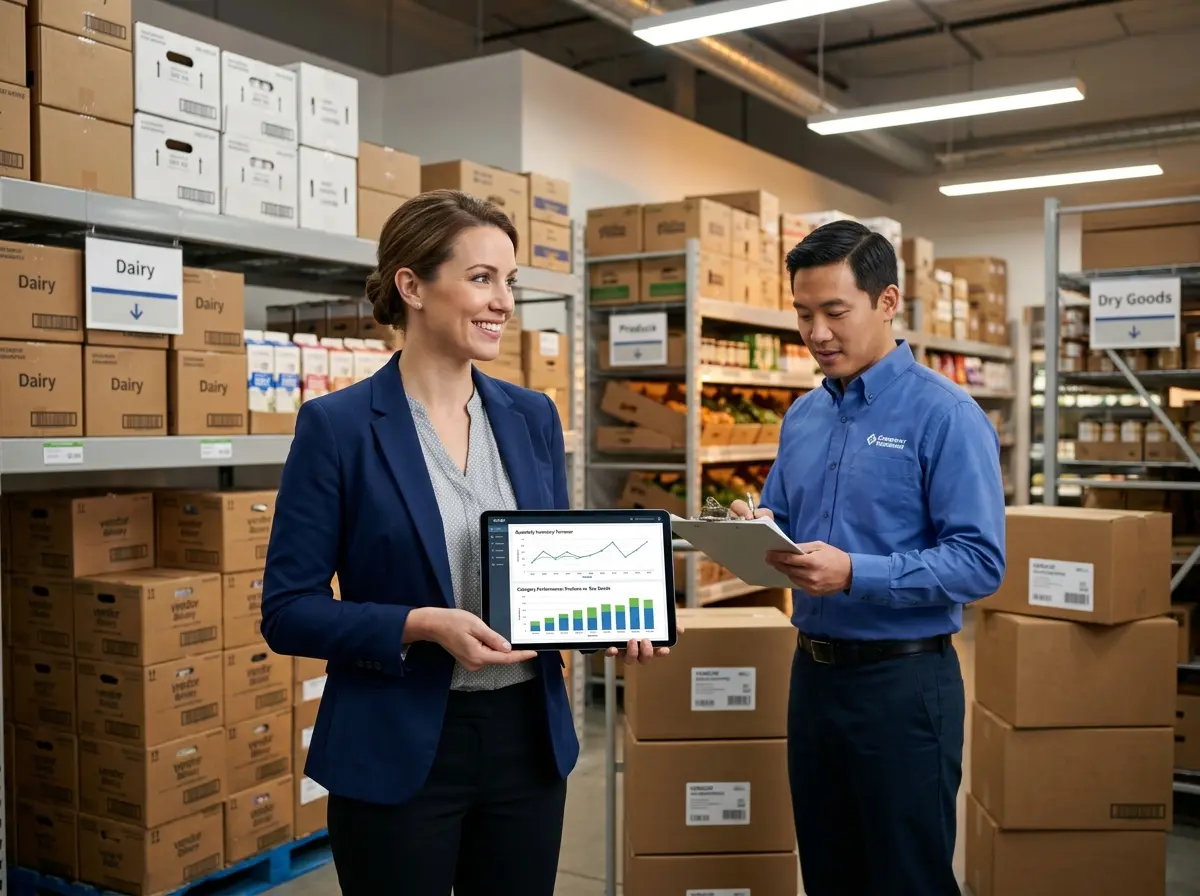
Tier 1 vendors supply your highest-volume or most critical products — think your main produce distributor, dairy supplier, or primary dry goods wholesaler. These relationships warrant regular communication, formal agreements, and clear performance expectations. Meet with these vendors quarterly, review fill rates and delivery accuracy, and negotiate proactively before contracts expire.
Tier 2 and Tier 3 vendors supply specialty items, seasonal products, or lower-volume categories. These relationships still need management, but you don't need to be on the phone with your local hot sauce vendor every week. Establish clear ordering windows, minimum order quantities, and delivery expectations in writing, then let the system handle the routine touchpoints.
Hold every vendor accountable to fill rate (what percentage of your order they actually deliver) and on-time delivery metrics. A vendor with a chronic 85% fill rate is quietly costing you stockouts and customer frustration. Track it, bring it up, and if it doesn't improve, have a backup supplier ready.
How Technology (and Stella) Can Take Some Weight Off Your Plate
Let Your Tools Do More of the Talking
Running a grocery store means your staff is constantly pulled in multiple directions — stocking shelves, helping customers find that one obscure ingredient, and handling the phone that never seems to stop ringing. Every interruption has a cost, and those costs add up fast. This is exactly where Stella, an AI robot employee and phone receptionist, can quietly make a big difference for your operation.
Inside your store, Stella greets customers, answers questions about products and promotions, and handles the routine inquiries that would otherwise pull a team member away from their actual job. On the phone, she answers calls 24/7, fields questions about hours, store policies, and current deals, and can forward calls to the right person when a real human touch is needed. For a grocery store, that means your staff can focus on the work that actually requires them — and customers still get prompt, knowledgeable service whether they walk in or call in.
At just $99 per month with no upfront hardware costs, it's one of the easier ROI calculations you'll make this year.
Reducing Waste Without Reducing Your Sanity
First In, First Out Is Non-Negotiable
If your team isn't consistently practicing FIFO (First In, First Out) rotation, you are donating money to the trash compactor on a regular basis. FIFO means that when new stock arrives, older product moves to the front and new product goes to the back. This is especially critical in produce, dairy, deli, and bakery — any category with a meaningful expiration window.
The challenge is enforcement. FIFO sounds obvious, but when a delivery arrives during a rush and a team member is under pressure, shortcuts happen. Build FIFO into your receiving checklist, make it part of onboarding for every new hire, and do random spot checks. A few minutes of consistent reinforcement now prevents a lot of costly shrink later.
Use Markdowns Strategically, Not Desperately
Markdowns on approaching-expiration product are a fact of life in grocery, but there's a difference between a strategic markdown program and a desperate race to move product before it hits the bin. A smart markdown program starts early — before product is within 48 hours of expiration — and uses graduated discounts to move inventory while it still has perceived value to the customer.
Consider a daily or twice-daily scan of short-dated product in your perishable departments, with a clear markdown schedule (e.g., 25% off at five days remaining, 40% off at two days). Many customers actively look for these deals, and capturing a partial margin is dramatically better than a total write-off. Some stores have had success with a dedicated "Manager's Special" section that builds a loyal customer base of savvy shoppers — turning a shrink problem into a traffic driver.
Track Shrink by Category, Not Just in Total
Shrink happens in every grocery store. The question is whether you know where it's happening. Total shrink numbers tell you there's a problem. Category-level shrink data tells you what to fix. If your produce shrink is running at 8% while industry average hovers around 4–6%, that's a specific, addressable problem — whether it's an ordering issue, a receiving issue, a rotation issue, or a combination of all three.
Review shrink by category at least monthly, compare against industry benchmarks, and tie your findings back to your ordering and receiving practices. Shrink reduction is one of the highest-leverage activities available to grocery operators because every dollar saved in shrink goes directly to the bottom line without requiring a single additional customer through the door.
Quick Reminder About Stella
Stella is an AI robot employee and phone receptionist built for businesses exactly like yours — a friendly, always-on presence that greets in-store customers, answers phones around the clock, promotes your current deals, and handles the routine questions that eat up your team's time. She's available for $99 per month with no upfront hardware costs and is easy to set up, so you can be up and running without a lengthy implementation project. In a business where every labor hour counts, having Stella handle the front-line interactions means your people can stay focused on the work that requires a human touch.
Conclusion: Small Changes, Big Results
Smart ordering and vendor management won't transform your grocery store overnight, but the compounding effect of getting these fundamentals right is significant. Better ordering means fewer stockouts and less waste. Stronger vendor relationships mean better fill rates and fewer surprises. Tighter shrink control means more of your revenue actually shows up in your profit margin where it belongs.
Here are your actionable next steps to get started:
- Pull your velocity data from your POS system and establish par levels and reorder points for your top 20% of SKUs by volume. Start there before tackling the full catalog.
- Tier your vendors and schedule a quarterly review with your Tier 1 suppliers. Come prepared with fill rate and on-time delivery data.
- Implement a formal FIFO checklist for your receiving process and make it a non-negotiable part of the workflow.
- Set up a markdown schedule for short-dated perishables and designate a visible section of your store for Manager's Specials.
- Review shrink by category monthly and use those numbers to drive specific operational conversations, not just general hand-wringing.
None of this is rocket science — but it does require consistency, attention, and the willingness to actually look at the numbers instead of hoping everything is fine. Build the systems, train your team, use the tools available to you, and your grocery operation will be better for it. Now go check your dairy cooler. Just in case.