So You Want Customers to Actually Find You
The Anatomy of a Store Locator That Actually Works
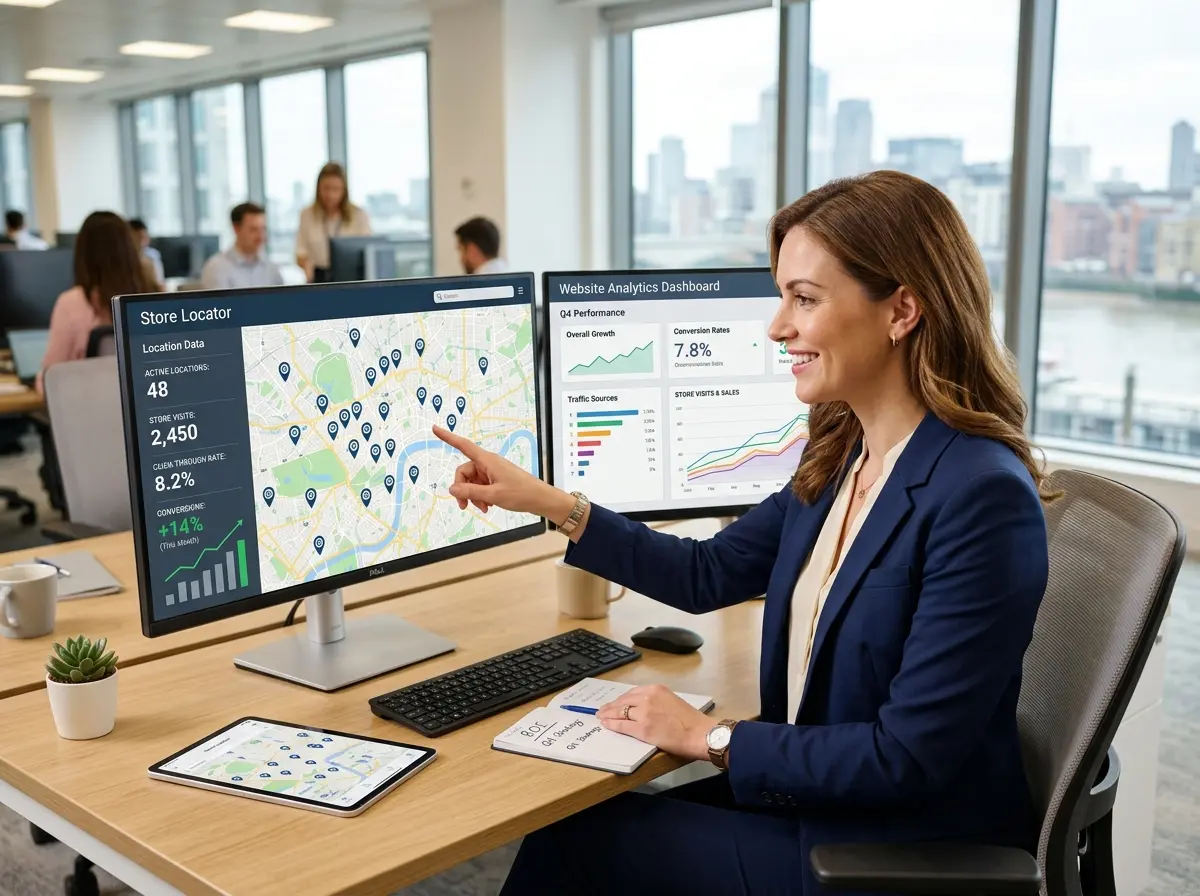
Before you start tweaking your map pins, it helps to understand what customers are really looking for when they use a store locator. They want fast answers to three core questions: Is there a location near me? When can I go? What can I expect when I get there? Your store locator needs to answer all three — quickly, clearly, and without making users feel like they're solving a puzzle.
Speed and Simplicity of Search
Rich Location Details That Pre-Answer Questions
Mobile Optimization Is Non-Negotiable
Over 60% of local searches happen on mobile devices, and the majority of people searching for a nearby store are doing so while they're already out. That means your store locator needs to work flawlessly on a 4-inch screen with one hand, potentially while someone is standing in a parking lot. Buttons need to be large enough to tap. Text needs to be readable without zooming. The map itself needs to be responsive and touch-friendly.
Keeping Customers Engaged Before and After the Visit
Promotions, CTAs, and the Art of the Right Nudge
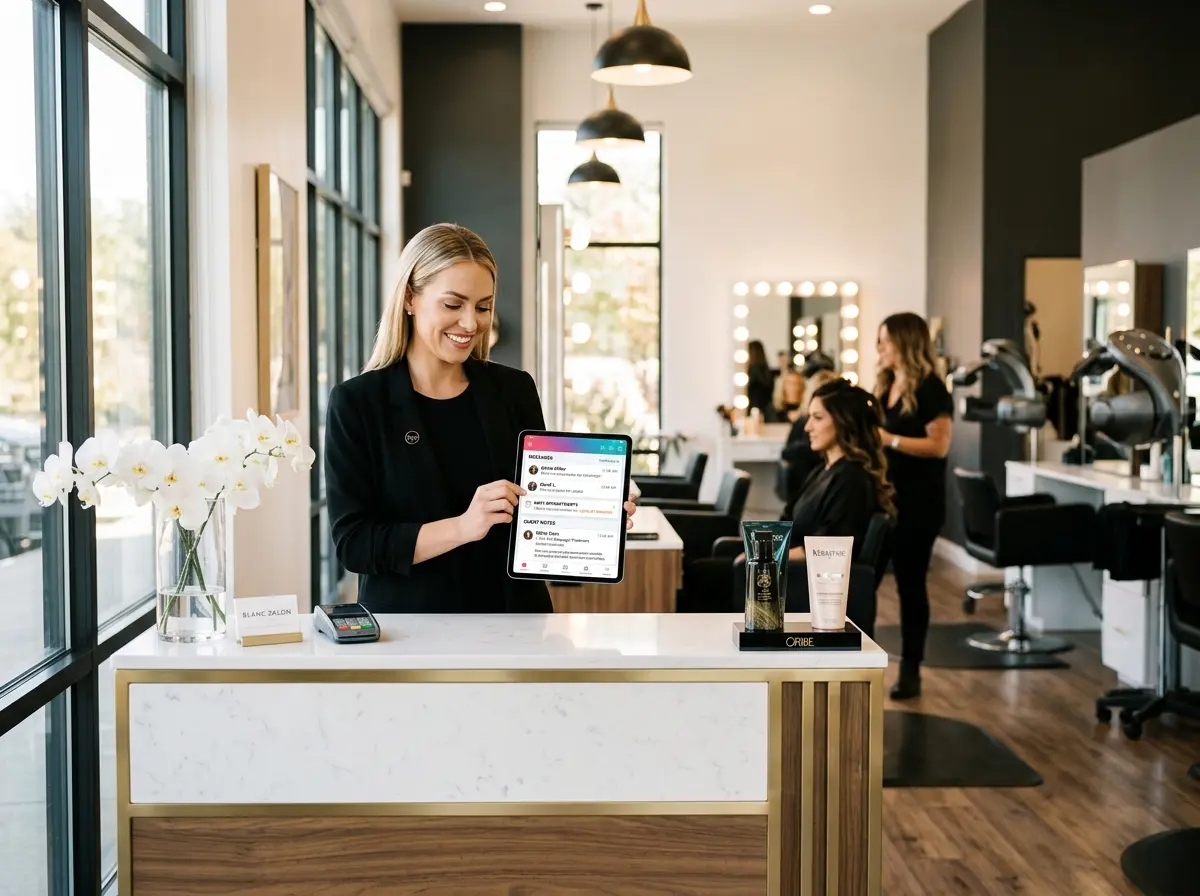
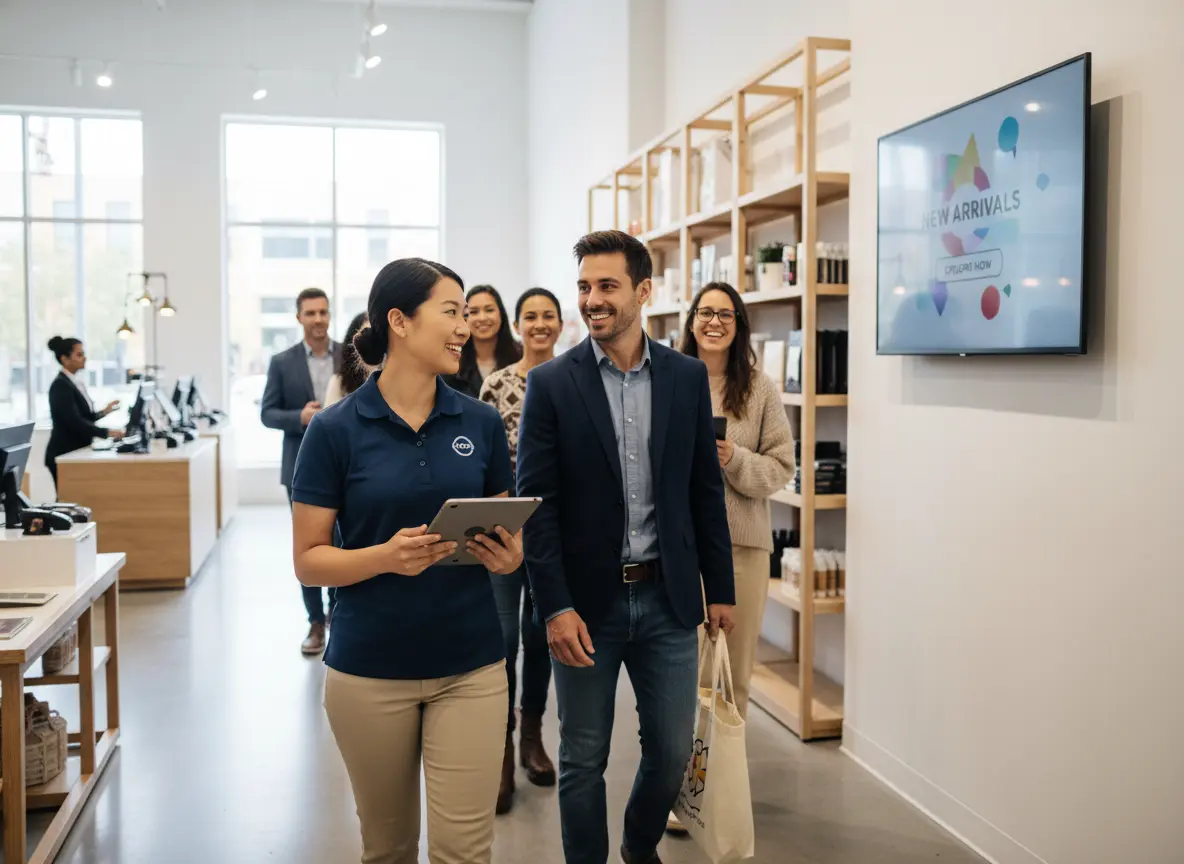
This is also where Stella, the AI robot employee and phone receptionist, fits naturally into the picture. Once a customer finds your location and shows up in person, Stella is there to greet them proactively, answer questions, and promote current deals — no waiting for a staff member to be free. And if a customer finds your listing but calls ahead before visiting, Stella handles that call 24/7 with the same business knowledge she uses at the kiosk, ensuring no lead goes unanswered just because your team is busy with someone else.
Technical Setup: Getting the Details Right
SEO and Local Search Visibility
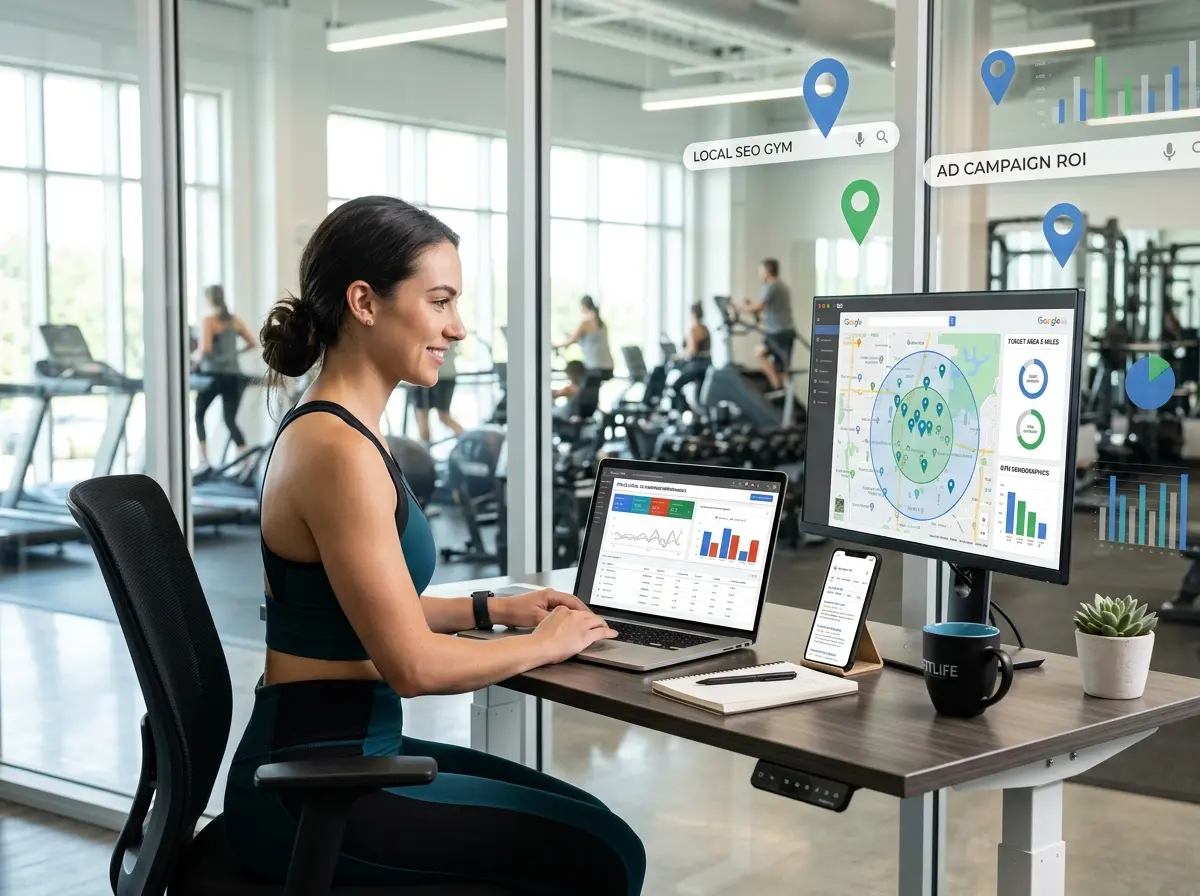
Use structured data markup (specifically LocalBusiness schema) on each location page. This tells search engines exactly what your business is, where it's located, and when it's open — and can result in rich snippets appearing directly in search results, which dramatically improves click-through rates. Make sure each page also includes the location's full address, phone number, and hours in plain HTML text (not just inside a JavaScript-rendered map), so crawlers can read it easily.
Keeping Data Accurate and Updated
Integration With Your Broader Digital Ecosystem
Quick Reminder About Stella
While you're focused on driving foot traffic to your locations, don't forget what happens when customers actually arrive — or when they call first. Stella is an AI robot employee and phone receptionist that greets walk-in customers, promotes your current deals, answers questions about products and services, and handles phone calls around the clock for just $99/month. She's the consistent, professional presence working for your business before, during, and after every visit.
Start Converting Traffic Into Foot Traffic
- Auto-detect user location and sort results by proximity
- Display hours, phone number, and directions without extra clicks
- Ensure fast, touch-friendly performance on mobile devices
- Give each location its own indexed page with schema markup
- Keep all location data accurate and updated, especially around holidays
- Add a relevant CTA or promotion to capture high-intent visitors
- Connect location data with your CRM and Google Business Profile