Introduction: Welcome to the Jungle (Your Stockroom)
Picture this: a customer asks where the blue version of your best-selling product is. You smile confidently, head to the stockroom, and spend the next eight minutes moving boxes, interrogating your staff, and questioning your life choices — only to discover it was on the shelf the whole time, hiding behind a display. Sound familiar? If so, congratulations: you might be running your retail store on vibes and determination alone.
Inventory chaos is one of the most common (and quietly expensive) problems in retail. According to the National Retail Federation, inventory distortion — including out-of-stocks and overstocks — costs retailers nearly $1.8 trillion globally each year. That's not a typo. And yet, many small and mid-sized retail stores are still managing stock with spreadsheets, sticky notes, or worse: memory.
The good news? A barcode system isn't some massive, complicated IT project reserved for big-box stores. It's an accessible, affordable, and genuinely transformative upgrade that any retail business can implement. This guide will walk you through how to do it — step by practical step — so you can go from stockroom chaos to confident control.
Understanding Barcode Systems: What They Are and Why They Matter
The Basics: How Barcode Systems Work
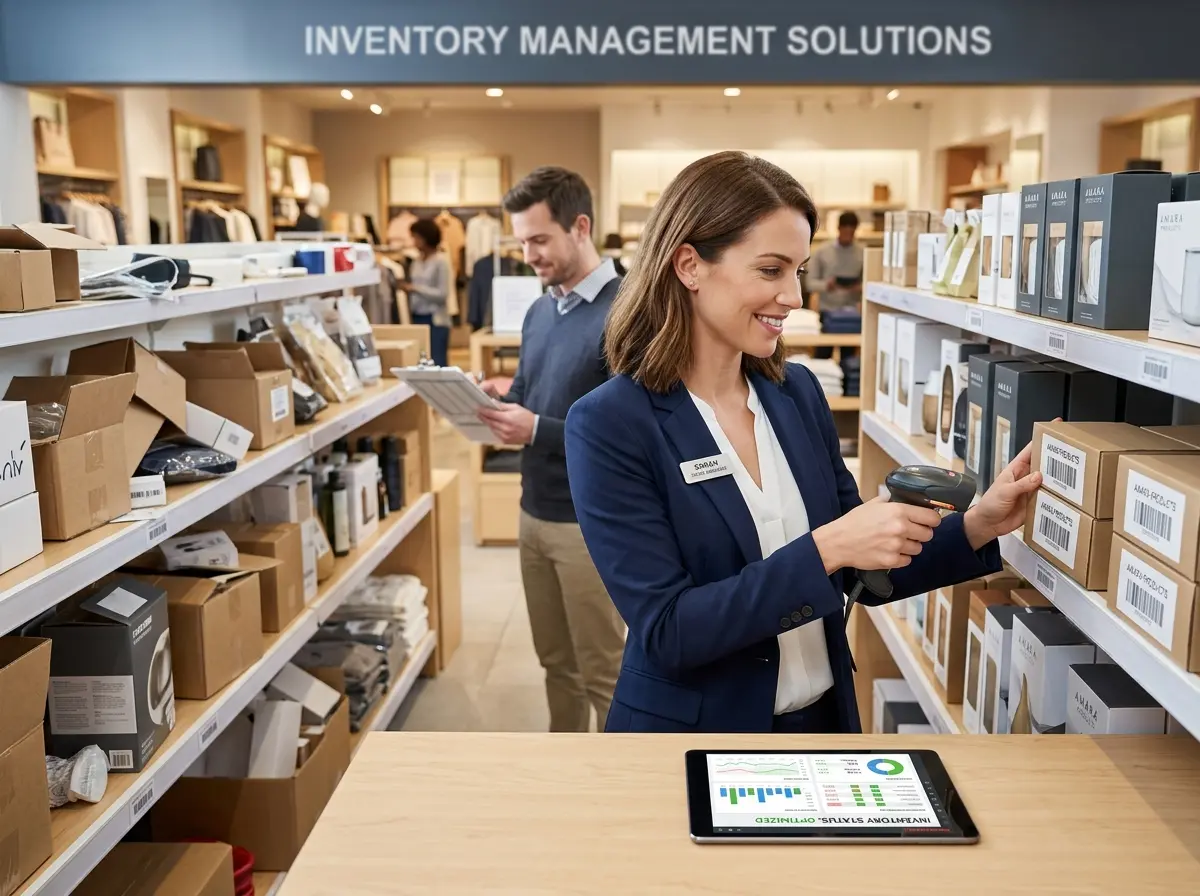
A barcode system is, at its core, a way to assign a unique identifier to every product you sell and then use that identifier to track the product's journey — from receiving shipment to ringing up the sale. Each product gets a barcode (either a UPC you receive from a supplier or one you generate yourself), which is printed on a label and scanned at key points: receiving, restocking, selling, and returning.
When a barcode is scanned, it talks to your inventory management software, updating quantities in real time. Instead of counting items by hand every week and praying the numbers are right, your system tells you exactly what you have, where it is, and when you're running low. Think of it as giving your inventory a voice — and finally, actually listening to it.
The Real Cost of Not Having One
It's easy to put off implementing a barcode system when things feel like they're "working." But working and working well are two very different things. Manual inventory management typically results in a 2–5% inventory error rate, which doesn't sound catastrophic until you multiply it across hundreds or thousands of SKUs. Suddenly you're ordering products you already have, running out of your top sellers without warning, and spending payroll hours on tasks that a scanner and some software could handle in seconds.
Beyond the numbers, there's the customer experience cost. Shoppers who encounter out-of-stock items are increasingly likely to leave and not come back — and with so many alternatives available online and down the street, you really can't afford to lose them over something preventable.
Getting Started: How to Implement a Barcode System Without Losing Your Mind
Choosing the Right Tools
The barcode system ecosystem has matured significantly, and there are excellent options at every budget level. Here's what you'll need:
- Barcode scanner: Handheld USB or wireless scanners range from $30 to $300. For most small retailers, a mid-range Bluetooth scanner around $80–$150 hits the sweet spot.
- Label printer: Thermal label printers (like those from Zebra or Dymo) let you print your own barcodes for products that don't come with them. Expect to spend $100–$400.
- Inventory management software: Platforms like Lightspeed, Square for Retail, Shopify POS, or Cin7 all support barcode scanning and offer varying levels of reporting, integrations, and pricing. Most start around $30–$100/month.
The goal isn't to find the most sophisticated system on the market — it's to find the one your team will actually use consistently. Simplicity and reliability beat feature overload every time.
Setting Up Your System: A Step-by-Step Overview
Implementation doesn't have to be an all-or-nothing event. In fact, a phased rollout is often smarter. Start by auditing your current inventory — yes, the full count, no shortcuts. Then assign barcodes to each unique SKU, print labels for any products that don't have them, and enter everything into your software. Train your staff on scanning procedures for receiving new stock and processing sales, and then run both your old and new systems in parallel for a week or two before fully cutting over.
Is it a bit of work upfront? Absolutely. Will you look back six months later and wonder why you didn't do it sooner? Almost certainly. One boutique apparel owner reported cutting her weekly inventory reconciliation time from six hours to under forty-five minutes after implementing a barcode system. That's nearly a full workday returned to her every week.
Streamlining Your Store Operations Beyond the Stockroom
How Technology Can Work Harder So You Don't Have To
A barcode system is a fantastic foundation, but it's just one piece of a smarter, more efficient retail operation. While your inventory system is busy tracking products, other parts of your business still need attention — including the people walking through your front door and calling your phone line.
That's where Stella, the AI robot employee and phone receptionist, comes in. Stella stands inside your store as a friendly, human-sized kiosk and greets every customer who walks by — proactively engaging them about products, current promotions, and anything else they want to know. She never has a bad day, never takes a break, and never gets pulled away to answer a question she's already answered twelve times today. Meanwhile, Stella also answers your phone calls 24/7, handles after-hours inquiries, forwards calls to staff when needed, and even takes AI-summarized voicemails with push notifications straight to your managers. For retail store owners juggling inventory overhauls and daily operations simultaneously, having a tireless front-line presence — both in-store and on the phone — is a meaningful advantage.
Maintaining and Maximizing Your Barcode System Over Time
Building Good Habits with Your Team
The dirty secret of barcode systems is that they're only as accurate as the people using them. A system is not a magic wand — it's a discipline. The biggest failure point for most retail implementations isn't the technology; it's inconsistent scanning habits. Staff who skip scanning a return "just this once," or who receive a shipment without checking it against a purchase order, introduce errors that compound quickly.
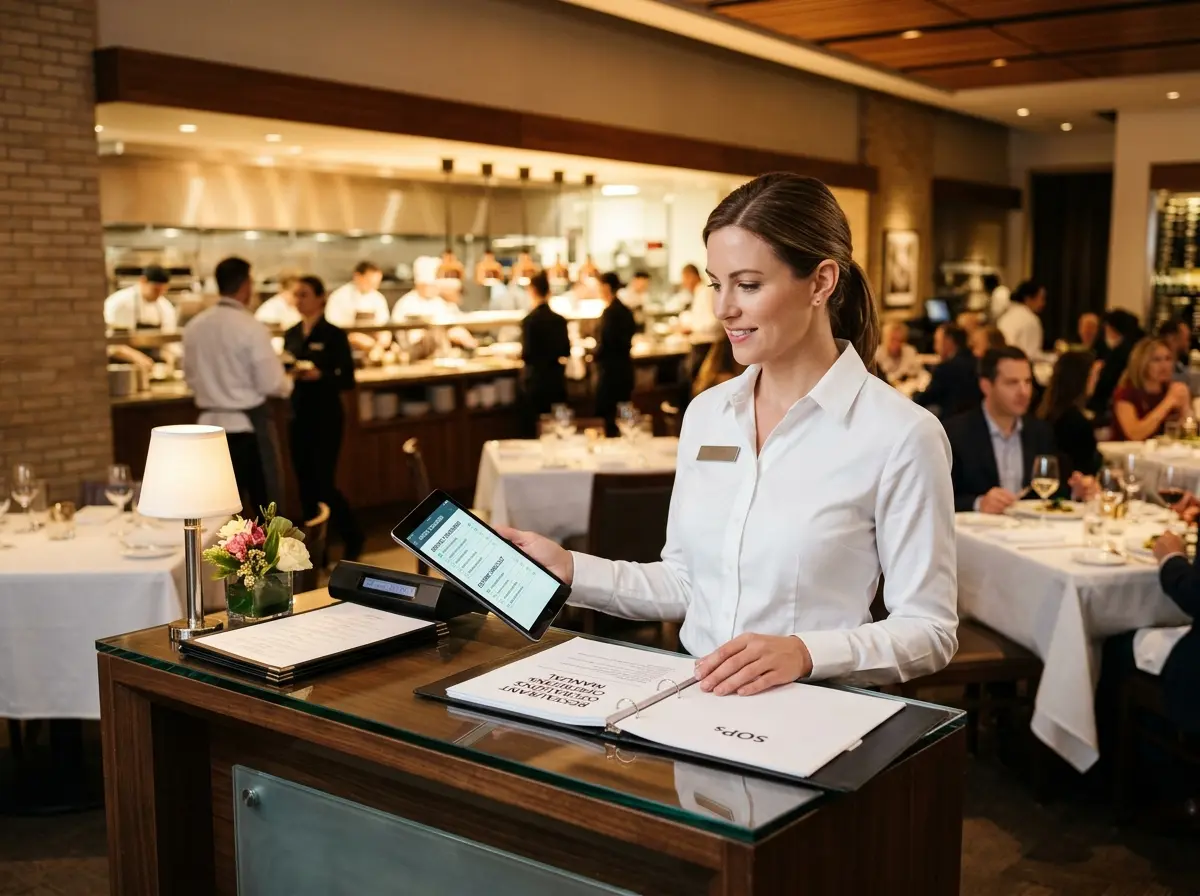
Build scanning into every step of your workflow as a non-negotiable process. Create simple standard operating procedures (SOPs) for receiving, restocking, returns, and end-of-day reconciliation. Post them near the relevant workstations. Review inventory accuracy as part of regular team check-ins, and address discrepancies early rather than letting them snowball into a quarterly nightmare.
Using Your Data to Make Smarter Business Decisions
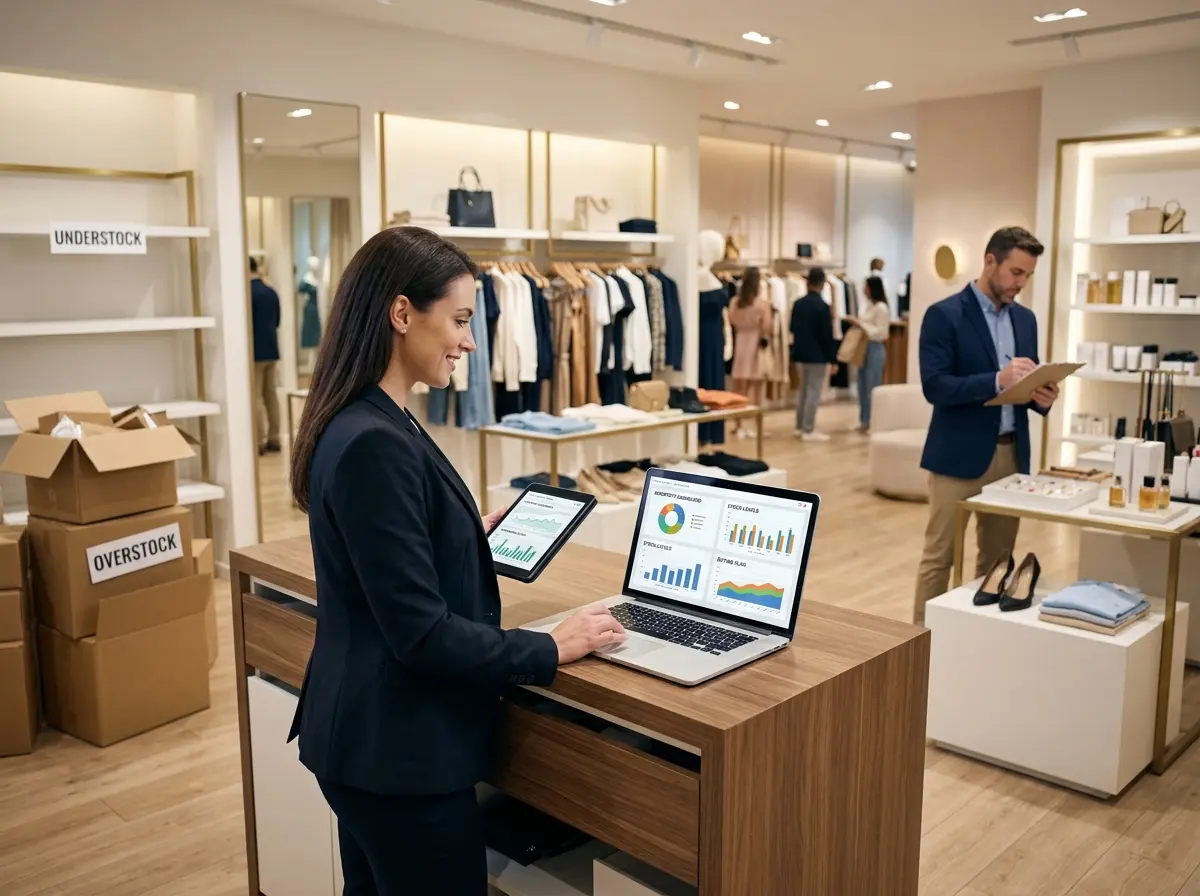
Once your barcode system is humming along, you're sitting on a goldmine of data — and most store owners barely scratch the surface. Your inventory software can tell you which products are your fastest movers, which are collecting dust, what your average days-on-hand looks like per category, and when seasonal trends are starting to shift. This information is the difference between reacting to your business and actually running it.
Use velocity data to set smart reorder points so you're never caught off-guard by a stockout on your top sellers. Use slow-mover reports to make informed decisions about markdowns, promotions, or discontinuing underperforming SKUs. And if you have a loyalty program or CRM, cross-referencing purchase history with inventory trends can reveal powerful patterns about what your best customers love — and what to make sure is always in stock for them.
Scaling Up: Preparing for Growth
The beautiful thing about a well-implemented barcode system is that it scales with you. Adding new products, expanding to a second location, or launching an e-commerce channel becomes dramatically less complicated when your inventory is already accurately tracked and organized. Many platforms also support multi-location inventory management, so you can see stock across all your locations from a single dashboard — which is the kind of visibility that turns a good retail business into a great one.
Plan for growth from the beginning by choosing software with room to expand, keeping your SKU naming conventions clean and consistent, and resisting the urge to add complexity before you've mastered the basics. Crawl, walk, run — in that order.
Quick Reminder About Stella
Stella is an AI robot employee and phone receptionist built for businesses like yours — available as an in-store kiosk that greets and engages customers, and as a 24/7 phone receptionist that handles calls, promotes your offerings, and keeps things running smoothly even when you're elbow-deep in a stockroom audit. At just $99/month with no upfront hardware costs, she's one of the easiest ways to add a reliable, professional presence to your operation without adding to your payroll headaches.
Conclusion: Take the First Step Today
Implementing a barcode system is one of those investments that pays you back almost immediately — in time saved, errors avoided, and the genuine peace of mind that comes from actually knowing what's in your store. The barrier to entry has never been lower, the tools have never been better, and the cost of not doing it keeps quietly climbing every month you wait.
Here's your action plan to get started:
- Conduct a full inventory audit — know what you have before you build a system around it.
- Choose your software and hardware — match the tools to your store's size and complexity, not your wishlist.
- Assign and label all SKUs — consistency here will save you enormous headaches later.
- Train your team and create SOPs — technology only works when people use it correctly.
- Run parallel systems briefly, then commit fully — trust the process and let the data guide you.
Your stockroom doesn't have to be a mystery novel with a bad ending. With the right system in place — and the right support tools working alongside it — you can run a tighter, smarter, more profitable retail store. And maybe, just maybe, the next time a customer asks about the blue version of your best-seller, you'll actually know exactly where it is.