So You've Been Told You Need to Post Reels. Now What?
You opened a retail store because you love your products, your customers, and maybe the idea of being your own boss — not because you dreamed of becoming a content creator. And yet, here we are in 2024, where Instagram Reels have become one of the most powerful (and free) marketing tools available to small business owners, and the algorithm isn't exactly rewarding the "post when you remember to" strategy.
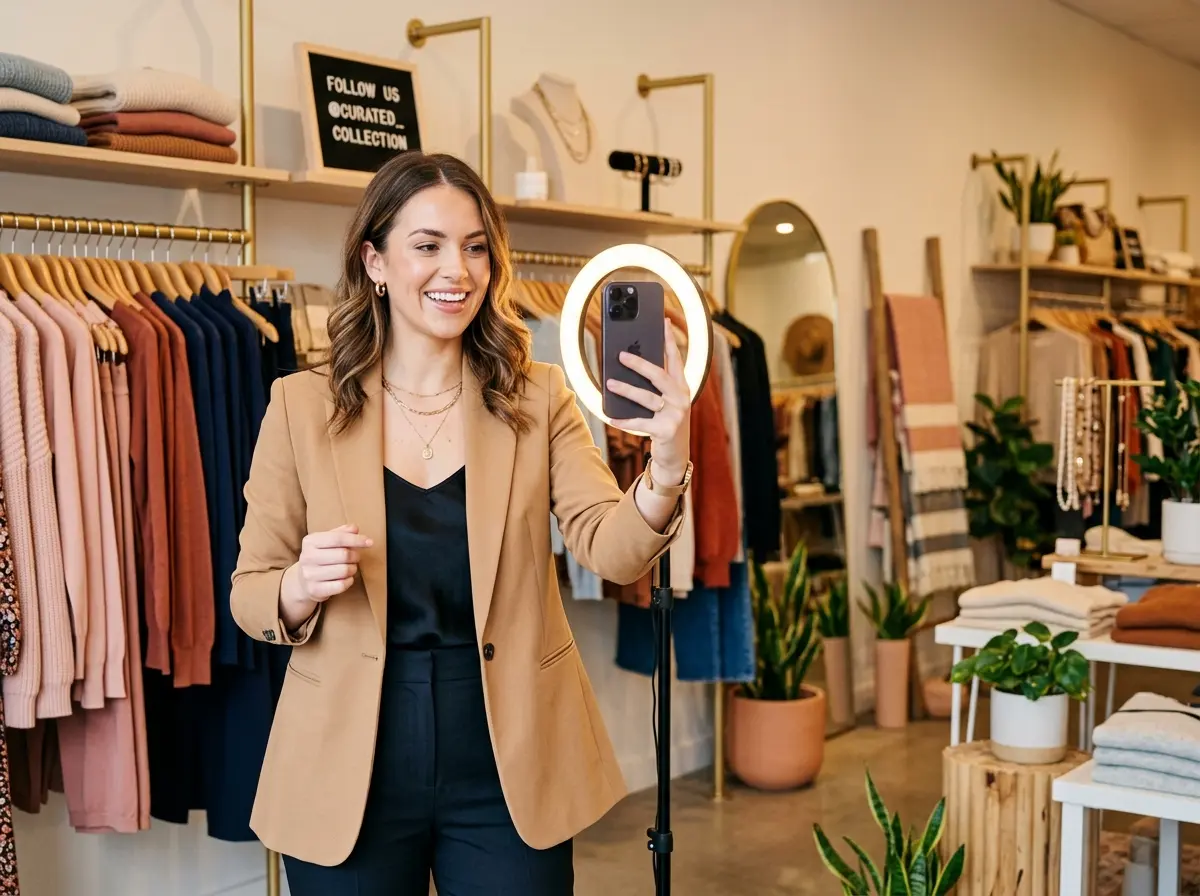
Here's the good news: you don't need to go viral. You don't need a ring light the size of a small sun or a professional video crew. What you do need is a consistent, intentional plan — and 30 days of content ideas that actually make sense for a retail store. According to Meta, Reels generate 22% more engagement than standard video posts on Instagram. That's not a number you ignore when you're trying to bring foot traffic through the door.
This guide breaks down a realistic, actionable 30-day Instagram Reels plan designed specifically for store owners. We're talking content you can actually create with a smartphone, a little creativity, and — yes — a plan.
Building Your Content Foundation
Know Your Content Pillars Before You Hit Record
Before you film a single second of footage, you need to decide what your store actually stands for on social media. Content pillars are the recurring themes that define your feed and give your audience a reason to keep coming back. For retail stores, most content falls into four natural categories: product highlights, behind-the-scenes content, educational or how-to content, and community and culture. Pick three or four that align with your brand and stick to them throughout the month.
For example, a boutique clothing store might rotate between styling tips, new arrivals unboxings, a peek at how the owner selects inventory, and customer spotlight moments. A gift shop might lean into product demos, gift-wrapping tutorials, and fun "what to get for..." guides. The point is to create variety within a structure — so you're never staring blankly at your phone wondering what to post today.
Batch Your Content Like a Pro (Even If You're Not One)
Here's a dirty little secret that actual content creators use: they don't post the same day they film. They batch. Set aside two to three hours one day per week — maybe a slow Tuesday morning before the rush — and film multiple Reels in one session. Change your shirt between takes if you need to. It sounds simple because it is, and it will save you from the panic-posting spiral that leads to inconsistent content.
During your batching session, aim to create four to six short clips you can polish and schedule throughout the week. Free tools like CapCut or Instagram's native editor are more than sufficient for most retail content. Add trending audio, a text overlay explaining what's happening, and a clear call to action at the end — and you're done. Consistency beats perfection every single time on Instagram.
Running Your Store Smoothly While You're Busy Creating Content
Freeing Up Time Without Sacrificing the Customer Experience
Here's the part no one talks about in Reels tutorials: filming content takes time, and time is the one thing retail store owners have the least of. Between managing inventory, helping customers, processing orders, and trying to take a lunch break before 3 p.m., adding "social media content creator" to your job description is genuinely a lot.
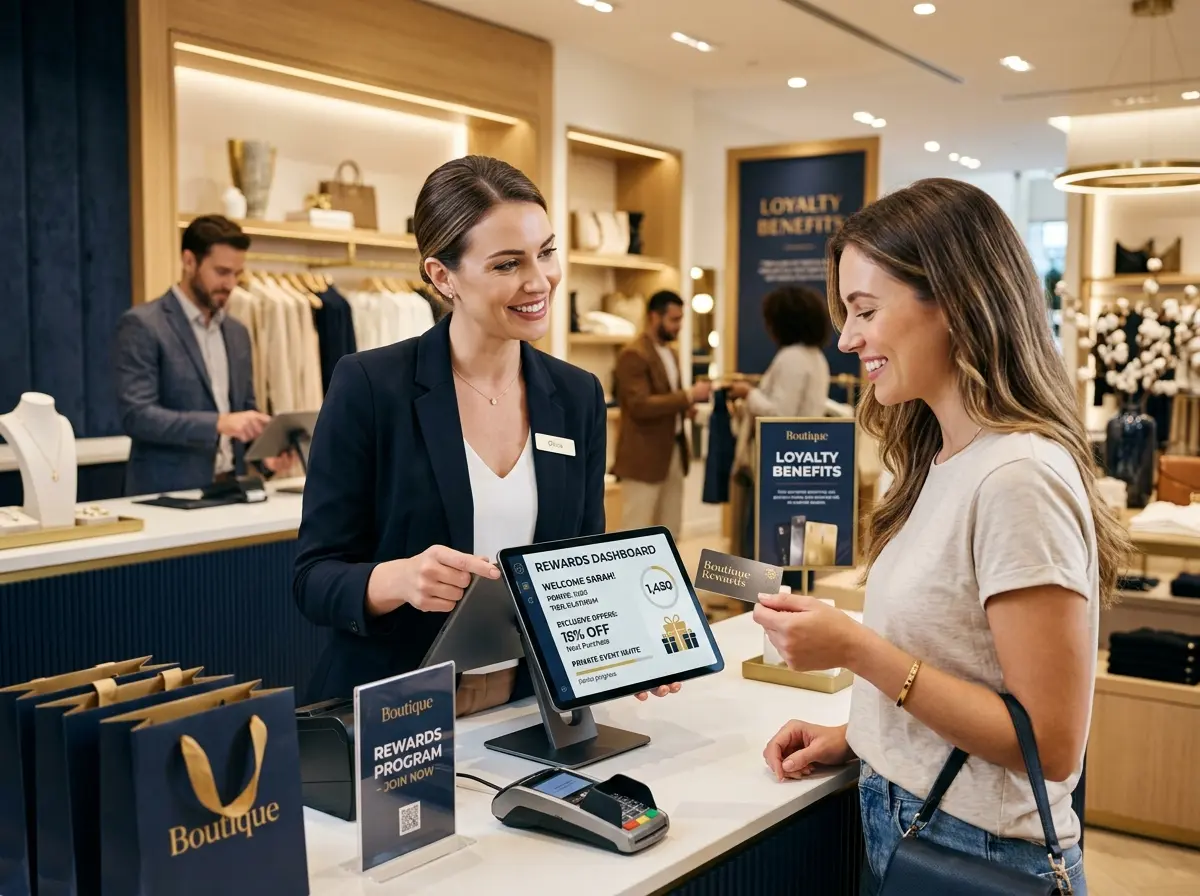
That's where Stella quietly becomes one of your best investments. Stella is an AI robot employee and phone receptionist that stands inside your store, greets customers proactively, answers their questions about products, services, specials, and policies, and handles upselling — all without you or your staff needing to step away from what you're doing. While you're filming a quick product Reel in the back corner of the store, Stella is up front making sure no customer feels ignored. She also answers your phone calls 24/7, so you're not losing leads while you're mid-edit on your latest video. For a flat $99/month with no hardware costs, she's frankly doing the work of someone you'd pay significantly more to hire — and she never calls in sick.
Your 30-Day Instagram Reels Content Plan
Week One and Two: Introduce, Educate, and Entertain
The first two weeks of your plan should focus on establishing who you are, what you sell, and why anyone should care. This is your foundation-building phase, and it's where you'll set the tone for the rest of the month. Here's a sample content breakdown for Days 1 through 14:
- Day 1: A "Welcome to our store" walkthrough Reel — give people a feel for the space and vibe
- Day 3: Highlight your top-selling product with a quick demo or styling moment
- Day 5: A "How we choose our inventory" behind-the-scenes clip — customers love authenticity
- Day 7: A "Did you know?" educational Reel about one of your product categories
- Day 9: A trending audio or sound with a fun product transition — keep it light
- Day 11: A "3 ways to use [product]" how-to — this format consistently performs well
- Day 13: A current promotion or sale announcement — make it visually exciting, not just text on a slide
Use these days as a guide, not a rigid script. If something unexpected happens in your store — a gorgeous new shipment arrives, a customer reacts adorably to a product — film it. Real moments outperform planned ones more often than you'd think.
Week Three and Four: Build Community and Drive Action
The second half of your 30-day plan should shift from introduction to conversion. You've warmed up your audience — now give them reasons to visit your store, make a purchase, or share your content with a friend. Days 15 through 30 are where engagement starts to compound if you've been consistent in the first half.
- Day 15: A customer testimonial or reaction clip (ask permission first, obviously)
- Day 17: A "This vs. That" comparison Reel featuring two products in your store
- Day 19: A staff or owner story — people buy from people they feel they know
- Day 21: A "Shop with me" style Reel that walks through a curated selection
- Day 23: A response to a common customer question — great for searchability
- Day 25: A limited-time offer or flash sale announcement with urgency
- Day 27: A "Pack an order" or "Unboxing our new shipment" behind-the-scenes clip
- Day 29: A "Thank you" Reel — celebrate your community and invite them back
- Day 30: A recap or highlight reel of the month — what's sold well, what's new, what's coming
Don't forget to include captions with relevant hashtags, a location tag, and a clear call to action in every single post. "Visit us at [location]," "Link in bio," or "DM us to reserve yours" — these small prompts meaningfully increase conversion rates.
Measuring What's Actually Working
After 30 days, you'll have real data — not guesses — about what resonates with your audience. Instagram Insights gives you access to reach, plays, saves, shares, and profile visits generated by each Reel. Pay attention to saves and shares above all else. These are the signals that tell the algorithm your content is genuinely valuable, and they're the metrics most likely to translate into actual store visits and sales.
Make a simple spreadsheet. Note which content pillars performed best, which posting times got the most reach, and which calls to action drove the most profile clicks. Then use that data to shape Month Two. You're not just creating content — you're running a marketing experiment, and the results are yours to learn from.
A Quick Reminder About Stella
Stella is an AI robot employee and phone receptionist built for businesses like yours. She stands inside your store engaging customers, answering questions, and promoting your current deals — so your team can stay focused without dropping the ball on customer experience. She also answers your phones around the clock, making sure you never miss a call while you're busy running (and filming) your business. At $99/month with no upfront hardware costs, she's one of the easiest ways to add a reliable, professional presence to your store.
Your Next Steps Start Right Now
You've just been handed a 30-day roadmap, a batch-filming strategy, a content pillar framework, and a measurement plan. The only thing left is to actually pick up your phone and start. Not tomorrow. Not when the lighting is better or the store is cleaner. Now — or at least, this week.
Start by identifying your three content pillars and writing down five ideas for each. Then block two hours this week for your first batching session. Film something imperfect and post it anyway. The stores that win on Instagram Reels aren't the ones with the most polished content — they're the ones who showed up consistently when everyone else quit after Day 6.
And while you're out there building your brand one 30-second clip at a time, make sure your actual store operations are just as dialed in. Automate what you can, delegate what you should, and spend your energy where it matters most: your customers and your content. Thirty days from now, you'll have a body of work, a real audience, and a much better sense of what makes your store worth talking about.
Now go film something.