The Line Is the Enemy: Why Your Checkout Process Might Be Costing You Customers
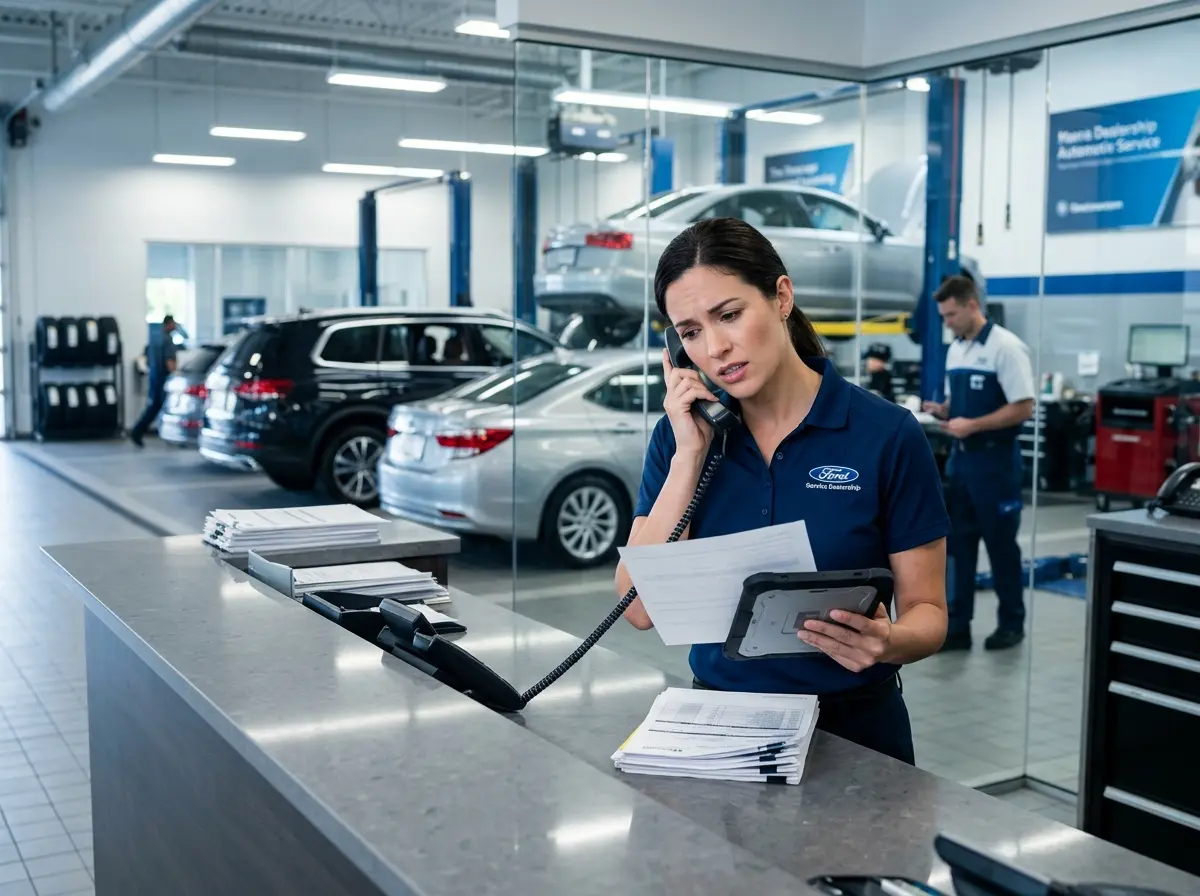
Picture this: a customer has spent 20 minutes in your store, found exactly what they want, and is ready to buy. They're practically handing you money. Then they see the checkout line, do a quick mental calculation, and quietly set their items on a nearby shelf before walking out the door. No dramatic exit. No complaint. Just gone — along with your revenue.
This isn't a rare tragedy. Research from Waitwhile found that over 75% of consumers have left a store without purchasing due to long lines. In an era where one-click purchasing from the couch is the competition, your in-store experience has to work hard to justify the trip. The good news? Mobile checkout technology has matured significantly, it's more affordable than ever, and deploying it doesn't require a computer science degree or a six-figure IT budget. What it does require is a willingness to untether your staff from the counter and rethink what "checkout" actually means in your store.
Let's walk through everything you need to know to make it happen.
Understanding Mobile Checkout: What It Is and Why It Works
More Than Just a Card Reader on a Tablet
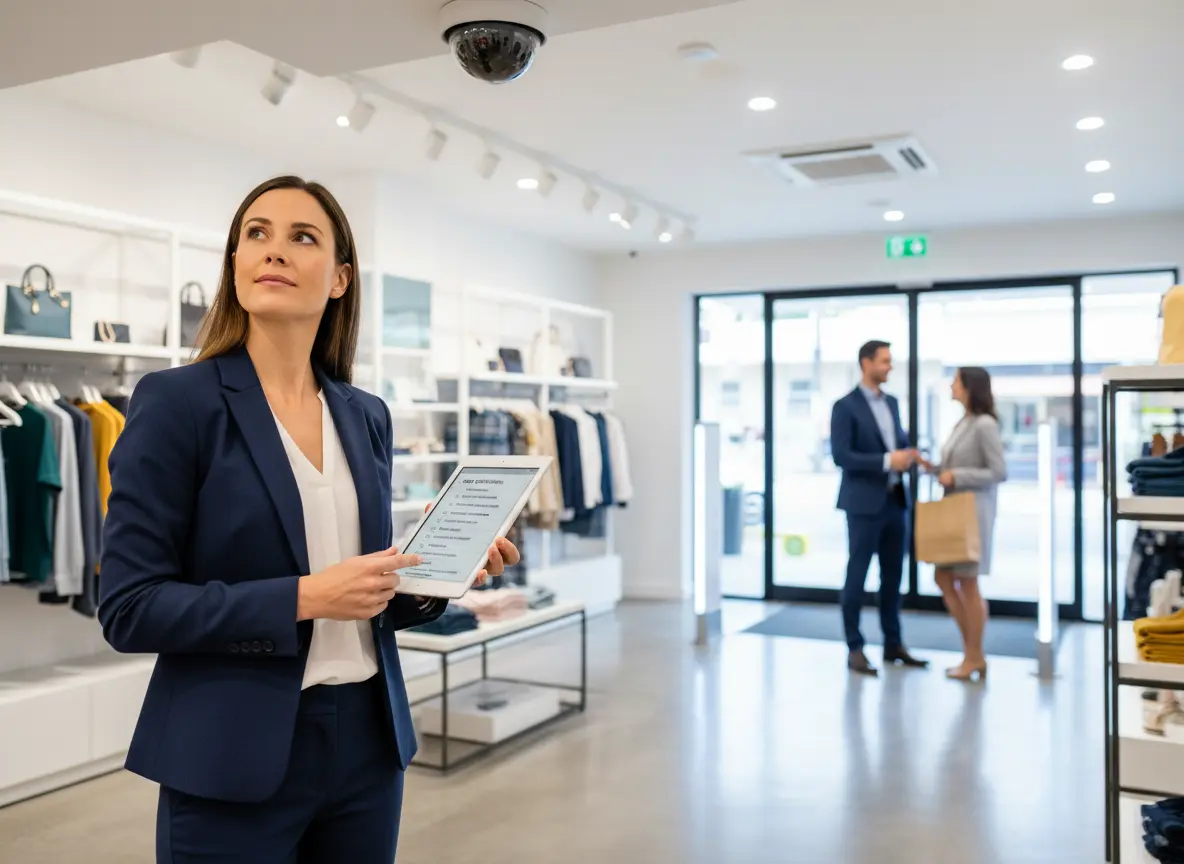
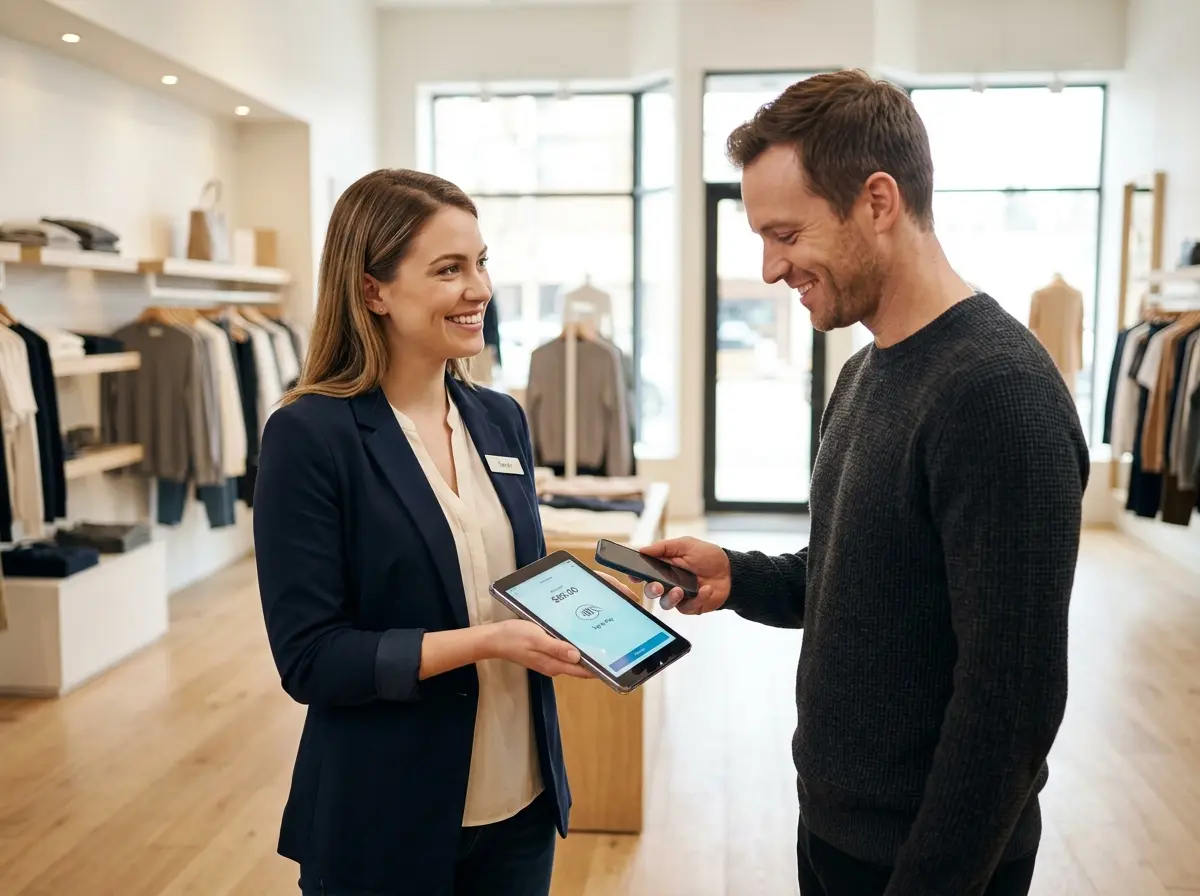
When most people hear "mobile checkout," they think of a Square reader clipped to an iPad. And yes, that's part of it — but modern mobile checkout is a much broader ecosystem. At its core, mobile checkout refers to any payment or transaction process that isn't tied to a fixed point-of-sale terminal. That could mean a staff member walking the floor with a smartphone and a Bluetooth card reader, self-checkout kiosks, scan-and-go apps where customers check themselves out as they shop, or even QR codes that open a mobile payment page right on the customer's own device.
The reason it works so well comes down to simple psychology and economics. When checkout can happen anywhere, lines don't form the same way. Friction is reduced. Impulse purchases are more likely to close. And your staff — liberated from being permanently stationed at a register — can actually do useful things like assist customers, restock shelves, and, you know, make the shopping experience worth having in the first place.
The Hardware and Software You Actually Need
Getting started with mobile checkout doesn't require a massive overhaul. Here's a practical breakdown of what a typical setup looks like for a small to mid-sized retail or service business:
- Mobile POS software: Platforms like Square, Shopify POS, Lightspeed, or Toast (for restaurants) offer robust mobile capabilities with inventory sync, receipt management, and reporting built in.
- Card readers: Bluetooth-enabled readers from your POS provider typically cost between $49 and $199 and connect to any smartphone or tablet.
- Staff devices: Many businesses use dedicated iPods or Android devices for staff. Some allow staff to use their personal phones with a company app — though a dedicated device is generally cleaner from a security and professionalism standpoint.
- Network infrastructure: A solid, reliable WiFi network is non-negotiable. If your internet drops mid-transaction, customers notice. Consider a backup mobile data connection for critical payment processing.
The total upfront investment for a basic mobile checkout setup can be surprisingly modest — often under $500 per station — and the ROI in reduced abandoned carts and improved customer experience tends to justify it quickly.
Training Your Team to Work the Floor
Technology is only as good as the people using it. One of the most underestimated challenges in rolling out mobile checkout isn't the software — it's the cultural shift. Staff who've spent years behind a counter need to be genuinely comfortable approaching customers, initiating checkout conversations, and processing payments without the psychological security blanket of a fixed register.
Start with clear role definitions. Not every staff member needs to carry a mobile reader; designate "floor closers" whose job explicitly includes roaming the floor and completing transactions. Run practice scenarios during off-hours. Make sure staff can confidently handle common situations — a declined card, a customer who wants a receipt emailed, or a return processed on the spot. When your team feels competent, it shows, and customers pick up on that confidence immediately.
Pairing Mobile Checkout With Smarter Customer Engagement
Let Technology Handle the Repetitive Stuff
Mobile checkout gives your staff freedom of movement, but the real magic happens when you pair that freedom with tools that handle the repetitive, interruptive questions that used to eat up everyone's time. If a staff member is in the middle of helping someone find the right product, the last thing you want is for them to get pulled away to answer "what are your hours?" or "do you carry this in blue?" for the fourteenth time that day.
This is where Stella — an AI robot employee and phone receptionist — fits naturally into the picture. In your physical store, Stella stands as a human-sized kiosk that proactively greets customers, answers product and policy questions, promotes your current deals, and handles the intake conversations that would otherwise interrupt your mobile-checkout-equipped staff mid-transaction. Meanwhile, she's simultaneously answering your phone calls 24/7, so no customer inquiry goes unanswered whether they're standing in your store or calling from their car. Your staff can focus entirely on delivering great service and closing sales — which is exactly what mobile checkout enables them to do more of.
Designing Your Store Layout for a Line-Free Experience
Rethink the Physical Flow of Your Space
Mobile checkout works best when your store layout supports it. If you eliminate fixed registers but still funnel customers toward one end of the store out of habit, you haven't really solved the problem — you've just moved it. Take a fresh look at your floor plan through the lens of the new experience you're creating.
Consider removing or repurposing your traditional checkout counter entirely, or converting it into a customer service desk for returns and consultations rather than routine purchases. Use your freed-up floor space for product displays or comfortable browsing areas. Place clearly visible signage letting customers know they can check out with any staff member — this simple communication step is often overlooked and causes unnecessary confusion in the early days of a rollout.
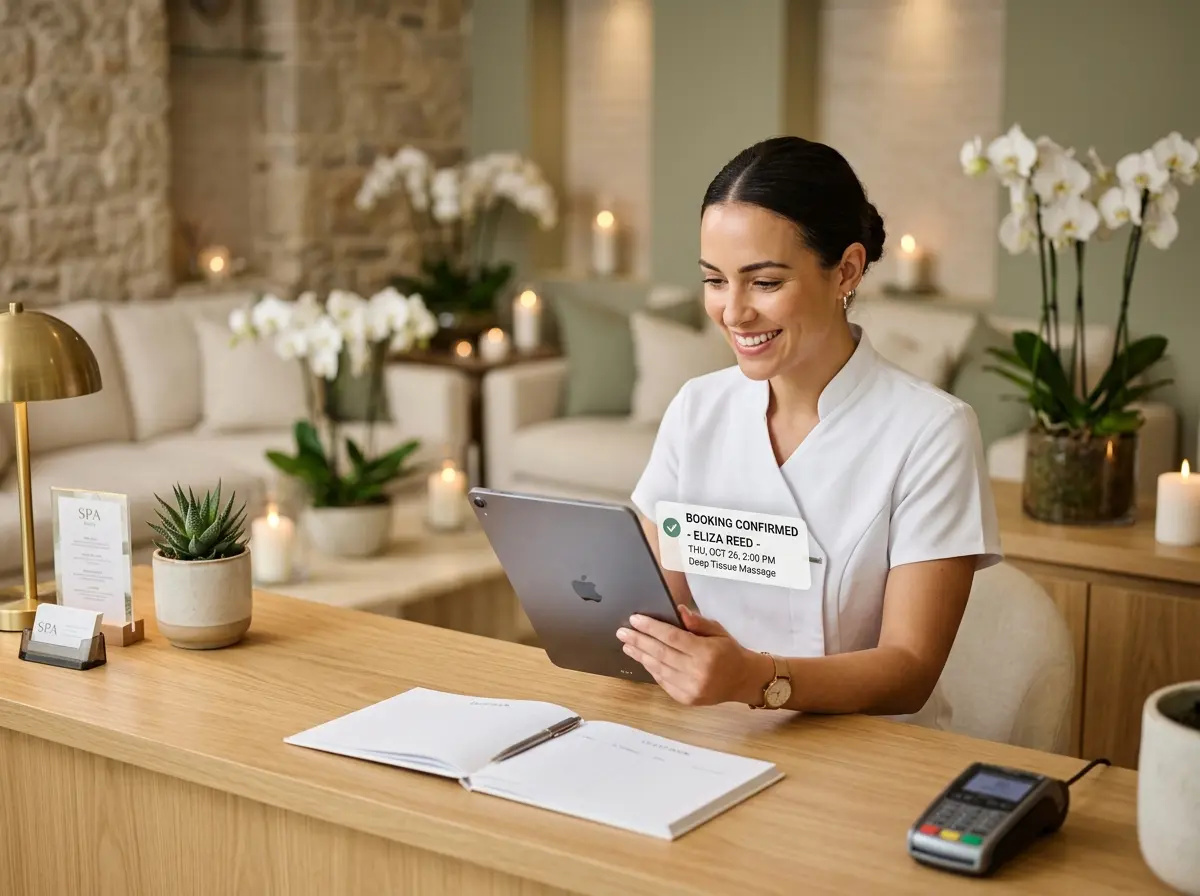
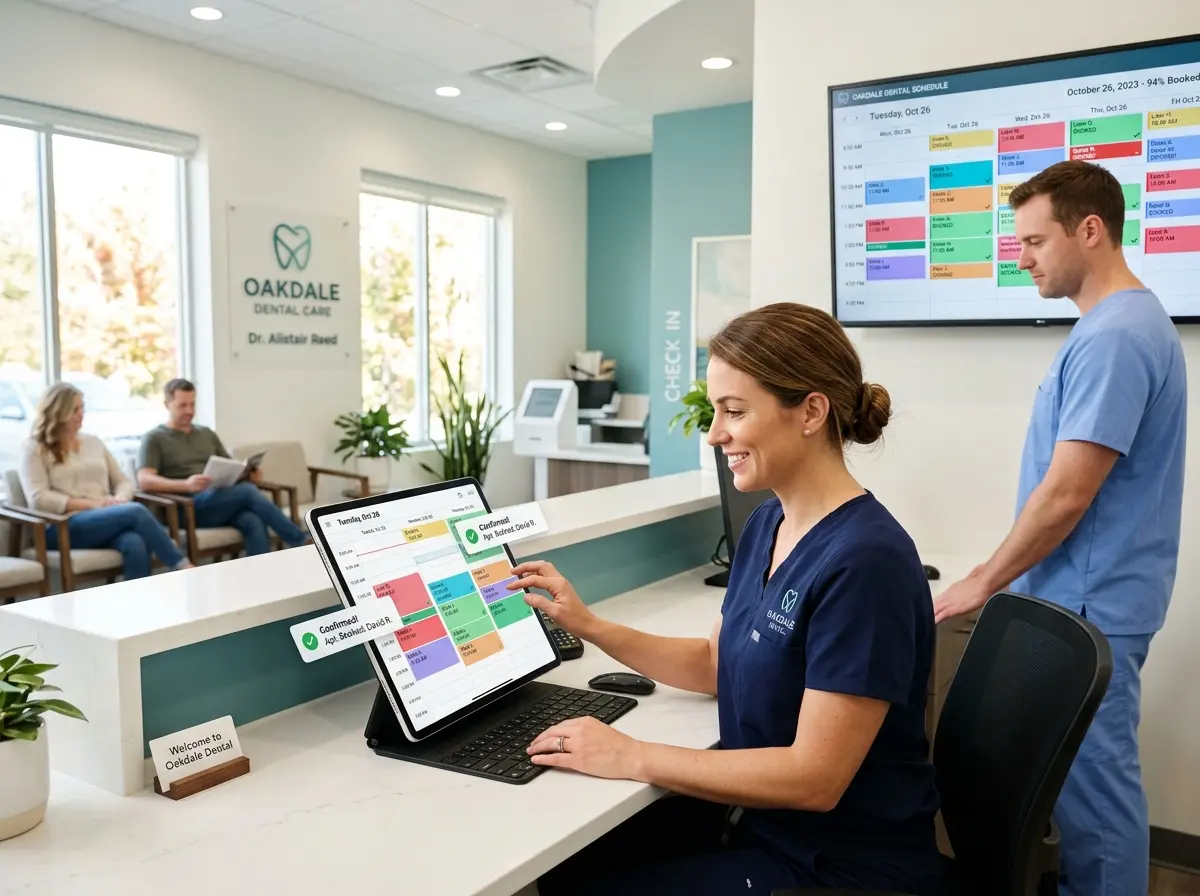
Restaurants and cafes have an additional opportunity here: tableside ordering and payment eliminates the awkward wait-for-the-check experience entirely, which consistently ranks among the top dining complaints in customer satisfaction surveys. Hotels, gyms, and spas can apply the same logic to their front-desk or reception workflows, allowing staff to check in or check out clients from anywhere on the property.
Handling Returns, Exchanges, and Edge Cases
Every business owner who starts thinking about mobile checkout eventually hits the same mental wall: "But what about returns? What about complicated transactions?" It's a fair concern, and the answer is straightforward — you don't have to do everything mobile. A hybrid approach works extremely well for most businesses.
Keep a designated service station (formerly known as your checkout counter) for complex transactions: returns, exchanges, layaways, large orders requiring multiple forms of payment, or anything that benefits from a second screen and a proper paper trail. Route routine purchases — which represent the vast majority of transactions in most stores — to mobile checkout on the floor. This hybrid model lets you capture all the speed and experience benefits of mobile checkout while maintaining a safety net for edge cases, without creating operational chaos.
Measuring the Impact and Iterating
Like any operational change, mobile checkout deserves proper measurement. Before you roll it out, establish baselines: average transaction time, customer satisfaction scores, revenue per labor hour, and if possible, some estimate of cart abandonment or walkout rate. After rollout, track the same metrics and give yourself at least 60 to 90 days before drawing firm conclusions — staff need time to get comfortable, and customers need time to adjust to the new experience.
Pay particular attention to transaction volume by time of day. If you're still seeing bottlenecks during peak hours, that's usually a staffing density problem, not a technology problem. Adjust your floor coverage accordingly. Also monitor your average order value — businesses frequently report an uptick in upsells and add-ons when staff are free to have genuine product conversations rather than rushing customers through a line. That uptick is the real financial story of mobile checkout, and it's worth tracking closely.
Quick Reminder About Stella
Stella is an AI robot employee and phone receptionist built for businesses exactly like yours — retail shops, restaurants, salons, gyms, medical offices, service providers, and more. She stands in your store engaging customers proactively and answers your phone calls 24/7, all for $99 a month with no upfront hardware costs. If you're rethinking how your staff spends their time on the floor, Stella is worth a very serious look.
Take the First Step Toward a Line-Free Store
The checkout line is not a law of physics. It's a habit — one built around fixed infrastructure and static processes that made sense decades ago and have simply stuck around out of inertia. Mobile checkout breaks that habit, and the technology to do it is available, affordable, and genuinely ready for prime time.
Here's your practical action plan to get started:
- Audit your current checkout experience. Time your average transaction. Count your busiest-hour bottlenecks. Talk to your staff about where they feel stuck.
- Choose your POS platform if you haven't already, or confirm that your existing one supports mobile checkout. Most major platforms do.
- Start with one mobile reader and one designated floor closer during your peak hours. Test before you scale.
- Communicate the change to customers with clear, friendly signage. People adapt quickly when they're told what's happening.
- Measure, adjust, and expand. Let the data tell you how fast to roll out further.
Your customers already expect speed, convenience, and a frictionless experience. Mobile checkout is one of the most direct ways to deliver all three simultaneously — and it costs far less than losing a single loyal customer to a line they didn't want to stand in. The technology is ready. Your customers are ready. The only remaining question is whether you are.