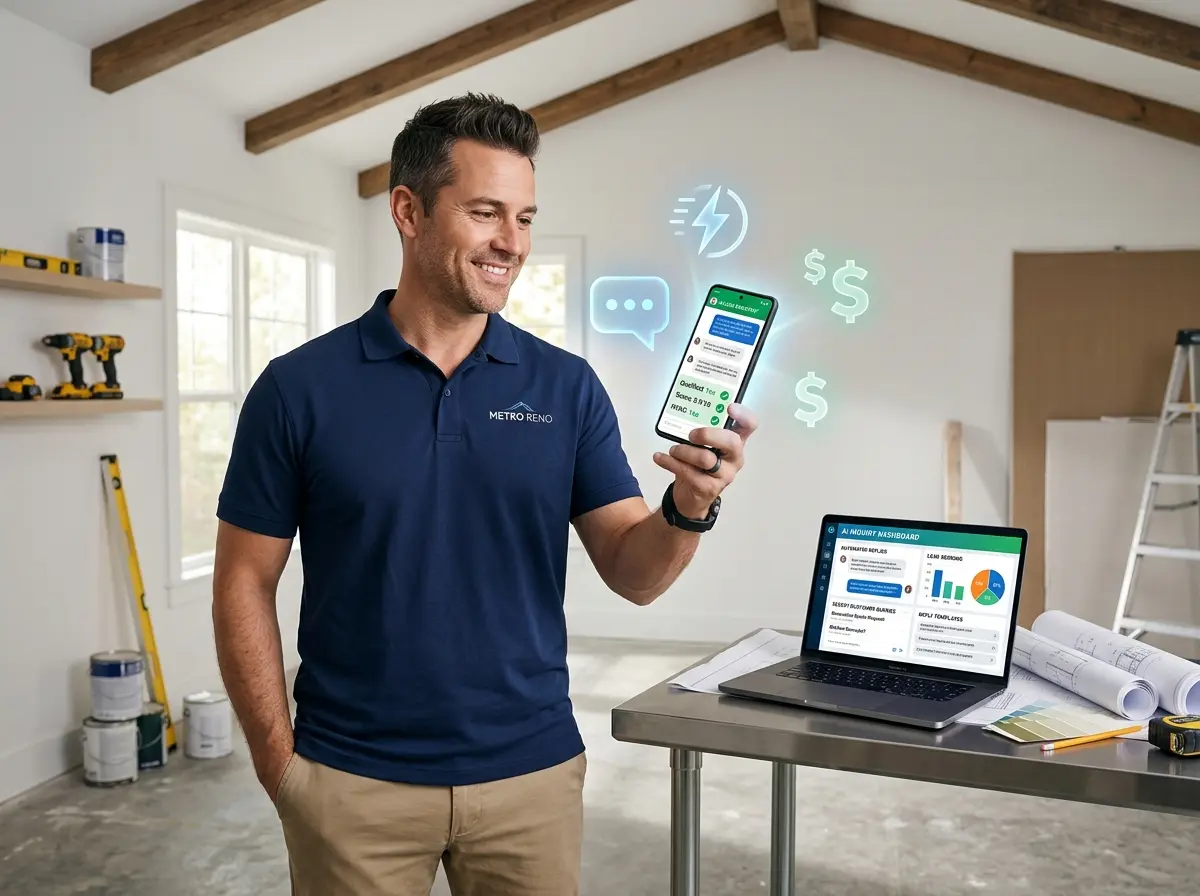
Stop Letting Leads Slip Through the Cracks While You're on a Roof
Here's a scenario every contractor knows intimately: You're elbow-deep in a plumbing repair, or balancing on a ladder re-shingling a roof, or explaining to a homeowner why their electrical panel is essentially a fire waiting to happen — and your phone rings. You can't answer. The caller hangs up. They call your competitor. Your competitor answers. Your competitor gets the job. Congratulations, you just lost $3,000 to $15,000 in revenue because you were busy doing the work that earned you the reputation that attracted that caller in the first place.
It's a cruel irony of the contracting business: the better you are at your craft, the busier you are, and the busier you are, the more leads you miss. And according to research from Lead Response Management, the odds of qualifying a lead drop by over 80% if you wait longer than five minutes to respond. Five minutes. That's not even enough time to get down from the roof.
The good news? AI has entered the trades, and it's not here to replace your skills — it's here to make sure your phone stops costing you money while you're out using them.
Why Lead Response Time Is Your Biggest Hidden Revenue Problem
The Speed-to-Lead Reality in Contracting
Homeowners and project managers shopping for contractors are not a patient bunch. When a pipe bursts, a roof leaks, or a permit deadline looms, they want answers now. Studies consistently show that responding to an inbound lead within the first minute can increase conversion rates by nearly 400% compared to a five-minute delay. Wait an hour, and you might as well not call back at all — they've already booked someone else and moved on with their lives.
The problem for most contractors is structural, not motivational. You're a one-person operation, or a small crew, and everyone on payroll is billable. Nobody's sitting at a desk waiting to answer phones. Your office manager, if you're lucky enough to have one, is probably also doing estimates, ordering materials, coordinating schedules, and trying to keep the accounting software from having an existential crisis. Expecting any of that to stop every time the phone rings is not a workflow — it's a fantasy.
What Unqualified Leads Are Actually Costing You
Not every caller is a qualified lead, and that's the other side of the problem. Plenty of calls are tire-kickers, out-of-area inquiries, or people who want a full bathroom remodel for the price of a grout touch-up. Spending twenty minutes on the phone with someone who isn't a realistic customer is time you're not spending on someone who is.
Effective lead qualification means capturing the right information upfront — project type, location, timeline, budget range, and contact details — so you can triage your callbacks and focus your energy on the opportunities that actually fit your business. Without a system to do that automatically, you're either chasing every lead equally (exhausting and inefficient) or not chasing them at all (expensive and demoralizing).
The After-Hours Problem Nobody Talks About Enough
A significant percentage of contractor inquiries come in outside of business hours. People call on their lunch breaks, after the kids go to bed, on weekends when they've finally had time to assess that water stain on the ceiling. If your voicemail is the only thing greeting them at 9 PM on a Sunday, you're leaving serious money on the table. A generic "leave a message and we'll get back to you" does nothing to capture urgency, gather project details, or give the caller any confidence that you're the right contractor for the job.
Using AI to Qualify Leads Automatically — Without Lifting a Finger
How AI Intake and Qualification Works in Practice
Modern AI receptionist tools don't just answer the phone and say "please hold." They can conduct a full conversational intake — asking callers about their project type, location, timeline, and budget, then logging all of that information cleanly so you can review it when you come up for air. Think of it as having a highly trained front desk person who works 24/7, never calls in sick, and genuinely enjoys answering the same questions over and over without a hint of resentment.
Stella, the AI robot employee and phone receptionist, does exactly this. She answers inbound calls with full knowledge of your services, pricing structure, and service area, then walks callers through a conversational intake form to collect the information you need to qualify them. Every interaction is logged in her built-in CRM, complete with AI-generated contact profiles, custom fields, and tags so you can instantly see whether a new caller is a high-priority lead or a low-urgency inquiry. For contractors juggling multiple projects, this kind of automated triage is not a luxury — it's a competitive advantage.
Beyond the Phone: Managing Leads Through a Built-In CRM
Qualifying a lead is only half the battle. The other half is not losing track of them in a sea of sticky notes, unanswered texts, and "I'll remember to call them back" promises that evaporate the moment a subcontractor calls with a problem on-site. A CRM — Customer Relationship Management system — is how serious contractors stop operating on memory and start operating on data.
Stella's built-in CRM lets you manage your contacts with custom fields, notes, tags, and AI-generated summaries of every interaction. When a lead calls back, you don't have to scramble to remember who they are or what they wanted — it's all there. Push notifications alert you to new voicemails with AI-generated summaries, so you can prioritize callbacks intelligently rather than listening to seventeen voicemails in order just to find the two that actually matter today.
Building a Lead Response System That Actually Works on a Job Site
Define Your Qualification Criteria Before You Automate
Before you hand your lead intake over to any tool, you need to know what a qualified lead looks like for your specific business. That means getting clear on your service area (to the zip code if possible), your minimum project size, your preferred project types, and your typical timeline for taking on new work. These aren't just operational details — they're the inputs that make your AI qualification system actually useful rather than just a fancy voicemail.
Spend thirty minutes writing out the five to seven questions that would tell you, definitively, whether a new caller is worth a callback today versus a callback next week. Project address. Project scope. Estimated budget. Preferred start date. How they heard about you. That last one, by the way, is also your marketing attribution data — so don't skip it.
Set Up Conditional Call Routing Like a Pro
Not every call needs to go through full AI intake. Existing clients calling with urgent issues, general contractors you work with regularly, and high-value prospects who've already been qualified deserve a faster path to a real human. Smart call routing means configuring your AI receptionist to recognize those situations and forward calls accordingly — to you, to your project manager, or to whoever is best equipped to handle that specific type of call.
The goal is a tiered system: AI handles the first pass, qualifies the new leads, answers common questions (service area, rough pricing, availability), and flags the priority calls for human follow-up. This keeps your team from being interrupted by inquiries that don't need them while making sure genuinely urgent situations get real attention fast.
Follow Up Faster With Templates and Automation
Once a lead is qualified and logged, the follow-up process should be as frictionless as possible. That means having response templates ready — for estimate requests, for scheduling consultations, for sending your service area and pricing FAQs — so that when you or your team does make contact, you're not starting from scratch every single time. Even a fifteen-second head start from a well-written template can mean the difference between a prompt, professional response and one that arrives two days late and makes you look disorganized.
Pair that with push notification alerts from your AI system and you have a lead response workflow that competes with businesses ten times your size, without hiring ten times the staff.
A Quick Reminder About Stella
Stella is an AI robot employee and phone receptionist built for businesses that can't afford to miss a customer — which, let's be honest, is all of them. She answers calls 24/7, qualifies leads through conversational intake, manages contacts through a built-in CRM, and keeps your team in the loop with AI-generated summaries and push notifications. At $99/month with no upfront hardware costs, she's the hardest-working employee on your payroll who will never ask for overtime.
Start Capturing Every Lead — Starting Today
The contracting business is competitive, physically demanding, and not particularly forgiving of administrative gaps. You didn't get into this industry to sit by the phone, and you shouldn't have to. But you also can't afford to let qualified leads hit voicemail and disappear into the ether while you're doing the work that makes your business worth calling in the first place.
Here's where to start: Define your lead qualification criteria this week. Write out your five key intake questions. Then look at your current phone setup and ask yourself honestly — is it working, or is it costing you jobs? If the answer is the latter, it's time to put a smarter system in place.
AI-powered lead qualification isn't about replacing the human judgment that makes a great contractor — it's about making sure that judgment gets applied to the right leads at the right time, instead of being wasted on calls you never got to answer. The tools are affordable, the setup is straightforward, and the upside is real. The only thing left to do is stop leaving money on the roof.