Let's Talk About the Chaos You Call a "System"
If your current project management strategy involves a whiteboard, three different text threads, a spreadsheet that hasn't been updated since February, and a sticky note on your dashboard that says "CALL MIKE???" — congratulations, you're not alone. Most contractor businesses start out running on hustle, instinct, and a remarkable tolerance for controlled chaos. And honestly, for a while, it works.
Then it doesn't.
A missed deadline here, a scheduling conflict there, a subcontractor who swears he never got the job brief, and suddenly you're the one eating the cost — again. According to the Project Management Institute, organizations that undervalue project management report an average of 50% more project failures. For contractors, those failures don't just mean awkward client conversations. They mean blown budgets, damaged reputations, and the kind of stress that ages you in dog years.
The good news? The solution isn't hiring a full-time project coordinator (though, hey, maybe eventually). It's implementing a project management system that does the heavy lifting so you can focus on the actual work. This post walks you through why you need one, what to look for, and which platforms are worth your time and money.
Why Contractor Businesses Specifically Need Project Management Software
You're Managing More Moving Parts Than You Probably Realize
Unlike a software company where the "project" lives entirely on someone's laptop, contracting work is messy in the most physical sense. You've got clients, subcontractors, suppliers, permits, inspections, equipment rentals, and weather delays — all happening simultaneously, all potentially derailing each other like a very expensive game of dominoes.
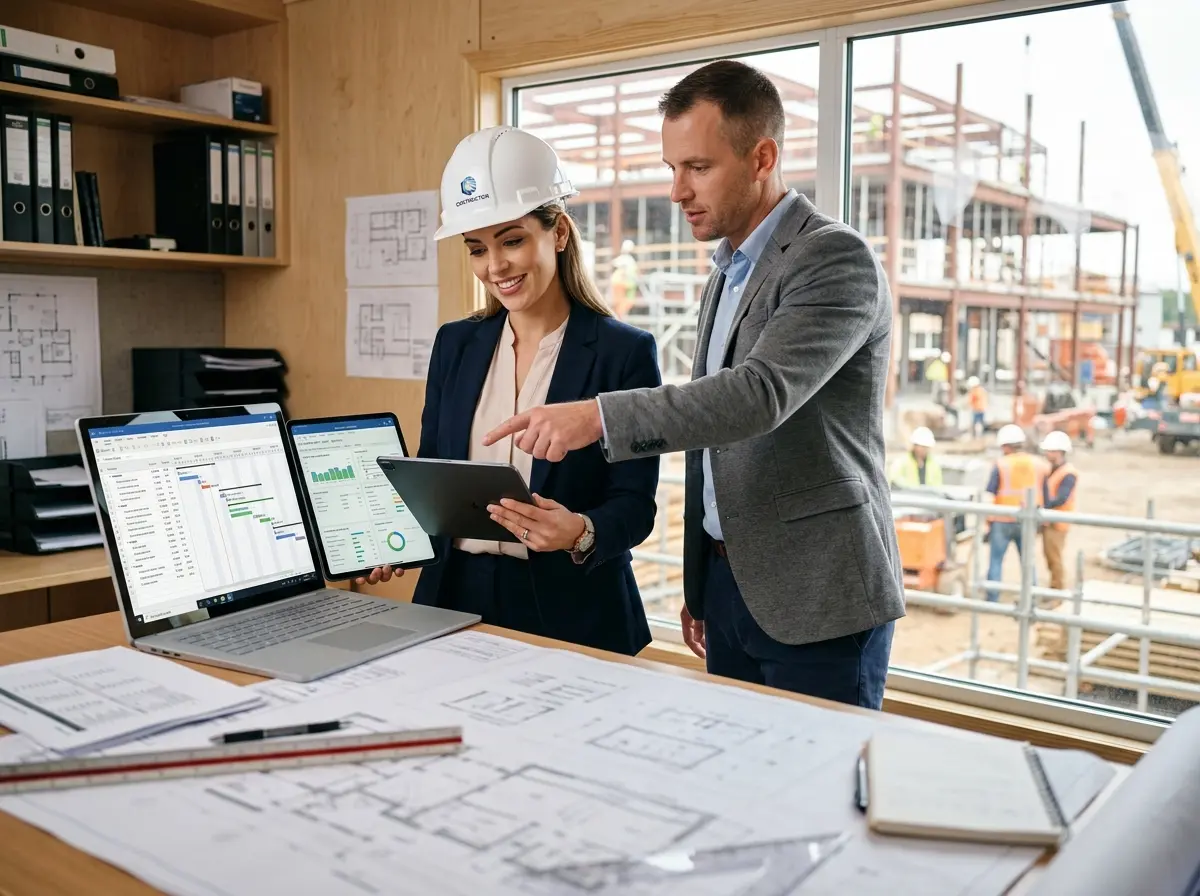
A general contractor running even three or four projects at a time is managing dozens of interdependencies. When those live in your head or scattered across disconnected tools, things fall through the cracks. A proper project management system centralizes everything: schedules, task assignments, budgets, documents, and communication. When Mike says he didn't get the job brief, you can pull up exactly when it was sent, to whom, and whether it was opened. That alone is worth the subscription fee.
Your Clients Expect Professionalism — Even If You Don't Charge Like It Yet
Here's a truth that stings a little: clients judge your professionalism before the first nail is hammered. How quickly you respond, how clearly you communicate timelines, and whether you actually follow up like you said you would — these things shape the client experience just as much as the quality of your finished work.
A project management system gives you the infrastructure to look (and operate) like a larger, more established business. Automated status updates, shared project portals, and organized documentation signal to clients that they're in capable hands. And happy clients who feel informed and respected? They leave five-star reviews and send their neighbor your way when she mentions she wants a kitchen remodel.
Cash Flow and Budgeting Are Not a Vibe — They're a System
Many contractors are excellent at the craft and genuinely terrible at tracking where the money went. Labor ran over. Materials cost more than quoted. That change order never got formally approved. Project management tools with built-in budgeting features help you track actual versus estimated costs in real time, flag overages before they spiral, and build more accurate estimates over time based on historical data. The difference between a contractor who's busy and a contractor who's profitable often comes down to this kind of financial visibility.
How Stella Can Help on the Front End of Your Business
While You're Managing Projects, Who's Managing Your Incoming Calls?
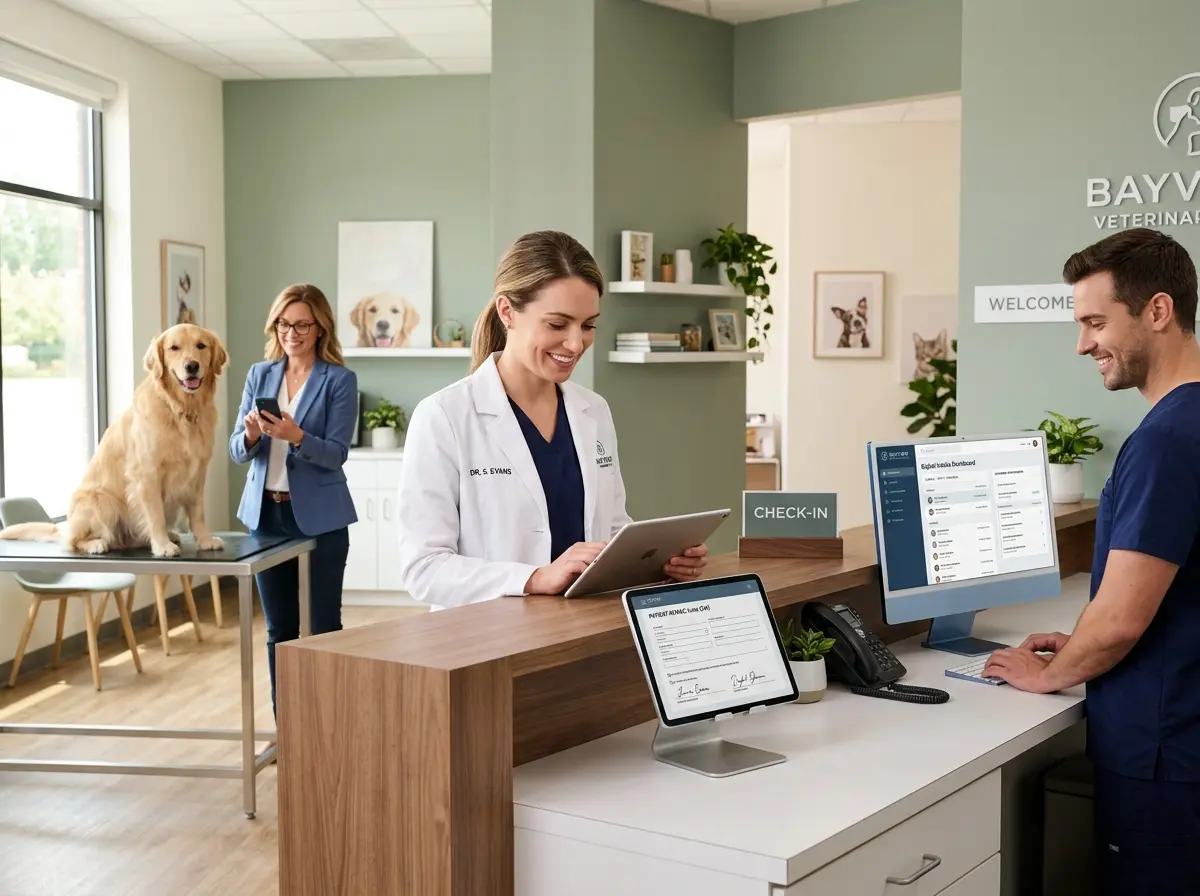
Project management software handles everything once a job is underway — but what about the moment before that, when a potential client is calling to get a quote and nobody picks up? Stella, the AI robot employee and phone receptionist, makes sure that call never goes to voicemail purgatory. She answers 24/7, collects job details through conversational intake forms, and forwards calls to the right person when needed — all while you're on-site actually doing the work you love.
For contractor businesses with a physical office or showroom, Stella's in-store kiosk presence means walk-in clients get greeted immediately and can get answers about services, timelines, and pricing without interrupting your staff. Her built-in CRM automatically logs customer information and generates AI-powered contact profiles, so by the time a lead reaches your project management system, you already have context. It's the front-of-funnel efficiency that most contractors completely overlook — and it costs just $99/month.
Choosing the Right Project Management Platform for Your Contracting Business
The Top Contenders Worth Your Attention
Not all project management tools are built with contractors in mind, so it pays to be selective. Here are the platforms that consistently earn high marks from contractors and construction businesses:
- Buildertrend — Purpose-built for residential contractors. Covers scheduling, budgeting, client communication, purchase orders, and daily logs. It's comprehensive, and yes, it has a learning curve, but the payoff is real.
- CoConstruct (now part of Buildertrend) — Originally popular with custom home builders and remodelers for its client-facing portal and tight budget-to-actuals tracking.
- Procore — The enterprise-level option. If you're running large commercial projects, this is the gold standard. If you're a small crew doing bathroom remodels, it's probably overkill.
- monday.com or Asana — Not contractor-specific, but highly flexible. Great for smaller operations that want clean task management without the complexity of construction-specific platforms.
- Jobber — Excellent for service-based contractors (HVAC, plumbing, landscaping) who need scheduling, quoting, invoicing, and client management in one place.
The right choice depends on the size of your operation, the complexity of your projects, and whether you need construction-specific features like RFIs, submittals, and subcontractor management — or whether simple task tracking and invoicing will do the job.
Key Features to Look For (Don't Skip This)
Before you commit to any platform, run it through this checklist. A good contractor project management system should offer scheduling with dependency tracking, budget management with real-time cost tracking, document and photo storage, client communication tools or a client portal, mobile access for field teams, and integrations with your accounting software (QuickBooks compatibility is nearly non-negotiable).
Also take advantage of free trials — most platforms offer them, and nothing tells you more about a tool than actually using it on a live project for two weeks. Pay attention to how long it takes your team to learn it. A system that only you understand isn't a system; it's just another thing you have to manage.
Implementation Tips That Actually Work
The graveyard of unused software subscriptions is full of tools that were purchased with enthusiasm and abandoned within 60 days. To avoid that fate, start with one project rather than trying to migrate everything at once. Get your core team trained before rolling it out to subcontractors. Assign someone — even if that someone is you — as the internal champion who owns the system and keeps it updated.
Set a 90-day review milestone where you honestly evaluate what's working and what isn't. The goal isn't a perfect system on day one. The goal is a system that gets 20% better every month until it genuinely reduces your stress, increases your margin, and makes your clients feel like they hired the most organized contractor in town.
A Quick Reminder About Stella
Stella is an AI robot employee and phone receptionist designed for businesses of all types — including contractor businesses and service providers. She greets walk-in clients at your physical location, answers phone calls around the clock, and collects lead information so nothing slips through the cracks while you're on the job. At $99/month with no upfront hardware costs, she's the front-desk presence your business deserves without the overhead of a full-time hire.
The Bottom Line: Systems Are How Small Businesses Grow Up
There's a version of your business that runs on stress, memory, and luck — and there's a version that runs on systems. The contractors who scale successfully, retain great clients, and actually enjoy their work aren't necessarily the most talented. They're the most organized. A solid project management platform is one of the highest-leverage investments you can make in your business, full stop.
Here's your action plan:
- Audit your current process. Write down every place project information currently lives. Be honest about how much time you waste looking for things.
- Choose two or three platforms from the list above that fit your business size and type, and sign up for free trials.
- Run a pilot. Pick one active project and manage it entirely within the new system for 30 days.
- Train your team before rolling out broadly, and designate an internal owner for the system.
- Layer in front-end tools — like an AI receptionist — to make sure the leads you're working so hard to earn actually get captured and responded to.
The sticky note on your dashboard had a good run. It's time to retire it.