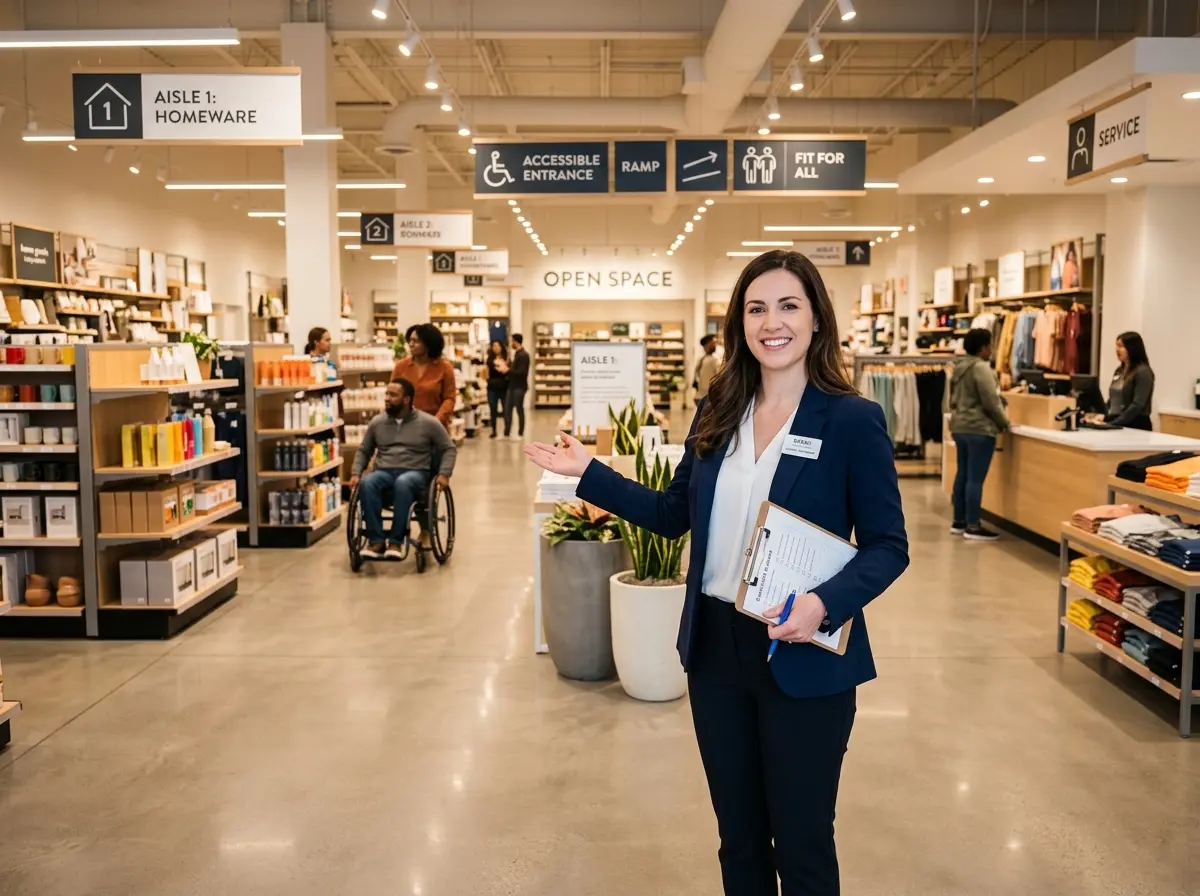
Is Your Store Actually Welcoming — Or Just Technically Open?
There's a difference between a store that's open and a store that's genuinely welcoming. One has unlocked doors and the lights on. The other actually lets every customer — regardless of ability, age, or circumstance — shop with dignity and ease. Guess which one most business owners think they're running? (Hint: it's usually the first one.)
Accessibility is one of those topics that business owners either treat as a checkbox exercise for compliance or, frankly, don't think about at all until something goes wrong. But here's the thing: approximately 1 in 4 adults in the United States lives with some form of disability, according to the CDC. That's a enormous segment of your customer base — and their friends, families, and caregivers — who will immediately notice whether your store respects their needs or quietly makes their life harder.
The good news? A genuine accessibility audit doesn't require a full renovation or a six-figure consultant. It requires a fresh set of eyes, a willingness to see your space as others experience it, and a practical checklist to guide you through the process. This is that checklist.
The Physical Space: First Impressions Start at the Curb
Before a customer even reaches your front door, they've already started forming an impression of your business. If that impression involves navigating a cracked parking lot, hunting for a ramp, or wrestling with a heavy door — you've got work to do. The exterior and entrance of your store set the tone for everything that follows.
1. Parking and Exterior Access
The Americans with Disabilities Act (ADA) requires a specific number of accessible parking spaces based on your total lot size, and those spaces must be properly marked, the right dimensions, and located on the most accessible route to your entrance. Take a walk from your accessible parking space to your front door and time it. If it feels like a journey, your customers will feel it too. Check for cracked pavement, missing curb cuts, and anything that would make a wheelchair, walker, or stroller pause mid-route.
2. Entrance and Doorways
Your front door should be a welcome mat, not an obstacle course. ADA guidelines specify that doorways must be at least 32 inches wide when open, with 36 inches being the recommended standard for comfortable wheelchair passage. Consider whether your entrance requires significant force to open — if it does, automatic doors or a push-button opener can make an enormous difference. Don't forget about thresholds; even a small lip at the entrance can be a significant barrier for some customers.
3. Interior Navigation and Aisle Clearance
Once inside, customers need enough space to move freely. The ADA recommends a minimum of 36 inches of clear aisle space, with 44 inches preferred in high-traffic areas. Walk your store as if you're pushing a wheelchair or using a walker. Are there displays creeping into walkways? Is signage at eye level for someone seated? Can customers reach products without straining? Small adjustments to product placement and display positioning can dramatically improve the experience without costing a cent.
Communication and Sensory Accessibility
Accessibility isn't only about physical barriers. Communication barriers — including how your team interacts with customers, how your signage is designed, and how information is presented — matter just as much. Customers with hearing impairments, visual impairments, cognitive differences, or language barriers all deserve a store experience that doesn't make them feel invisible.
4. Signage and Wayfinding
Your signs should be readable by as many people as possible. That means high-contrast color schemes, large enough font sizes, and clear, simple language. Braille signage is legally required in certain locations (restrooms, exits, and permanent rooms), but going beyond the minimum to include visual aids and intuitive wayfinding throughout your store is both smart and kind. If a customer has to ask where the restroom is, your signage has already failed.
5. Staff Training and Communication Practices
Even the most physically accessible store can feel unwelcoming if staff interactions aren't thoughtful. Train your team to speak directly to customers with disabilities — not to their companions. Remind them to ask before offering assistance (well-meaning help can sometimes be unwelcome). Simple practices like speaking clearly, facing customers who may be lip-reading, and being patient go a long way toward creating an environment where everyone feels respected.
Technology as an Accessibility Ally
This is where things get genuinely exciting — and where forward-thinking retailers are separating themselves from the pack. Technology, when implemented thoughtfully, can remove barriers that physical renovations alone can't address.
6. How AI Can Bridge the Gap
Stella, the AI robot employee and phone receptionist, is one example of how technology can meaningfully support accessibility in a retail environment. Standing inside your store, Stella can proactively greet customers, answer questions about products, services, hours, and policies, and provide consistent, patient communication without the variability that comes with human staff on a busy day. For customers who feel anxious asking staff for help, or who process information differently and need a moment to think through their questions, having a dedicated, always-available point of contact is genuinely useful.
Stella also answers phone calls 24/7, which matters for customers who may need to call ahead to ask about accessibility accommodations before visiting — something many people with disabilities routinely do. No voicemail dead ends, no being put on hold indefinitely. That kind of reliable, knowledgeable presence on the phone can be the difference between a customer choosing your store or quietly moving on to a competitor.
Restrooms, Service Areas, and the Details That Matter
The middle portion of your store audit might focus on the big-picture stuff, but accessibility lives in the details. Restrooms, checkout counters, seating areas, and fitting rooms all have specific requirements and best practices — and they're often where stores fall short simply because no one thought to check.
7. Accessible Restrooms
If your store has a public restroom, it needs to meet ADA accessibility standards. This includes turning radius for wheelchairs, grab bars, appropriate sink and counter heights, and accessible door hardware. Beyond compliance, consider whether the restroom is easy to find and whether the path to it is clear and navigable. An accessible restroom that requires traversing a cluttered stockroom isn't particularly accessible.
8. Checkout and Service Counters
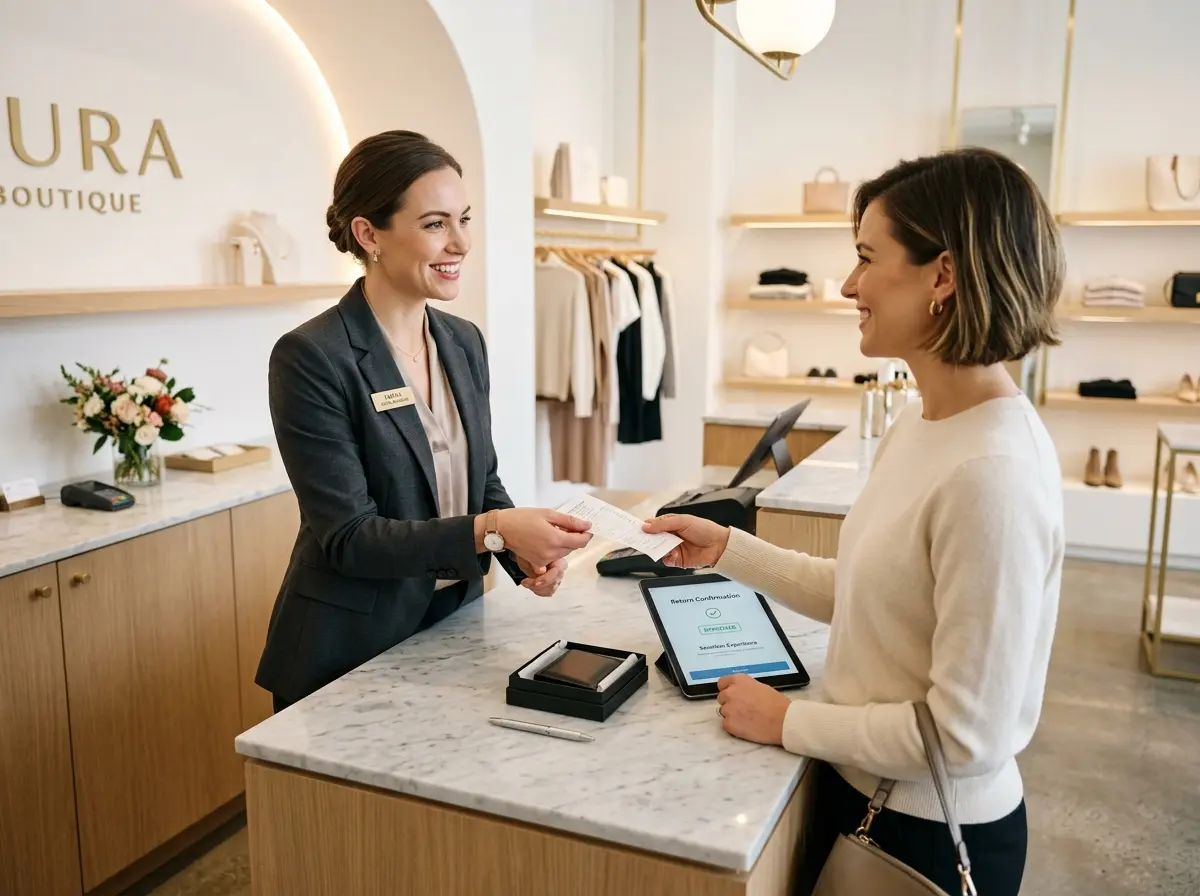
ADA guidelines require at least one accessible checkout lane or service counter at a maximum height of 36 inches. But the spirit of the requirement goes further than the letter of the law. Consider whether your checkout process is unnecessarily complex for someone with limited dexterity. Can customers see the payment terminal screen clearly? Is there seating available for those who can't stand for extended periods? These are small, inexpensive fixes that signal genuine respect for your customers' needs.
9. Fitting Rooms and Seating
If your store has fitting rooms, at least one must be accessible, with enough turning space for a wheelchair and appropriate hooks and seating inside. More broadly, make sure there's adequate seating throughout your store for customers who need to rest — elderly shoppers, people with chronic illness, or anyone who simply needs a moment. Seating isn't a luxury; for many customers, it's what makes shopping in your store possible at all.
10. Emergency Egress and Safety
Your accessibility audit isn't complete without reviewing emergency procedures. Can every customer in your store safely exit in an emergency? Are your evacuation plans communicated in accessible formats? Do your staff know how to assist customers with mobility limitations during an evacuation? This one often gets overlooked entirely, and it's too important to skip.
A Quick Reminder About Stella
Stella is an AI robot employee and phone receptionist available for just $99/month — no upfront hardware costs, easy setup, and ready to work from day one. She greets customers in-store, answers questions, promotes your offerings, and handles phone calls around the clock, so your human team can focus on delivering the kind of personalized service that no checklist can fully capture.
Your Accessibility Audit Starts Today
Running through this checklist isn't a one-afternoon project — it's an ongoing commitment to treating every customer as a valued guest rather than an afterthought. Start with a walkthrough of your store using fresh eyes. Better yet, invite someone with a disability to walk through with you and give you honest feedback. You'll be surprised what you've been overlooking.
From there, prioritize. Not everything can be fixed at once, and not everything requires significant investment. Many of the most impactful changes — staff training, signage improvements, aisle clearance — cost little to nothing. Document what you find, build a plan, and set realistic timelines for improvements that require more resources.
The businesses that take accessibility seriously don't just avoid ADA violations — they build genuine loyalty among a customer segment that is frequently underserved and deeply appreciates being treated with dignity. That's not just good ethics. It's good business. And now you have no excuse not to start.