Because "I Forgot" Isn't a Business Strategy
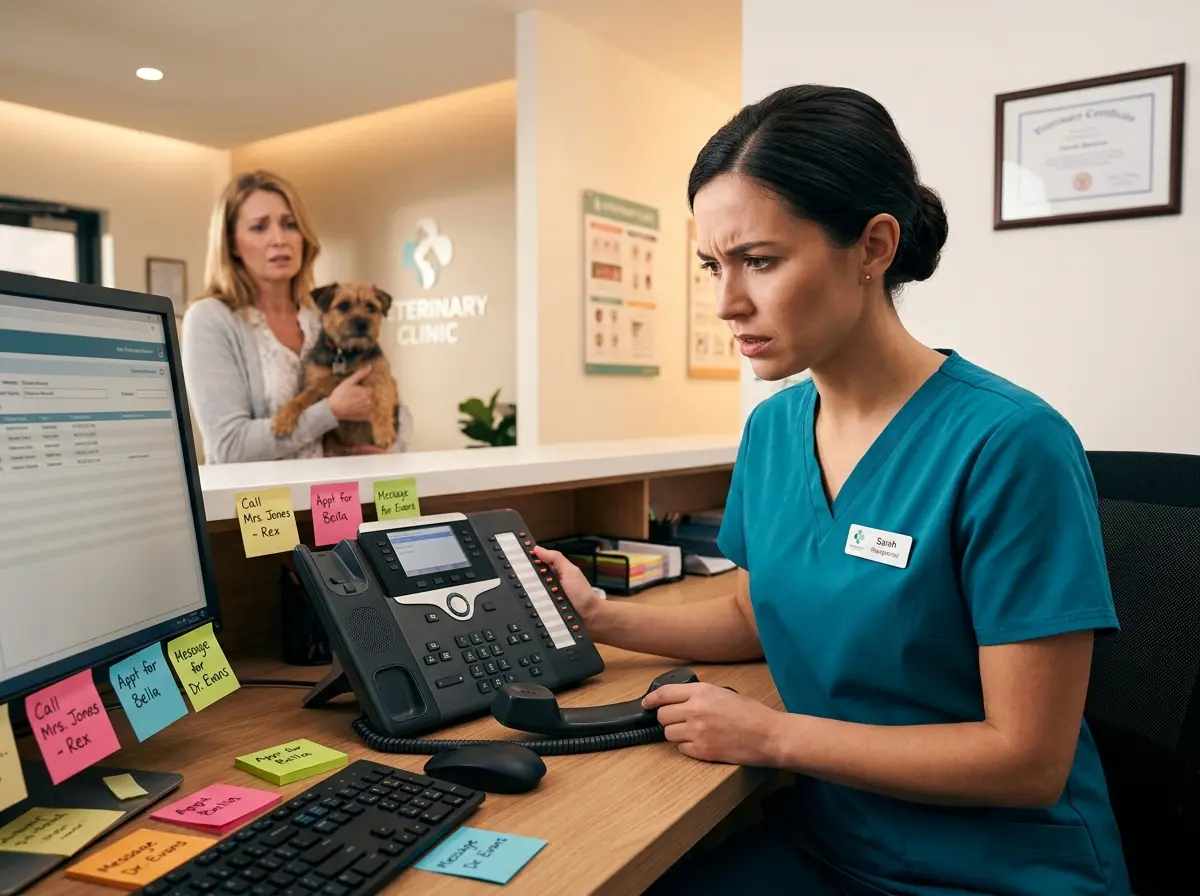
You blocked out the time. You prepped your staff. You maybe even turned away another customer to hold that slot. And then... nothing. The appointment comes and goes like a ghost, and your revenue disappears right along with it. Sound familiar?
No-shows are one of the most quietly devastating problems facing appointment-based businesses. According to industry estimates, no-show rates average between 10% and 30% across sectors like healthcare, salons, gyms, and professional services — and every empty slot represents real money left on the table. The good news? Most no-shows aren't malicious. People are busy, forgetful, and drowning in their own to-do lists. That means the problem is largely fixable — if you have the right system in place.
This post will walk you through how to build an appointment reminder system that actually works, not just one that technically exists. There's a difference, and your calendar knows it.
Building the Foundation: Timing, Channels, and Message Content
Before you can reduce no-shows, you need to understand why a single reminder email sent the morning of the appointment isn't a system — it's a prayer. A real reminder system is layered, intentional, and designed around how humans actually behave (sporadically, forgetfully, and with too many browser tabs open).
Get the Timing Right With a Multi-Touch Approach
The most effective reminder systems use multiple touchpoints spread across a logical timeline. A single reminder gives customers one chance to catch it. A sequenced approach dramatically improves the odds. A commonly recommended structure looks like this:
- 48–72 hours before: A friendly initial reminder with full appointment details and a clear confirmation or cancellation option.
- 24 hours before: A shorter follow-up reminder, especially useful for appointments that require prep (fasting, paperwork, arriving early).
- 2–4 hours before: A quick same-day nudge — text works best here since open rates for SMS hover around 98% compared to roughly 20% for email.
Yes, that's three reminders. No, that's not too many. It's the difference between a full appointment book and an afternoon of staring at an empty chair.
Choose the Right Communication Channels
Not everyone checks their email. Not everyone loves phone calls. Not everyone reads texts immediately (though most do). The smartest appointment reminder systems use two or more channels — typically a combination of SMS, email, and a phone call for high-value appointments.
For medical offices, dental practices, and legal consultations, a personal phone call 48 hours out still carries significant weight. It signals professionalism and makes the appointment feel important. For salons, fitness studios, or restaurants, SMS tends to be the most effective and least intrusive option. Know your audience and match your channel accordingly — then automate it so you're not manually tracking who needs what.
Write Reminders That Actually Get Read
The content of your reminders matters more than most business owners realize. A reminder that just says "You have an appointment tomorrow" is technically a reminder. It is not, however, a good one. Effective reminders include:
- The date, time, and location (or video link) — don't make them dig for it
- The name of the staff member or service they're booked for
- A one-tap option to confirm, reschedule, or cancel
- Any preparation instructions relevant to their appointment
- Your cancellation policy, stated clearly and without apology
That last point is important. Customers are far more likely to cancel proactively — rather than just not showing up — when they clearly understand there's a policy in place. Make it easy for them to do the right thing, and most of them will.
How Technology (Including a Little AI Help) Can Do the Heavy Lifting
Let's be honest: manually sending reminders across multiple channels on staggered timelines is not something a busy business owner or small team can realistically sustain. This is exactly where automation and smart tools earn their keep.
Automate and Let AI Handle the Repetitive Work
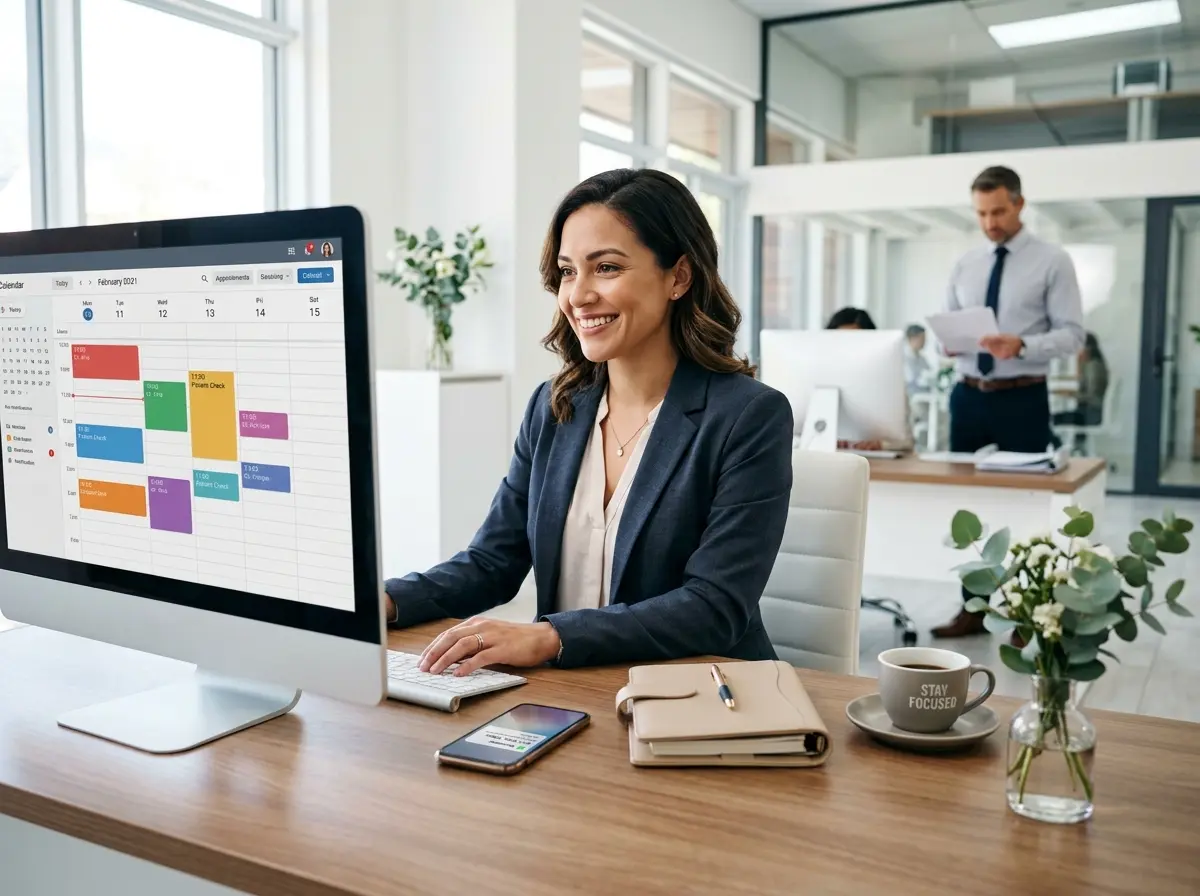
Modern scheduling platforms like Acuity, Calendly, Jane App, or industry-specific tools often include built-in reminder automation. If yours doesn't, it's worth switching. These integrations can trigger reminder sequences automatically based on appointment type, giving you a set-it-and-mostly-forget-it workflow.
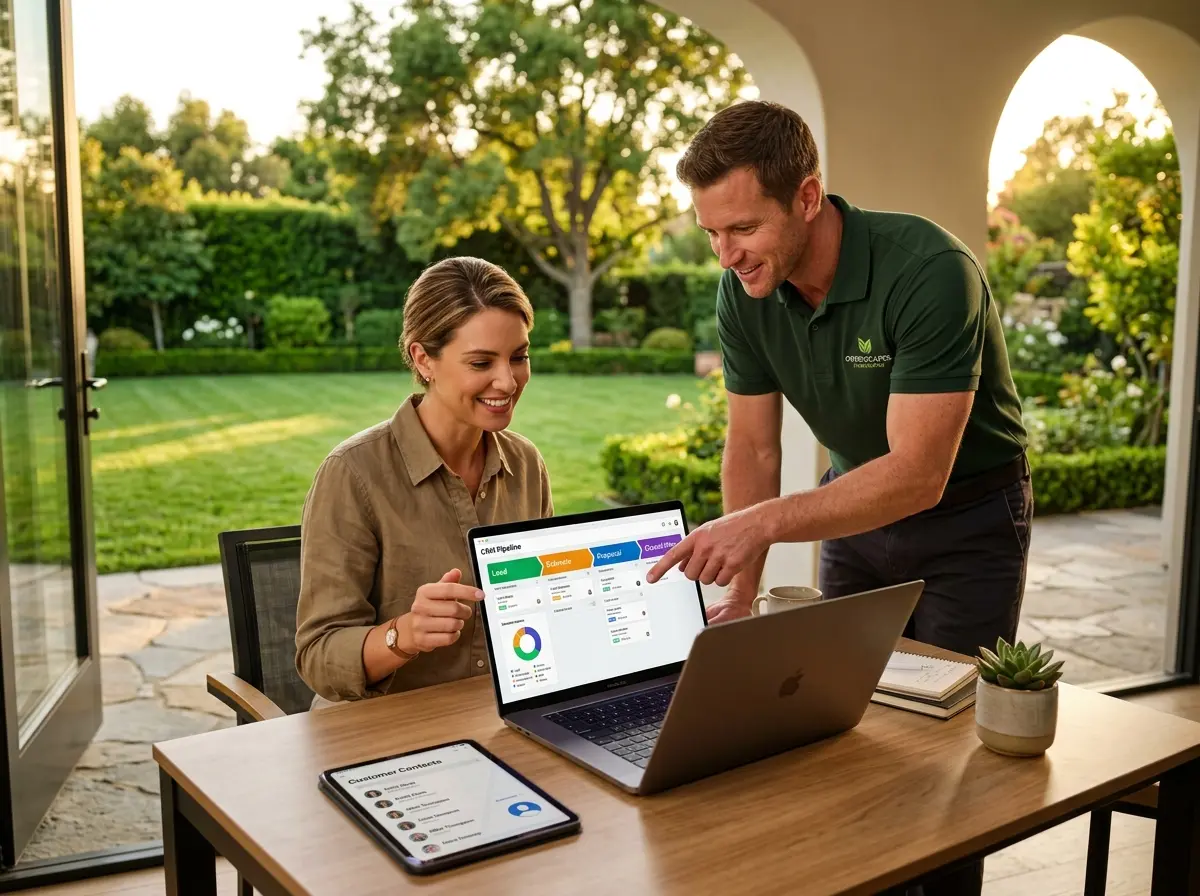
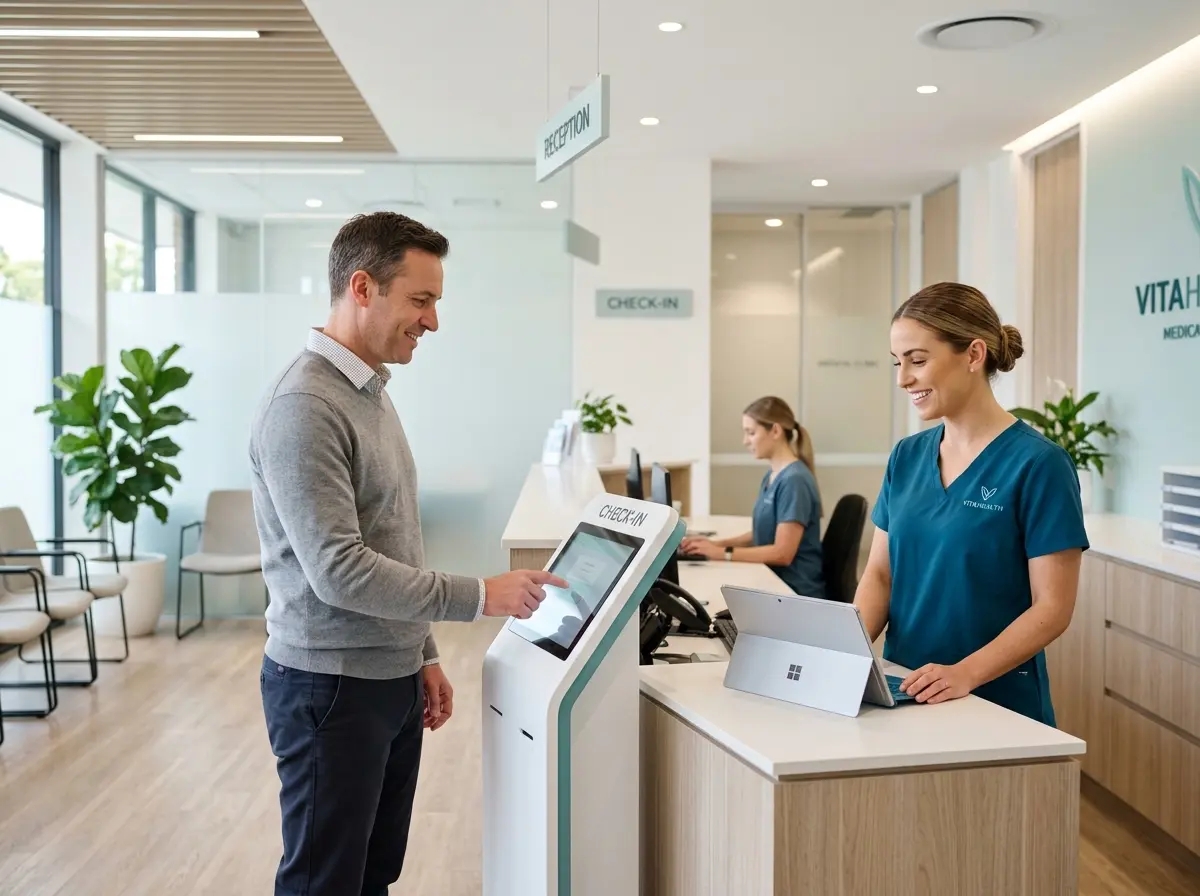
For businesses that also handle inbound calls — and most do — Stella is worth knowing about. Stella is an AI-powered phone receptionist and in-store kiosk that can handle appointment-related phone inquiries 24/7, collect customer information through conversational intake forms, and manage contacts through a built-in CRM with custom fields, tags, and AI-generated profiles. That means when someone calls to reschedule at 9 PM, Stella picks up, handles it professionally, and updates your records — no missed calls, no morning voicemail backlog, no dropped information. She bridges the gap between your scheduling system and real human communication without requiring a human to be on standby around the clock.
Reducing No-Shows at the Systemic Level: Policies, Deposits, and Waitlists
Reminders are powerful, but they work best when paired with structural policies that create genuine accountability. If there are zero consequences for not showing up, a small percentage of customers will always take advantage of that — not out of malice, but because humans respond to incentives. Give them a reason to show up, or a reason not to waste your time.
Implement a Cancellation Policy With Teeth
A cancellation policy only works if you enforce it. Plenty of businesses have one buried in their booking confirmation that no one reads and no one enforces. That's not a policy — it's a formality. A real cancellation policy is communicated upfront, repeated in reminders, and actually applied when violated.
The standard approach is a 24-48 hour cancellation window, with a fee (often 50-100% of the service cost) for late cancellations or no-shows. Yes, some customers will push back. The ones who respect your time will appreciate that you respect it too. Requiring a credit card on file at the time of booking — even if you only charge it in no-show scenarios — dramatically reduces ghost appointments on its own.
Use Deposits for High-Value Appointments
For longer, more expensive appointments — think hair color services, medical consultations, legal strategy sessions, or automotive work — requiring a deposit at booking is one of the most effective no-show prevention tools available. A customer who has already paid $50 toward a $200 service is significantly more motivated to show up than one who hasn't committed a single dollar. Deposits also give you a natural opening to collect payment information, which simplifies the checkout process on the day of service.
Build and Actively Manage a Waitlist
Even with the best systems, cancellations will happen. A well-managed waitlist turns a last-minute cancellation from a revenue loss into a revenue opportunity. When a slot opens up, your next available customer fills it — and they're often thrilled to get in earlier than expected. Platforms that automate waitlist notifications make this nearly effortless, and it signals to your customers that your time is genuinely in demand. Which, hopefully, it is.
Quick Reminder About Stella
Stella is a friendly AI robot employee and phone receptionist designed for businesses of all types — from brick-and-mortar shops and salons to online service providers and solopreneurs. She greets in-store customers, answers phone calls around the clock, manages contacts through a built-in CRM, and handles intake — all for just $99/month with no upfront hardware costs. She doesn't take breaks, doesn't miss calls, and never has a bad day at the front desk.
Start Showing Up for the Customers Who Show Up for You
Reducing no-shows isn't about shaming your customers or building an elaborate punishment system. It's about creating a professional, organized experience that makes it easy for people to keep their commitments — and clear what happens when they don't. The businesses that nail this treat appointment management as a customer experience issue, not just an operations one.
Here's your action plan for the next two weeks:
- Audit your current reminder setup. How many touchpoints do you have? What channels are you using? When do they go out?
- Add or improve your cancellation policy. Make sure it appears in your booking flow, your confirmations, and your reminders — and that you actually enforce it.
- Evaluate your tools. If your scheduling software doesn't automate reminders or handle phone-based rescheduling gracefully, it's time to upgrade or supplement it.
- Set up a waitlist process so cancellations become opportunities rather than losses.
- Test and iterate. Track your no-show rate monthly. If it's not dropping, something in your system needs adjustment.
Your time is valuable. Your staff's time is valuable. And your appointment slots represent real revenue that you've already invested in delivering. Build a system that protects all of it — and then let automation handle the follow-through so you can focus on the work you actually love doing.