Because "It's Slow Today" Shouldn't Be Your Business Strategy
Every business owner knows the feeling. It's Tuesday afternoon, your staff is reorganizing the stockroom for the third time this week, and you're watching tumbleweed roll through your front door. Slow days happen — but accepting them as inevitable? That's where things go wrong.
The good news is that slow days are largely predictable. You probably already know which days of the week, which hours, or which times of year tend to drag. And if you can predict them, you can fight back against them — proactively, automatically, and without turning email marketing into a second full-time job.
Email automation is one of the most underutilized tools in a local business owner's toolkit. Done right, it can fill your slow hours with real foot traffic from customers who already know and like you. Done wrong, it becomes another thing you set up once, forgot about, and now quietly spam people who unsubscribed six months ago. This guide is about doing it right — with practical strategies, real-world examples, and a few gentle nudges toward tools that actually make your life easier.
Building the Foundation: Emails That Actually Get People Off the Couch
Know Your Slow Days Before You Write a Single Email
Before you open your email platform and start typing subject lines, do a little homework. Pull your sales data and identify your consistently slow windows. Is it Monday mornings? Wednesday afternoons? The third week of January when everyone has broken their New Year's resolutions and sworn off spending money? Write it down. These windows are your targets.
Once you know your slow periods, you can build email campaigns specifically designed to drive traffic during those times — not just whenever the email happens to arrive. A Tuesday-only promotion sent on a Monday evening gives customers time to plan and a reason to show up tomorrow. A "this week only" flash deal sent Thursday morning catches people right as they're starting to think about weekend plans. Timing is everything, and your data already has the answers.
Segment Your List Like You Mean It
Not every customer on your email list is the same, and treating them that way is a fast track to the spam folder. A loyal customer who visits twice a week doesn't need the same "we miss you!" email as someone who came in once six months ago and hasn't returned. Most email platforms — Mailchimp, Klaviyo, ActiveCampaign, and others — make segmentation surprisingly accessible, even for non-technical users.
Consider building segments like these:
- Frequent visitors: Reward them with early access to deals or VIP-only promotions on slow days.
- Lapsed customers: Send a re-engagement offer — a small discount or a "we've missed you" message with something new to check out.
- New customers: Follow up after their first visit with a reason to come back soon, ideally timed to a slow window.
- Birthday or anniversary subscribers: A well-timed birthday offer feels personal and drives visits during what might otherwise be an ordinary week.
The more relevant your email is to the person receiving it, the more likely it is to land — and the more likely they are to walk through your door.
Write Subject Lines That Don't Sound Like Spam
Here's an uncomfortable truth: your beautifully crafted email doesn't matter if nobody opens it. Subject lines are the gatekeepers, and they deserve more than thirty seconds of thought. According to Mailchimp, the average email open rate across industries hovers around 21% — meaning nearly 80% of your subscribers may never even see your offer if your subject line doesn't earn that click.
Avoid vague subject lines like "Special Offer Inside!" and instead try specificity: "Free coffee with any purchase — this Wednesday only" or "Slow Tuesday? Not for you. Here's 20% off today." Urgency, specificity, and a touch of personality go a long way. And please — resist the urge to use all caps or excessive exclamation points. Your customers are smart. They can tell when they're being yelled at.
How Stella Can Help You Turn Email Clicks Into Real Visits
From Inbox to In-Store — Without Dropping the Ball
Here's a scenario that plays out more often than business owners realize: a customer gets your email, gets excited about the promotion, and calls your store to ask a quick question before driving over — only to get a busy signal, an endless hold, or a distracted employee who doesn't know what promotion they're talking about. And just like that, the visit doesn't happen.
Stella closes that gap. As an AI phone receptionist, she answers every call — 24/7 — and already knows about your current promotions, hours, and offerings. A customer who calls after seeing your Tuesday email gets an immediate, informed, friendly response that confirms the deal and gives them every reason to show up. No dropped calls, no "let me check with my manager," no missed opportunities.
And once those customers actually walk in? Stella's in-store kiosk presence greets them proactively, reinforces the promotion they came in for, and can even upsell or cross-sell related products and services. Your email campaign did its job, and Stella made sure the in-store experience held up its end of the deal.
Automation Sequences That Do the Heavy Lifting for You
The "Slow Day Flash Deal" Sequence
One of the most effective email automation strategies for driving foot traffic is the slow-day flash deal — a short-window promotion sent with enough lead time to change someone's plans, but not so much that they forget about it. Here's how to structure it:
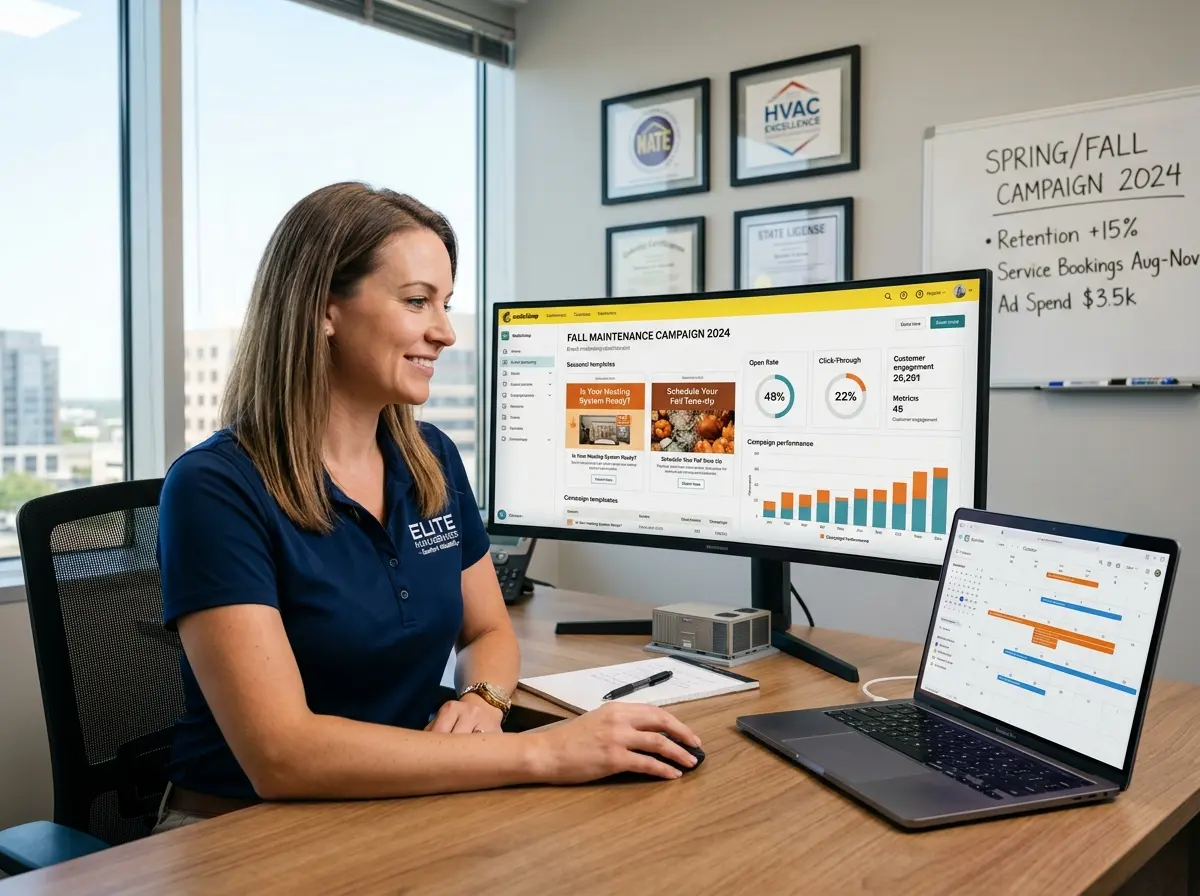
Send the first email on the evening before your slow day with a compelling subject line and a clear, simple offer. Keep the email short — a single headline, the deal, how to redeem it, and a call to action. Send a brief reminder the morning of the slow day for anyone who missed the first email or needed a nudge. If your platform supports it, send one final "last chance" message a few hours before the offer expires. According to HubSpot, automated email sequences generate 320% more revenue than non-automated emails — which is a number worth paying attention to.
The Re-Engagement Campaign for Lapsed Customers
Lapsed customers are low-hanging fruit that most businesses ignore. These are people who already chose you once — they just need a reason to come back. An automated re-engagement sequence can be triggered when a customer hasn't visited or purchased in a set period (say, 60 or 90 days) and can include a warm, slightly playful message acknowledging their absence and offering something worth returning for.
A spa might send: "It's been a while — you deserve a break. Here's 15% off your next visit, good any Tuesday or Wednesday." A restaurant might try: "We've missed you. And we think you've missed us too. Come in Monday through Wednesday this month and your dessert is on us." These campaigns run themselves after setup, and they target exactly the customers most likely to respond to a small nudge.
The Loyalty Milestone Email
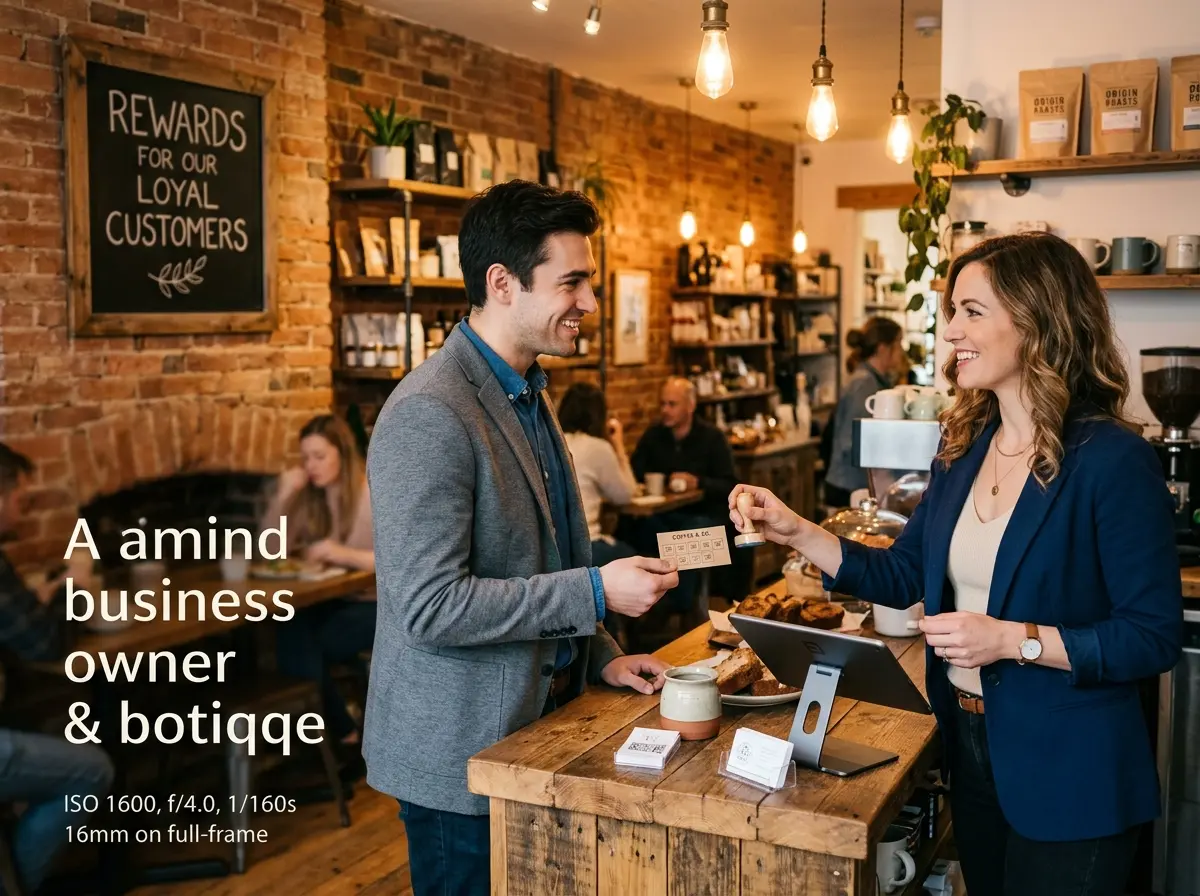
Loyalty milestone emails — triggered when a customer reaches a certain number of visits, purchases, or spending thresholds — are personalized, feel genuinely earned, and create strong incentives to come in on a day they might not have otherwise chosen. A customer who gets an email saying "You've visited us 10 times — here's a special thank-you offer, valid this week only" is going to feel seen, appreciated, and motivated to act. These campaigns reward your best customers and give you direct influence over when they show up.
Quick Reminder About Stella
Stella is an AI robot employee and phone receptionist built for businesses like yours — whether you have a physical storefront or operate entirely over the phone. She greets customers in person, answers calls around the clock, promotes your current deals, manages customer contacts through a built-in CRM, and never calls in sick. At $99/month with no upfront hardware costs, she's the kind of team member that actually shows up on slow days and helps make them less slow.
Your Next Steps Start Today — Not Next Quarter
Slow days will keep happening. The question is whether you're going to keep accepting them or start engineering your way out of them. Email automation gives you a reliable, scalable, and surprisingly affordable way to put more people through your door on the days that need it most — and it works in the background while you focus on actually running your business.
Here's where to start:
- Audit your calendar. Identify your three most consistently slow windows in the next 30 days.
- Check your email list. If you're not collecting emails at the point of sale or through your website, start now. Every customer who walks in or calls is an opportunity to build your list.
- Choose or revisit your email platform. Mailchimp, Klaviyo, and ActiveCampaign all offer automation features with reasonable entry-level pricing.
- Build one sequence first. Don't try to automate everything at once. Start with a single slow-day flash deal campaign, run it for a month, and measure the results.
- Make sure your in-store and phone experience matches the promise in your emails. All the clever subject lines in the world won't compensate for a customer who drives across town and gets a confused response when they arrive.
Slow days aren't a destiny. They're a scheduling problem in disguise — and now you have the tools to solve it. Start with one campaign, learn from it, and build from there. Your future busy Tuesday thanks you in advance.