So You've Heard Instagram Reels Are Kind of a Big Deal
Here's the situation: Instagram Reels are getting up to 67% more reach than regular posts, and yet most retail store owners are still posting blurry product photos with captions like "New arrivals in store!" and wondering why their follower count looks like a sad trombone. Meanwhile, the boutique down the street that started doing Reels six months ago is getting walk-in customers saying, "I saw you on Instagram!" on a weekly basis.
The problem isn't that you don't have content ideas — your store is full of them. The problem is that staring at a blank content calendar feels roughly as enjoyable as doing your quarterly taxes. So we did the heavy lifting for you. Below is a complete 30-day Instagram Reels content plan built specifically for retail store owners, with enough variety to keep things fresh, enough structure to keep you sane, and enough strategy to actually move the needle on foot traffic and sales.
No dance routines required. (But hey, no judgment if you want to.)
The Foundation: Understanding What Works for Retail Reels
Reels That Drive Retail Results
Before you start pointing your phone at products, it's worth understanding what kinds of Reels actually perform for brick-and-mortar retailers. Instagram's algorithm rewards content that gets people to watch more than once, share with a friend, or save for later. For retail, the highest-performing Reel categories consistently include behind-the-scenes content, product reveals and demos, before-and-after transformations, and storytelling content that gives your brand a personality. "Here's a product on a white background" rarely makes anyone's heart sing — but "Watch us unbox 200 units of this season's bestseller at 7am on a Tuesday" absolutely can.
Aim for Reels between 7 and 15 seconds for maximum completion rates, though tutorial-style content can stretch to 30–60 seconds if the value is clear from the first frame. Always hook viewers in the first 1–2 seconds — text overlays like "You didn't know you needed this until now" or "POV: You finally found the perfect gift" do the job nicely.
The Three Content Pillars Every Retailer Needs
A sustainable Reels strategy for retail lives on three content pillars: Educate, Entertain, and Sell — and not necessarily in equal measure. The golden ratio for retail tends to be roughly 50% educate/entertain and 50% promotional, though you should adjust based on what your audience responds to. Educational content might mean showing customers how to style an item three different ways, or explaining what makes your product different from the mass-market alternative. Entertainment might be a satisfying store organization video or a funny "expectation vs. reality" comparison. And yes, selling is allowed — just don't make every Reel feel like a late-night infomercial.
Your 30-Day Instagram Reels Content Plan
Week 1: Introduce and Invite
The first week is all about pulling back the curtain and giving potential customers a reason to care about your store specifically — not just what you sell, but who you are.
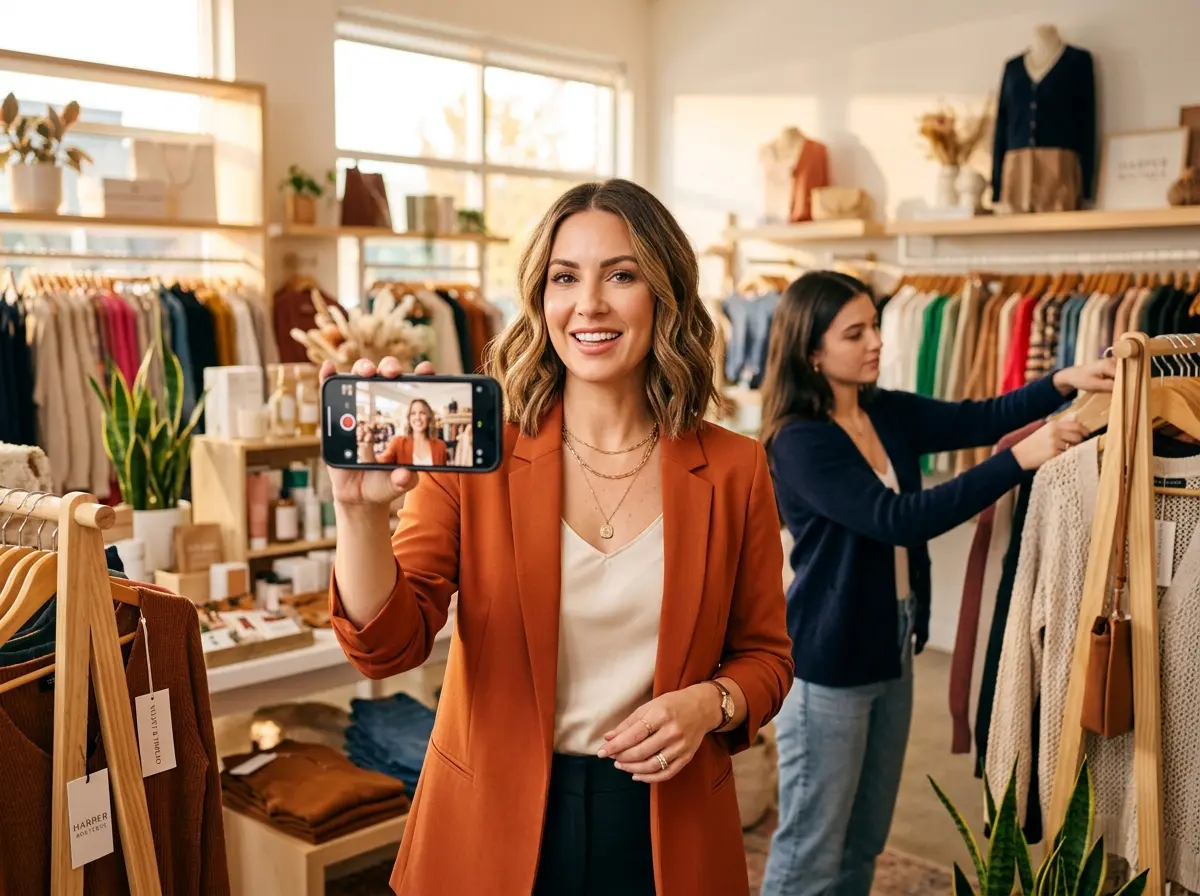
- Day 1: A quick "Welcome to [Store Name]" walkthrough Reel. Pan the camera around your store, introduce yourself, and tell people what you sell and why you started. Keep it under 20 seconds and upbeat.
- Day 2: "3 things you didn't know we carry" — a fast-cut product reveal highlighting lesser-known inventory.
- Day 3: A satisfying product unboxing or restocking video set to trending audio.
- Day 5: A customer testimonial — ask a happy shopper if you can film a quick reaction on their way out the door.
- Day 7: A "This week's top seller" showcase with a brief explanation of why it's flying off the shelves.
Week 2: Educate and Add Value
Week two shifts into value-driven content. Think of these Reels as answering the questions your customers ask in person every single day.
- Day 8: "How to style/use [your product]" — a quick tutorial or three-way demo.
- Day 10: "What to look for when buying [product category]" — position yourself as the knowledgeable local expert.
- Day 12: A "did you know?" Reel about one of your products, brands, or materials.
- Day 14: A behind-the-scenes look at how you select your inventory or prepare for a new season's merchandise.
Week 3: Promote and Create Urgency
By week three, your audience has a feel for your brand and trusts you a little more. Now it's time to give them a reason to come in — or buy — now.
- Day 15: Announce a limited-time sale, bundle deal, or flash promotion.
- Day 17: "Last chance" countdown for any expiring offer.
- Day 19: A gift guide or curated product roundup (great even outside of the holidays).
- Day 21: Feature a product with a clear call to action — "Come in this weekend and mention this Reel for 10% off."
Week 4: Community and Connection
Finish the month by reinforcing the human side of your brand. People buy from people they like, and this week reminds your audience that there's a real, slightly-exhausted-but-passionate business owner behind the counter.
- Day 22: Feature a team member and their favorite product in the store.
- Day 24: Respond to a common customer question in Reel format.
- Day 26: Share a "month in review" or milestone — first anniversary, hitting a milestone number of customers, etc.
- Day 28: A customer shoutout Reel — repost or recreate content featuring someone who tagged your store.
- Day 30: A preview of what's coming next month to keep your audience hooked and coming back.
How Stella Fits Into Your Content (and Your Store)
Here's something that often gets overlooked in all the content-planning excitement: while you're busy filming Reels and building your Instagram presence, someone still needs to be running your store — answering phones, greeting walk-ins, and fielding the same five questions about your hours and return policy for the forty-seventh time this week. That's where Stella comes in.
Stella is an AI robot employee and phone receptionist that stands inside your store, greets customers as they walk by, answers their questions about products and promotions, and handles upselling — so your human staff can focus on higher-value tasks (like, say, filming those Reels). She also answers phone calls 24/7, which means the customers who saw your Reel at 11pm and immediately wanted to call with a question are actually getting a real, helpful response instead of your voicemail. At just $99/month with no upfront hardware costs, she's the team member who never calls in sick and never zones out scrolling their own Instagram.
Making Reels Sustainable: Batch Filming and Simple Tools
The Batch Filming Method
The number one reason retailers fall off their content schedules isn't laziness — it's that filming feels like a separate task that competes with running an actual business. The solution is batch filming: set aside one to two hours per week, usually before opening or after closing, and film four to six Reels in a single session. You're already dressed, the store is already looking its best, and you're already in "content mode." You can spend the rest of the week scheduling and posting without touching the camera again.
Use Instagram's built-in scheduling tool or a third-party app like Later or Buffer to queue everything up. Posting between 9am–12pm and 6pm–9pm on weekdays tends to perform well for retail audiences, though your own insights should guide any adjustments over time.
Tools, Audio, and Keeping It Simple
You do not need a ring light, a film crew, or a social media manager to produce Reels that perform. A newer smartphone, decent natural light, and a small phone tripod or clip mount (under $20 on Amazon) will handle 90% of your filming needs. For audio, use Instagram's trending audio library — Reels that use trending sounds get a significant algorithmic boost. Check the "Trending" section in the audio browser and look for songs with an upward arrow icon. Text overlays and captions are non-negotiable: a large portion of viewers watch without sound, so your content should communicate even on mute.
Quick Reminder About Stella
Stella is an AI robot employee and phone receptionist designed for retail stores and businesses of all kinds — she greets walk-in customers, promotes your current deals, and answers phone calls around the clock so nothing falls through the cracks while you're focused on growing your brand. She's available for just $99/month, is easy to set up, and never needs a lunch break or a pep talk.
Your Next Steps Start Today
You now have everything you need to stop procrastinating and start showing up on Reels in a way that's strategic, consistent, and — dare we say — actually enjoyable. Here's how to get started without overwhelming yourself:
- This week: Film your first three Reels using Days 1, 2, and 3 from the plan above. Don't overthink them. Post one, see what happens, and adjust.
- Week two: Set up your batch filming session. Block it on your calendar like an appointment you can't cancel.
- End of month: Review your Reels insights. Look at which videos got the most plays, shares, and profile visits — and make more of that content next month.
Instagram Reels aren't going anywhere, and every week you wait is a week your competitors spend building an audience that could have been yours. You have a real store, real products, real personality, and now — a real content plan. The only thing left to do is hit record.
Your future customers are already scrolling. Make sure they find you.