Introduction: So You Want Customers to Actually Find You
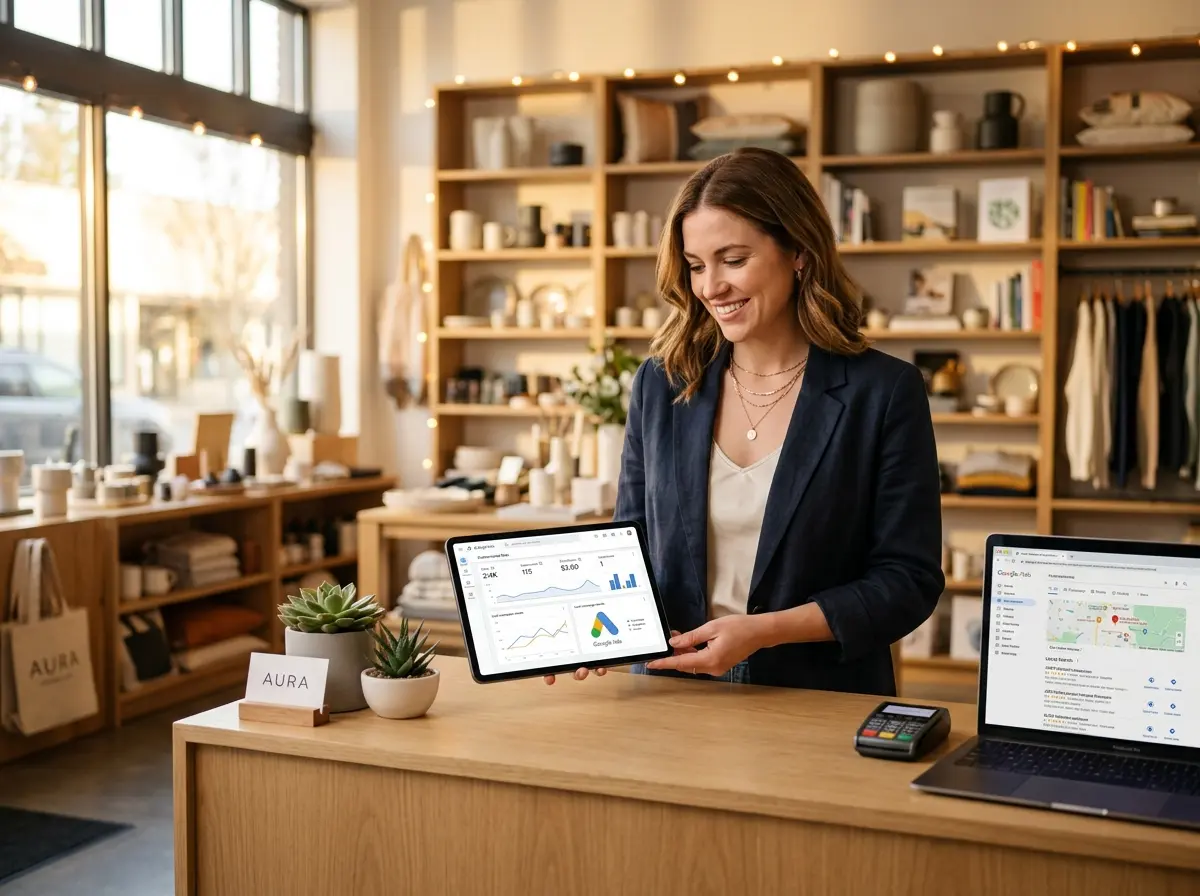
Congratulations — you built a real store, with real products, real staff, and real overhead. Now all you need are real customers walking through the door. Sounds simple, right? And yet, here you are, wondering why your competitor two blocks away seems to be swimming in foot traffic while you're perfecting your "thoughtful" expression every time you stare at your Google Ads dashboard.
Here's the good news: local retail search advertising, done well, is one of the most powerful tools available to brick-and-mortar business owners. Google processes over 8.5 billion searches per day, and a healthy chunk of those include phrases like "near me," "open now," and "where can I buy X in [city]." Those are your customers. They have their wallets out. They are ready. You just need to show up for them — digitally speaking — before your competition does.
This playbook walks you through how to run Google Ads campaigns that actually drive foot traffic, phone calls, and in-store conversions. We'll cover campaign structure, targeting strategies, ad copy best practices, and how to convert that hard-earned traffic once people actually show up. Let's get into it.
Building Your Google Ads Foundation the Right Way
Before you start throwing money at Google (which, let's be honest, Google is perfectly happy for you to do inefficiently), you need a solid foundation. Most store owners jump straight to writing ads and setting budgets without doing the strategic groundwork — and then wonder why their campaigns feel like a leaky bucket.
Choosing the Right Campaign Type for Local Retail
Not all Google Ads campaign types are created equal for local businesses. For most retail store owners, you'll want to focus primarily on Search campaigns and Performance Max campaigns with store goals. Search campaigns let you bid on specific keywords and show text ads to people actively searching for what you sell. Performance Max, Google's newer all-in-one campaign type, uses machine learning to place ads across Search, Display, Maps, YouTube, and Gmail — optimized toward your defined conversion goals.
For a local retailer, enabling store visit conversions in your Google Ads account is a game-changer. This feature uses anonymized location data to estimate how many ad clicks resulted in actual physical store visits — giving you a much clearer picture of your real ROI beyond just online clicks. You'll need to link your Google Business Profile and meet minimum traffic thresholds, but it's absolutely worth setting up.
Keyword Strategy: Think Like a Local Shopper
Your keyword strategy needs to reflect how real people in your area search — not how you'd describe your own products in a press release. There's a meaningful difference between bidding on "premium artisan coffee beans" and bidding on "coffee shop open Sunday near downtown Austin." One is about you. The other is about your customer's actual intent.
Prioritize local intent keywords that include city names, neighborhood names, and qualifier phrases like "near me," "open now," and "same day." Use exact match and phrase match keyword types to maintain control over when your ads show. And please — use negative keywords religiously. If you're a pet supply boutique, you don't want to pay for clicks from people searching for "free pet supplies" or "how to make homemade dog food." Negative keywords are free money you're leaving on the table if you ignore them.
Setting Up Location Targeting and Ad Scheduling
Location targeting seems obvious, but it's where many local advertisers make costly mistakes. Set your geographic targeting to cover your realistic service radius — typically 5 to 15 miles for most retail stores, depending on your market density. Avoid the temptation to go too broad. You're paying for relevance, not reach.
Ad scheduling is equally important. Use your historical data (or make educated guesses to start) to identify when your customers are most likely to search and visit. A hardware store might see peak search intent on weekend mornings. A wine shop might spike on Friday afternoons. Adjust your bid modifiers accordingly — increase bids during high-conversion windows and pull back during hours when you're closed or foot traffic is historically low. There's no glory in paying for clicks at 3 a.m.
Converting Clicks Into Customers Once They Arrive
Here's the part most Google Ads guides conveniently skip: getting the click is only half the battle. Once someone calls your store or walks through the door, you still need to convert them. And if your in-store experience or phone presence doesn't match the polished promise of your ads, all that ad spend evaporates into thin air.
Turning Ad Traffic Into Real In-Store Conversions
This is where Stella, the AI robot employee and phone receptionist, becomes genuinely relevant to your ad strategy. When your Google Ads drive calls to your store, Stella answers every single one — 24/7, with full knowledge of your products, services, hours, and current promotions. No more missed calls going to voicemail limbo. No more customers hanging up because they waited too long. She can also handle call forwarding to human staff based on your configurable rules, so your team only gets involved when it truly matters.
Inside the store, Stella's kiosk presence means every customer who walks in is proactively greeted and engaged — reinforcing the promotions you're advertising, answering product questions instantly, and upselling or cross-selling with natural conversation. When you're paying per click to get people through the door, having a reliable, always-on presence to welcome and assist them isn't a luxury. It's just smart math.
Writing Ad Copy That Actually Works for Local Retail
Most local retail ad copy is painfully generic. "Best prices in town!" "Family owned since 1987!" "Quality you can trust!" These phrases mean absolutely nothing to a shopper who's already seen seventeen ads before yours. Great local ad copy is specific, benefit-forward, and gives someone a clear reason to choose you over the store that shows up in the next result.
Using Assets (Extensions) to Dominate the Search Results Page
Google's ad assets — formerly called extensions — are one of the most underutilized tools in local retail advertising. They're free to add, they increase your ad's visual footprint on the results page, and they provide additional click surfaces for customers. Every local retailer should be running location assets (shows your address and links to Google Maps), call assets (puts your phone number directly in the ad), promotion assets (highlights current deals), and sitelink assets (links to specific pages on your website).
If you're running a limited-time promotion — a weekend sale, a seasonal event, a new product launch — use promotion assets aggressively. Ads with promotion assets see notably higher click-through rates because they answer the shopper's subconscious question: "Is there a reason to go today?" Give them one.
Crafting Headlines That Speak to Local Intent
Your headlines need to do three things quickly: confirm relevance (yes, we have what you're searching for), communicate proximity or availability (yes, we're near you and open now), and give a reason to click (yes, we're the best choice). For example, a headline like "Organic Pet Food — [City Name] — Open 7 Days" outperforms the vague "Premium Pet Supplies Available" every single time for local searches.
Rotate multiple headline variations and let Google's responsive search ad format test combinations for you. Over time, the platform will favor the combinations that generate the highest engagement. Your job is to give it good raw material to work with — specific, compelling, locally relevant language that matches what your customers are actually searching for.
Measuring What Matters: Local Retail Metrics to Track
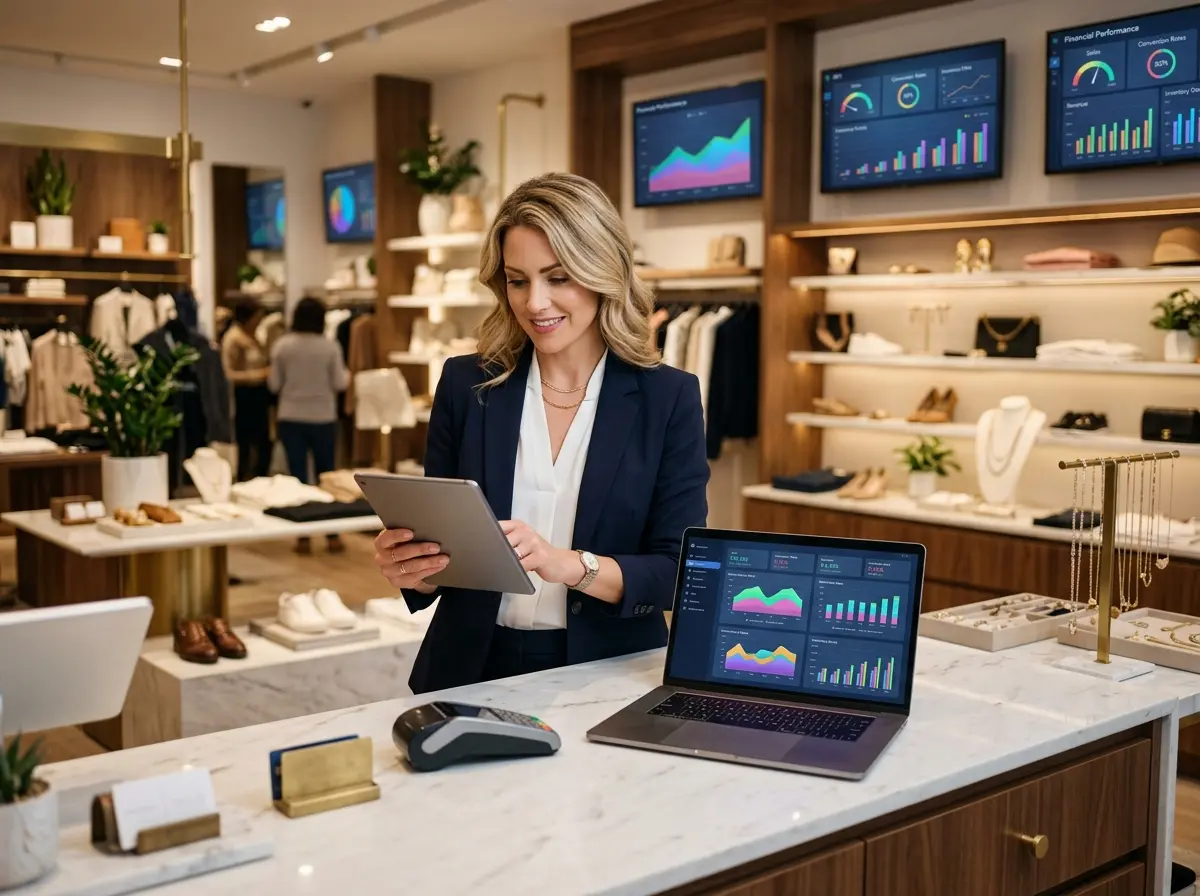
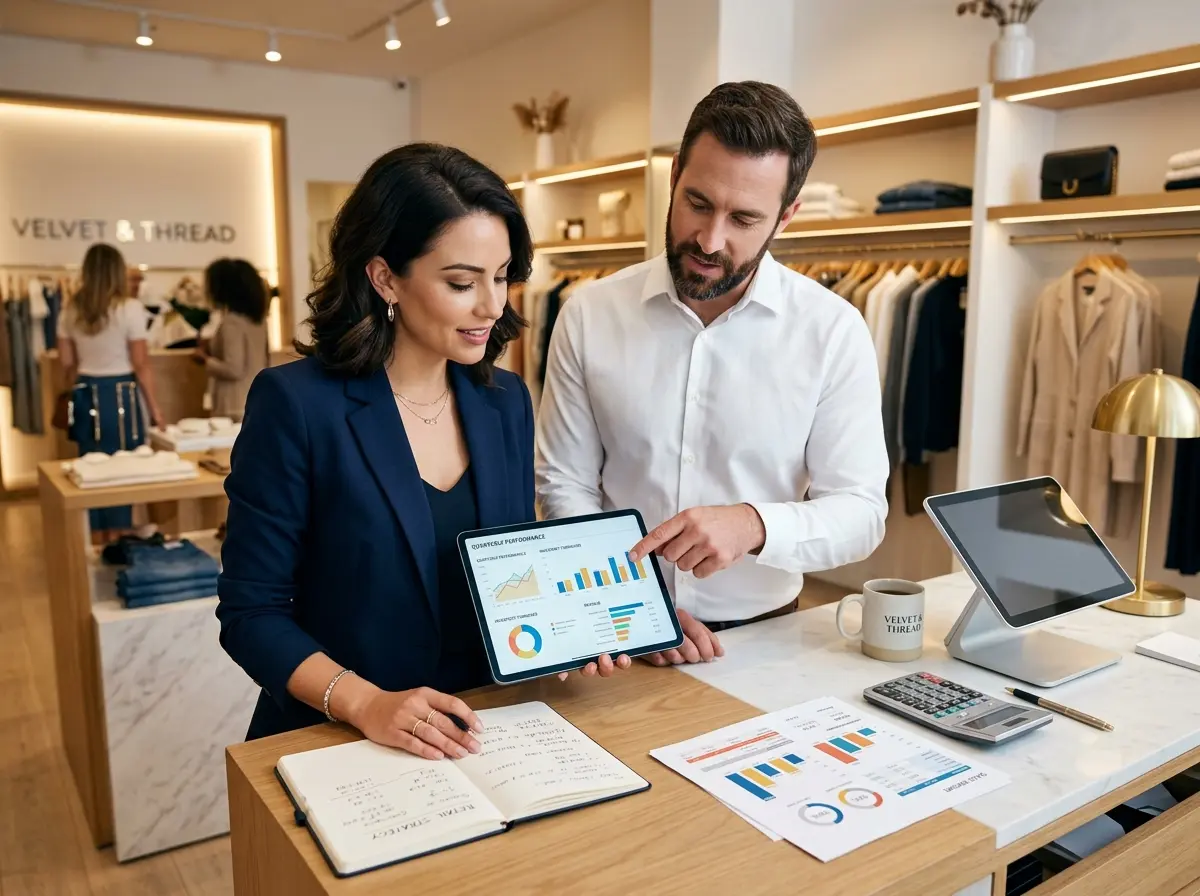
Stop optimizing for clicks alone. For local retail, the metrics that matter most are call conversions, store visit conversions, direction requests, and ultimately, in-store revenue tied back to campaign activity. Set up conversion tracking for phone calls (Google can track calls generated directly from ads), map direction clicks, and any online appointment or reservation bookings your store accepts.
Review your search term reports weekly, especially in the early months. This shows you exactly what people typed before clicking your ad — invaluable intelligence for refining your keyword list, discovering negative keywords, and understanding what language your local customers actually use. Your customers will teach you how to advertise to them, if you pay attention.
Quick Reminder About Stella
Stella is an AI robot employee and phone receptionist designed for businesses like yours — standing in your store to greet customers and engage them with product knowledge, promotions, and natural conversation, while also answering every phone call 24/7 so no lead goes unanswered. At $99/month with no upfront hardware costs, she's built to make your business run smoother whether you're a single-location retailer, a service provider, or a solopreneur. When your Google Ads are working and traffic is coming in, Stella makes sure that traffic actually converts.
Conclusion: Your Next Steps Start This Week
Running Google Ads for local retail doesn't require a massive budget or an agency retainer. It requires a clear strategy, disciplined execution, and a commitment to treating your ad account like a living document — one you review, refine, and improve consistently rather than setting and forgetting.
Here's your practical action plan to get started:
- Claim and optimize your Google Business Profile — this is the foundation of all local search advertising and it's completely free.
- Enable store visit conversions in your Google Ads account so you can measure real-world impact.
- Build a focused Search campaign around your highest-intent local keywords, with tight location targeting and a realistic daily budget.
- Add all relevant ad assets — location, call, sitelinks, and promotions — from day one.
- Review your search term report weekly for the first 60 days and aggressively add negative keywords.
- Close the loop on conversions by ensuring your in-store experience and phone presence can handle the traffic your ads generate.
The businesses that win at local retail search aren't necessarily the ones with the biggest budgets. They're the ones paying the closest attention — to their customers, their data, and the full experience from first search to final sale. Start there, and the clicks will take care of themselves.