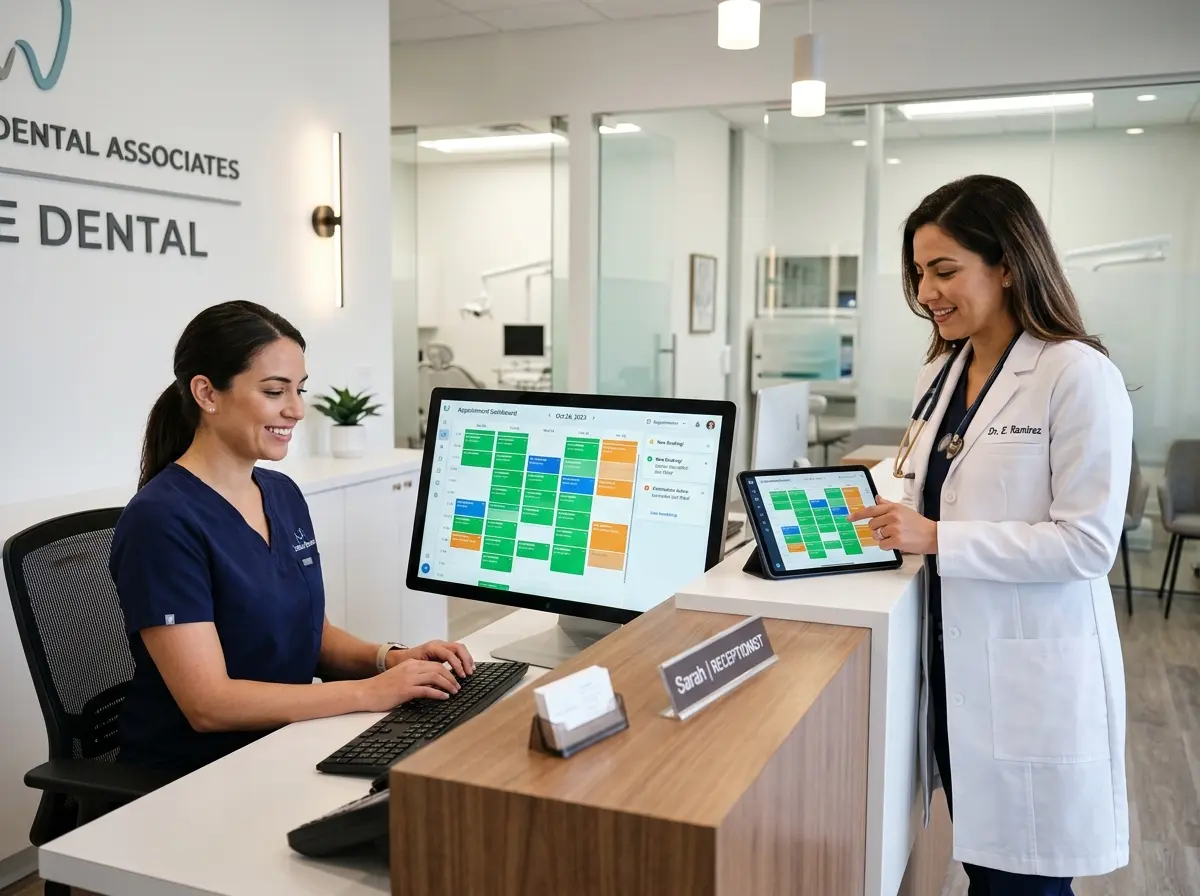
When Empty Chairs Cost You Money (And What to Do About It)
Ah, the cancelled appointment. The bane of every dental office's existence. One minute your schedule is beautifully packed, and the next you've got a gaping hole at 2:00 PM that your hygienist is going to spend staring at the ceiling during. Cancelled appointments in dental practices aren't just mildly inconvenient — they're genuinely expensive. Industry estimates suggest that a single missed appointment costs a dental practice anywhere from $200 to $400, and when you factor in last-minute cancellations that can't be filled, that number adds up frighteningly fast over the course of a year.
Here's the good news: it doesn't have to be this way. The era of frantically scrolling through a paper waitlist, making awkward phone calls, and hoping someone picks up is officially over. Modern dental offices are automating the process of filling cancelled slots — and doing it so smoothly that patients barely notice the machinery humming behind the scenes. Whether you're running a solo practice or a multi-chair operation, this guide will walk you through exactly how to plug those revenue leaks automatically, professionally, and with a lot less stress for your front desk team.
Building a Waitlist That Actually Works
The Problem with Traditional Waitlists
Let's be honest — the traditional dental waitlist is usually a sticky note, a mental note, or a half-completed spreadsheet that no one looks at until it's too late. Even the best-intentioned waitlists fall apart because they rely on a human remembering to check them at the exact right moment, then making phone calls, then waiting for callbacks, then repeating the whole process. By the time you've reached the third person on your list, the appointment slot has already been wasted. Traditional waitlists aren't a system — they're a wish.
Creating a Digital, Automated Waitlist
The fix starts with ditching the analog approach entirely. A proper digital waitlist captures patient preferences — preferred days, times, provider, and procedure type — and stores them in a system that can be queried instantly when a cancellation occurs. Many modern practice management platforms (Dentrix, Eaglesoft, Open Dental, and others) have built-in waitlist functionality, and there are dedicated tools like Relatient, NexHealth, and Luma Health that specialize in exactly this kind of automated outreach.
When a cancellation hits, your system should automatically identify the best-matched patients from the waitlist and reach out via text or email — not a phone call that no one will answer at 11 AM on a Tuesday. Texts have an open rate of around 98%, compared to roughly 20% for email. If you're still relying on phone calls alone to fill last-minute slots, you are essentially playing a game you've already lost.
What Good Waitlist Communication Looks Like
Automation doesn't mean impersonal. The best waitlist messages are warm, clear, and make it stupidly easy for the patient to respond. Something like: "Hi [Name], we have an opening tomorrow at 10:30 AM with Dr. Chen. Would you like to claim it? Reply YES to confirm or call us at [number]." Simple. No friction. One-tap confirmation. The easier you make it for a patient to say yes, the more likely they will. Include a link to a confirmation page where they can verify their appointment details, and make sure your system automatically updates the schedule the moment they respond — no manual entry required.
Automating Patient Outreach Without Burning Out Your Staff
Letting Technology Handle the Heavy Lifting
Your front desk team is already juggling check-ins, insurance verifications, billing questions, and the occasional patient who has seventeen follow-up questions about their co-pay. Asking them to also manage last-minute cancellation outreach in real time is a recipe for errors, dropped balls, and one very frazzled receptionist. The solution isn't hiring more staff — it's giving your existing staff better tools.
Automated outreach workflows can be configured to trigger the moment a cancellation is logged in your scheduling system. The system reaches out to waitlisted patients, tracks responses, and updates the calendar — all without anyone at your front desk lifting a finger. The staff only gets involved when a human touch is genuinely needed, like handling a complex rescheduling situation or calming down a patient who's nervous about their root canal. (That part, unfortunately, still requires a human.)
This is also where Stella, the AI robot employee and phone receptionist, becomes a genuine asset for dental offices. Stella answers every incoming call 24/7, which means that when a patient calls to cancel at 7 PM the night before their appointment, she's there — gathering the reason, logging the cancellation, and even collecting information that feeds directly into a built-in CRM. Her intake form capabilities mean patient details are captured conversationally, without staff needing to manually update records. And because Stella also operates as an in-office kiosk, she can proactively inform walk-in patients or those waiting in the lobby about available same-day openings — turning idle waiting-room time into a quiet revenue opportunity.
Strategies to Reduce Cancellations in the First Place
Reminder Sequences That Actually Prevent No-Shows
The best cancelled appointment is the one that never happens. A strong reminder sequence is your first line of defense. Research consistently shows that automated reminders can reduce no-show rates by 30–40%, which is the kind of statistic worth printing out and framing. A well-designed reminder cadence typically looks something like this: a confirmation message immediately after booking, a reminder one week before the appointment, another two days out, and a final nudge the morning of. Each message should include a one-click confirm or reschedule option, because a patient who knows they can't make it is far more valuable to you as a rescheduled patient than as a no-show.
Deposit Policies and Cancellation Fees
Here's an uncomfortable truth: some patients cancel repeatedly because there's no consequence for doing so. Introducing a modest deposit requirement for new patients or for high-demand appointment types (like implant consultations or cosmetic work) can significantly reduce casual cancellations. A $50 deposit that's applied toward their treatment balance feels fair to a committed patient — and functions as a natural filter against those who were never really serious about showing up.
Similarly, a clear and consistently communicated cancellation policy — say, 48 hours' notice required to avoid a fee — changes patient behavior over time. The key word here is consistently. Enforcing it selectively is worse than not having one at all. If your team waives the fee every time because the conversation is uncomfortable, the policy is theater. Make it easy by building the policy into your booking confirmations, your reminder messages, and your patient intake forms so no one can claim they didn't know.
Making Rescheduling Frictionless
Patients often cancel instead of rescheduling simply because rescheduling feels hard. If they have to call during business hours, sit on hold, and navigate an awkward conversation, many will just... not. Offering online self-scheduling for rescheduling is one of the highest-leverage changes a dental office can make. Patients who can reschedule themselves at 10 PM without talking to anyone are dramatically more likely to actually reschedule rather than disappear entirely. Every cancelled appointment that converts to a rescheduled appointment is a win — not just for revenue, but for patient retention and continuity of care.
Quick Reminder About Stella
Stella is an AI robot employee and phone receptionist that works 24/7 — greeting patients in your office, answering calls after hours, logging cancellations, capturing patient information through conversational intake forms, and managing contacts through her built-in CRM. She's available for just $99/month with no upfront hardware costs, which makes her one of the more refreshingly affordable front-desk upgrades you'll find. For a dental practice constantly fighting cancelled appointments, having a receptionist who never sleeps and never misses a call is less of a luxury and more of a competitive necessity.
Stop Leaving That 2:00 PM Slot Empty
Filling cancelled dental appointments automatically isn't a pipe dream — it's a system, and systems can be built. The practices that are doing this well have invested in three things: a digital waitlist with real patient preference data, automated outreach that meets patients where they are (their phones), and reminder sequences robust enough to prevent most cancellations before they ever happen. Layer in a sensible cancellation policy and frictionless rescheduling options, and you've got a machine that largely runs itself.
Here's your action plan, in plain terms:
- Audit your current waitlist process. If it lives on paper or in someone's head, fix that first.
- Enable automated text-based outreach for cancellation fills through your practice management software or a dedicated tool.
- Build a three-to-four-touch reminder sequence with easy confirm and reschedule options at every step.
- Introduce or refine your cancellation policy and make sure it's communicated clearly and enforced consistently.
- Add online self-scheduling for rescheduling so patients can move appointments without calling in.
- Explore 24/7 phone coverage to capture cancellations and patient inquiries outside business hours without adding payroll.
Empty chairs don't have to be a fact of life in your practice. With the right systems in place, that 2:00 PM slot doesn't stay empty for long — and your hygienist can stop staring at the ceiling. Everyone wins.