When "Controlled Chaos" Stops Being Controlled
Picture this: It's 9:05 AM on a Monday. Three patients walk in at once. The phone is ringing. Someone needs to reschedule. A new patient is hovering awkwardly at the front desk holding a clipboard like it might bite them. Your receptionist — bless their heart — is doing the work of four people with the calm of exactly zero people. Sound familiar?
Front desk chaos at medical offices isn't just an inconvenience. It's a patient experience problem, a staff retention problem, and honestly, a revenue problem too. Patients who feel confused, ignored, or shuffled around don't come back — and they definitely talk about it. According to a 2023 PatientPop survey, nearly 60% of patients say they've switched healthcare providers due to a poor administrative experience. Not the care itself. The paperwork and waiting.
The good news? You don't need to hire three more people or rebuild your entire office workflow. What you need is a smarter check-in system — one that actually works for your patients and your staff. Let's walk through how to build one without losing your mind in the process.
The Anatomy of a Broken Check-In Process
Before you can fix something, you have to admit it's broken. Here's a gentle, professional way of saying: most medical office check-in processes were designed in the 1990s and haven't changed much since. Let's look at where things typically fall apart.
The Paper Clipboard Problem
There is nothing quite like handing a new patient a five-page intake form attached to a clipboard, watching them squint at question 14, and then deciphering their handwriting later like you're translating ancient runes. Paper-based intake is slow, error-prone, and creates extra work for your administrative staff who now have to manually enter that information into your system anyway. It also creates a bottleneck at the front desk — the exact spot where you least want one.
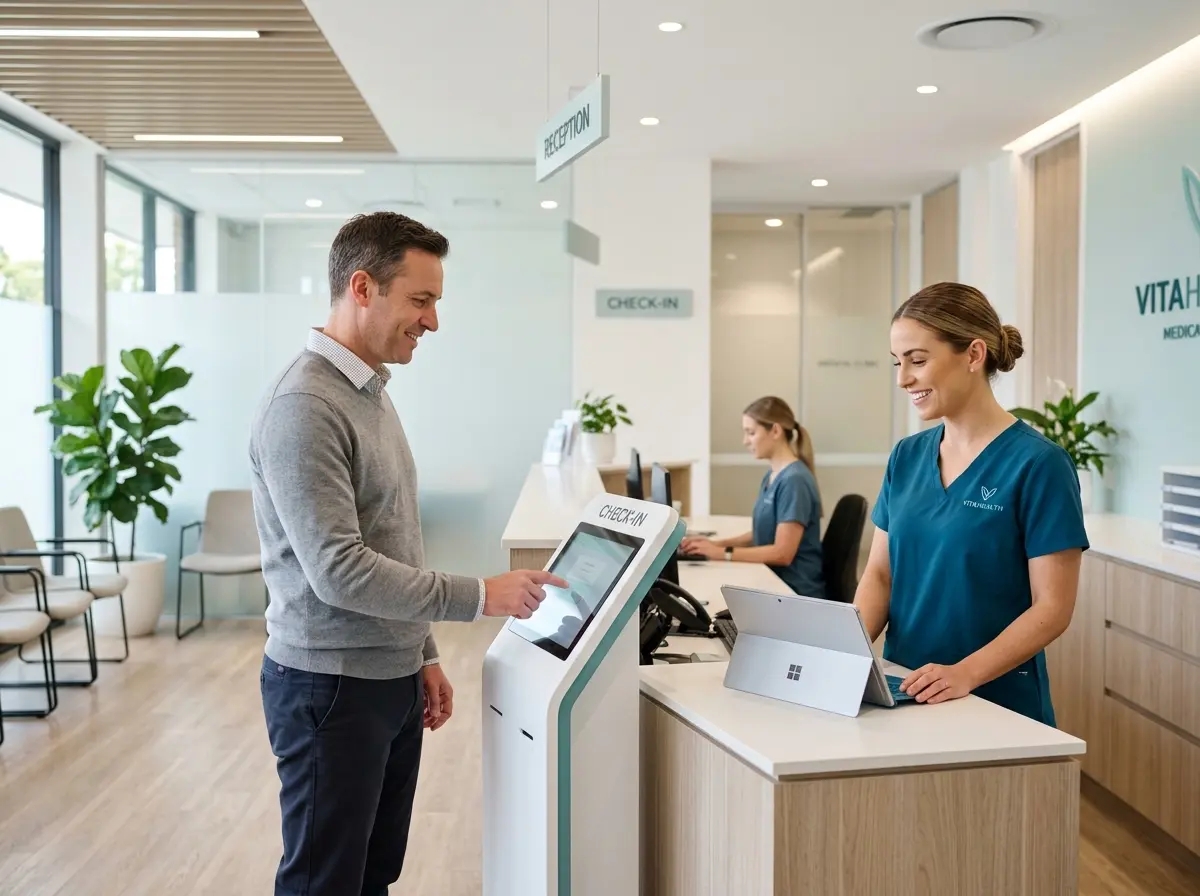
Transitioning to digital intake forms — whether through a patient portal, a secure web form sent via text before the appointment, or an in-office kiosk — can dramatically reduce the time patients spend at the desk. Studies have shown that digital intake reduces average check-in time by up to 40%. That's not a rounding error. That's the difference between a calm morning and a waiting room full of increasingly impatient people.
The "I Have an Appointment" Announcement Problem
When a patient walks in and immediately has to interrupt your front desk staff mid-task just to announce their existence, something has gone wrong upstream. A well-designed check-in system should allow patients to signal their arrival without demanding immediate human attention for every single step of the process.
Self-check-in options — whether through a tablet kiosk, a text-based arrival confirmation, or even a simple QR code posted near the entrance — give patients agency and reduce the volume of low-complexity interactions your staff has to manage manually. Reserve your human staff's attention for what actually requires human judgment, like insurance issues, sensitive questions, or patients who need extra help.
The Insurance and ID Verification Bottleneck
Collecting insurance cards and IDs at the desk, making copies, handing them back, and then repeating this forty times a day is nobody's idea of a good time. Consider implementing a pre-visit verification step where patients submit their insurance information ahead of time. Many practice management platforms support this natively. When a patient arrives already verified, your front desk interaction becomes a confirmation rather than an investigation — and that's a much better use of everyone's time.
How Technology Can Take the Load Off Your Front Desk
Here's where things get interesting — and where a little smart technology goes a very long way.
Automating the Mundane Without Losing the Human Touch
The goal isn't to replace your staff with robots and call it a day. The goal is to protect your staff by handling the repetitive, low-complexity interactions automatically, so they can focus on the interactions that actually require empathy, expertise, and a human face. That's a distinction worth making clearly, especially in a medical setting where patients are often anxious and need to feel heard.
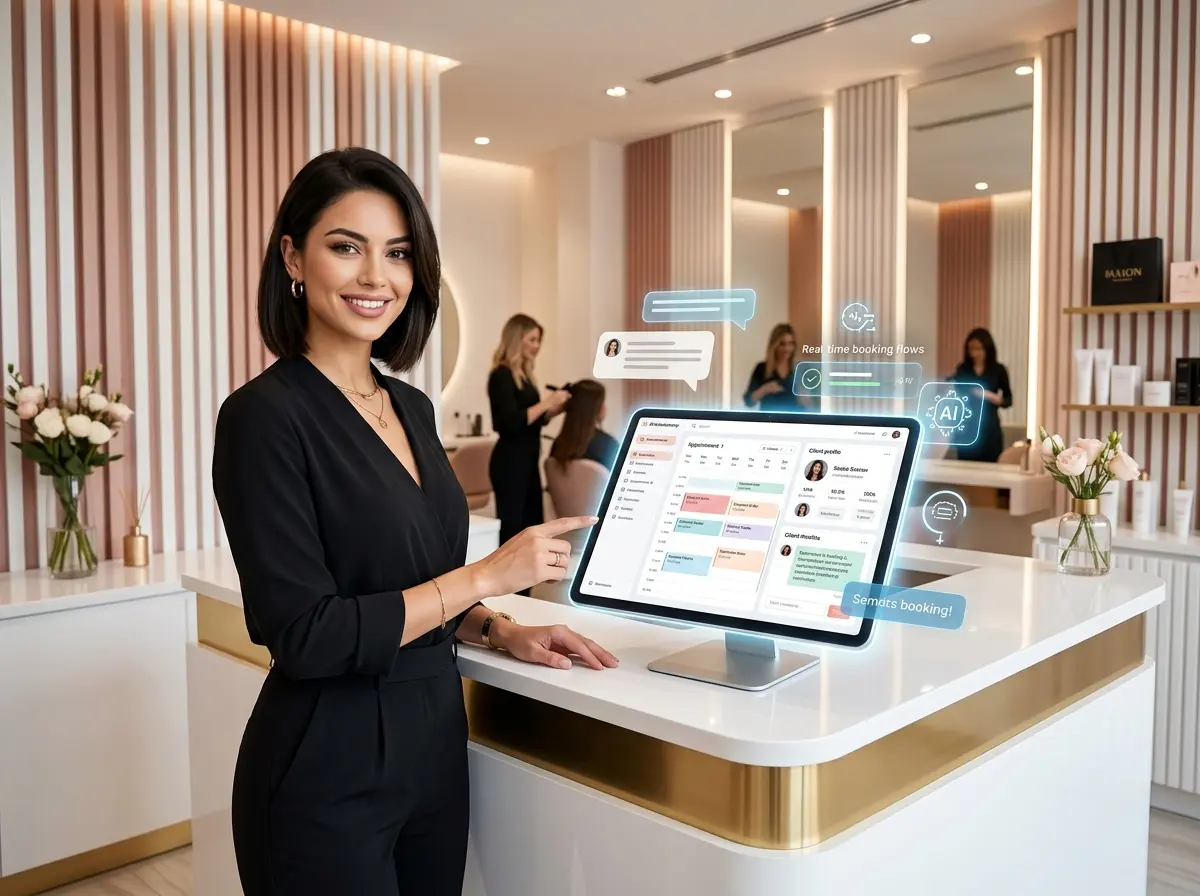
This is where Stella comes in. Stella is an AI robot employee that functions both as a physical in-office kiosk and a 24/7 AI phone receptionist. In a medical office setting, Stella can greet patients as they walk in, answer common questions about hours, services, and policies, and guide them through the check-in process — all without pulling your front desk staff away from more complex tasks. On the phone side, she handles incoming calls around the clock, collects patient information through conversational intake forms, and uses a built-in CRM to organize contact details with AI-generated profiles, custom fields, and notes. When a call needs a human, she forwards it. When it doesn't, she handles it — and sends your manager a summary so nothing slips through the cracks.
Building a Check-In System That Actually Sticks
Technology is only part of the equation. A check-in system that your staff doesn't follow and your patients don't understand isn't a system — it's just wishful thinking with a software subscription attached. Here's how to build something that actually holds up in the real world.
Map the Patient Journey Before You Design Anything
Start by walking through your current check-in process from the patient's point of view. Walk in the front door. What do you see? Where do you go? Is it obvious? Is there signage? Is the front desk clearly visible, or are patients wandering around trying to figure out where to exist? This exercise is humbling, occasionally horrifying, and completely worth it.
Document every step from arrival to the moment the patient is seated in an exam room. Then identify every point where a delay, confusion, or staff interruption occurs. Those are your targets. You're not redesigning everything at once — you're fixing the specific friction points that cause the most disruption, in order of impact.
Train Your Staff on the System, Not Just the Software
One of the most common reasons new check-in systems fail isn't the technology — it's inconsistent adoption. If half your staff is using the new digital intake form and the other half is still handing out clipboards because "patients prefer paper," you don't have a system. You have two competing systems and double the confusion.
When you roll out any new check-in process, invest real time in staff training. Not a fifteen-minute demo on a Tuesday. Actual, role-play-style practice sessions where staff work through different patient scenarios using the new workflow. Build in a feedback loop so staff can flag what's not working — because they'll know before you do. A system your team believes in is a system that survives contact with a busy Monday morning.
Set Clear Metrics and Actually Review Them
You can't improve what you don't measure. Pick two or three simple metrics to track: average check-in time, number of front desk interruptions per hour, patient wait time before being called back, or no-show rate (since pre-visit digital communication often reduces this significantly). Review these monthly. Celebrate improvements. Investigate regressions. The data will tell you whether your new system is working or whether it's just a more expensive version of the old chaos.
Some practice management platforms include built-in reporting. If yours doesn't, even a simple shared spreadsheet updated weekly is better than flying blind. The point is to treat your check-in process like the operational system it is — not something that just sort of happens every morning and hopefully goes fine.
Quick Reminder About Stella
Stella is a friendly, human-sized AI robot employee and phone receptionist built for businesses exactly like yours. She stands in your office, greets patients, handles routine questions, and supports your check-in flow — while simultaneously answering your phone calls 24/7 as an AI receptionist. All of this starts at just $99/month with no upfront hardware costs and no long setup process. If front desk overload is a recurring problem, she's worth a serious look.
Your Front Desk Deserves Better — And So Do Your Patients
Reducing check-in chaos isn't about cutting corners or eliminating the human element from your practice. It's about being deliberate — designing a process that respects your patients' time, protects your staff from unnecessary burnout, and creates the kind of smooth, professional first impression that makes people actually want to come back.
Here's your action plan to get started:
- Audit your current process this week. Walk through it yourself. Time it. Note every friction point.
- Identify your biggest bottleneck — paper intake, arrival confirmation, insurance verification, or phone volume — and tackle that one first.
- Explore digital intake tools that integrate with your existing practice management software, or consider a kiosk solution that can handle patient-facing interactions directly.
- Train your team thoroughly before you launch anything new, and build in a real feedback mechanism.
- Set metrics and review them monthly. Let the data guide your next improvement.
Your front desk staff didn't sign up to be human traffic cones. Give them the systems — and the support — they need to do their jobs well. Your patients will notice. Your staff will thank you. And your Monday mornings might just become survivable again.