So, Your Customers Want Their Orders Now — But Not That Way
Congratulations — you've survived the great retail reinvention of the last several years. You've got an online presence, you're managing inventory across channels, and you've probably said the phrase "omnichannel strategy" in a meeting at least once without fully committing to what it means. Now comes the next fun decision: how exactly are your customers going to pick up their orders?
Click-and-collect and curbside pickup have both carved out permanent spots in the modern retail landscape. According to a report by Adobe Analytics, buy-online-pickup-in-store (BOPIS) orders grew by over 208% during peak shopping periods — and that growth hasn't reversed. Customers love the convenience of online shopping with the immediacy of not waiting three days for a delivery driver who may or may not leave their package behind a bush.
But here's the thing: these two models aren't interchangeable. Choosing the wrong one — or implementing either poorly — can frustrate customers, strain your staff, and ultimately cost you sales. Let's break down what each model actually involves, where each shines, and how to figure out which one (or both) deserves a place in your retail operation.
Understanding the Two Models
Click-and-Collect: Bring Them Inside
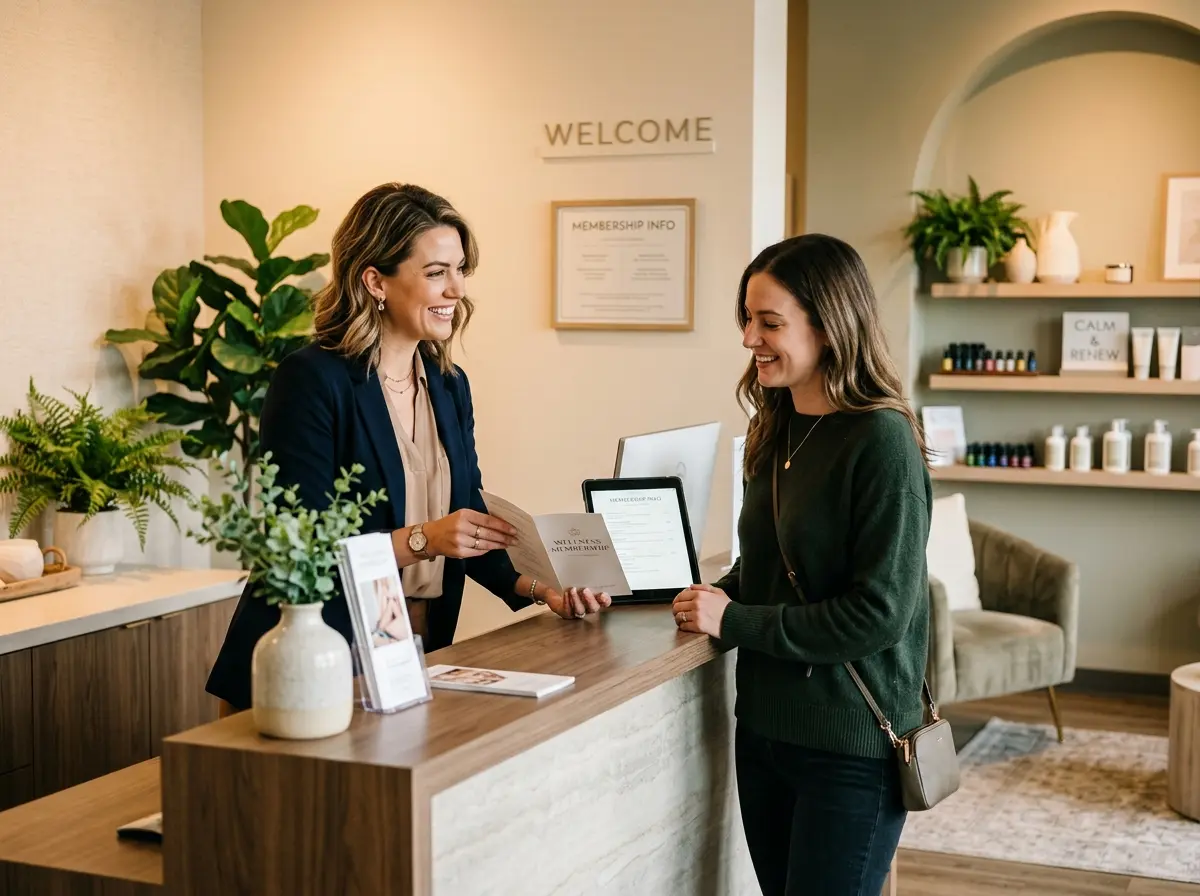
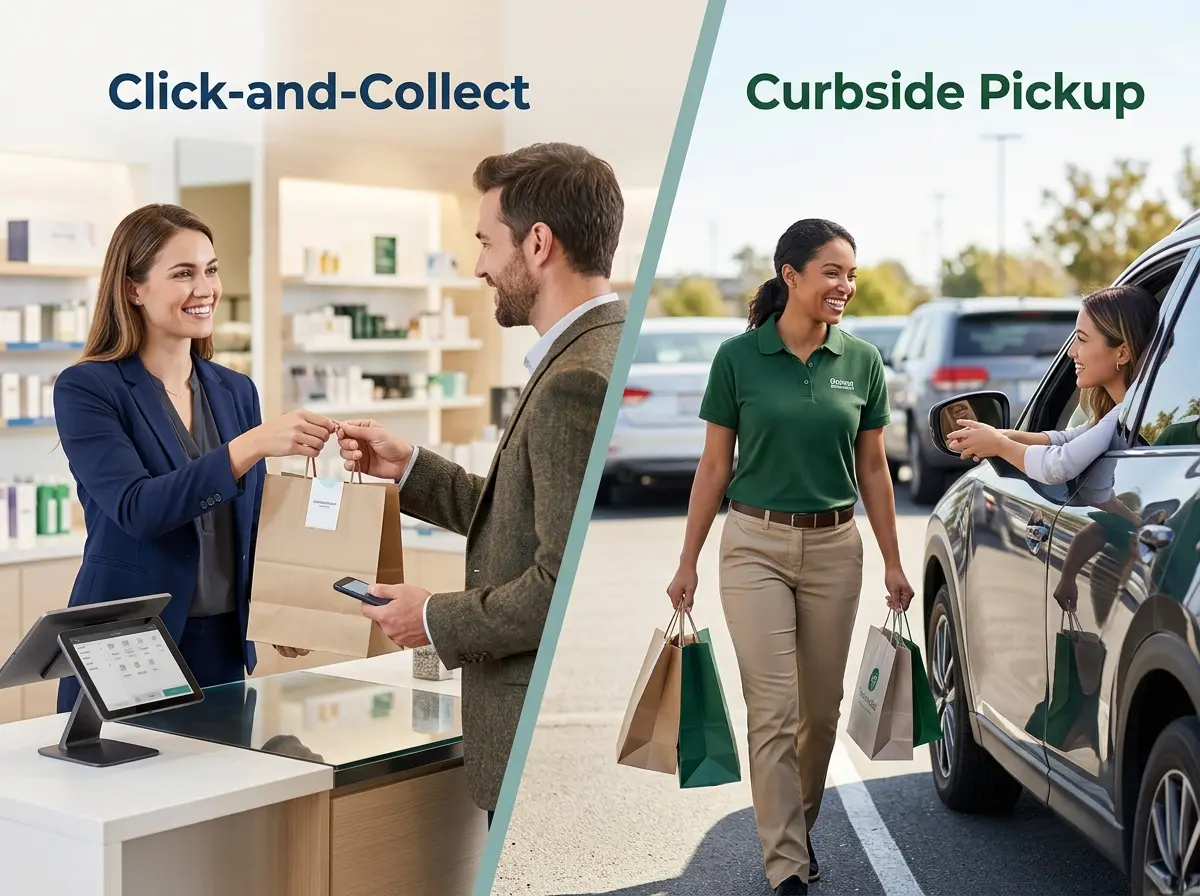
Click-and-collect — also known as BOPIS (Buy Online, Pick Up In Store) — is exactly what it sounds like. A customer browses your website, places an order, pays online, and then walks into your store to pick it up. Simple, right? Mostly, yes — but the magic (and the mayhem) happens inside your four walls.
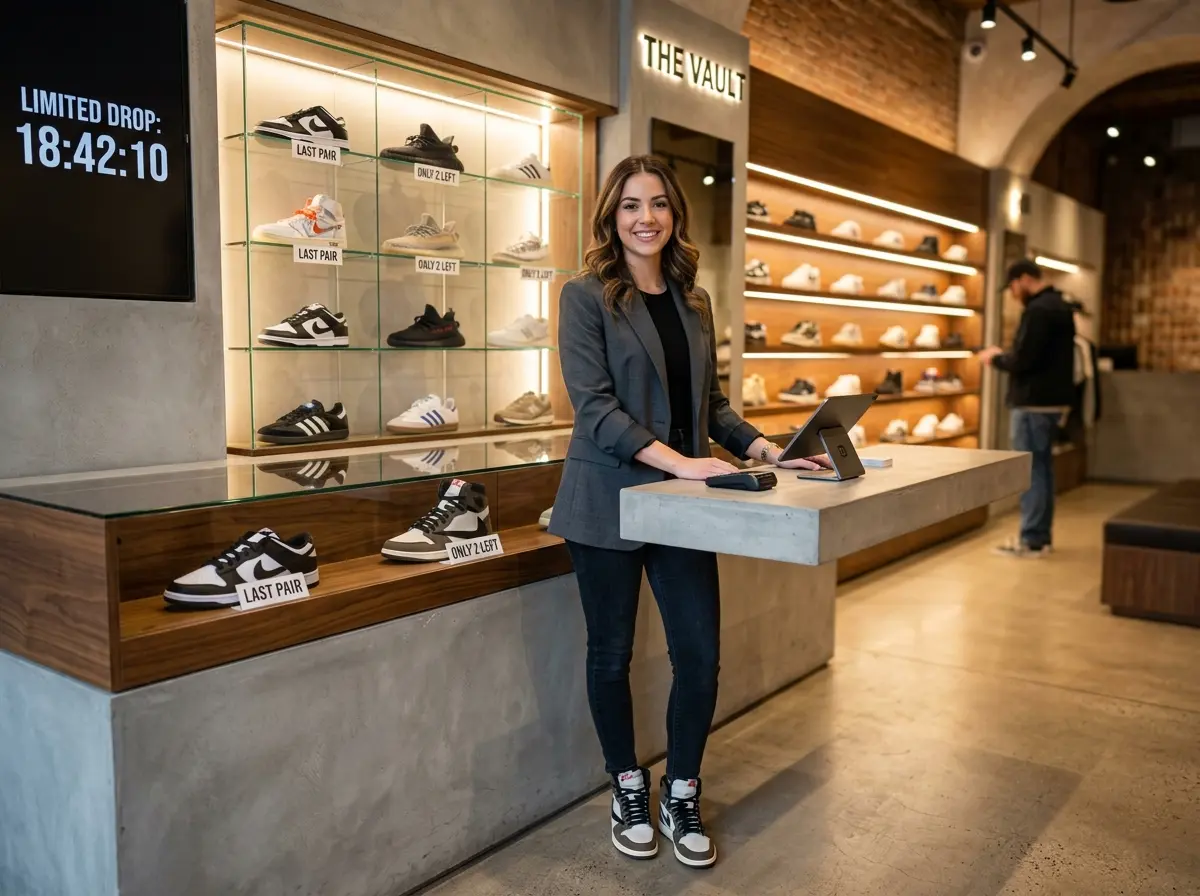
The big advantage of click-and-collect is the in-store touchpoint. Once a customer walks through your door to grab their order, they're surrounded by everything else you sell. Retailers using BOPIS consistently report that a meaningful percentage of click-and-collect customers make additional unplanned purchases during pickup. That's not an accident — it's an opportunity baked right into the model. The challenge, however, is operational. You need a clear pickup area, a reliable notification system, trained staff, and enough floor space to keep orders organized without turning your stockroom into a archaeological dig site.
Curbside Pickup: Don't Make Them Move
Curbside pickup flips the script. The customer parks, sends a text or taps a button in your app, and your staff brings the order out to their car. No browsing, no wandering, no accidental impulse buy next to the checkout display. Just frictionless efficiency — which is exactly what a certain segment of your customer base is desperately craving.
Curbside exploded during the pandemic and stuck around because, frankly, some people just don't want to come inside. Parents with sleeping babies in the back seat, customers with mobility challenges, people who are running between twelve obligations on a Tuesday afternoon — they love curbside. The tradeoff is that you lose the upsell opportunity and gain a staffing coordination challenge. Someone has to be ready to run orders outside efficiently, and if that system breaks down, you've got an annoyed customer idling in your parking lot shooting you a three-star review in real time.
How They Compare at a Glance
Both models require solid inventory management and reliable order notifications — if a customer shows up and their order isn't ready, the pickup model doesn't matter; the damage is done. The real difference comes down to your customer mix, your physical space, and your staff capacity. Click-and-collect favors businesses with compelling in-store experiences and strong upsell potential. Curbside favors businesses whose customers prioritize speed and minimal friction above all else.
Where Stella Can Help You Pull It Off
Handling the Questions So Your Staff Can Handle the Orders
Here's an underappreciated problem with both pickup models: they generate a lot of customer questions. "Is my order ready?" "Where do I park for curbside?" "Can I change one item in my order?" "What are your pickup hours?" These questions hit your phone lines and your front desk simultaneously, especially during peak hours — which are, of course, the exact moments your staff is most overwhelmed running orders and managing in-store traffic.
This is where Stella earns her keep. As an AI robot kiosk stationed inside your store, she can greet walk-in pickup customers, answer questions about order status, and direct them to the right pickup area — all without pulling a team member away from fulfillment. And as a 24/7 AI phone receptionist, she can handle incoming calls from customers asking about their orders, your pickup hours, or your policies, even when your staff is slammed or the store is closed. She can also collect customer information conversationally during calls using built-in intake forms, which means fewer message pads, fewer missed details, and fewer follow-up headaches. For businesses managing a growing base of pickup regulars, her built-in CRM keeps customer profiles organized and accessible.
Making the Right Choice for Your Store
Evaluate Your Physical Space and Staffing Reality
Before committing to either model, take an honest look at your store layout and your team's bandwidth. Click-and-collect requires a dedicated pickup area that's easy for customers to find and easy for staff to manage. If your back office looks like a storage unit and your staff is already stretched thin, dropping a click-and-collect system on top of your existing operation without restructuring is a recipe for chaos. On the other hand, curbside requires consistent staff availability near the exit and a clear communication system — an app, a text alert, or a parking spot intercom — to coordinate handoffs. If your team can't reliably staff a curbside station during busy hours, orders will sit and customers will wait, which defeats the entire purpose.
A practical starting point: map out what a typical pickup transaction looks like step-by-step for each model. Time it. Count how many staff interactions it requires. Then ask honestly whether your current team can absorb that workload without degrading the experience for in-store customers who aren't picking up orders.
Know Your Customer's Priorities
Your customer demographics should heavily influence your decision. A boutique grocery store in a dense urban neighborhood with lots of foot traffic and a loyal regular customer base is a strong candidate for click-and-collect — those customers are already coming inside, they enjoy the experience, and the upsell opportunity is real. A pharmacy or auto parts store serving time-pressed customers who know exactly what they need and don't want to browse is a natural fit for curbside. The goal is to match the model to the mindset of the person you're actually serving, not the person you imagine you're serving.
Survey your existing customers. Ask them directly — a short email or a quick question at checkout goes a long way. If 70% of your respondents say they'd rather not come inside, investing heavily in a click-and-collect buildout is probably not your best move right now.
Consider Running Both — With Clear Rules
Many mid-size retailers have found success running both models simultaneously, but with clearly defined boundaries. For example, orders over a certain dollar amount or involving multiple items default to click-and-collect (since those customers tend to have more questions and benefit from in-store interaction), while small, single-item orders qualify for curbside. This kind of tiered approach lets you capture the upsell opportunity where it's most likely to pay off, while still offering the convenience-first option that keeps time-sensitive customers coming back. The key is that customers need to know which option they're selecting and what to expect — ambiguity kills the experience faster than a slow notification system.
Quick Reminder About Stella
Stella is an AI robot employee and phone receptionist designed to work inside your store as a customer-facing kiosk and to answer your phones around the clock — handling questions, promoting your offerings, collecting customer information, and keeping things running smoothly whether you're busy, short-staffed, or closed for the evening. She runs on a simple $99/month subscription with no upfront hardware costs and is easy to set up, making her one of the more practical additions a retail operation can make without a major overhaul.
Your Next Steps Toward a Smarter Pickup Experience
Choosing between click-and-collect and curbside pickup isn't a one-size-fits-all decision — and anyone who tells you it is either hasn't run a retail store or is trying to sell you something. The right answer depends on your space, your team, your customers, and your margins. What matters most is that whichever model you choose, you implement it with enough intention that it actually improves the customer experience rather than adding a new category of complaint to your Google reviews.
Here's a simple action plan to move forward:
- Audit your current operation. Honestly assess your staff bandwidth, physical space, and existing order volume before adding any pickup model.
- Ask your customers what they want. A short survey or a few casual conversations at checkout will tell you more than any industry report.
- Start with one model, do it well. Launching both simultaneously without the infrastructure to support either is worse than picking one and executing it cleanly.
- Build a clear communication system. Customers need timely notifications when orders are ready, and staff need a reliable process for managing handoffs.
- Review and iterate. Track your pickup completion rates, customer satisfaction, and any upsell data from in-store pickups. Let the numbers guide your next move.
The retailers who are winning the pickup game aren't necessarily the ones with the fanciest app or the most dedicated parking spots. They're the ones who made a clear decision, communicated it well to their team, and kept improving the experience one transaction at a time. You can do the same — even if you have to resist the urge to implement everything at once just because a competitor announced a new feature on LinkedIn.