Is Your Schedule Running Your Practice — or Ruining It?
Scheduling problems aren't just annoying. They're expensive. A 2022 survey by the Medical Group Management Association found that no-show rates in healthcare average around 18–20%, and for chiropractic practices — where patients often have ongoing treatment plans — that translates directly to lost revenue, frustrated practitioners, and a front desk team that's perpetually one bad day away from quitting. The good news? You don't have to accept chaos as part of the job description. Smart scheduling systems exist, and they work remarkably well when implemented correctly.
The Anatomy of a Broken Chiropractic Schedule
Why Double-Bookings Happen (And It's Not Just Human Error)
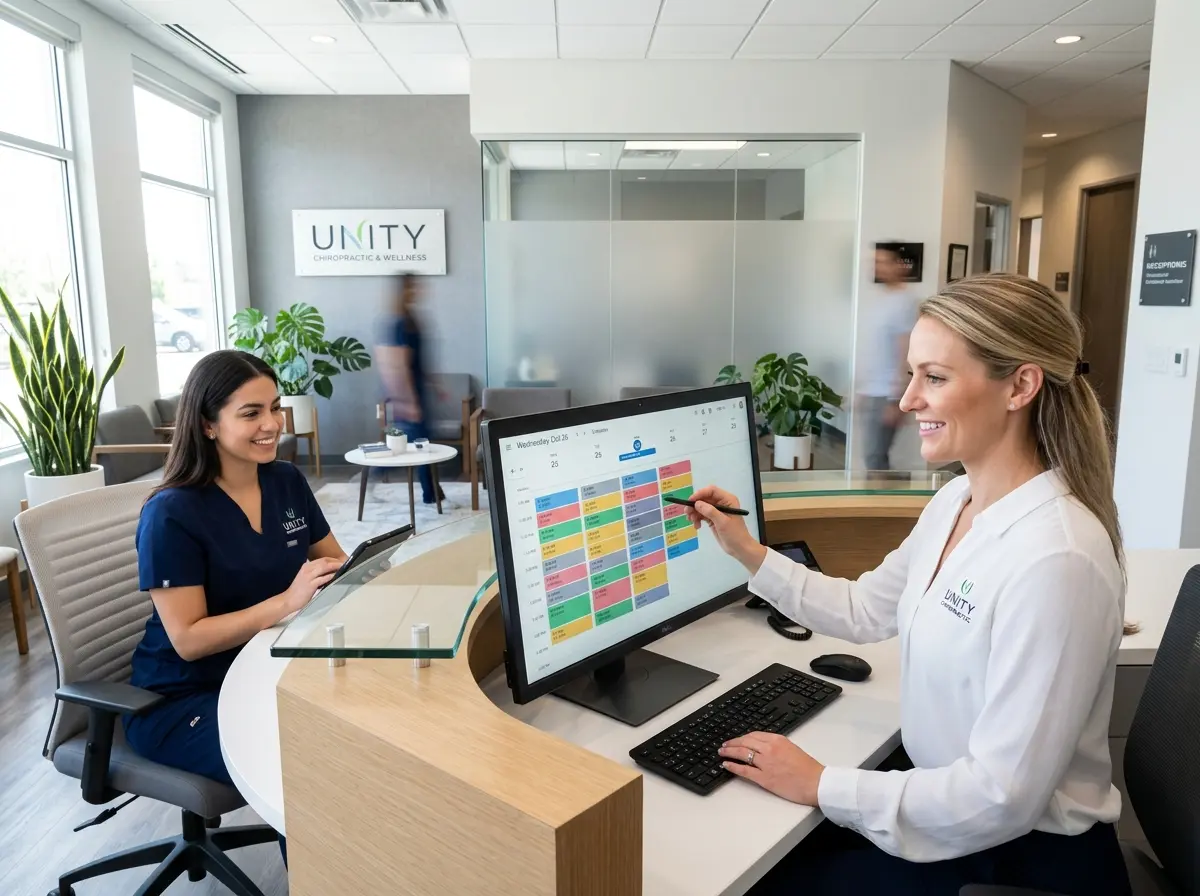
The fix starts with centralized scheduling software that locks appointment slots the moment they're claimed, regardless of the booking channel. Look for platforms specifically designed for chiropractic or allied health practices — tools like ChiroTouch, Jane App, or DrChrono offer real-time calendar synchronization that prevents two bookings from claiming the same slot simultaneously. This alone eliminates the majority of double-booking incidents before they can happen.
The Hidden Cost of Schedule Gaps
Gaps typically emerge from last-minute cancellations, poor appointment spacing logic, and a lack of a cancellation waitlist. Implementing a digital waitlist — where patients can opt in to be notified if an earlier slot opens — is one of the most underutilized tools in chiropractic scheduling. When a cancellation comes in, your system automatically reaches out to the next person on the waitlist. The gap closes itself. It's almost magical, except it's just good software doing its job.
The Scheduling Policies Nobody Told You to Write Down
How Smart Technology (Including a Little AI Help) Fills the Gaps
Automated Reminders That Actually Reduce No-Shows
Studies consistently show that automated appointment reminders reduce no-show rates by up to 30–40%. That's not a trivial number. Most modern chiropractic practice management software includes built-in reminder tools, but the key is configuring them strategically: send a reminder 48 hours out, a second one 24 hours out, and a final text the morning of the appointment. Give patients a simple way to confirm or cancel directly from the reminder — the easier you make it to respond, the more likely they will.
This is also where Stella — the AI robot receptionist — becomes genuinely useful for chiropractic offices. Stella handles inbound and outbound phone calls 24/7, meaning patients who call after hours to cancel or reschedule actually get a response instead of a voicemail they assume no one will check. She can collect intake information conversationally over the phone, log it directly into her built-in CRM, and flag the interaction for your front desk with an AI-generated summary. If a patient cancels at 9 p.m., your team knows about it with enough time to fill the slot the next morning — rather than discovering the gap when the patient simply doesn't show up.
Building a Schedule That Stays Full Week After Week
Treatment Plan Scheduling: Book the Series, Not Just the Visit
Some patients push back on committing to a full series upfront, and that's understandable. Train your front desk team to frame it as a convenience: "We'll book all your sessions now so you always get your preferred time, and you can always reschedule individual appointments if something comes up." When presented as a benefit to the patient rather than a policy enforcement moment, acceptance rates are significantly higher.
Optimizing Appointment Types and Duration
Creating a Proactive Re-Engagement System
Quick Reminder About Stella
Stella is an AI robot employee and phone receptionist designed to support businesses like yours around the clock. She greets patients at your front desk, answers calls after hours, collects intake information, manages contacts through a built-in CRM, and keeps your team informed with AI-generated summaries — all for $99/month with no upfront hardware costs. Think of her as the receptionist who never calls in sick and never forgets to send a reminder.
Your Next Steps Toward a Schedule That Works for You
- Audit your current system. Count your double-bookings and gaps over the last 30 days. Quantify the problem before you solve it — the numbers will motivate your team and justify any investment in better tools.
- Centralize your booking channels. Every booking source — phone, walk-in, online portal — must sync to a single calendar in real time. If they don't, fix that first. Everything else builds on this foundation.
- Write down your policies. Draft a one-page scheduling policy document covering cancellations, no-shows, late arrivals, and reminder cadence. Share it with patients at the point of booking and post it on your website.
- Activate automated reminders. If your practice management software has reminder functionality you're not using, turn it on today. Configure a two-touch sequence and add a waitlist option for cancellations.
- Start booking treatment series upfront. Begin with new patients entering multi-visit plans. Track adherence rates before and after to measure the impact.
- Pull your lapsed patient list. Identify patients inactive for 60–90 days and build a simple re-engagement campaign. Even a friendly email goes a long way.