So, You've Decided to Stop Running Your Store on Vibes and Spreadsheets
Congratulations. Truly. Admitting that your current "inventory system" — a combination of sticky notes, a half-finished Excel sheet, and the vague feeling that you probably have enough of that one thing — is no longer cutting it, is the first step toward retail sanity. The second step is picking the right inventory management software. And that's exactly where things get overwhelming.
The market is flooded with options, each promising to be the last software you'll ever need, each with a feature list longer than your average grocery receipt. For a small store owner, it can feel like being handed a fighter jet manual when all you need is directions to the nearest gas station. The good news? You don't need everything — you just need the right things. This guide will walk you through exactly what to look for, what to skip, and how to make a confident decision without spending six weeks reading comparison blogs.
Understanding What You Actually Need
Start With Your Pain Points, Not Their Feature List
Before you open a single vendor website, sit down and write out exactly what's going wrong right now. Are you constantly running out of your best-selling items? Are you over-ordering slow movers and watching money collect dust on your shelves? Are you spending hours each week counting inventory manually? Are your purchase orders a disaster of back-and-forth emails and guesswork?
Your pain points are your requirements list in disguise. If your biggest problem is stockouts on popular items, you need strong reorder point automation and low-stock alerts. If you're drowning in supplier management, look for purchase order generation and vendor tracking. If your staff keeps making errors during receiving, barcode scanning and receiving workflows should be near the top of your checklist. Resist the temptation to be dazzled by features you'll never use. That robust multi-warehouse management module sounds impressive — but if you run one 1,200 square foot boutique, it's just visual clutter.
Know Your Scale (And Be Honest About It)
Small store owners often overestimate their immediate software needs and end up paying for enterprise-grade tools built for warehouse operations teams of fifty. A good rule of thumb: if you're running a single location with fewer than a few thousand SKUs, you don't need the most powerful system on the market. You need one that's appropriately powerful — easy to set up, easy to train staff on, and affordable enough that it doesn't eat into the margin you're trying to protect.
Be realistic about your growth trajectory too. If you're planning to open three more locations in the next two years, invest in something scalable now. If you're building a stable neighborhood shop with no plans to expand, prioritize simplicity and cost-efficiency over future-proofing. Neither answer is wrong — they just point to different tools.
Integrations Matter More Than You Think
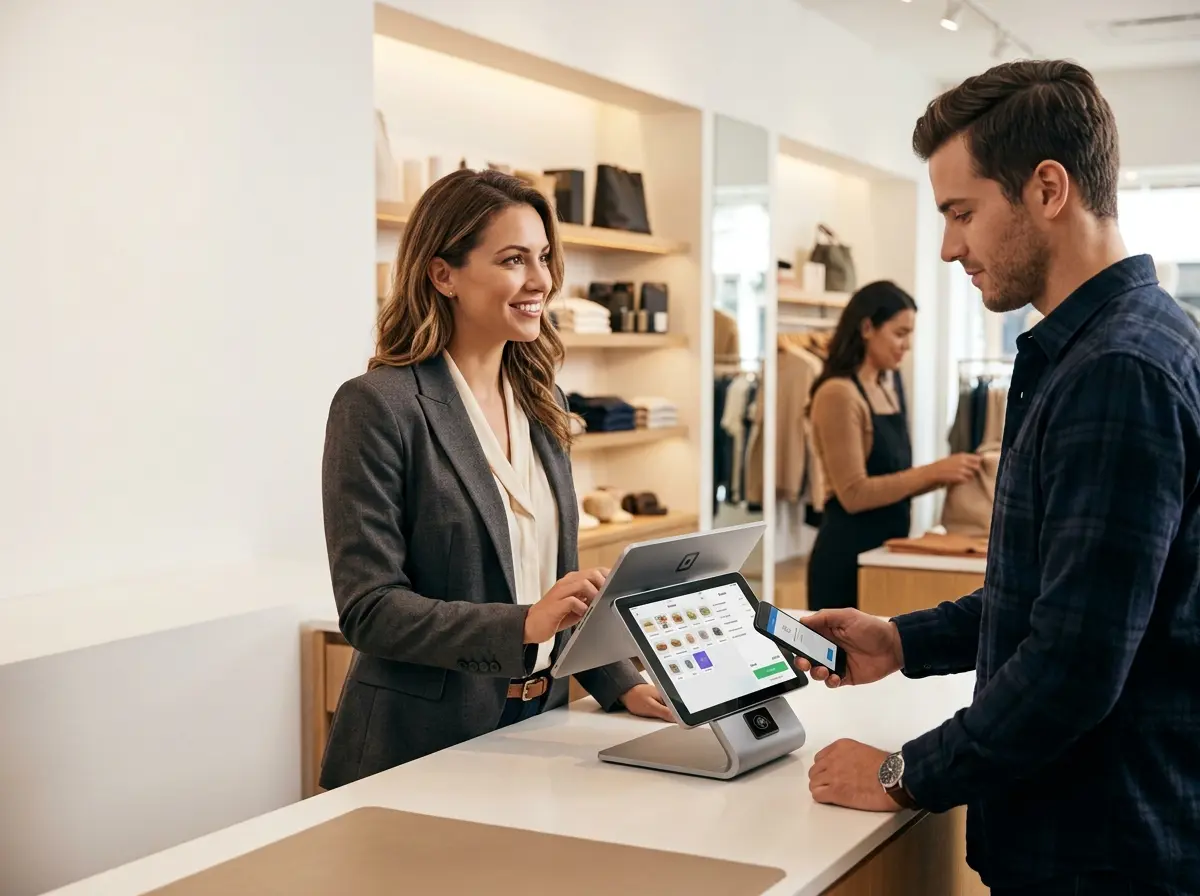
Inventory management software doesn't live in a vacuum. It needs to talk to your point-of-sale system, your e-commerce platform if you have one, your accounting software, and ideally your supplier ordering portals. Before falling in love with any platform, check its integration library. A beautiful, intuitive inventory system that doesn't sync with your POS will create more manual work than it eliminates — which defeats the entire point.
Look specifically for native integrations (built-in connections that work out of the box) rather than relying on third-party connectors that add complexity and potential failure points. Ask vendors directly: "Does this integrate with [your POS system], and how does the sync work?" A vague or evasive answer tells you something.
A Quick Tip on Freeing Up Time to Actually Use Your New Software
Let Technology Handle the Front of House While You Handle the Back
Here's an irony that many small store owners discover the hard way: they invest in great back-office tools like inventory software, but still spend half their day being interrupted at the front of house — answering the same questions about store hours, product availability, and current promotions, or fielding phone calls that pull staff away from actual work. It creates a strange situation where you have sophisticated systems in the back and beautiful chaos in the front.
That's where Stella comes in. Stella is an AI robot employee and phone receptionist designed specifically for businesses like yours. Inside your store, she operates as a friendly, human-sized kiosk that greets customers, answers product and service questions, promotes your current deals, and handles the kind of repetitive inquiries that pull your staff away from more valuable tasks. On the phone, she answers calls 24/7 with the same business knowledge she uses in-person — so you're never missing a customer inquiry, even after hours. When your staff is busy implementing your new inventory workflows or doing a cycle count, Stella keeps the customer experience smooth without requiring any extra hands.
Evaluating Software Options Like a Pro
The Features You Should Actually Prioritize
With your needs defined, here's a practical breakdown of the core features worth evaluating for a small store:
- Real-time inventory tracking: Your stock levels should update automatically with every sale, return, and receiving event. Manual updates are how errors happen.
- Low-stock alerts and reorder points: The system should tell you when to reorder, not the other way around.
- Barcode scanning support: Essential for accuracy during receiving and stocktakes. If you're still counting by eye, you're leaving errors on the table.
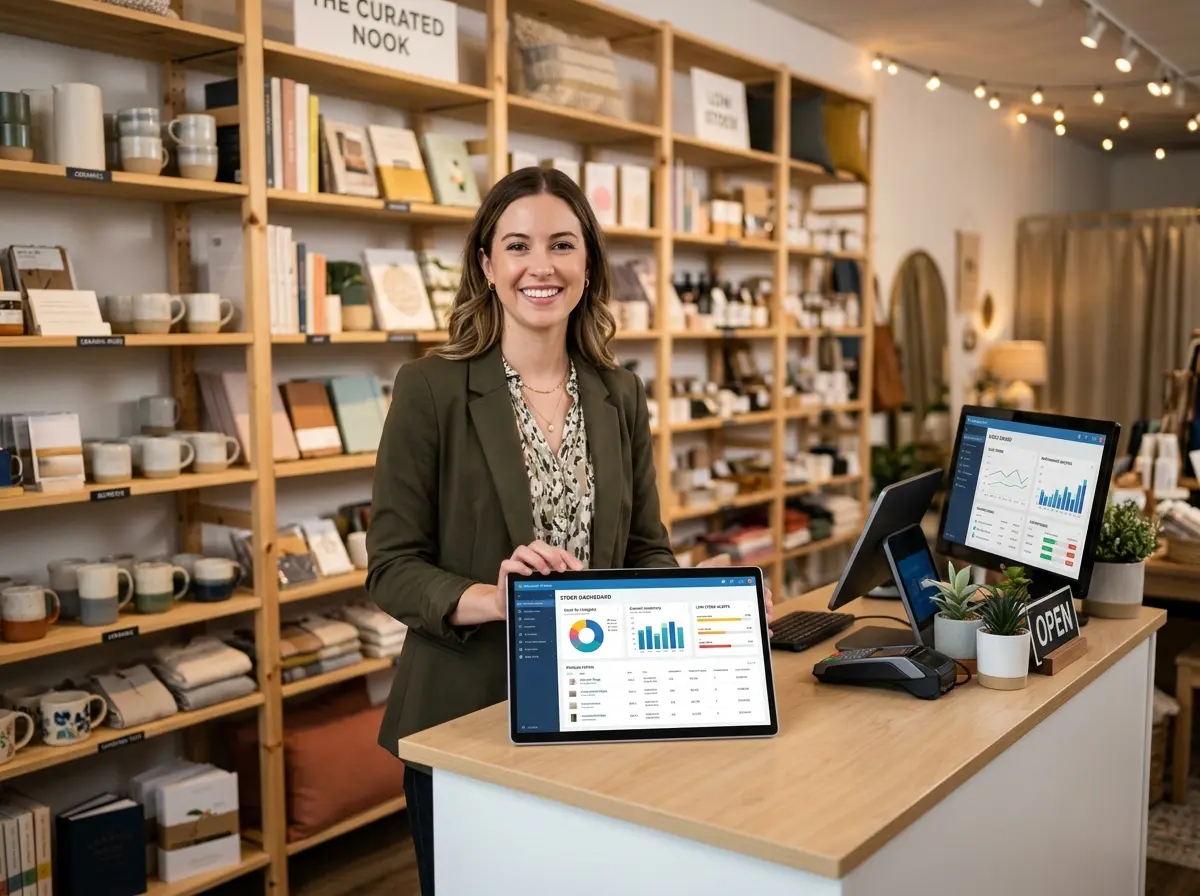
- Reporting and analytics: At minimum, you need to see your best sellers, slow movers, shrinkage trends, and inventory valuation at a glance.
- Purchase order management: Creating and tracking POs from within the system saves significant time and reduces supplier miscommunications.
- Multi-location support (if applicable): Only pay for this if you need it, but make sure it's available if growth is on the horizon.
Features like advanced demand forecasting, AI-powered replenishment, and lot tracking are genuinely valuable — but they're gravy, not the meal. Get the fundamentals right first.
How to Actually Test a Platform Before Buying
Almost every serious inventory management platform offers a free trial, and you should use every day of it. But don't just click around and watch demo videos — simulate your real workflow. Import a portion of your actual product catalog. Create a mock purchase order with one of your real suppliers. Run a report on a product category you care about. Pretend to receive a shipment and see if the process feels logical or like an obstacle course.
Involve one or two staff members in the trial. They're the ones who will live inside the system daily, and their friction points are just as important as yours. A platform you find intuitive might be incomprehensible to your part-time assistant — and that matters enormously for adoption.
Pricing Traps to Watch Out For
Inventory software pricing can be surprisingly slippery. A platform that advertises a low monthly rate often reserves critical features — like POS integration, additional users, or advanced reporting — for higher tiers. Before committing, ask vendors for a complete breakdown of what's included at each price point and what triggers an upgrade requirement.
Also watch for per-user pricing that scales aggressively, setup or onboarding fees buried in the contract, and annual billing requirements that lock you in before you've properly validated the tool. The best platforms are transparent about their pricing upfront. If you have to ask three times to get a straight answer about costs, that's a signal about how the relationship will go when you need support later.
Quick Reminder About Stella
Stella is an AI robot employee and phone receptionist available for just $99/month with no upfront hardware costs — designed to greet customers in-store, promote your offerings, and answer calls around the clock so your team can focus on operations. She's easy to set up and works across retail, restaurants, service businesses, and more. As you streamline your back-office systems, she keeps your front-of-house running just as smoothly.
Your Next Steps: From Overwhelmed to Operational
Choosing your first inventory management software doesn't have to be a months-long saga. If you approach it methodically, you can make a confident, well-informed decision in a matter of weeks — and start seeing real operational improvements shortly after.
Here's a straightforward action plan to get you moving:
- Document your pain points this week. Write down exactly what's broken or inefficient in your current process. This becomes your evaluation rubric.
- List your required integrations. Check which POS, e-commerce, and accounting tools you're already using and make integration compatibility non-negotiable.
- Shortlist three platforms based on your size, budget, and feature needs. Popular starting points for small stores include Lightspeed, inFlow, Cin7, and Square for Retail — but your specific needs should drive the shortlist.
- Run real trials, not just demos. Simulate your actual workflows and include at least one staff member in the process.
- Clarify pricing completely before signing anything. Get it in writing if needed.
The goal isn't to find the most impressive software on the market. The goal is to find the right software for your store — one that reduces friction, improves accuracy, and gives you back time to focus on actually growing your business. That's a goal worth pursuing, and now you have a clear path to get there.